Cloud vs VPS Hosting

Infrastructure Editor
Disclosure: Some links on this page are affiliate links — if you sign up through one, we may earn a commission at no extra cost to you. It never changes our ratings, rankings or verdicts: we don't sell hosting and take no pay-for-placement.
Who it's for
- Apps with variable traffic
- Startups scaling unpredictably
- Budget-conscious sites wanting fixed costs
- Teams needing multi-region redundancy
Cloud vs VPS hosting is a comparison between two virtualization-based hosting types that look similar on the surface but scale in fundamentally different ways. Both cloud hosting and VPS hosting rely on server virtualization to carve compute resources out of physical hardware. The difference is what happens after that: a VPS is a fixed slice of one host machine, while cloud hosting draws from a distributed, elastic pool that can grow, shrink, and fail over automatically.
Cloud vs VPS Hosting: How Resources Are Allocated
A VPS is provisioned with a set amount of CPU, RAM, and storage at purchase time. That allocation is what you have, whether you use it or not, and increasing it usually means a manual resize in a control panel. Cloud hosting instead treats compute as a pool. Instances can be added, resized, or load-balanced across multiple physical machines and often multiple data centers, frequently in response to real-time demand rather than a manual step.
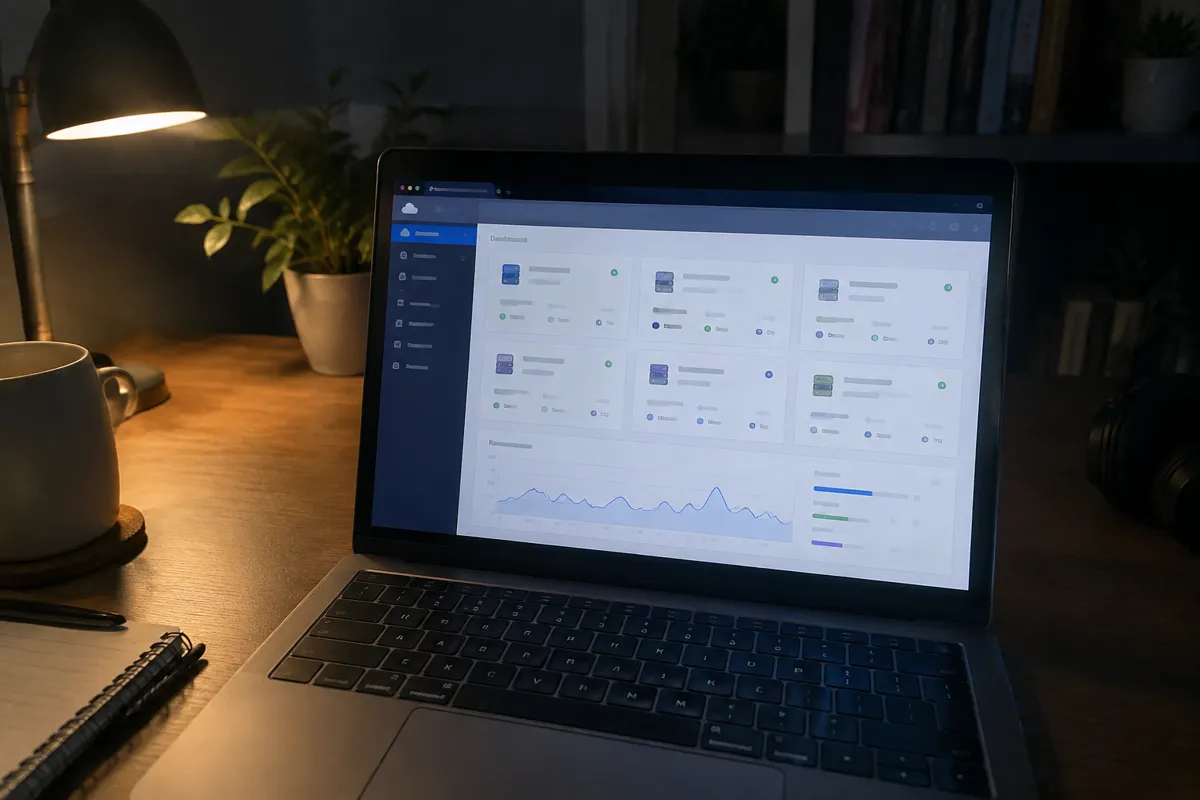
Cloud vs VPS: Price and Billing Delta
| Factor | VPS Hosting | Cloud Hosting |
|---|---|---|
| Billing model | Flat monthly rate | Usage-based (compute-hours, bandwidth, storage) |
| Typical price | $15–$80/month | $10–$1,000+/month, scales with usage |
| Cost predictability | High — fixed monthly bill | Lower — can spike with traffic |
| Resource scaling | Manual resize | Often automatic (autoscaling) |
| Redundancy | Single physical host (unless clustered) | Distributed across hosts/regions by design |
| Setup complexity | Low-to-moderate | Moderate-to-high for full feature use |
| Best for | Predictable, steady workloads | Variable or fast-growing workloads |
VPS pricing is easier to budget: you know the bill before the month starts. Cloud pricing rewards efficient, predictable usage, but it can produce an unexpectedly large invoice if traffic spikes or autoscaling isn’t capped.
Cloud vs VPS Hosting: Performance and Reliability Delta
A VPS lives on one physical machine. If that machine has hardware issues, your VPS is affected, and there’s no automatic failover unless you’ve built one yourself. Cloud hosting’s distributed architecture is designed around this failure mode. If one physical host in the provider’s fleet goes down, workloads shift to healthy hardware, often without customer-visible downtime. For steady traffic within a VPS’s allocated capacity, performance between the two is broadly comparable. The real gap shows up during spikes and hardware failures, where cloud’s elasticity and redundancy pull ahead.
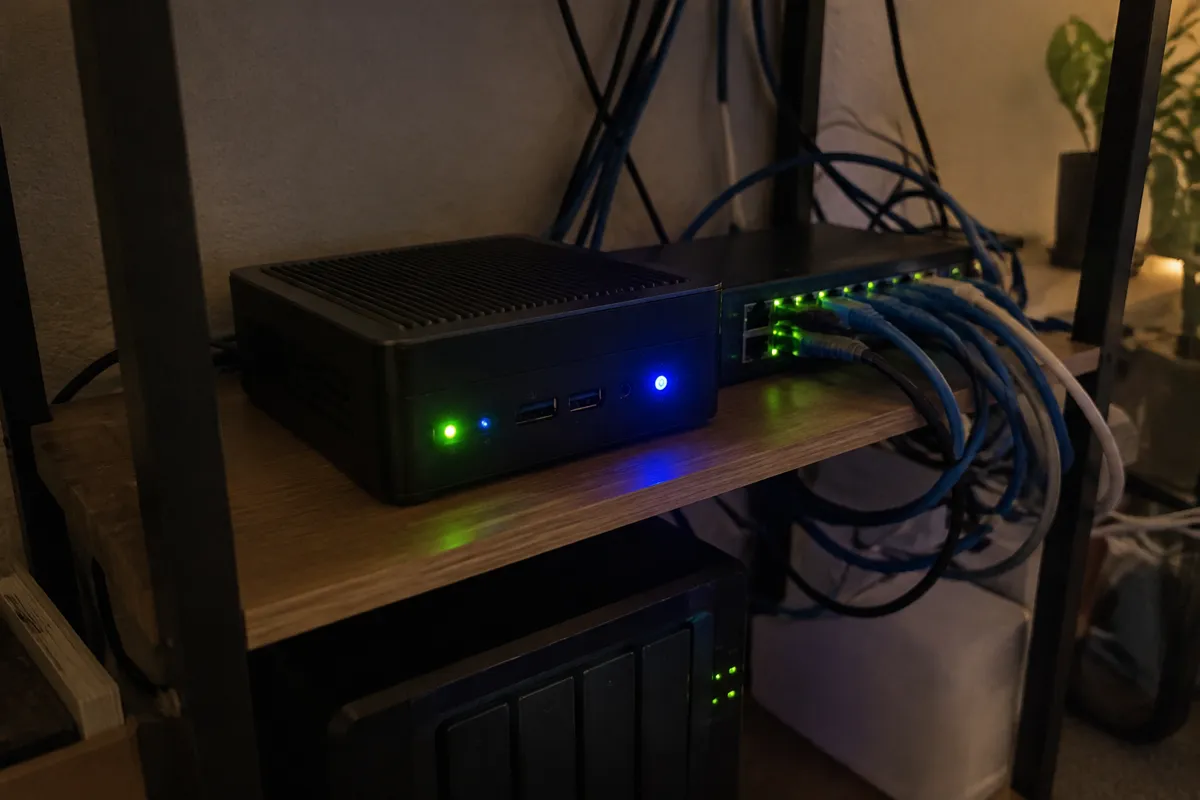
Cloud vs VPS Hosting: Control Delta
Both types offer root access and a comparable degree of configuration control at the instance level. Cloud platforms add a layer VPS doesn’t have by default: orchestration tooling for autoscaling, load balancing, and multi-region deployment. That tooling is powerful, but it adds real configuration overhead. A plain VPS is simpler to reason about, because there’s one instance, one IP, one set of resources.
Cloud vs VPS Hosting: Choose VPS If / Choose Cloud If
Choose VPS hosting if:
- Your traffic is steady and reasonably predictable
- You want a fixed, budgetable monthly cost
- You don’t need automatic multi-region failover
- You prefer the simplicity of one instance over orchestration tooling
Choose cloud hosting if:
- Your traffic is spiky, seasonal, or growing unpredictably
- You need high availability across multiple data centers
- You’re comfortable configuring (or paying for) autoscaling and load balancing
- Usage-based billing is an acceptable trade-off for elasticity
Migration Path: VPS to Cloud
Moving from VPS to cloud hosting follows the same backup-migrate-cutover pattern as any server migration, with one added step. Decide the target cloud architecture — a single instance versus a load-balanced multi-instance setup — before migrating. That decision changes how the application needs to be configured for statelessness and shared session or data storage. Test thoroughly on the cloud environment. Verify autoscaling rules under simulated load if used. Then cut DNS over.

FAQ
Is cloud hosting more expensive than VPS? It depends on traffic pattern. For steady traffic, a VPS’s flat rate is usually cheaper. For spiky or seasonal traffic, cloud can work out cheaper because you’re not paying around the clock for peak capacity — see cloud hosting for the pricing breakdown.
Does a VPS have any redundancy at all? Basic VPS plans typically run on a single physical host with no automatic failover. Some providers offer VPS clustering or snapshots as an add-on, but it’s not built in the way cloud redundancy is.
Can I start on VPS and move to cloud later? Yes, and it’s a common growth path. Many sites start on a fixed VPS while traffic is predictable, then migrate to cloud once traffic becomes variable enough that elastic scaling pays for itself.
Is cloud hosting harder to manage than VPS? A single cloud instance isn’t much harder than a VPS. Complexity increases once you configure autoscaling, load balancers, and multi-region deployment — features that unlock cloud’s real advantages but require more hands-on setup.
See the full type breakdowns at cloud hosting and VPS hosting, or browse all hosting comparisons.