Web Hosting Security Guide

Infrastructure Editor
Disclosure: Some links on this page are affiliate links — if you sign up through one, we may earn a commission at no extra cost to you. It never changes our ratings, rankings or verdicts: we don't sell hosting and take no pay-for-placement.
Who it's for
- Small business website owners
- WordPress site admins
- Developers
- Agencies managing client sites
By Marcus Feld, Infrastructure Editor
What Web Hosting Security Covers
Web hosting security is everything that stops a hosted website from being compromised, taken offline, or used to attack visitors. It spans both the infrastructure the host controls and the application layer the site owner controls. It’s not one setting or one product; it’s a layered set of controls addressing distinct threats: unauthorized access, malicious traffic floods, injected malware, data exposure, and account takeover. Web hosting puts a site’s files and database on a server reachable from the entire internet. Because of that, security is not optional infrastructure — it’s a baseline requirement the moment a site goes live.
The Shared-Responsibility Model
Every hosting security conversation starts with a boundary line: what the host secures, and what you secure.
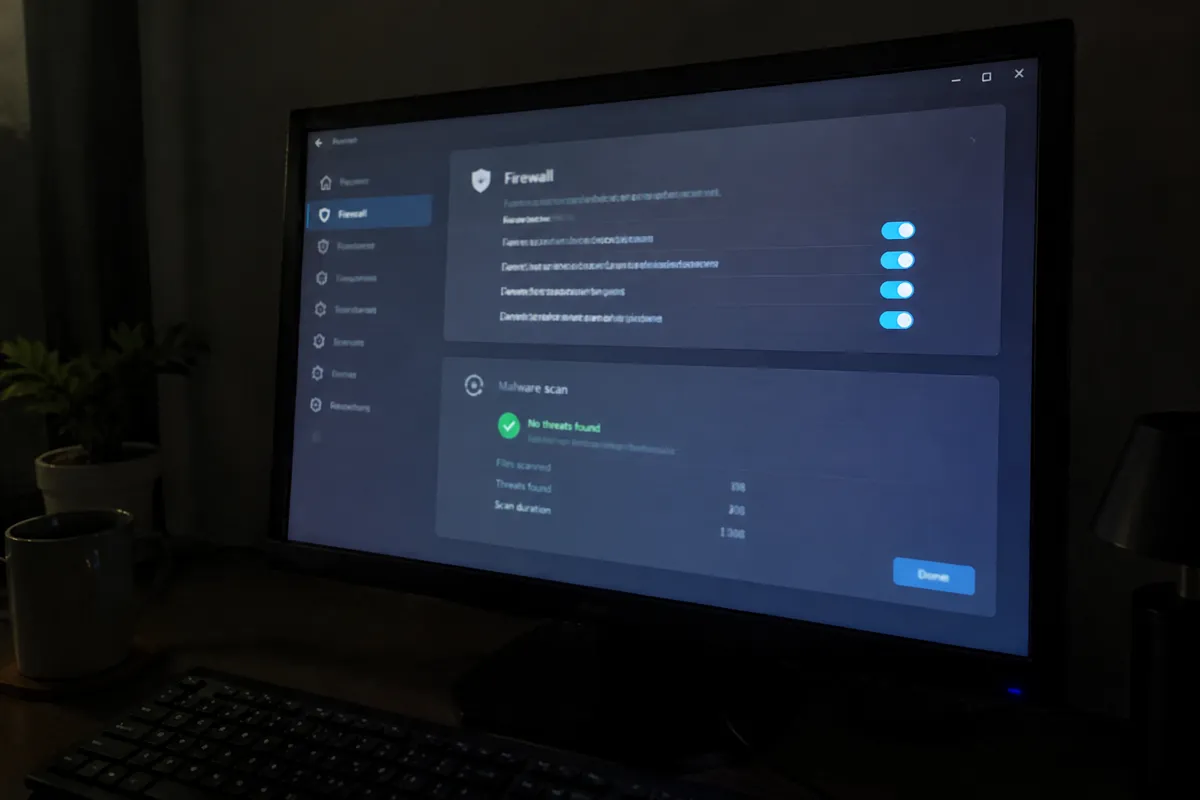
The host is responsible for:
- Physical data center security and network-perimeter firewalls
- Server OS patching and hardware maintenance
- Network-level DDoS mitigation
- Isolating tenants from each other (especially on shared and VPS hosting)
- Uptime and infrastructure redundancy
You are responsible for:
- Keeping your CMS, plugins, and themes updated
- Strong, unique credentials for hosting, CMS, and database logins
- Correct file permissions
- Installing and configuring SSL/TLS
- Monitoring for malware and having a remediation plan
- Testing backups, not just taking them
This split shifts by hosting type: managed hosting absorbs more of the application-layer burden (automatic updates, malware scanning) than unmanaged VPS or dedicated hosting, where you own nearly everything past the OS.
Threat Model: What You’re Actually Defending Against
- Automated bot attacks — the majority of attacks against small sites are untargeted bots scanning for known plugin vulnerabilities, exposed admin panels, and default credentials, not a human attacker targeting you specifically.
- Brute-force and credential-stuffing — repeated login attempts against wp-admin, cPanel, or SSH using leaked password lists.
- DDoS traffic floods — volumetric or application-layer floods intended to exhaust server resources and take a site offline.
- Malware injection — exploiting an outdated plugin, weak file permission, or compromised FTP credential to insert malicious code, spam links, or a backdoor.
- Supply-chain risk — a compromised third-party plugin, theme, or script pulled from an external CDN.
- Misconfiguration — exposed database credentials, directory listing left on, or debug mode left enabled in production.
Prevention: The Core Controls
SSL/TLS
SSL/TLS encrypts data in transit and is now a baseline trust and ranking signal. See SSL, TLS & HTTPS explained.
Web Application Firewall (WAF)
A web application firewall filters malicious requests before they reach your application code. See web application firewall.
DDoS Protection
DDoS protection combines network and application-layer mitigation, typically bundled with a CDN. See DDoS protection in hosting.
File Permissions
Correct file permissions are the difference between a plugin vulnerability being contained and it granting full site control. See the file permissions guide.
Account Hardening
Account hardening means unique credentials, two-factor authentication, and limited admin accounts. See how to secure your hosting account.
Backups
Automatic, tested backups are the single control that turns a malware incident from a crisis into an inconvenience.
Detection
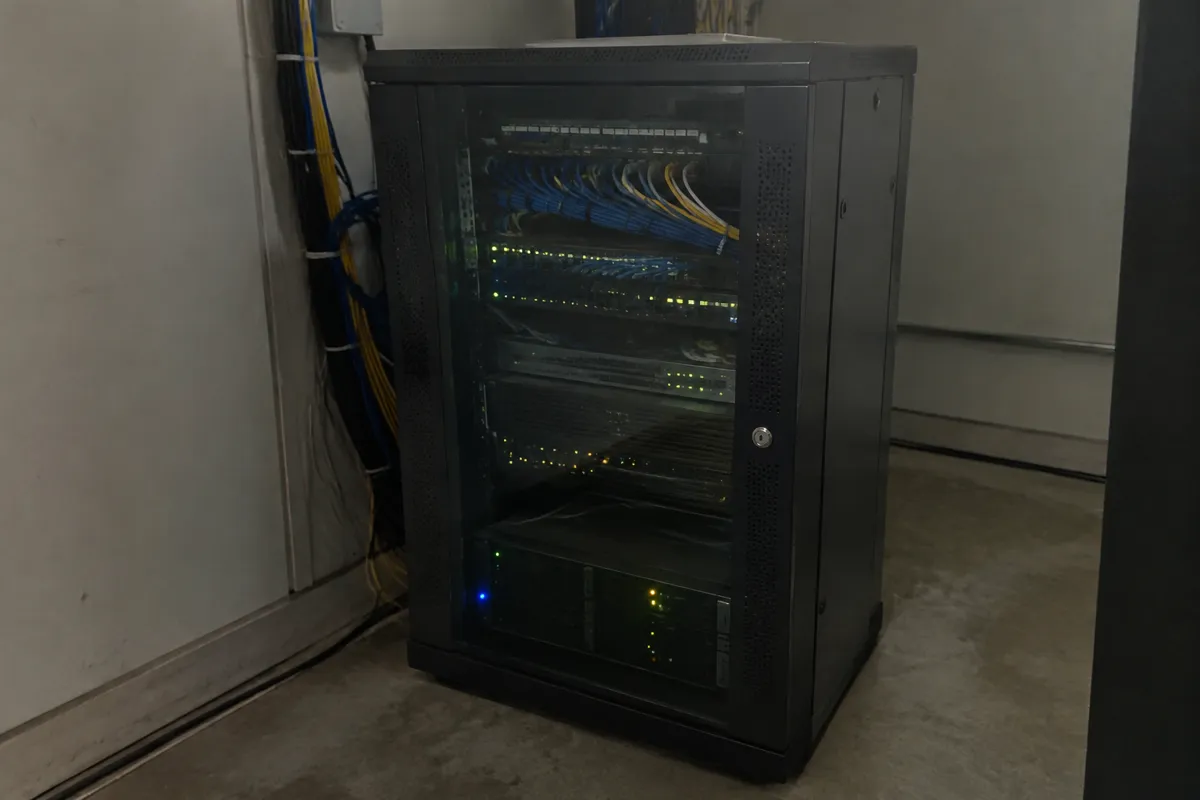
Prevention fails eventually — detection determines how long an incident runs before you know about it. Effective detection combines:
- Malware and file-integrity scanning (many hosts and security plugins offer daily scans)
- Uptime and anomaly monitoring that flags unexpected traffic spikes or resource usage
- Login and file-change alerts for admin accounts
- Manual review of unfamiliar admin users, scheduled tasks, or new files after any suspicious behavior
Remediation
If a site is compromised, see the dedicated remove website malware guide for the step-by-step process. In outline: isolate the site, identify the entry point from logs, remove malicious code (not just symptoms), rotate every credential touching the site, restore from a known-clean backup if the infection is extensive, and re-scan before bringing the site back fully public.

Hardening Checklist
- SSL/TLS installed and forced site-wide (no mixed content, no HTTP fallback)
- CMS, plugins, themes, and server software patched to current versions
- File permissions set correctly (see the file permissions guide)
- Unique, strong credentials for hosting account, CMS admin, database, and FTP/SFTP
- Two-factor authentication enabled on the hosting account and CMS admin
- Web application firewall active
- DDoS protection confirmed with your host or CDN
- Automatic backups running and periodically test-restored
- Unused plugins, themes, and admin accounts removed
- Directory listing and debug mode disabled in production
Provider Responsibility vs Yours
A host advertising “secure hosting” is describing the infrastructure layer — network firewalls, isolation, DDoS scrubbing, and patched server software. It is not a substitute for keeping your own CMS and plugins updated, using strong credentials, or setting correct file permissions. Ask any prospective host directly which items on the hardening checklist above they cover by default, and which remain yours. See the web hosting features checklist for how to build that question into your host-selection process, and check how to choose a host for the wider decision framework.
FAQ
Is shared hosting less secure than VPS or dedicated hosting? Shared hosting adds a shared-tenancy risk — a vulnerability in the host’s isolation layer could theoretically expose neighboring accounts — but for most small sites, application-layer mistakes (outdated plugins, weak passwords) are a far bigger risk than the hosting tier itself.
Does an SSL certificate alone make a site secure? No. SSL/TLS secures data in transit between visitor and server; it does nothing to prevent malware injection, weak credentials, or an outdated plugin vulnerability. It’s one control among several.
How often should I check my site for malware? Automated daily scanning (via your host or a security plugin) is standard for any site handling customer data or receiving regular traffic; a manual review after any suspicious behavior is a sensible add-on.
Does my host get notified automatically if my site is hacked? Not usually. Some hosts run their own scanning and will flag or suspend a compromised account, but many rely on you or your monitoring tools to detect it first — don’t assume silence means the site is clean.