Domains & DNS: The Complete Guide

WordPress & Managed Editor
Disclosure: Some links on this page are affiliate links — if you sign up through one, we may earn a commission at no extra cost to you. It never changes our ratings, rankings or verdicts: we don't sell hosting and take no pay-for-placement.
Who it's for
- First-time website owners
- Small business owners switching hosts
- Anyone setting up a new domain
- DIY site builders
What Domains and DNS Actually Are
A domain name — example.com — is the human-readable address for a website. DNS, the Domain Name System, is the infrastructure that translates that address into the numeric IP address a server actually uses. Neither one is web hosting. Web hosting is the server that stores a site’s files. A domain is the address visitors type. DNS is what connects the two. Understanding how domains and DNS work is the first real technical skill anyone building a website needs. A site with perfect hosting and a misconfigured DNS record is still invisible to the internet.
This guide covers the full domains-and-DNS picture: registration, pointing a domain at a host, propagation timing, and the record types that do the actual work. It also flags the most common things that go wrong. Each section below routes to a deeper page on that specific task.
Domains vs Web Hosting: Two Separate Purchases
A domain name and a web hosting plan are almost always bought from different places. Even when the same company sells both, they’re usually billed separately. The domain is a rental of a name from a global registry system, renewed annually. Hosting is the server space that stores the site’s files, database, and email. Buying a domain does not create a website. Buying hosting without a domain gives a site only a raw IP address or a temporary hosting-provided subdomain. Both pieces are required, and DNS is the layer that links them together.
How to Register a Domain
Registering a domain means claiming a name through an accredited domain registrar, for a specific top-level domain (TLD) like .com, .au, or .io. The process is:
- Search the desired name for availability across TLDs.
- Choose a registrar (often the same company as the host, though not required).
- Add WHOIS/domain privacy protection if offered.
- Complete payment and select a registration term (usually 1–10 years).
- Verify ownership via the email address on file, if prompted.
The full walkthrough, including registrar selection and renewal timing, is covered in how to register a domain. Every registration touches WHOIS and domain privacy and depends on understanding what a TLD is.
Pointing a Domain to Hosting
A newly registered domain doesn’t know which server hosts the website yet. Pointing it at hosting means updating either the domain’s nameservers or its individual DNS records, so they reference the host’s infrastructure. There are two common paths. The first is switching the domain’s nameservers to the host’s nameservers, so the host then manages all DNS. The second is keeping the domain’s existing DNS provider and adding specific records instead — typically an A record or CNAME record that points at the host directly. The full process is in point domain to hosting. Changing the nameserver setting specifically is covered in how to change nameservers.
DNS Propagation: Why Changes Aren’t Instant
DNS records are cached at many layers — ISPs, browsers, operating systems, and public resolvers. Each layer holds a copy for a set duration called a Time to Live (TTL). When a DNS record changes, it doesn’t reach every one of those caches at once. That spread is DNS propagation. It typically takes anywhere from a few minutes to 48 hours to fully complete worldwide. This matters directly to hosting. During a migration to a new host, propagation is the delay between updating DNS and every visitor actually reaching the new server.
DNS Record Types: The Reference Layer
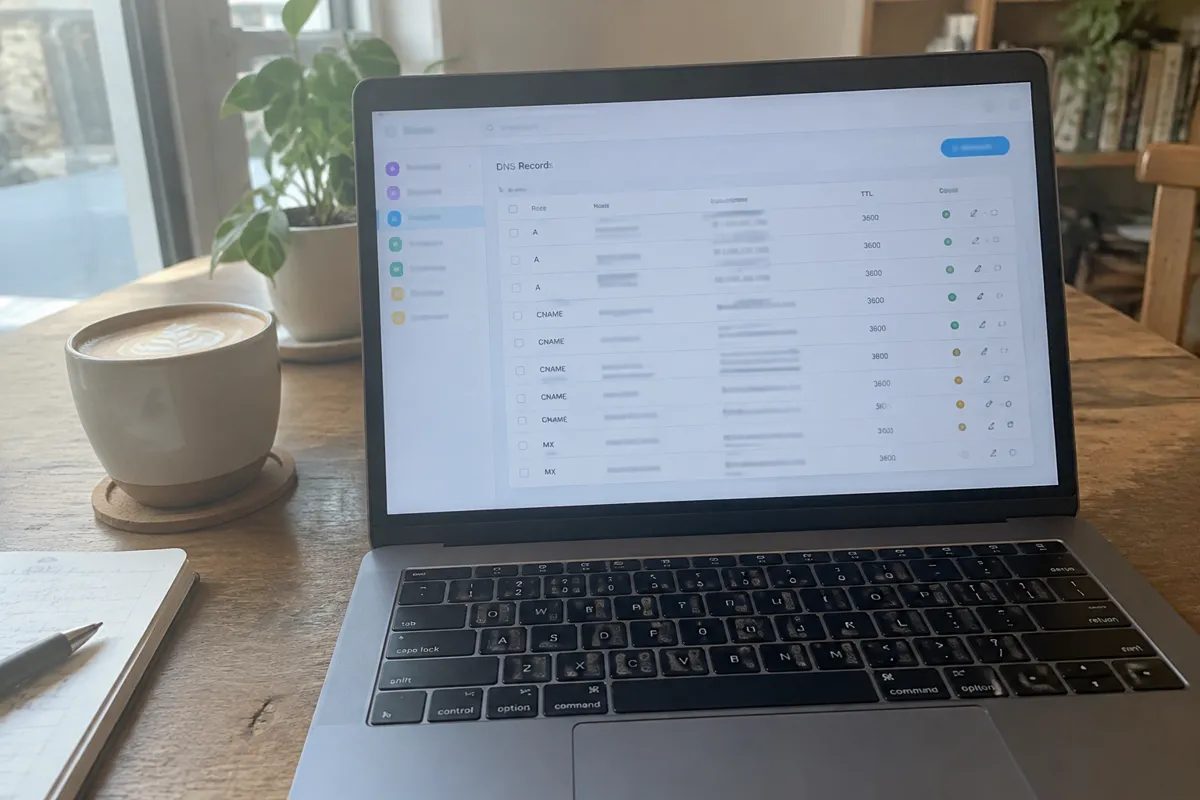
DNS is organized as records — small entries in a zone file. Each record has a type that tells DNS what kind of data it holds and how to use it. The core types every site owner encounters:

- A record — points a domain to an IPv4 address. See DNS A record.
- CNAME record — points a subdomain to another domain name instead of an IP address. See CNAME record.
- MX record — routes a domain’s email to a mail server. See MX record.
- Others include TXT (verification and SPF/DKIM), NS (nameserver delegation), and AAAA (IPv6 addresses).
The complete reference, with field-by-field explanations and a comparison table, is at DNS record types.
Subdomains: Extending One Domain
A subdomain — blog.example.com or shop.example.com — is a prefix added to a root domain. It can point to a completely different server or service without buying a new domain. Subdomains are created through DNS records, most often a CNAME or a dedicated A record. They’re frequently used to separate a blog, a staging environment, or a store from the main site. Full detail is at what is a subdomain.
Transferring a Domain
Moving a domain from one registrar to another — separate from switching hosting — is a domain transfer. It requires unlocking the domain, obtaining an authorization code, and initiating the transfer at the receiving registrar. The process typically takes five to seven days. See how to transfer a domain for the numbered steps and common rejection reasons.
WHOIS and Domain Privacy
Every registered domain has a public WHOIS record listing the registrant’s contact details, unless privacy protection is enabled. Most registrars now offer free WHOIS privacy, replacing the owner’s real details with the registrar’s proxy contact information. This protects site owners from spam and, in some cases, harassment. See WHOIS domain privacy for what’s masked, what isn’t, and where privacy is legally restricted.

What a TLD Is
The TLD is the suffix after the final dot — .com, .org, .au, .io. TLDs fall into a few families: generic (gTLD, like .com), country-code (ccTLD, like .au or .uk), and newer specialty TLDs (.dev, .app, .shop). TLD choice affects trust perception, eligibility rules, and price. Some ccTLDs, for example, require local presence. Full breakdown at what is a TLD.
Troubleshooting Domains and DNS
Most domain-and-DNS problems fall into a short list. The domain isn’t pointed at the host yet, propagation hasn’t finished, a record has a typo, or the wrong record type was used for the job — an A record where a CNAME was needed, for example. Email failures almost always trace back to a missing or misconfigured MX record. A “site can’t be reached” error right after a host switch is very often a propagation window, not a real fault. Check the DNS records first, then wait out the TTL before troubleshooting the server itself.
How Domains and DNS Relate to Hosting
None of this exists independently of hosting. A domain is worthless without a server to point it at. A hosting account is unreachable by name without correct DNS. Every hosting purchase, migration, or host switch involves at least one DNS change — updating nameservers, adding an A record, or repointing an MX record. Getting the type and the domain-vs-hosting relationship right the first time avoids most “my new site won’t load” support tickets. Once a domain is live and pointed correctly, the next step for most owners is setting up hosting itself. Owners choosing a provider first can start with how to choose a host.
FAQ
Do I need to buy hosting and a domain from the same company? No. They’re independent purchases. Many owners buy the domain from one registrar and hosting from a different provider, then connect the two through DNS.
How long does it take for a new domain to work with my hosting? Once DNS is pointed correctly, expect anywhere from a few minutes up to 48 hours for full propagation. Most resolvers pick up the change within a few hours.
What happens if I don’t renew my domain? The domain enters a grace period, then a redemption period with a steep recovery fee. It then becomes available for anyone else to register. Hosting keeps running, but the site becomes unreachable by name once the domain lapses and DNS stops resolving.
Can I use a domain from one registrar with hosting from a different company? Yes — this is the normal setup. Point the domain’s nameservers or DNS records at the hosting provider, and the registrar relationship never needs to change.
Related pages
- How to Register a Domain Name
- How to Point a Domain to Hosting
- How DNS Propagation Works
- DNS Record Types (A, CNAME, MX, TXT)
- How to Change Nameservers
- What Is a Subdomain?
- How to Transfer a Domain
- WHOIS & Domain Privacy
- What Is a TLD?
- A recordWhat Is a DNS A Record?
- CNAME recordWhat Is a CNAME Record?
- MX recordWhat Is an MX Record?
- domain vs hostingDomain vs Hosting: The Difference
- what DNS isWhat Is DNS?
- choosing a hostHow to Choose a Web Host