How to Choose a Web Host

Infrastructure Editor
Disclosure: Some links on this page are affiliate links — if you sign up through one, we may earn a commission at no extra cost to you. It never changes our ratings, rankings or verdicts: we don't sell hosting and take no pay-for-placement.
Who it's for
- First-time buyers
- Budget-conscious
Recommended hosts
Recommended web hosts to choose from
Ranked by verified Trustpilot rating. Pick one to visit, or read the full review first — the order never changes for payment.
How this is ranked.Ranked by independently verified Trustpilot ratings, checked as of Oct 2026. We don't sell hosting and take no placement fees.
Disclosure. Some links below may be affiliate links — if you sign up through them we may earn a commission at no extra cost to you. It never affects the order. Intro prices are promotional; check the renewal price at checkout.

SiteGround
From $2.99/mo
renews steeply (~$17.99/mo)
Trustpilot · 30,894 reviews · as of 2026-10-01
SiteGround is a performance-first host with the highest verified rating in our set (4.9/5 from 30,210 Trustpilot reviews). It suits growing WordPress and WooCommerce owners who value speed, top-rated support and reliable uptime over the lowest price. The catch is cost — intro pricing is competitive, but the renewal is one of the harshest jumps (around $17.99/mo), and entry plans have low storage caps.
Hosting types
Key services
- Runs on Google Cloud infrastructure
- In-house SG Optimizer caching and Ultrafast PHP
- Daily backups included
- Staging environments on higher tiers

Scala Hosting
From $2.95/mo
renews higher (~$9.95/mo shared)
Trustpilot · 2,209 reviews · as of 2026-10-01
Scala Hosting is a value-focused host for users wanting managed cloud VPS on a budget or wanting to avoid cPanel licensing costs, with a top-tier 4.9/5 across 2,199 Trustpilot reviews. Its standouts are an exceptional support reputation, managed VPS value via its in-house SPanel, and SShield real-time AI security monitoring. The trade-offs are shared intro rates that jump significantly at renewal (to about $9.95/mo) and an SPanel that's less familiar than cPanel.
Hosting types
Key services
- SPanel — in-house all-in-one cPanel alternative (no per-account license cost)
- SShield real-time AI security monitoring
- Managed cloud VPS at near-shared prices
- Choice of AWS/DigitalOcean or own data centres

A2 Hosting (now Hosting.com)
From $3.99/mo
renews higher (~$10.99/mo)
Trustpilot · 7,180 reviews · as of 2026-10-01
A2 Hosting (now Hosting.com) is a speed-focused, developer-friendly host with a strong 4.8/5 across 6,833 Trustpilot reviews. Its standouts are a genuine performance edge on LiteSpeed/NVMe "Turbo" plans and an anytime money-back guarantee. The trade-offs are that the headline speed needs the pricier Turbo tier, renewal multiples are steep, and the A2-to-Hosting.com rebrand may cause some confusion.
Hosting types
Key services
- "Turbo" LiteSpeed and NVMe speed-focused plans
- Anytime money-back guarantee
- Free site migration
- Choice of global data centres
TMDHosting
From $2.99/mo
renews sharply higher; best value needs a 36-month commitment
Trustpilot · 1,749 reviews · as of 2026-10-01
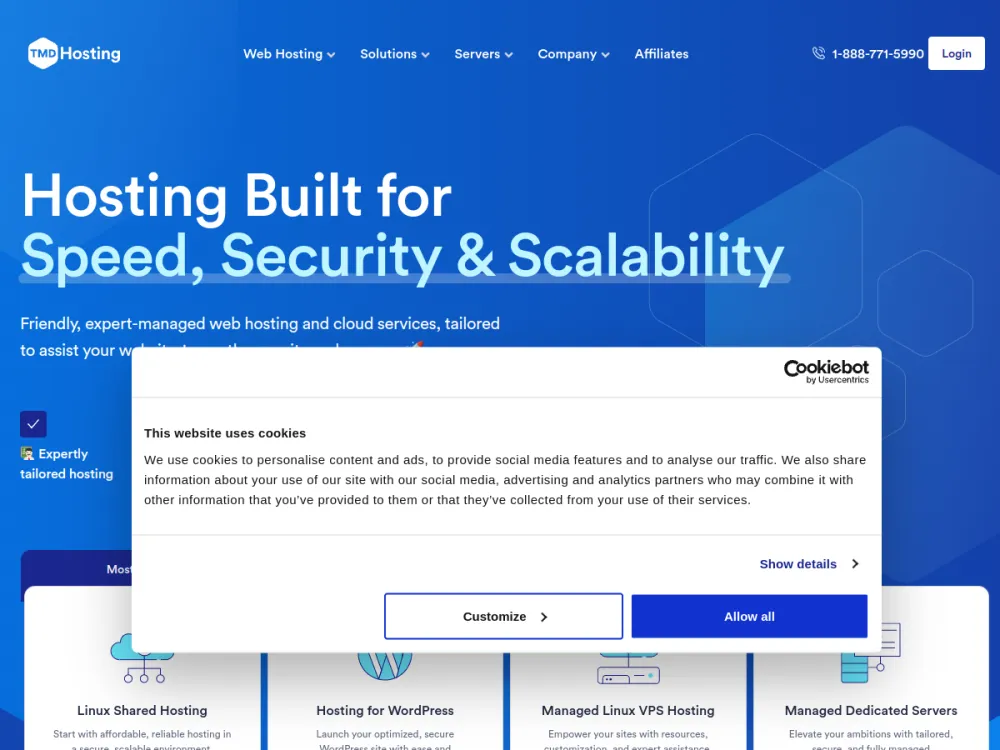
TMDHosting is a friendly budget-to-mid host for small businesses and WordPress/WooCommerce owners wanting well-supported, affordable shared/cloud hosting, rating 4.8/5 across 1,684 Trustpilot reviews. Its strengths are responsive support, a low-risk 60-day money-back window and a full feature set with global data centres. The trade-offs are low intro rates that rise sharply at renewal (best value needs a 36-month term) and middling third-party performance scores (~78%).
Hosting types
Key services
- Strong, fast support reputation
- Generous 60-day money-back guarantee on shared/cloud
- Free migration, daily backups, free SSL and cPanel
- Multiple worldwide data-center locations
Kinsta
From $35/mo
premium flat pricing, no cheap entry tier
Trustpilot · 1,147 reviews · as of 2026-10-01
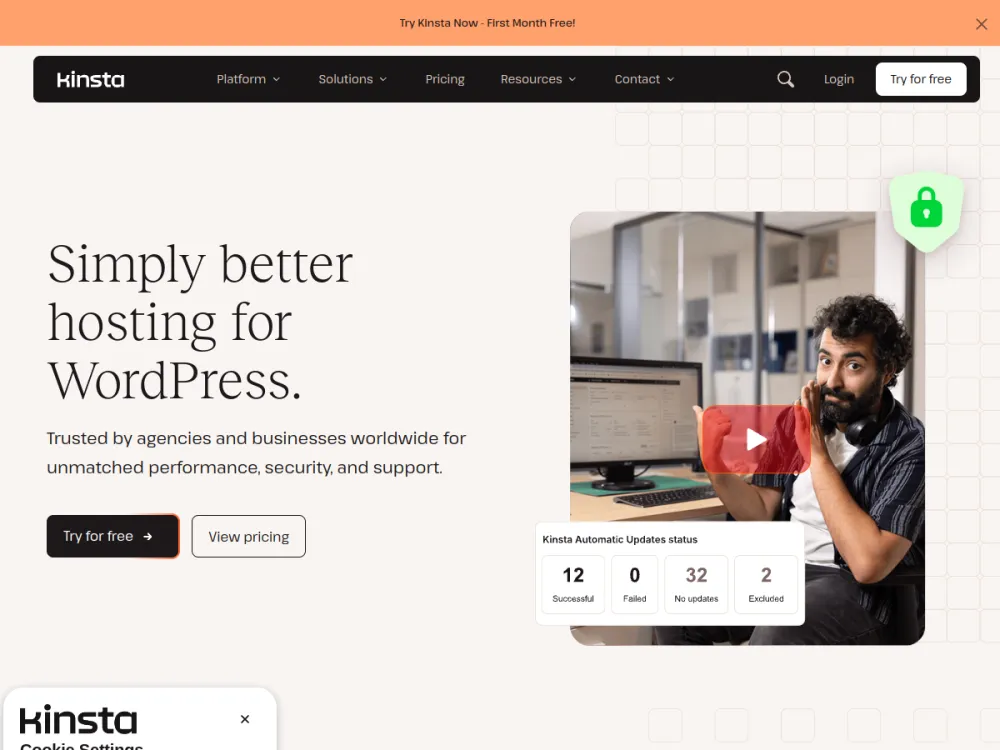
Kinsta is a premium managed-WordPress host for businesses and agencies wanting top-tier performance, rating 4.7/5 across 1,132 Trustpilot reviews. Its standouts are Google Cloud premium-tier infrastructure with Cloudflare, excellent support, strong developer tooling and free expert migrations. The trade-off is price — flat premium pricing from around $35/mo with no cheap entry tier, and it's WordPress-focused with no domain or email hosting.
Hosting types
Key services
- Google Cloud Platform premium tier with Cloudflare integration
- CDN with 260+ points of presence and free unlimited migrations
- Staging environments, Kinsta API and built-in APM
- Managed WAF and DDoS protection with free malware removal
FastComet
From $1.79/mo
renews sharply higher (~$8.95/mo Starter); lock a 3-year term to defer
Trustpilot · 3,967 reviews · as of 2026-10-01
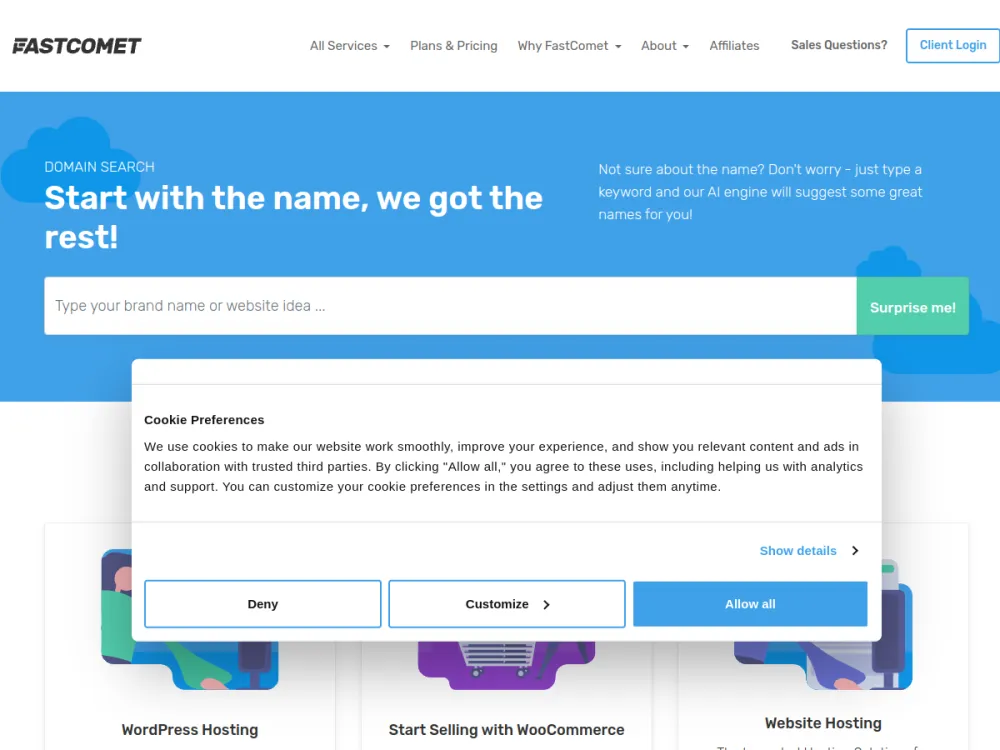
FastComet is a beginner-friendly host for small businesses wanting a feature-rich, well-supported shared/cloud host with global data centres, rating 4.7/5 across a solid 3,790-review Trustpilot base. Its strengths are a long-standing support reputation and generous freebies — daily backups, SSL and Cloudflare CDN — bundled into cheap plans. The trade-offs are a steep intro-to-renewal jump (to about $8.95/mo Starter) and some user caution after the WorldHostGroup ownership change.
Hosting types
Key services
- Free daily backups, free SSL and free Cloudflare CDN on all plans
- Free website migration
- Imunify360 security and proactive support
- 45-day money-back guarantee
How to Choose Web Hosting: A Step-by-Step Guide
By Marcus Feld, Infrastructure Editor
Learning how to choose web hosting is not one big decision. Most buyers treat it as a single question — “which company is best?” It is really a sequence of smaller, answerable questions. Define what your site needs to do. Match that to a hosting type. Work out the real multi-year cost. Verify the provider can deliver on reliability, storage, and support. Then confirm the fine print before you commit. Skip a step and you end up locked into a plan that fit your budget in month one and stops fitting it in month thirteen.
This guide walks through that process in order: needs, hosting type, budget (including renewal pricing and web hosting cost), shortlist criteria, reliability checks, contract terms, and a final test window before you’re fully committed. Along the way we flag the specific traps — intro-price gimmicks, hidden add-ons, thin money-back terms — that turn a reasonable-looking plan into an expensive mistake.
How to Choose Web Hosting: The Step-by-Step Method
Step 1: Define Your Workload Before You Look at a Single Plan
Before comparing providers, write down what the site actually needs to do. A five-page brochure site for a local business has almost nothing in common with a WooCommerce store processing daily orders. Treating them the same way is the single most common cause of a bad hosting decision.
At minimum, answer:
- What platform will you run (WordPress, a static site builder, custom code, an e-commerce cart)?
- How much monthly traffic do you realistically expect in year one, and in year two?
- Does the site need a database, and how write-heavy will it be?
- Do you need multiple environments (staging, dev) or just production?
- Will non-technical staff need to manage content day to day, likely through a control panel like cPanel or Plesk?
These answers determine almost everything downstream. They set which hosting type fits, which features are non-negotiable, and how much bandwidth and storage headroom you need to budget for.

Step 2: Pick the Hosting Type That Matches That Workload
Hosting comes in several structurally different forms — shared, VPS, dedicated, managed WordPress, and cloud. They are not interchangeable tiers of the same product. Each trades off cost, control, and isolation differently. Our hosting types guide breaks down the technical differences in full. The short version: shared hosting suits low-traffic, low-risk sites where cost matters more than isolation. VPS and cloud suit sites that need predictable resources without full server management. Dedicated or fully managed plans suit sites where downtime has a real business cost.
Pick the hosting type first, then shop within that category. Comparing a shared plan against a managed WordPress plan on price alone compares two different products.
Step 3: Set a Realistic Web Hosting Cost Budget That Includes Renewal Pricing
This is the step most buyers get wrong, and it gets its own section below. The short version belongs here in the sequence: don’t budget against the first-term price on the pricing page. Budget against what you’ll actually pay in year two, three, and beyond. That number determines whether the true web hosting cost is affordable for as long as you’ll need it.
Step 4: Shortlist on Must-Have Features — Bandwidth, Storage, Scalability, Control Panel
Once you know your hosting type and your real budget, build a shortlist based on features that map directly to your Step 1 answers, not on which homepage has the most convincing hero banner. Four features decide most day-to-day satisfaction, so check each one explicitly:
- Bandwidth — the data your site can transfer to visitors each month. Video, large images, and high traffic all consume it fast; check the stated cap and what happens if you exceed it.
- Storage — the disk space for your files, media, and databases. A media-heavy site or a growing store needs headroom, not just enough for launch day.
- Scalability — how easily you can move up a tier when traffic grows, and whether that upgrade needs a full migration or is a one-click resize.
- Control panel — the admin interface (cPanel, Plesk, or a custom dashboard) non-technical staff will use daily; test it before you buy if anyone but you will manage the site.
Our features checklist covers this in depth. The goal here is to separate “nice to have” from “actually required for this specific site” before you start comparing vendors, so vendor marketing doesn’t quietly redefine your priorities for you.
Step 5: Check Reliability, Support, and Security Before Price
Uptime history, support responsiveness, and baseline security (free SSL, malware scanning, backups) don’t show up in a pricing table. They determine whether the site is still working, and whether you can get help, when something breaks at 2am. Look for a published or independently verified uptime track record rather than a marketing claim of “99.9% uptime” with no evidence behind it. Test support responsiveness during the pre-sales stage too — a slow pre-sales chat is a strong predictor of a slow support ticket after you’ve paid.
Step 6: Read the Contract Terms Before You Pay
Hosting contracts contain terms that materially change the value of a plan: minimum contract length, auto-renewal defaults, cancellation and refund windows, and what happens to your data if you don’t renew. These are covered in detail in the fine-print section below. Read that section before entering payment details, not after.
Step 7: Use the Money-Back Window as a Real Test, Not a Formality
Almost every reputable host offers some form of money-back guarantee, typically 14, 30, or occasionally 45–60 days. Treat that window as an active testing period, not insurance you hope not to need. Migrate or build a real version of your site. Run it under realistic conditions. Contact support with an actual question. Check load times from your audience’s likely location. If the host doesn’t hold up during that window, that’s exactly what the guarantee is for.
Web Hosting Cost and Pricing Traps
Intro Pricing vs. Renewal Pricing
The number on a hosting provider’s landing page is almost always an introductory rate. It applies only to the first billing term — often the first 12, 24, or 36 months, and sometimes only the first month. Renewal pricing kicks in automatically once that term ends. It is commonly two to four times higher than the advertised rate. A plan advertised at a low introductory monthly rate can renew at a substantially higher monthly rate, with no separate notification beyond a routine billing email. The increase is disclosed in the terms, but it’s easy to miss if you didn’t budget for it. Read our full hosting cost breakdown for the underlying math and provider-by-provider patterns.
The practical fix: always ask for, or calculate, the renewal price before signing up. Budget against that number, not the intro number.
Total Web Hosting Cost of Ownership Over 1–3 Years
Sticker price is only one line in the real cost of running a website. A proper total cost of ownership calculation includes:
- Hosting plan cost at renewal rate, not intro rate
- Domain registration/renewal (sometimes bundled free for year one, then charged separately)
- SSL certificate (should be free and included; treat a paid-SSL upsell as a red flag)
- Backup and security add-ons
- Storage or bandwidth overage charges once you exceed the plan’s caps
- Migration fees if you switch later
- Support tier upgrades if the base tier proves inadequate
Modelling a 1-year cost versus a 3-year cost for the same plan often produces a very different ranking of “cheapest” provider. A plan that looks like the budget option in year one can end up the most expensive of the shortlist by year three, once renewal pricing and add-ons are counted.
Add-On Costs That Aren’t in the Headline Price
Common add-ons sold separately from the base plan include: automated daily backups, staging environments, dedicated IP addresses, extra storage or bandwidth, advanced malware scanning, premium support tiers, and CDN access. None of these are inherently unreasonable to charge for. But they need to be priced into your comparison, not discovered after signup. Cross-check anything you flagged as must-have in Step 4 against the base plan’s inclusion list before assuming it’s covered.

When “Cheap” Web Hosting Is False Economy
The lowest-priced plan on a shared server is a false economy in three common scenarios: when the site needs uptime reliability the entry tier doesn’t provide, when traffic growth is likely to outpace entry-tier bandwidth or storage limits within the contract term, or when the low price is subsidised by aggressive upsells at renewal or during the support flow. A plan is cheap in a meaningful sense only when its all-in, multi-year cost is lower than the alternative. Not when its first invoice is.
Questions to Ask Before Buying Web Hosting
- What is the renewal price after the introductory term ends?
- Is the SSL certificate free and automatically renewed, or a paid add-on?
- What is the published uptime guarantee, and is there compensation if it’s missed?
- Are daily backups included, and how far back do restore points go?
- What are the bandwidth and storage limits, and what happens if I exceed them?
- How easy is it to scale up when traffic grows, and does that need a full migration?
- Which control panel is included, and can I try a demo before signing up?
- What is the minimum contract term, and is auto-renewal on by default?
- What exactly does the money-back guarantee cover, and how is a refund requested?
- What happens to my site and data if I don’t renew or want to migrate away?
For a longer, categorised version of this list, see our dedicated questions to ask guide.
Red Flags to Watch For When You Choose Web Hosting
- Renewal pricing that isn’t disclosed anywhere on the pricing page and requires a support chat to obtain
- No published, verifiable uptime data — only a marketing claim
- Paid SSL positioned as an “upgrade” rather than a free, standard inclusion
- Bandwidth or storage limits buried in fine print rather than stated plainly on the plan page
- Auto-renewal enabled by default with no advance-notice email before the charge
- A money-back guarantee with conditions that effectively void it (e.g., excluding domain fees, requiring the request in writing within an unreasonably short sub-window)
- Support that is slow or evasive during the pre-sales stage, before you’ve paid anything
- Aggressive upsell prompts inside the checkout flow for things that should be baseline included (backups, SSL, basic security)
Feature-to-Need Mapping: Bandwidth, Storage, Scalability, Control Panel
| Your Need | Feature to Demand |
|---|---|
| Online store, order processing | PCI-compliant environment, staging site, daily backups |
| High-traffic content site | CDN access, generous bandwidth, verified uptime SLA |
| Media-heavy site (video, large images) | High storage allowance, room to add storage without a plan change |
| Non-technical site owner | Managed platform (auto-updates, patching), a simple control panel, responsive live-chat support |
| Sensitive or regulated data | Free SSL as standard, malware scanning, documented security practices |
| Agency managing multiple client sites | Multi-site management dashboard, staging environments, white-label options |
| Site expected to grow quickly | Easy scalability — a resource or plan upgrade path without a forced full migration |
| Tight, fixed budget | Transparent renewal pricing, no forced paid add-ons for baseline security |
This table is a shortcut, not a substitute for Step 1. Use it to sanity-check your shortlist against the specific need you identified, before comparing on features generally.
Putting It Together: How to Choose Web Hosting With Confidence
Run the shortlist that survives Steps 1–6 through the Step 7 test window before making a final call. If two providers remain close after testing, the tie-breaker should be whichever has the more transparent renewal pricing and the more genuinely usable money-back terms. Not whichever has the lower first-month price. For a fully worked comparison of providers against this method, see our best hosting roundup.
FAQ
How long should I test a host during the money-back window? Use as much of the window as the provider allows. A 30-day window is enough to migrate a real site, monitor uptime and load speed under normal conditions, and submit at least one genuine support request. Treat all three as required tests, not optional extras.
Is the cheapest hosting plan ever the right choice? It can be. But only when its total cost over the full contract length — including renewal pricing and any add-ons your site actually needs — is genuinely the lowest of your shortlist. Judged on the intro price alone, “cheapest” is frequently misleading.
Do I need a dedicated IP address? Most sites don’t. A dedicated IP matters mainly for specific technical or compliance requirements, such as certain SSL setups or some payment processing configurations. It doesn’t help general performance or SEO, despite persistent claims otherwise.
What’s the single biggest mistake people make when they choose web hosting? Comparing providers on the introductory price rather than the renewal price. It’s the single largest driver of “I thought this was going to be cheap” complaints after the first year.
Should I choose a host based on where my visitors are located? Server location and CDN coverage do affect load times for geographically distant visitors. If your audience is concentrated in one region, prioritise a host with a data centre or CDN presence there. Check this under Step 4 against your Step 1 traffic profile.
How much bandwidth and storage does a small site actually need? Most small brochure sites use only a few gigabytes of storage and a small fraction of any “unmetered” bandwidth allowance. Media-heavy or e-commerce sites need far more of both, so size this against your real traffic and file volume, not the biggest number on the pricing page.
Can I switch hosts later if my needs change? Yes. It’s normal to outgrow a plan or hosting type as a site grows. Ask about migration support and any associated fees during Step 6, before you sign up, so switching later isn’t blocked by contract terms you didn’t check.
Recommended hosts
Compare the top web hosts
The same shortlist, condensed — now that you know what to look for, here is where to look.
How this is ranked.Ranked by independently verified Trustpilot ratings, checked as of Oct 2026. We don't sell hosting and take no placement fees.
Disclosure. Some links below may be affiliate links — if you sign up through them we may earn a commission at no extra cost to you. It never affects the order. Intro prices are promotional; check the renewal price at checkout.
1.SiteGround
Trustpilot · 30,894 reviews · as of 2026-10-01
From $2.99/mo · renews steeply (~$17.99/mo)
2.Scala Hosting
Trustpilot · 2,209 reviews · as of 2026-10-01
From $2.95/mo · renews higher (~$9.95/mo shared)
3.A2 Hosting (now Hosting.com)
Trustpilot · 7,180 reviews · as of 2026-10-01
From $3.99/mo · renews higher (~$10.99/mo)
4.TMDHosting
Trustpilot · 1,749 reviews · as of 2026-10-01
From $2.99/mo · renews sharply higher; best value needs a 36-month commitment
5.Kinsta
Trustpilot · 1,147 reviews · as of 2026-10-01
From $35/mo · premium flat pricing, no cheap entry tier
6.FastComet
Trustpilot · 3,967 reviews · as of 2026-10-01
From $1.79/mo · renews sharply higher (~$8.95/mo Starter); lock a 3-year term to defer
Recommended hosts
Ready to choose a web host?
Pick one of these top-rated hosts and get started today, or read its full review first.
How this is ranked.Ranked by independently verified Trustpilot ratings, checked as of Oct 2026. We don't sell hosting and take no placement fees.
Disclosure. Some links below may be affiliate links — if you sign up through them we may earn a commission at no extra cost to you. It never affects the order. Intro prices are promotional; check the renewal price at checkout.
SiteGround
From $2.99/mo
renews steeply (~$17.99/mo)
Trustpilot · 30,894 reviews · as of 2026-10-01
SiteGround is a performance-first host with the highest verified rating in our set (4.9/5 from 30,210 Trustpilot reviews). It suits growing WordPress and WooCommerce owners who value speed, top-rated support and reliable uptime over the lowest price. The catch is cost — intro pricing is competitive, but the renewal is one of the harshest jumps (around $17.99/mo), and entry plans have low storage caps.
Hosting types
Key services
- Runs on Google Cloud infrastructure
- In-house SG Optimizer caching and Ultrafast PHP
- Daily backups included
- Staging environments on higher tiers
Scala Hosting
From $2.95/mo
renews higher (~$9.95/mo shared)
Trustpilot · 2,209 reviews · as of 2026-10-01
Scala Hosting is a value-focused host for users wanting managed cloud VPS on a budget or wanting to avoid cPanel licensing costs, with a top-tier 4.9/5 across 2,199 Trustpilot reviews. Its standouts are an exceptional support reputation, managed VPS value via its in-house SPanel, and SShield real-time AI security monitoring. The trade-offs are shared intro rates that jump significantly at renewal (to about $9.95/mo) and an SPanel that's less familiar than cPanel.
Hosting types
Key services
- SPanel — in-house all-in-one cPanel alternative (no per-account license cost)
- SShield real-time AI security monitoring
- Managed cloud VPS at near-shared prices
- Choice of AWS/DigitalOcean or own data centres
A2 Hosting (now Hosting.com)
From $3.99/mo
renews higher (~$10.99/mo)
Trustpilot · 7,180 reviews · as of 2026-10-01
A2 Hosting (now Hosting.com) is a speed-focused, developer-friendly host with a strong 4.8/5 across 6,833 Trustpilot reviews. Its standouts are a genuine performance edge on LiteSpeed/NVMe "Turbo" plans and an anytime money-back guarantee. The trade-offs are that the headline speed needs the pricier Turbo tier, renewal multiples are steep, and the A2-to-Hosting.com rebrand may cause some confusion.
Hosting types
Key services
- "Turbo" LiteSpeed and NVMe speed-focused plans
- Anytime money-back guarantee
- Free site migration
- Choice of global data centres
TMDHosting
From $2.99/mo
renews sharply higher; best value needs a 36-month commitment
Trustpilot · 1,749 reviews · as of 2026-10-01
TMDHosting is a friendly budget-to-mid host for small businesses and WordPress/WooCommerce owners wanting well-supported, affordable shared/cloud hosting, rating 4.8/5 across 1,684 Trustpilot reviews. Its strengths are responsive support, a low-risk 60-day money-back window and a full feature set with global data centres. The trade-offs are low intro rates that rise sharply at renewal (best value needs a 36-month term) and middling third-party performance scores (~78%).
Hosting types
Key services
- Strong, fast support reputation
- Generous 60-day money-back guarantee on shared/cloud
- Free migration, daily backups, free SSL and cPanel
- Multiple worldwide data-center locations
Kinsta
From $35/mo
premium flat pricing, no cheap entry tier
Trustpilot · 1,147 reviews · as of 2026-10-01
Kinsta is a premium managed-WordPress host for businesses and agencies wanting top-tier performance, rating 4.7/5 across 1,132 Trustpilot reviews. Its standouts are Google Cloud premium-tier infrastructure with Cloudflare, excellent support, strong developer tooling and free expert migrations. The trade-off is price — flat premium pricing from around $35/mo with no cheap entry tier, and it's WordPress-focused with no domain or email hosting.
Hosting types
Key services
- Google Cloud Platform premium tier with Cloudflare integration
- CDN with 260+ points of presence and free unlimited migrations
- Staging environments, Kinsta API and built-in APM
- Managed WAF and DDoS protection with free malware removal
FastComet
From $1.79/mo
renews sharply higher (~$8.95/mo Starter); lock a 3-year term to defer
Trustpilot · 3,967 reviews · as of 2026-10-01
FastComet is a beginner-friendly host for small businesses wanting a feature-rich, well-supported shared/cloud host with global data centres, rating 4.7/5 across a solid 3,790-review Trustpilot base. Its strengths are a long-standing support reputation and generous freebies — daily backups, SSL and Cloudflare CDN — bundled into cheap plans. The trade-offs are a steep intro-to-renewal jump (to about $8.95/mo Starter) and some user caution after the WorldHostGroup ownership change.
Hosting types
Key services
- Free daily backups, free SSL and free Cloudflare CDN on all plans
- Free website migration
- Imunify360 security and proactive support
- 45-day money-back guarantee
Related pages
- hosting costHow Much Does Web Hosting Cost?
- features checklistWeb Hosting Features Checklist
- questions to askQuestions to Ask Before Buying Hosting
- hosting typesTypes of Web Hosting: The Complete Guide
- best hostingBest Web Hosting: How to Find the Right Host
- featuresWeb Hosting Features: What Actually Matters