The story
403 Forbidden on My Own Files
A graphic designer client uploaded her own portfolio images and the server told her she wasn't allowed to see them. She had locked the door with the key still inside.
By Marcus Feld, Infrastructure Editor · 5 min read
·
Disclosure: Some links on this page are affiliate links — if you sign up through one, we may earn a commission at no extra cost to you. It never changes our ratings, rankings or verdicts: we don't sell hosting and take no pay-for-placement.
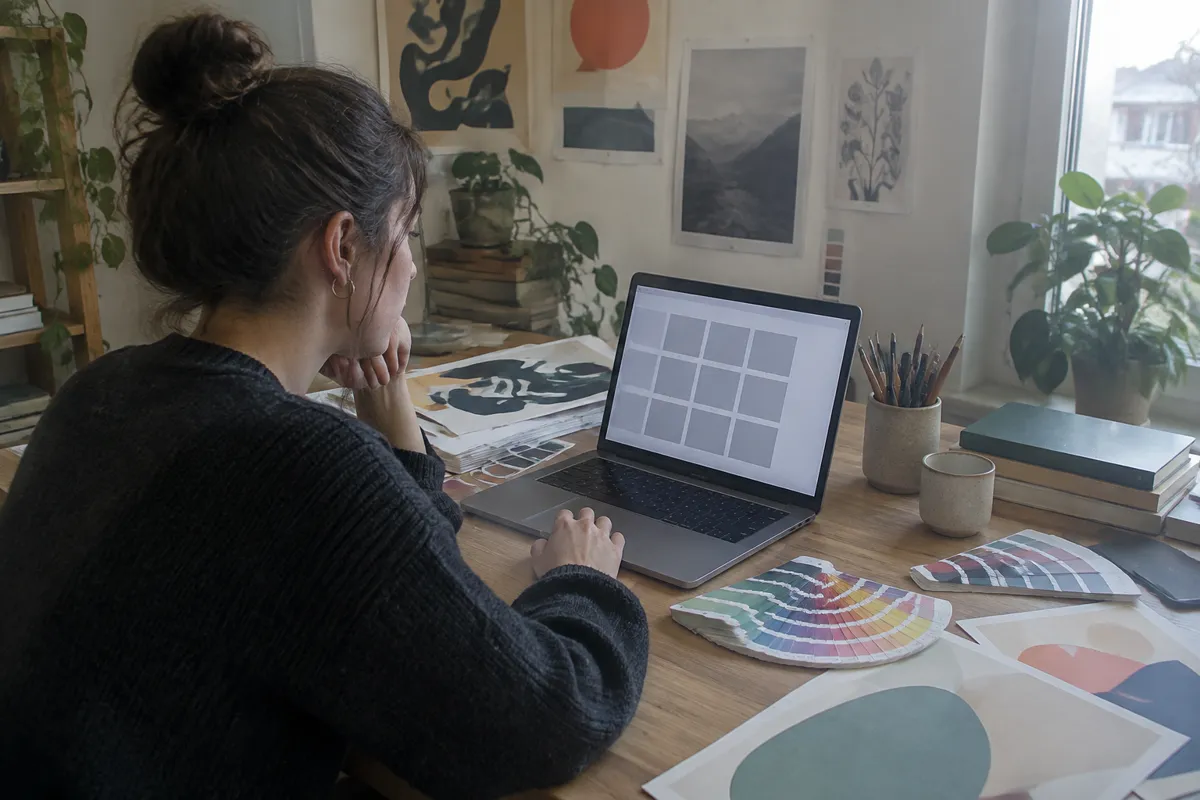
One of the clients whose servers I look after is a graphic designer, and her website is basically a gallery. Her portfolio pages are all images: logos, posters, packaging mockups. For her, a slow site or a missing picture is a missing limb. She’s brilliant at colour and layout, and she has never once wanted to think about what a server does. That’s fine. That’s what I’m there for.
She’d just finished a big project for a local bakery, and she uploaded twelve new images to a folder on her hosting account. She pasted the links into her portfolio page, hit refresh, and saw twelve empty grey boxes. When she opened one image directly in its own tab, she got a cold little message: 403 Forbidden. You don’t have permission to access this resource.
She rang me, half laughing and half not. “It’s my folder. It’s my files. I uploaded them five minutes ago. Why am I not allowed?”

The irony
I understood why she was rattled. It’s like locking yourself out of your own house. What confused her most was that her older images worked perfectly. Same folder, same site, but the new ones returned 403.
She’d already tried the obvious things. She’d uploaded the files again. She’d exported them fresh from her design software. Same error each time. By the time she called, she’d half decided the host’s security was blocking her legitimate work, and she’d fired off an annoyed message to them saying so.
I’ve watched this one trip up plenty of people, and the first thing I told her is the thing I’d tell you. Read the number literally. A 403 is not a missing file, which would be a 404. It means the server found the file, understood the request, and refused. Something about the file is telling the server to say no.
Finding the difference
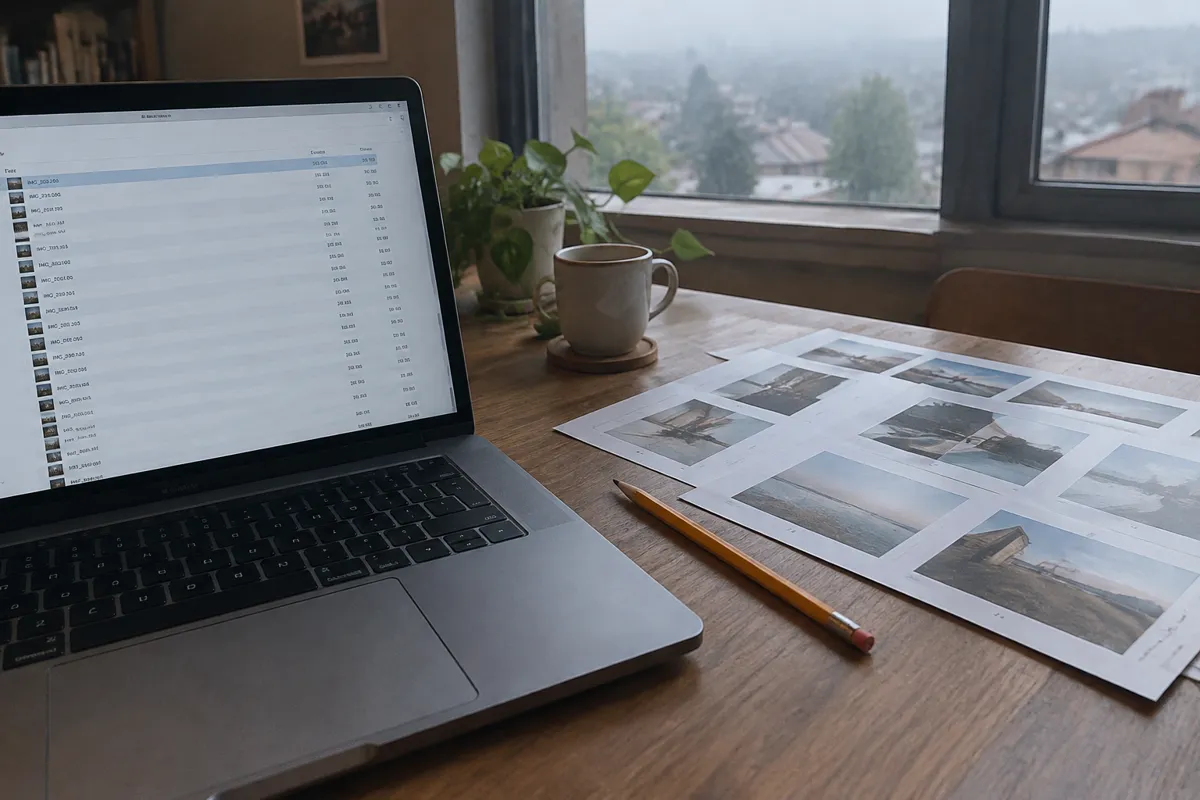
I asked her to open her FTP program and look at a column she’d never paid attention to, the strange little numbers beside each file name. She read them out. Her older images showed 644. The new ones showed 600.
Permissions are a three digit code that says who may read, write or run a file. Roughly, the first digit is for the owner, the second for a group, and the third for everyone else, which includes the web server when it’s acting on behalf of a visitor. A 600 means only the owner can read or write. The web server counts as someone else, so it was refused. Her files were perfectly healthy. They were just sealed.
It took us a minute to find the cause. Months earlier she’d read an article about security and turned on a setting in her FTP program that applied tighter permissions to every upload. It was a good instinct with a bad side effect. She’d been so careful that she’d locked out the very thing that needed to show her images.
The fix
She selected the twelve files, changed them to 644, and refreshed. The grey boxes filled in one by one. She said yes out loud, alone in her studio, and I heard it down the phone.
Then we fixed the setting in her FTP program so uploads arrive as 644, and folders as 755. A folder needs the extra execute bit, because on a server that means permission to open it. I also warned her off a tempting shortcut. Setting everything to 777, open to the whole world, would have worked instantly. It would also have let anyone write to those files. I’ve cleaned up after that shortcut on other people’s servers, and it’s never a pleasant afternoon.
What it taught us about being careful
I still think turning on stricter permissions was a reasonable idea. The trouble was that she’d changed a setting once, months earlier, and forgotten all about it. It sat there quietly doing its job until the day it did too much of it.
Since then she keeps a short list of every setting she’s changed in her tools, with a date and a reason. It sounds fussy, but it’s the same thing she does with colour profiles and export presets. If something behaves strangely, the list tells her what she touched. I’ve suggested the same habit to a few other clients, and it’s saved us more than one long phone call.
Two other designers she knows had hit the same grey box problem and both assumed their images had been damaged. It was the same story each time. The images were perfect. The door was just shut.
A few things I’d tell you
- Read 403 literally. The server understood the request and refused it. It isn’t a missing file, which would be a 404.
- Compare a working file with a broken one. The difference in permissions is often the whole answer.
- Use 644 for files and 755 for folders unless your host says otherwise.
- Never reach for 777. It fixes the symptom by opening the door to everyone.
- Check your FTP settings. A default that’s too strict can be as troublesome as one that’s too loose.
Careful is a good thing to be. I just remind people that careful and locked out are close neighbours.
To sum it up
- A 403 Forbidden means the server understood you and is refusing to show the file.
- Over tight file permissions can block the web server itself.
- Typical safe values are 644 for files and 755 for folders, but check your host's guidance.
- Don't fix it with 777; open access is a security risk.