The story
A 500 Error With Nothing in the Logs
A client's site went blank, the error log in his dashboard was empty, and he nearly paid someone to rebuild it. The culprit was one stray line in a file he'd never opened.
By Marcus Feld, Infrastructure Editor · 5 min read
·
Disclosure: Some links on this page are affiliate links — if you sign up through one, we may earn a commission at no extra cost to you. It never changes our ratings, rankings or verdicts: we don't sell hosting and take no pay-for-placement.
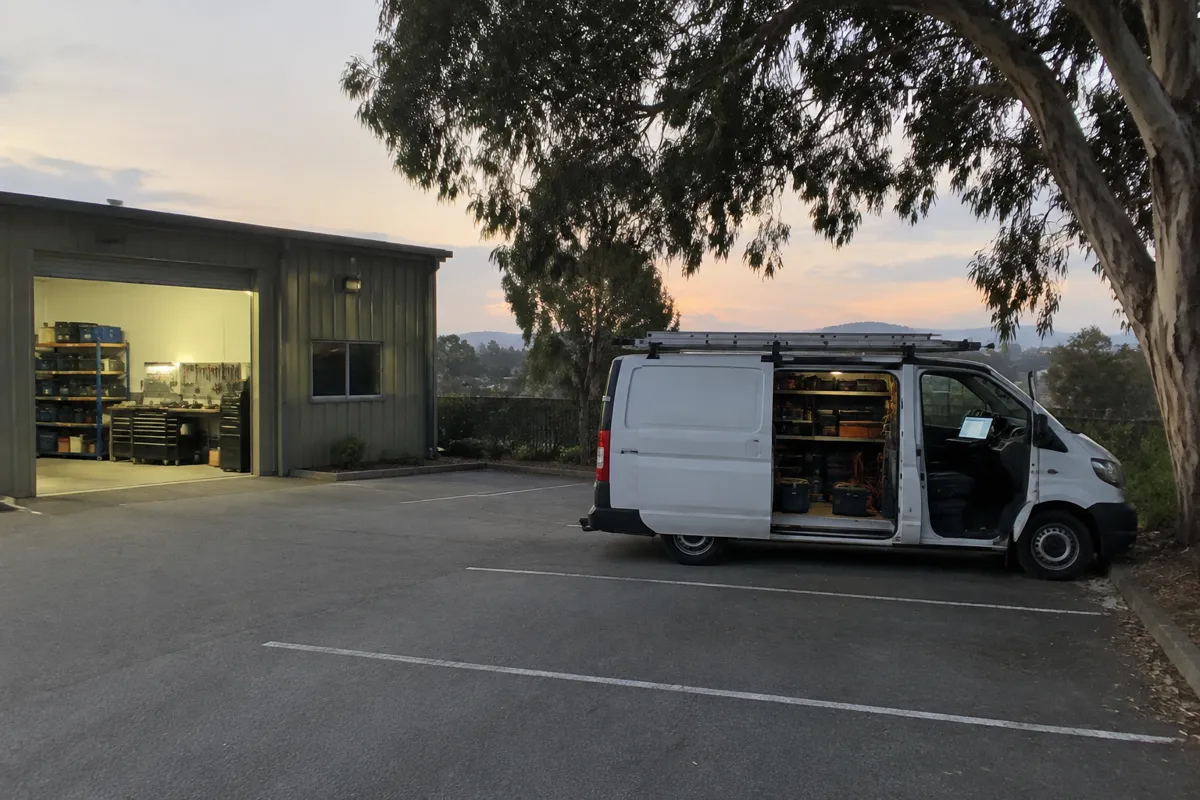
One of my clients is an electrician. He can trace a fault in a switchboard with his eyes half shut, but a website fault is a different kind of dark for him. His site is simple: a few service pages, a quote form, and a gallery of his work. It had been quietly bringing in jobs for two years, and I look after the servers it sits on.
One Tuesday morning he rang me from his van. A customer had texted him a screenshot. The page was white, apart from four words: Internal Server Error. No menu, no logo, nothing. He’d refreshed and got the same. The whole site was down, and he hadn’t touched a thing, or so he thought.

What he assumed
His first guess was that the host had gone down. He’d checked their status page, which said everything was fine. His second guess was that he’d been hacked. I could hear his stomach drop down the phone, because a blank page looks a lot like a break-in.
So he did what most tradies do. He went looking for the error log, the place where the server is supposed to write down what went wrong. He found the section in his control panel, opened it, and it was empty. Not a line. “How can something break with no record of it?” he asked me.
That was the wrong assumption, and it’s one I hear a lot. He’d assumed that a failure always leaves a note. Sometimes the server fails so early, before the application even starts, that the note goes to a different place, or nowhere he can see.
The scramble
He’d already spent most of that morning poking around. He disabled plugins by renaming the folder. Nothing. He switched the site to a default theme. Nothing. He’d even started pricing up a rebuild from a freelancer, which tells you how desperate he was.

I told him to stop guessing and put the phone down for ten minutes. A blank 500 with an empty log usually points at the server configuration rather than the site code, so I asked whether anything had changed in the last day. He said no, then remembered that a caching plugin had asked to tidy up some settings on Monday night.
That was enough for me. I asked him to look for a file called .htaccess in the main folder of the site. He’d never opened one. It’s a hidden file, so he had to tick a box in the file manager to show hidden files first. Once he did, there it was, and he shared his screen with me.
The stray line
Inside were the usual lines WordPress puts there, and then, sitting in the middle of them, a line that had clearly been added by the plugin. It carried a setting the server didn’t understand. When a server reads a configuration file and hits something it doesn’t recognise, it gives up and throws a 500 for every single page. It doesn’t always write a neat message either, which is why his log looked blank.
He renamed the file to .htaccess-old and reloaded the site. It came straight back. Two hours of panic, and the fix took about ten seconds.
From my side of the machine I could see the real complaint in the server-level log, the one a customer panel doesn’t show. It named the exact line and number. That’s the first place I’d have looked, and it’s the first thing I’d tell anyone to ask their host for. It would have saved him his morning.
What I took from it
An empty log doesn’t mean nothing happened. It can mean the log you’re looking at isn’t the one that matters. And the file that looks smallest, a few lines of text nobody has noticed, can switch the whole site off.
I set him up with a habit I’m quite fond of for someone who hates admin. Before he lets any plugin or person change that file, he downloads a copy and puts the date in the name. It takes thirty seconds, and I’ve seen it save more than one site since.
The part that stayed with me
What bothered me afterwards wasn’t the outage. It was how quickly he’d assumed the worst. He’d imagined hackers, dead hosting and a rebuild bill, when the truth was a single line of text that had been wrong for about fourteen hours. Nobody had attacked him. A tool he’d trusted had simply made a small mistake, and the server had done the cautious thing by refusing to guess.
He rang the customer who’d sent the screenshot and told her what had happened. She laughed, and said she’d assumed he’d gone out of business. That was the real cost. A day or so of people thinking the worst of a site that was one renamed file away from working.
I’ve since mentioned it to a few other clients in the trades. A couple of them had seen the same blank page at some point and never knew why it cleared up. Now they know where to look.
A few things I’d tell you
- Ask support for the server error log. The one in your dashboard may be empty while a deeper one has the answer.
- Show hidden files in your file manager. Important things hide behind a dot.
- Back up .htaccess before any change, including changes plugins make for you.
- Rename rather than delete. Renaming a file is a safe test, and you can undo it instantly.
- Change one thing at a time so you know which change caused the trouble.
If your site ever goes white with no explanation, take a breath. It’s very likely something small, and it’s very likely fixable.
To sum it up
- A blank 500 Internal Server Error with an empty log often means the server choked before it could write anything down.
- A single bad line in an .htaccess file can take down an entire site.
- Keep a dated copy of the file before you or a plugin edit it.
- Ask support to check the server-level error log, not just the one in your dashboard.