The story
The only backup lived on the server that died
A client of mine was proud of his nightly backups. Then his server failed, and we found out where they'd been sitting all along.
By Marcus Feld, Infrastructure Editor · 6 min read
·
Disclosure: Some links on this page are affiliate links — if you sign up through one, we may earn a commission at no extra cost to you. It never changes our ratings, rankings or verdicts: we don't sell hosting and take no pay-for-placement.
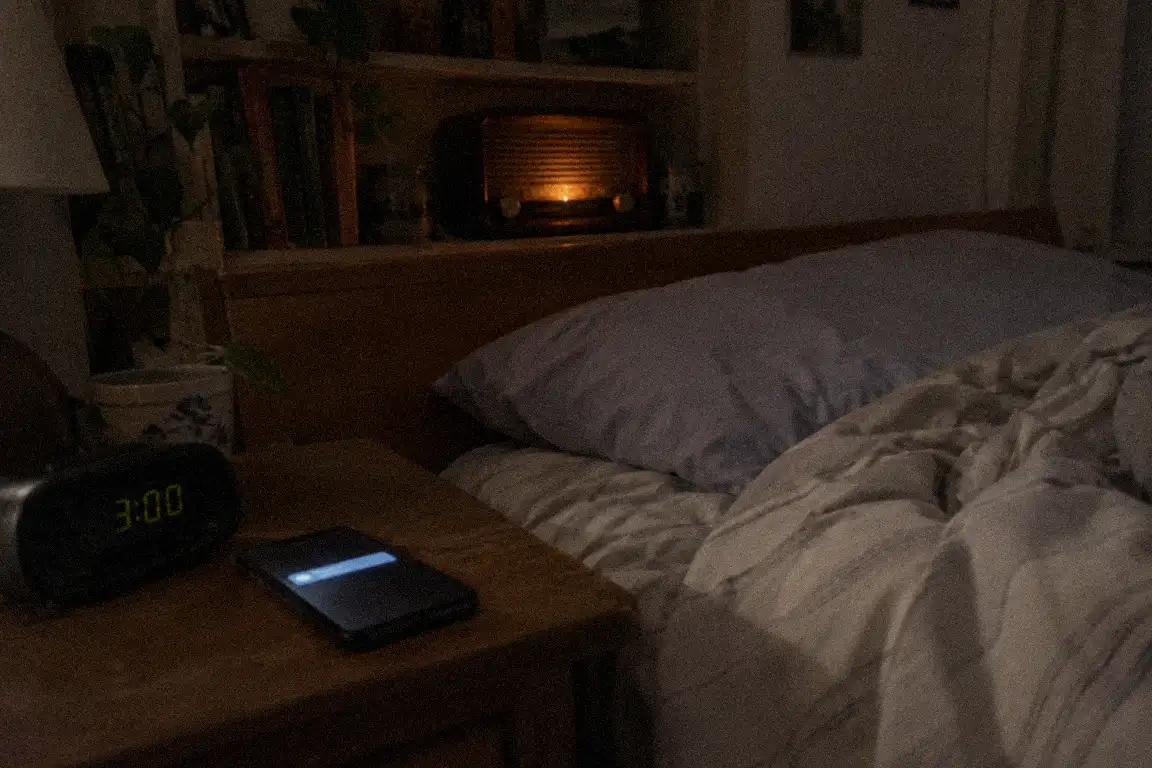
I have a client named Dennis who writes about old radios. It’s a hobby blog, about nine years old, with several hundred posts, a lot of photos of dusty valves, and a comments section full of the kindest, most obsessive people on the internet. He’s retired, he’s careful, and he’s the sort of person who reads the manual before he plugs anything in.
I look after the servers his blog sits on, so when he told me he had “backups sorted,” I took him at his word. He’d installed a backup plugin himself. It ran every night at 3 a.m. and cheerfully told him “Backup complete” each morning. He was so pleased with it that he’d recommended it to a fellow blogger. I didn’t think to ask where the copies were going. After a good many years in this work, that’s the question I should have reached for first.
The Tuesday it all went quiet
One Tuesday morning Dennis’s site wouldn’t load. Then an email arrived from his host: there had been a hardware failure on the server his account lived on, and they were “working to restore service.”
He rang me, calm at first. “That’s what my backups are for,” he said.
The hosting panel was down too, so we waited. After a couple of hours he could get into the blog’s admin area, but it said the site needed to be reinstalled. I asked him to read me the path of one of his backup files. He found them in a folder called backups. Inside his website’s own folder. On the same server.
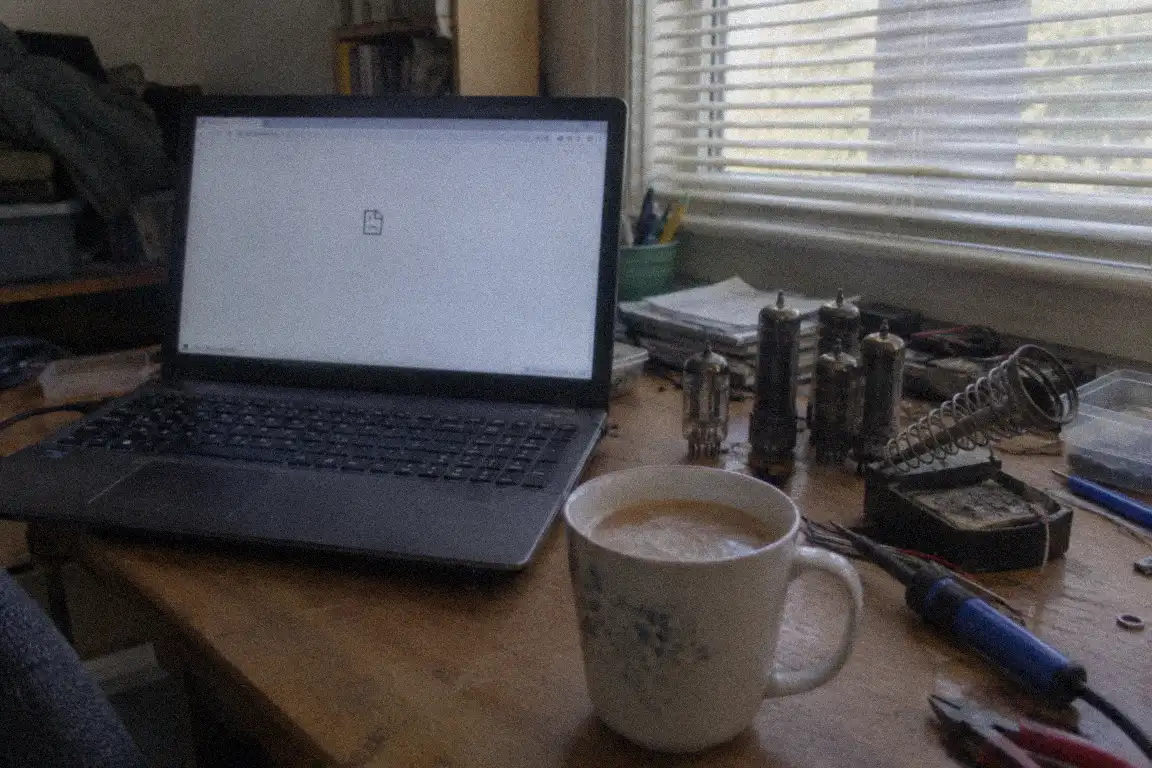
There was a long pause on the line, and then a small noise I won’t repeat.
The slow realisation
The server hadn’t just lost his site. It had lost the site and the backups that were supposed to protect it, because both sat in the same basket. His plugin had a setting to send copies to a cloud service. He’d never turned it on. He’d never even noticed the option, and honestly, plenty of people don’t. Those settings tend to hide on a second tab.
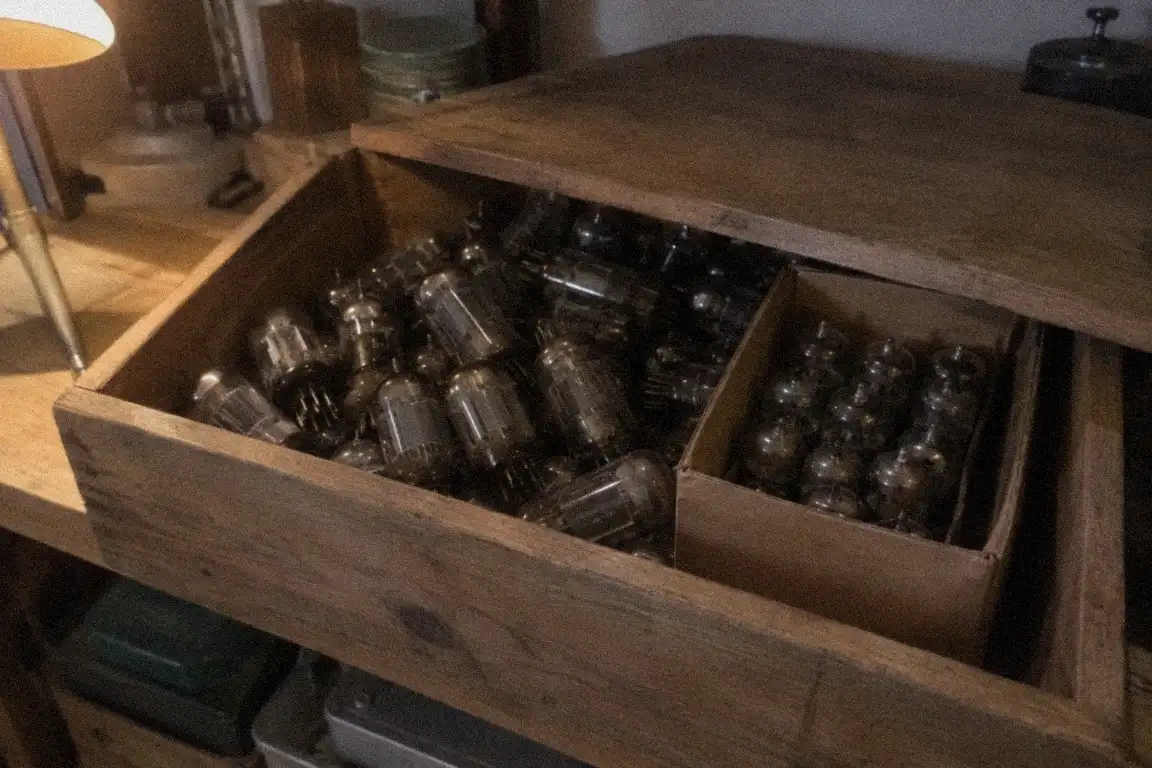
His host was decent about it. After about two days they restored the server from their own snapshots, and most of the site came back. But “most” is the important word. The last three weeks of posts were missing, along with a batch of reader comments. Two of those posts had no other copy anywhere, because Dennis had written them straight into the editor.
I spent that weekend on the phone with him, and then remotely beside him, rebuilding from Google’s cached pages, from the browser history on his laptop, and from a couple of readers who’d kindly emailed screenshots. We got most of it back. Not all of it.
The rule that would have saved him
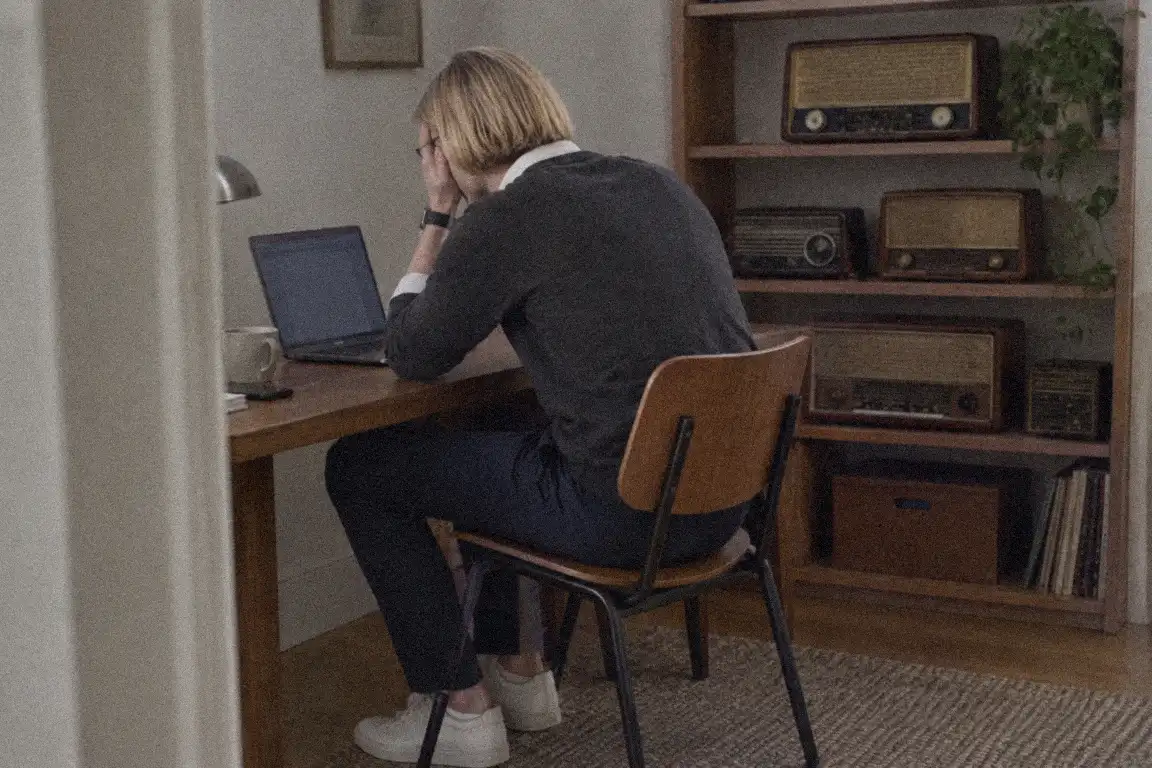
The fix is an old, simple idea called 3-2-1, and it’s the first thing I explain to anyone who stores something they care about:
- 3 copies of anything you care about,
- on 2 different kinds of storage,
- with 1 of them somewhere else entirely.
Dennis’s “three copies” had been one site and two folders on the same machine. It looked like safety, and really it was a pile of eggs in one basket with a nice label on it.
I set him up properly that week. His backups now go to a cloud storage account automatically, and once a month he downloads a full copy to an external drive that lives in a drawer. That’s the whole system. It took twenty minutes to put in place.
What I took from it myself was a habit. I no longer accept the words “backups sorted” from any client until I’ve seen where the files physically land. A green tick in a dashboard tells you a job ran. It doesn’t tell you the job was useful on the worst day.
A few things I’d tell you
- Ask “where does the backup live?” If the answer is “on the same server,” it isn’t protecting you from server problems.
- Switch on the off-site option. Plenty of backup plugins can send copies to cloud storage. It’s usually just a setting.
- Keep a copy you can hold. An external drive or a computer folder counts as a completely separate place.
- Look inside once in a while. Open a backup and check that it has your posts, images and database.
- Don’t rely on your host’s backups as your only plan. They’re a bonus, not a promise.
Dennis still writes about old radios, and he still gets lovely comments. On the first of every month he plugs in a small grey drive and listens to it click, and he tells me it’s one of the most reassuring sounds he knows.
To sum it up
- A backup stored on the same server is a second copy of the same risk.
- Follow 3-2-1: three copies, two kinds of storage, one kept somewhere else.
- Download a copy to your own computer or cloud storage regularly.
- Check where your backup lives, not just whether it exists.