The story
Clean, reinfected, clean, reinfected
I fixed my client’s hacked website four times. Each time, the strange redirect returned by the next morning.
By Marcus Feld, Infrastructure Editor · 8 min read
·
Disclosure: Some links on this page are affiliate links — if you sign up through one, we may earn a commission at no extra cost to you. It never changes our ratings, rankings or verdicts: we don't sell hosting and take no pay-for-placement.
Alongside my main work, I take on rescues and audits for small businesses. Most weeks it’s pleasant, ordinary work. Then there are the weeks that teach you something, even after a decade of incident response.
A client of mine ran a small tradie business, and one morning she called to say her website was sending some visitors to a page she’d never seen. Not everyone, just some. Annoyingly, when I looked, I couldn’t see it happening from my own laptop.
That should have been my first clue. Selective redirects are a classic trick, designed to hide from the site owner and from anyone logged in. Instead I did what felt logical.
Selective redirects are rarely an accident. They’re built so the owner never sees them, which is exactly why my first look found nothing.
Round one
I found a bit of odd code in a few files, removed it, refreshed the site and everything looked normal. I told her it was sorted. I even felt a bit pleased with myself.
The next morning she called again. The redirect was back.
Rounds two, three and four
I cleaned it again, and this time I updated a couple of things while I was there. Back it came. On the third go I restored an older copy of the site, and I was sure that would settle it. Nope.
By the fourth time I was tired and honestly a bit embarrassed. My client was patient, but I could hear it in her voice. She was starting to wonder whether I knew what I was doing.

That night I stopped thinking of it as a mess to tidy and started thinking of it as a question. Why does it come back? Things don’t reappear by magic. Something was putting it back. I’d spent years watching attackers do exactly this on servers I looked after, and I’d still treated the symptom like a stain.
Finding the door
So I went looking, this time not for the redirect but for anything that shouldn’t be there. And I found several things that I’d walked straight past on the earlier rounds.
There was an administrator account on the site I didn’t recognise, one my client said she’d never created. There was a file with an innocent name sitting in a folder where it had no reason to be, quietly rebuilding the bad code whenever the site loaded. And there was a plugin that hadn’t been updated in a long, long time, which I now think was how everything got in the first place.
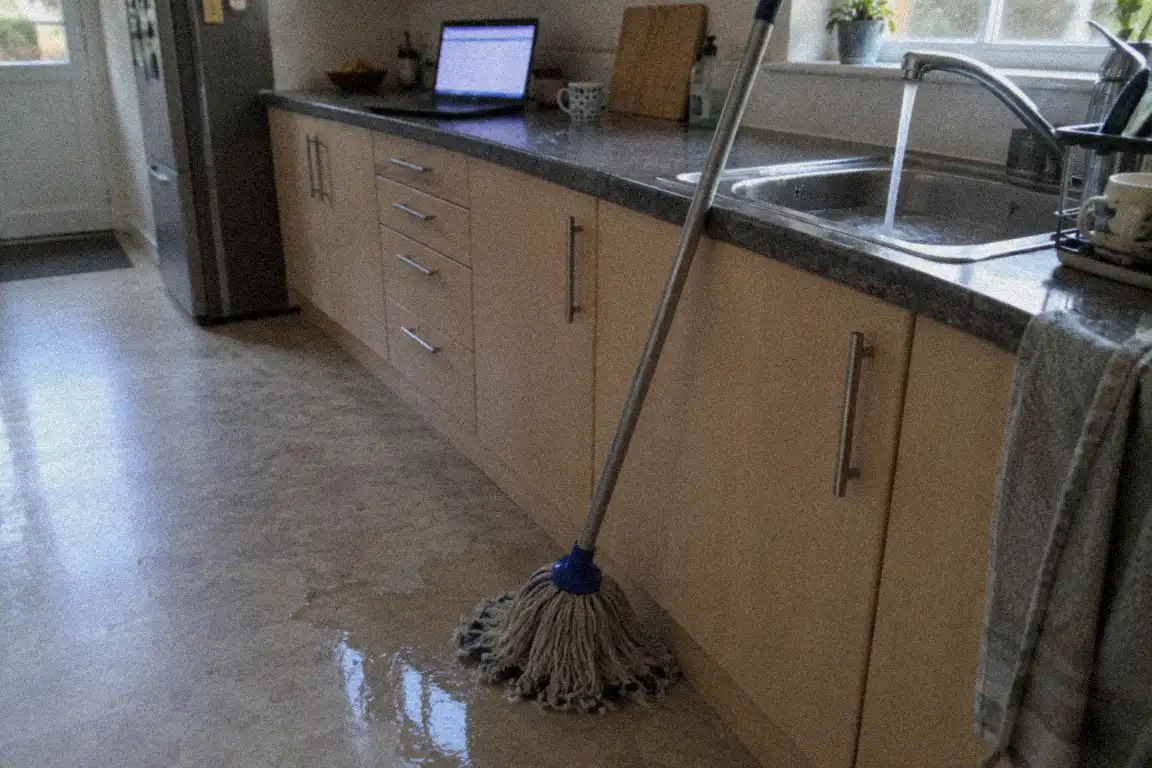
In other words, I’d been mopping the floor while the tap was still running.

The proper cleanup
This time I worked through it in order. I removed the unknown administrator and the stray files. I deleted the old plugin entirely instead of just updating it. I updated everything that stayed. Then I changed every password connected to the site: the site logins, the hosting account, the database, the file-transfer login, all of it. If they’d got a key once, I wanted every lock changed.
I also asked the host’s support to take a look from their side, and they were helpful about pointing at a couple of places I’d not thought of, including a scheduled task I’d have missed.
I also wrote her a short plain page of what to do if anything odd ever appeared again. Who to ring, which logins to change first, and a reminder to leave the site alone rather than poking at it. I’ve written that page for several clients since, and it has more than earned its keep.
Then I watched. One day, two days, a week. The redirect didn’t come back.
I told my client honestly what had happened, including that I’d needed four attempts to get it right. She took it better than I expected, mostly because the site was finally staying fixed.
A few things I’d tell you
- If it comes back, you haven’t found the cause. Treat repeats as information, not bad luck.
- Hunt for extras. Unknown admin users, unfamiliar files and unused plugins are all worth a look.
- Delete what you don’t use. An abandoned plugin is a door nobody’s watching.
- Change every credential afterwards, not only the one you suspect.
- Keep watching for a while. A clean site on day one is good; a clean site on day ten is proof.
What stays with me is how close I came to losing her trust, not through the hack but through the repeats. A client can forgive a break-in. It’s harder to forgive being told it’s fixed, four times. Now when I say a site is clean, I say what I checked, what I changed and what I’ll be watching, so the sentence means something.
I’m a better engineer for that fortnight. Just not a more rested one.
To sum it up
- If a problem keeps returning, cleaning the symptoms isn’t enough. You need to find the way in.
- Look for hidden extras: unfamiliar admin users, odd files and forgotten scheduled tasks.
- After a clean-up, change every credential, not just the obvious ones.
- Keep everything updated and trimmed so the door they used stays shut.