The story
The email that said our host was closing
A short, polite email told my client her little host was shutting down in fourteen days. Neither of us knew where her website actually lived. Here's how we found out.
By Elena Novak, WordPress & Managed Editor · 7 min read
·
Disclosure: Some links on this page are affiliate links — if you sign up through one, we may earn a commission at no extra cost to you. It never changes our ratings, rankings or verdicts: we don't sell hosting and take no pay-for-placement.

This happened early in my web design days, when I was still the person who made things look lovely and hoped the hosting would sort itself out. My client Maya teaches yoga in a small converted shopfront. I’d redesigned her site the year before, new colours, a cleaner booking page, a timetable people could actually read. I hand-coded most of it and I was proud of it. Where it lived, I’d never asked.
Then one afternoon she forwarded me an email with the subject line “Important update about your service.” Polite. Friendly, even. The gist: the small hosting company she’d used for four years was winding down, and her site would go offline in fourteen days. They were sorry. They wished her well. There was a link to a “migration guide” that assumed you knew words neither of us did.
Her message above it said, “Elena, what does this mean? Where is my website?” I looked at it for a long moment and realised something slightly humiliating. I had no idea either.
The three things I’d never separated
The booking page, the class timetable, the little newsletter sign-up: all of it sat on a hosting account that a friend of a friend had set up for Maya years before I arrived. She paid a monthly bill. I logged in with a password she’d texted me. That was the extent of our knowledge.
Over the next few evenings, with a lot of reading and one very patient phone call to a developer friend, I learned that “her website” was really several things:
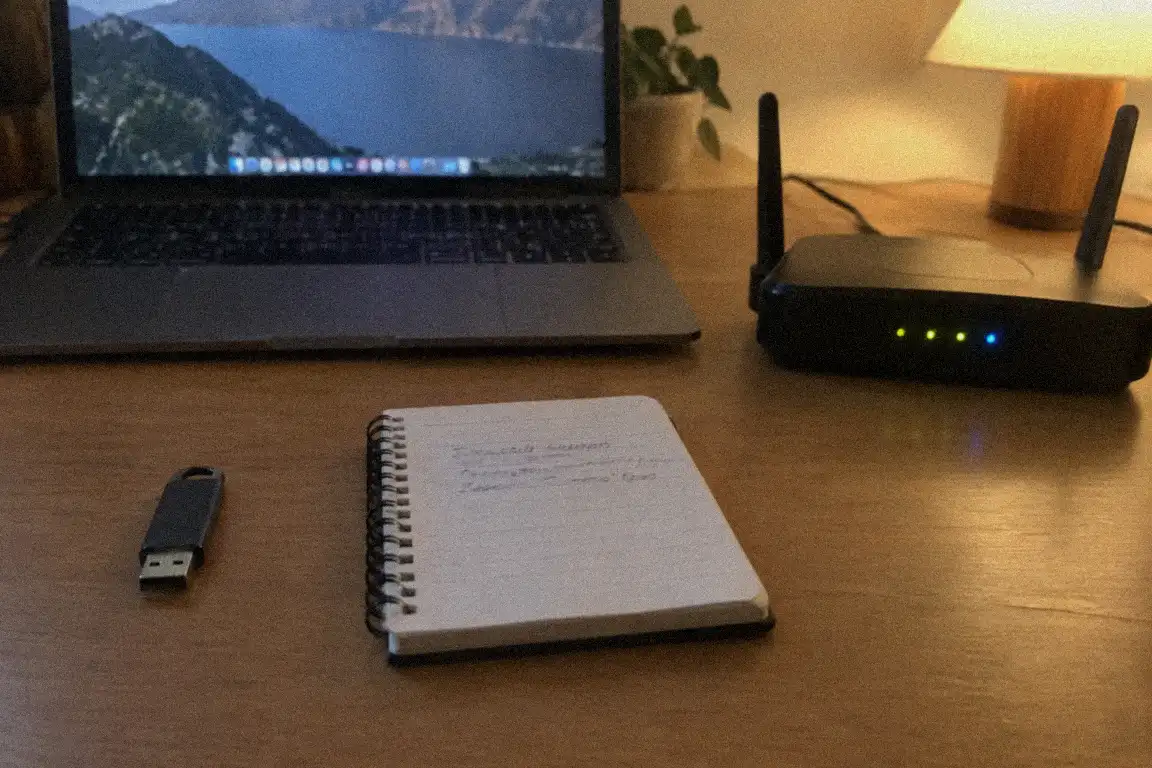
- The files and database, the actual pages and photos, sitting on the host’s machines.
- The domain, the address people type. It turned out to be registered through the same company, which meant it was tangled up in the closure too.
- The DNS, the quiet settings that point the address at the right place, and that also decide where email goes.
If the host vanished, all three were at risk at once. That was the moment the panic set in properly, for both of us.
The scramble
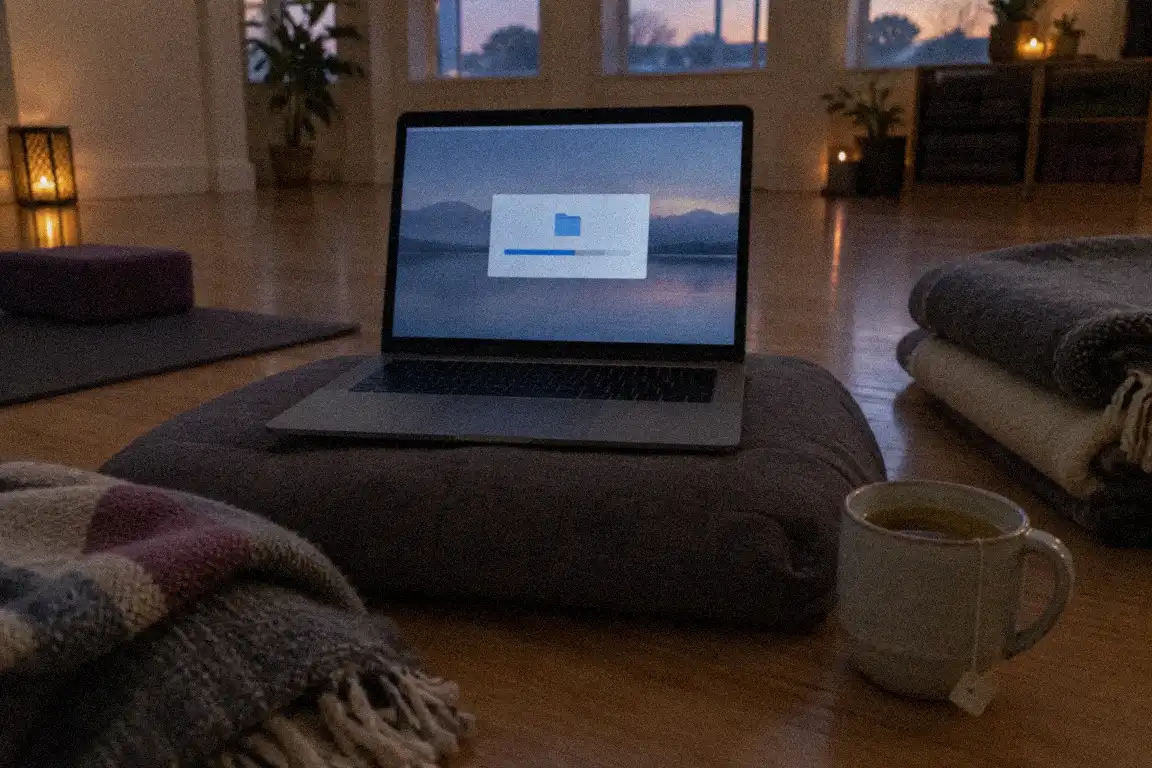
Day one, I did the only sensible thing: I found the backup button and downloaded a full copy of the site to my laptop. Then I sat there, because a folder of files is not a working website, and I didn’t know yet how to turn one into the other. I could build the thing from a blank page, but I had never moved one.
Day three, I worked out that we had to choose a new home before I could move anything, and that comparing hosts while afraid is a bad way to compare hosts. Maya nearly signed up to the first one with a cheerful banner. I stopped her, and then I remembered how we’d got into this mess: by not asking questions. So we sat down and wrote out what she actually needed: a place for a small site, easy email, a straightforward renewal price, and support that answered like a human.
Day six, the domain. We had to unlock it and request a transfer code, and the code was going to arrive at an email address that lived on the very hosting that was closing. Yes, really. I fixed that with a whole hour of fiddling, and I will never forget how close it came.

How it ended
We made it with two days to spare. Not gracefully: there was a wobbly weekend where the newsletter form didn’t work, and a small mix-up over email records that a patient support person at the new host untangled for us. But the studio’s site came back, and nobody booked a class into the void.
What stayed with me wasn’t the fear. It was the realisation that Maya had been trusting her site to a company without ever holding a single key herself, and I’d been building on top of it without asking. The logins, the domain access, a recent backup: all of it sat on someone else’s shelf.
The part nobody warns you about
What surprised me most was the emotional side. I’d assumed a website move would feel technical. Instead it felt like packing up a house in a fortnight, with the removalists already booked. Every choice felt urgent, and urgency makes you doubt yourself.
Talking to other small business clients afterwards, I discovered it’s more common than I’d guessed. Small companies get bought, merge or simply close, and customers are told in a short, courteous email. Nobody in my little circle had a plan for it. Most of us had been treating the host as a permanent fixture, like the electricity.
I don’t say that to scare you. I say it because a ten-minute list written on a quiet evening would have turned that fortnight of dread into a fortnight of ticking boxes. The difference between the two isn’t skill. It’s simply knowing where things are.
Now, when I take on a new client, the first thing I do is draw that three-box page with them. It’s the question I wish I’d asked Maya a year earlier.
A few things I’d tell you
- Write down where each piece lives: hosting, domain, DNS, email. One page. Do it while nothing is on fire.
- Register or at least control your domain yourself, with contact details that don’t depend on your host.
- Keep your own backup, downloaded and stored somewhere you can reach, updated regularly, and test that you could open it.
- Read the odd “important update” email the day it arrives, not the week after.
- Don’t choose a new host in a panic. Even in a fortnight, an evening of calm questions beats a rushed signup.
Companies close. It’s ordinary, and it isn’t a scandal. It only becomes a crisis when you don’t know where your own things are.
To sum it up
- Small hosts do close or get bought out, so notice can be as short as a couple of weeks.
- Know where your files, your domain and your DNS each live while everything is calm.
- Keep an up-to-date backup on your own computer, not only inside the host's dashboard.
- Your site is yours, so keep the keys: logins, domain access and backups, in your own hands.