The story
The domain that wouldn't leave
My client wanted to change hosts. Simple enough, we thought. Then we found out that the one thing his customers actually type was sitting in someone else's hands.
By Elena Novak, WordPress & Managed Editor · 7 min read
·
Disclosure: Some links on this page are affiliate links — if you sign up through one, we may earn a commission at no extra cost to you. It never changes our ratings, rankings or verdicts: we don't sell hosting and take no pay-for-placement.
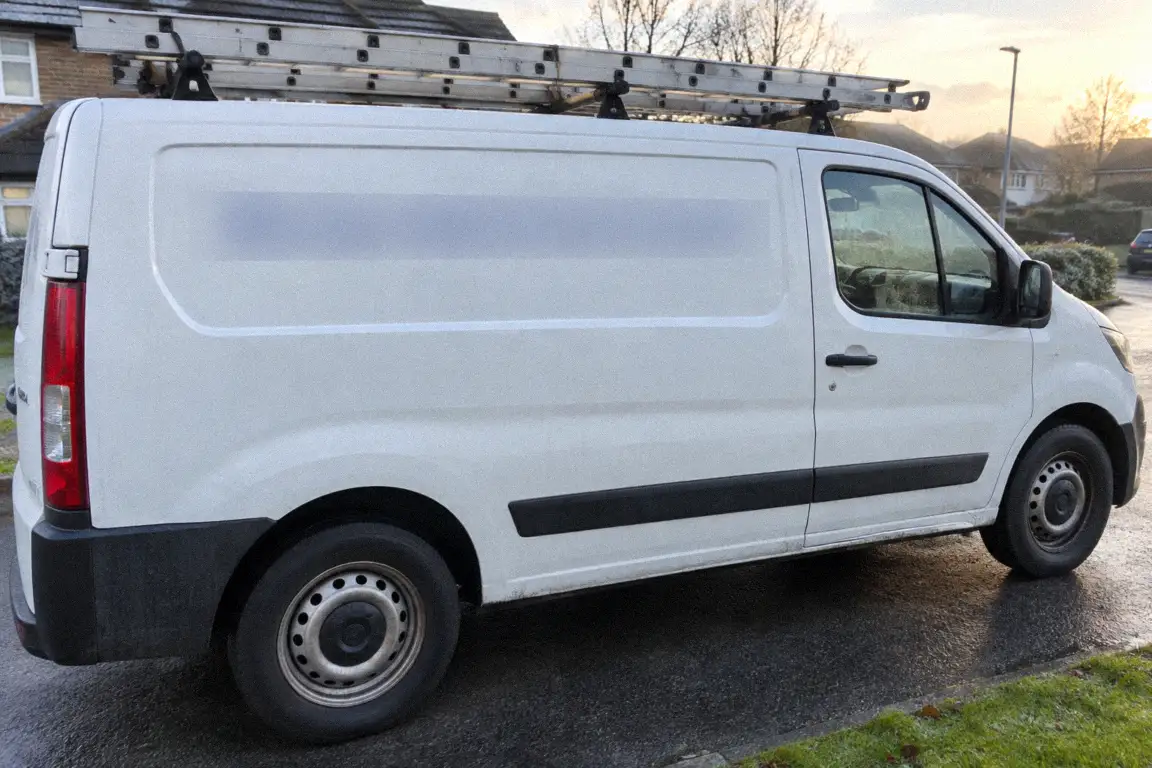
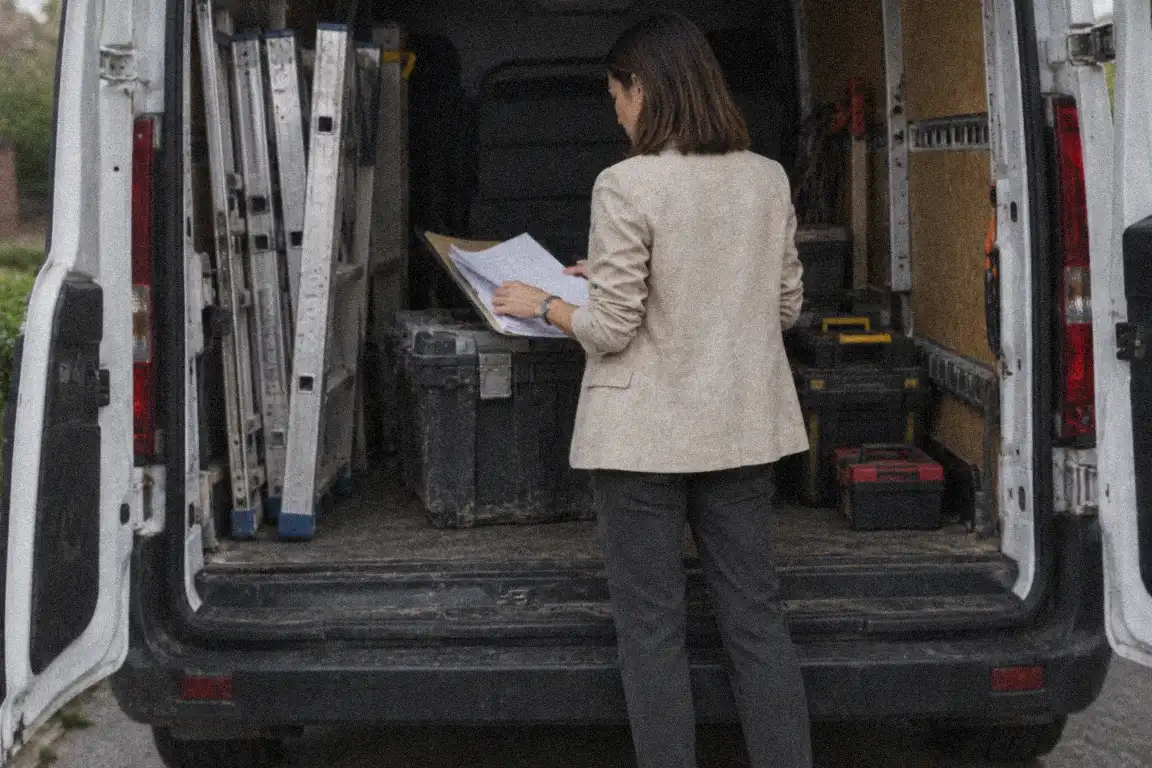
One of my longest-standing clients is a tradesman called Graham. He runs a small trade business, fifteen years in, with a loyal customer base and a web address printed on the side of every van. I designed and hand-coded his site a few years ago, and I’ve looked after it ever since.
When his hosting started to feel slow and expensive, he rang me. He’d done the research himself. New host picked, prices compared. All that remained, he said, was to point the address at the new place. “Should be a ten minute job, yeah?”
That was when we both discovered something uncomfortable: the address wasn’t really his to point.
The account nobody remembered
Years earlier, when the site was first built, the domain had been bought as part of a bundle with the hosting. It was registered under the host’s own account setup, and the contact details were partly outdated, including an email address that no longer worked. I’ll be honest, I’d never checked. I’d built the site, and I’d treated the domain as somebody else’s department. I remember what not knowing felt like, but this was a lapse of mine too, and I’ve been more careful ever since.
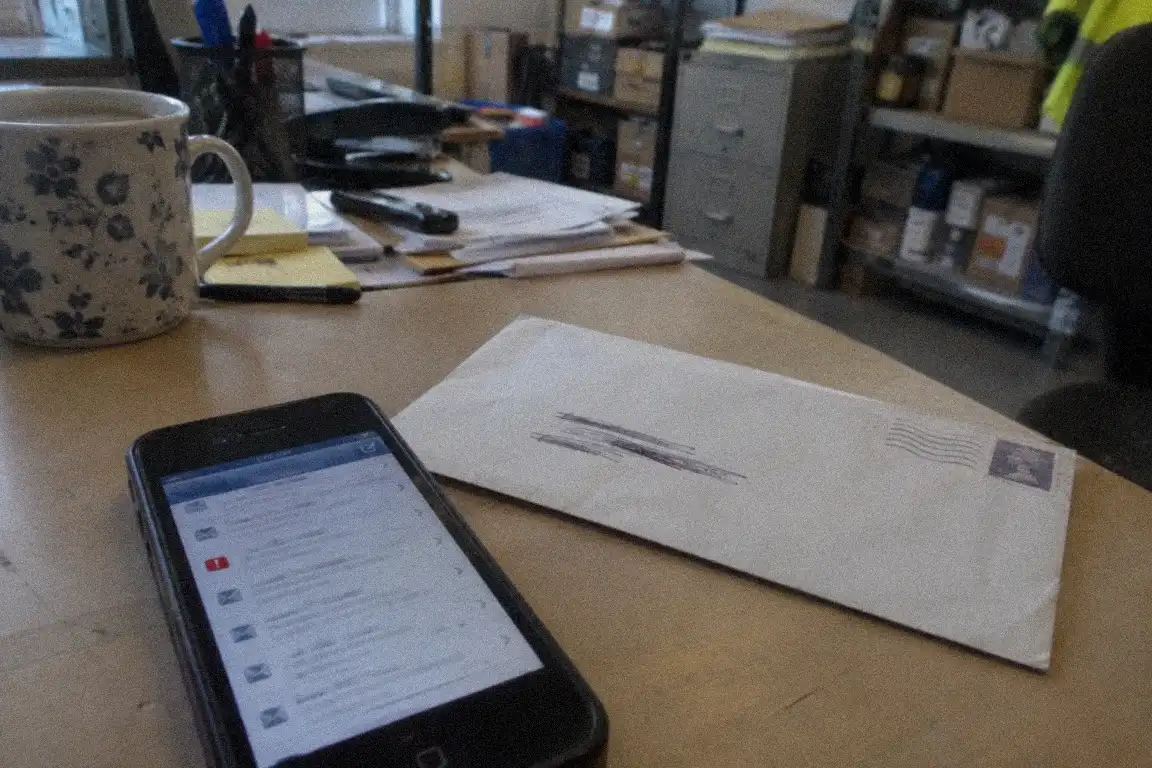
So when we went looking for a way to move it, we found a maze:
- The domain was locked by default, a protection against theft that also blocks legitimate moves.
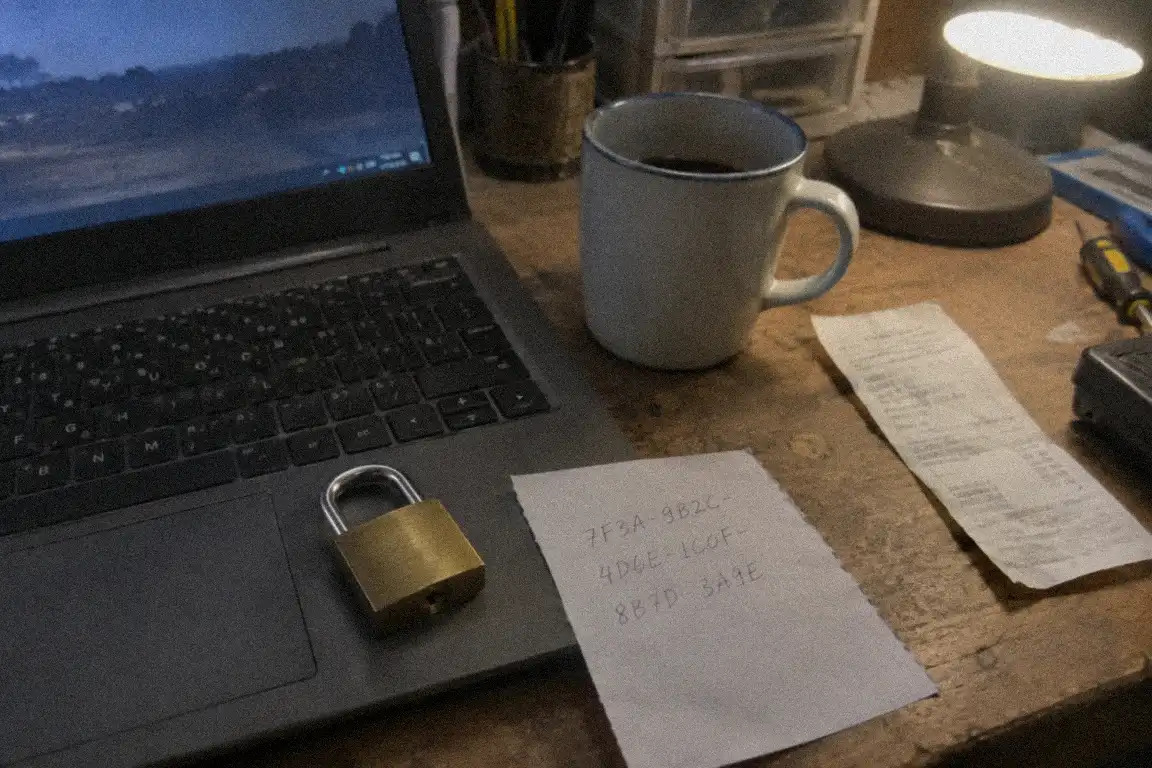
- Moving it needed an authorisation code, which had to be requested from a control panel that was hard to find.
- The code was sent to the contact email, the dead one.
- After all that, there could be a waiting period before a transfer would go through.
None of this is sinister. The lock and the code exist to stop someone hijacking your address. But when you are the one who wants out, every safeguard feels like a wall.
The scramble
We spent a week going around in circles. Support was friendly but scripted. Each reply pointed us to another help page. The dead email meant Graham first had to prove who he was, which took documents and patience, and I sat on the phone with him for part of it so he didn’t feel he was doing it alone.
Meanwhile, his old hosting was about to renew, and we both had the same horrible thought: if he let it lapse, could the domain go with it? I couldn’t promise him it wouldn’t. So he kept the hosting alive just to be safe, paying for something he was trying to leave.
Eventually the details were corrected, the domain unlocked, the code delivered, and the transfer completed. From first attempt to done took nearly three weeks. Not a crisis, exactly. But three weeks in which the most important asset in his business was, in practice, not fully under his control.
What we did afterwards
The domain now lives with a separate registrar, in an account under Graham’s own name, with an email address he controls and a second person listed as backup. The hosting is one place, the domain another. If either relationship goes sour, he can move one without touching the other.
It was one of the least glamorous fixes I’ve ever made, and one of the most valuable.
Why this one stayed with me
Of everything I’ve learned about running websites, this is the lesson I repeat most often to clients. They nod politely, then ask if their domain is “fine”. Usually the honest answer is that they don’t know where it is.
A quick check takes five minutes. Search for your domain in a public lookup tool and see which company and which contact details are listed. If it’s a name you don’t recognise, or an email you can’t read, that’s your cue to sort it out this week, not after a dispute.
Every client of mine now has a note that says where their domain is, who can log in, and when it renews. Graham’s wife has a copy. So does his accountant. It sounds like overkill for a web address. Then you remember it’s printed on the side of every van.
A few things I’d tell you
- Register the domain yourself, in an account you own, even if it costs a little extra or a separate login.
- Keep the contact email current and on an address that doesn’t depend on your host.
- Know where the authorisation code lives and how you’d unlock it, before you need it.
- Allow time. Transfers can take days, sometimes longer.
- Set the domain to renew and keep a reminder. A lapsed domain is a very bad day.
Hosting is replaceable. Your address, the thing your customers remember, isn’t. Hold onto it.
To sum it up
- Your domain is the one thing customers type. Treat it as your most valuable asset.
- Transfers involve a lock, an authorisation code and waiting periods. Learn the steps before you need them.
- Register your domain separately from your hosting, in your own account.
- Whoever holds your domain holds your leverage.