The story
The backups my host promised turned out to be half empty
My sister had a tick in the 'daily backups' box and felt very grown-up about it. The first time she actually needed one, the restore came back with no pictures and half a database.
By Marcus Feld, Infrastructure Editor · 6 min read
·
Disclosure: Some links on this page are affiliate links — if you sign up through one, we may earn a commission at no extra cost to you. It never changes our ratings, rankings or verdicts: we don't sell hosting and take no pay-for-placement.

My sister runs a small clothing boutique. A real shop with a real front door, and an online shop that brings in roughly half her sales. I helped her get that online shop going years ago, and I’ve been the person she texts ever since. When we chose her hosting plan, the line she circled was daily backups. It was right there on the feature list. She ticked the box, felt responsible, and never thought about it again.
I’ll own my share of that. I’d spent a decade around servers and I let a feature name stand in for the thing itself. A tick in a box tells you a job is scheduled. It says nothing about the result.
The update that went sideways
One Thursday she updated a plugin, one of those routine updates that come with a little blue notification. The moment she clicked, her product pages went strange. Half the layout was gone and buttons had vanished. The shop was technically online but it looked like it had been through a small earthquake.
She rang me. “It’s fine,” she said, in the voice of someone who badly wants it to be fine. “I’ve got backups.”
She found the backup section in her hosting panel. There they were, a tidy list of dates, one for every day that week. She picked last night’s, took a deep breath, and clicked Restore. I stayed on the phone while a progress bar crept across. It said “Complete.”
What “complete” really meant
She loaded the shop. The layout was back. And then she scrolled.
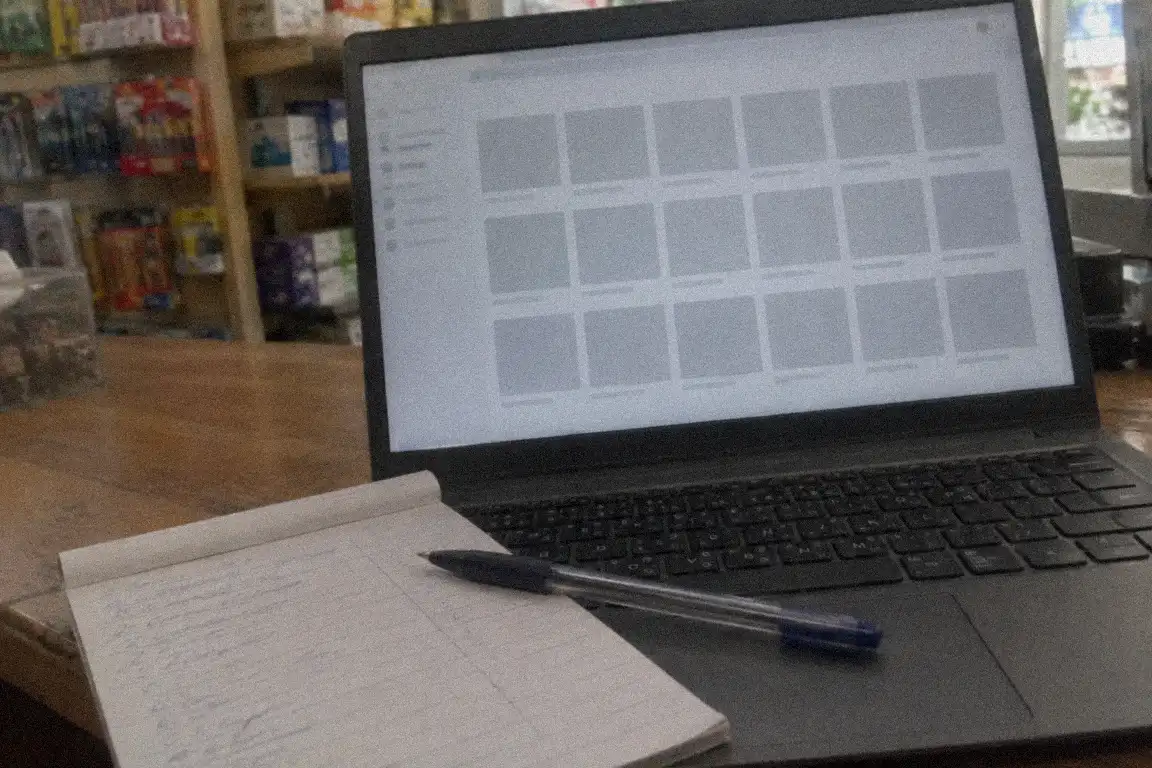
Where her product photos should have been were little grey boxes. Dozens of them. Then she noticed that several recent orders weren’t in the system, and a couple of products she’d added the day before had disappeared entirely.
The restore had “worked,” technically. It had put back the files it had, and the parts of the database it had. But the backup itself was incomplete. The images folder was mostly missing, and the database copy stopped partway through.
I’ve seen this pattern from the other side of the rack. Backup jobs run on a schedule, and when a job hits a time limit or a size limit, many systems log it as finished anyway and move on. Nobody looks at the result until someone needs it. Her host’s support told her, kindly, that backups on her plan were “best effort” and that large image folders could fail to copy fully. It was in the terms. Of course it was.
Putting it back together
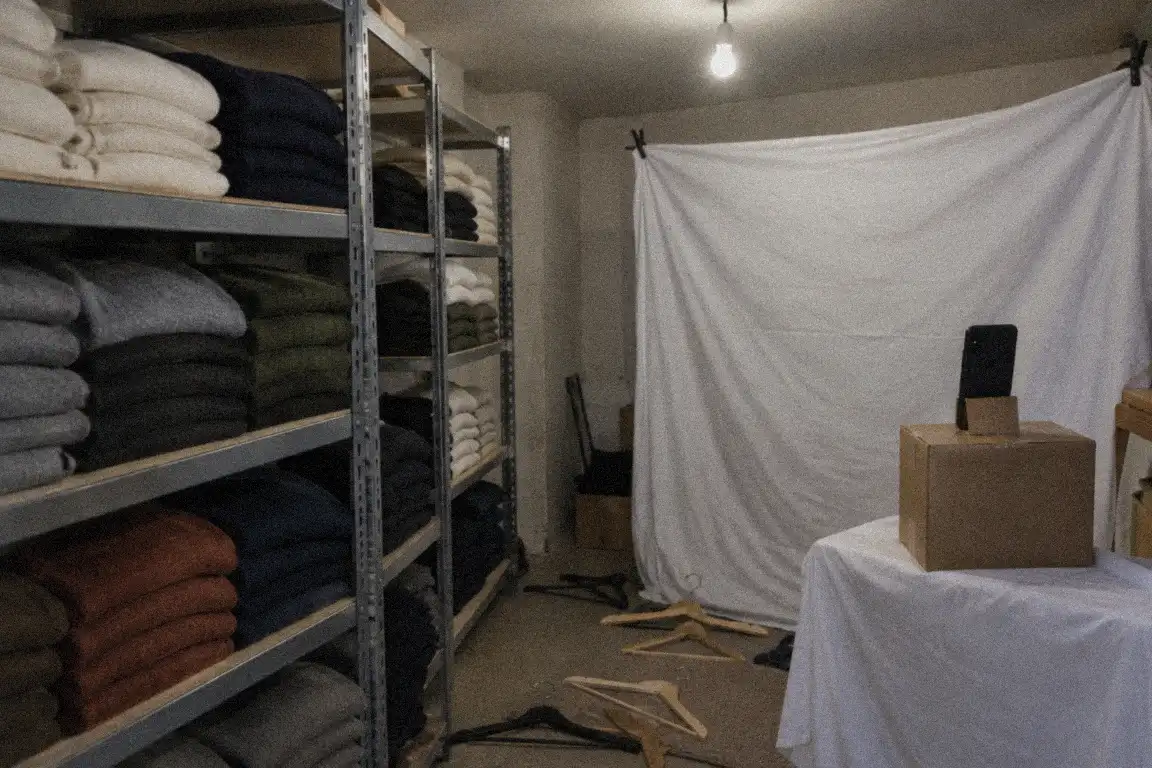
It took three evenings, and I spent two of them at her place. We re-photographed some stock, dug original images out of her phone, and re-entered the missing orders from confirmation emails. It was tedious rather than tragic, and we got there. But I kept thinking how much worse it could have been if the update had gone wrong in a busy sale week.
The lesson under the lesson
The only proof a backup works is restoring from it, and neither of us had ever done that.
So now we do. Every couple of months I make a copy of her site on a private test area, restore the latest backup into it, and click around. Are the images there? Do the products load? Is last week’s order in the list? It takes about half an hour, and it’s the most useful half hour in her calendar.

I also set her up with her own separate copy, taken with a backup tool she controls, so she isn’t trusting one source. The copy lands in storage that has nothing to do with her hosting account. If the host has a bad day, she still has her shop.
When I audit a client’s setup, I ask three plain questions. Where does the backup live? How big is it compared with the live site? When did anyone last open it? If the backup is a fraction of the live site’s size, that’s the first warning sign. Hers should have raised a flag the day we set it up, and I wish I’d checked.
My sister laughs about it now, but she also admits the three evenings were the most stressful of her year. She’d have paid almost anything for a working restore that Thursday, and a half hour of testing would have cost her nothing.
A few things I’d tell you
- Test a restore. Do it on a copy, not your live shop, and check images, orders and pages.
- Read what the backup covers. Does it include the database? Large media folders? How long is it kept?
- Don’t rely on one source. Keep your own copy in addition to your host’s.
- Back up before you update. A quick manual copy before any big change is a cheap safety net.
- Ask your host directly what happens if a restore fails, before you need to know.
A backup feels like a boring feature. Until the day it isn’t, and then it’s the only feature that matters.
To sum it up
- A backup you've never restored is only a hope.
- 'Backups on' tells you a job ran, not that the result is complete.
- Practise a test restore on a copy of your site while things are calm.
- Keep your own backup as well as anything your host provides.