The story
Error Establishing a Database Connection at Lunch
At noon on the busiest Friday before a holiday, my client's florist shop website said five words she had never wanted to read. The fix turned out to be a full disk and a service that would not start.
By Elena Novak, WordPress & Managed Editor · 6 min read
·
Disclosure: Some links on this page are affiliate links — if you sign up through one, we may earn a commission at no extra cost to you. It never changes our ratings, rankings or verdicts: we don't sell hosting and take no pay-for-placement.

One of my longest standing clients owns a small florist shop. Bouquets, weddings, funerals, the lot. A big part of her business arrives through the website I built for her on WordPress, where people order same day delivery, and the Friday before a holiday weekend is the most important day she has.
The site sits on a virtual server that a friend of hers set up. I handle the WordPress side, the theme, the plugins, the product pages, and I log in when she needs something changed. Nobody had thought about the server itself in over a year.
Her friend had told her once, in passing, that the server had plenty of room and she’d never need to worry. He meant it kindly, and at the time it was true. But a server does not stay the same size in practice. Things quietly accumulate in the corners, and plenty of room becomes none at all without any announcement.

Five words at noon
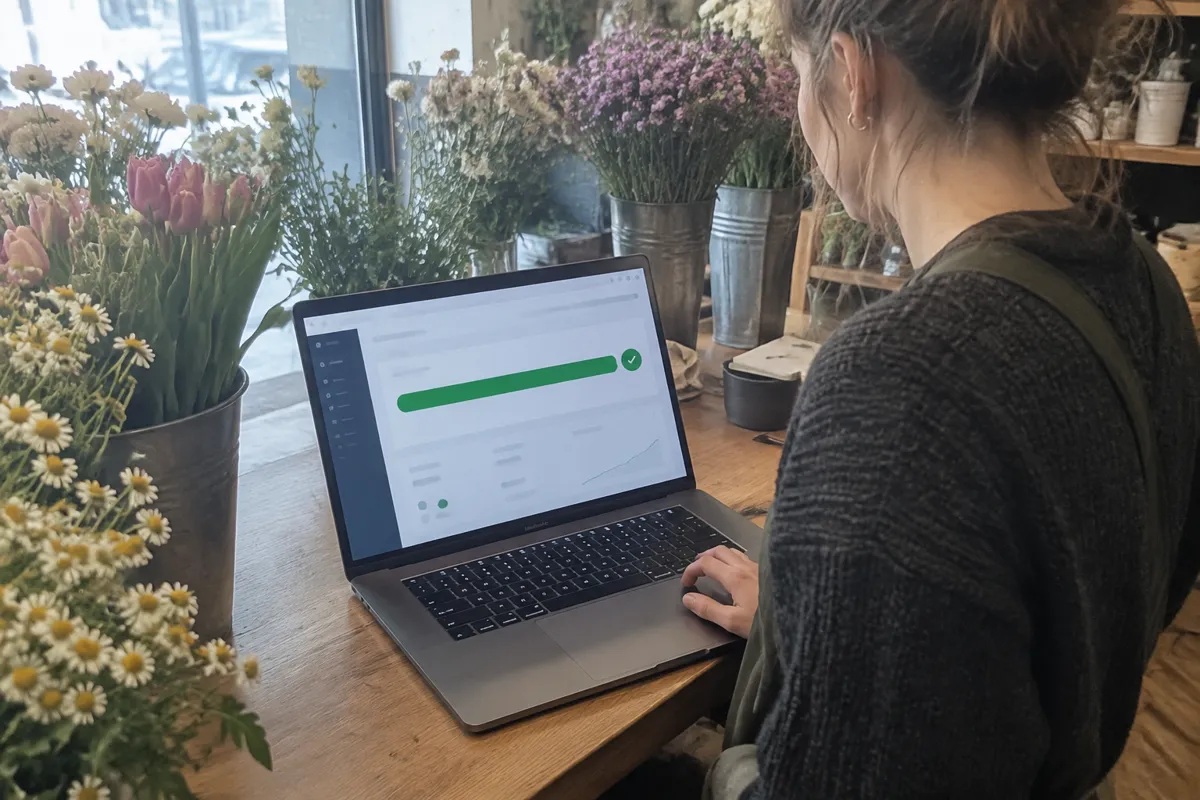
At midday she was wrapping a large arrangement when her phone buzzed. A customer had messaged her: Your website is down? She opened it on her phone and saw a plain white page with one line of black text. Error establishing a database connection.
She rang me with her hands still full of ribbon. I’ve seen a lot of things go wrong with a website, but I remember how exposed that sentence makes people feel. No pretty error page, no apology, just those five words. She imagined her whole shop, every product and every order, gone.
I tried her friend, who went to voicemail. The hosting company had a forty minute wait. So I told her to put the phone on speaker, and I took her through it while she worked.
She spent a good part of the hold time asking whether she should restore a backup. I’m so glad I talked her out of it. A restore would have overwritten orders that had come in that morning, and it would not have solved the real problem, because the disk would still have been full.
What the message really means
I explained it the way I wish someone had explained it to me, years ago when I was new to hosting. WordPress keeps everything, the products, the pages, the orders, in a database. That message means WordPress cannot talk to the database. It does not mean the database has been wiped. It means the door is shut.
There are a few common reasons. Wrong login details in the settings file, a corrupted table, a crashed database service, or a full disk. Nothing had been changed in the settings, so I asked her to open the control panel and check whether the database service was running.
It was not. She tried to start it and it failed straight away. When she opened the logs, the last lines mentioned being unable to write to a file. A little further down, a phrase that seemed important: no space left on device.
That is the best single piece of advice I can give anyone facing this screen. Do not reach for the big, dramatic fix first. Ask small questions in order. Is the database running? If not, why? What do the last lines of its log say? Each question takes a minute, and together they cost far less than a restore.
The fix
The disk usage screen showed one hundred percent. The server had run out of room. The culprit was easy to spot once we looked: a folder of old log files from a plugin that had been writing quietly for over a year. It had reached many gigabytes.
We deleted the oldest logs, which freed up enough space to breathe. Then she started the database service again, and this time it came up. She reloaded the website, and I could hear her heart going like a hummingbird. The shop was back. Every product. Every order. Nothing lost.
The whole outage was about forty minutes, and she missed some orders, which still stings. When her friend called back, he and I set a rule that rotates and trims the logs automatically, and an alert that emails both of us when the disk passes eighty percent. I also moved her backups off the server, because they had been sitting on the same full disk.
She now has a laminated card by her till with those three questions and her friend’s phone number. It looks a bit silly next to the ribbon. But the next time something odd happens on a busy Friday, whoever is working the shop, even a casual helper, can start the right way instead of panicking.

A few things I’d tell you
Since you’re here, here is what I learned alongside her.
- Do not panic about lost content. The database error usually means a service, not your data, is the problem.
- Check disk space first. A full disk is a quiet culprit.
- Look at the logs for the words no space left.
- Turn on log rotation and a disk space alert.
- Keep backups away from the server they are meant to protect.
She still sends me a photo of the till card every holiday weekend, with a little thumbs up. I take that as a good sign.
To sum it up
- Error establishing a database connection usually means the database is down, not that your content is gone.
- A full disk can stop the database service from starting.
- Check disk space and the service status before you restore anything.
- Set up disk space alerts and rotate logs so it does not sneak up on you.