The story
I fixed every plugin and still failed Core Web Vitals
I trimmed, compressed and deleted until there was nothing left to trim on a client's site. The report stayed red. Here's the bottleneck I'd been walking straight past.
By Marcus Feld, Infrastructure Editor · 6 min read
·
Disclosure: Some links on this page are affiliate links — if you sign up through one, we may earn a commission at no extra cost to you. It never changes our ratings, rankings or verdicts: we don't sell hosting and take no pay-for-placement.

A client of mine runs a small marketing consultancy, and her site is her shopfront. She’d been told by a prospect that it felt slow, and she asked me to sort it out. Servers are my job, so I assumed this would take an afternoon. It took three weekends, and it was a little humbling.
The test was Core Web Vitals, Google’s set of page experience measurements. Her site showed up red. Specifically the one about how fast the biggest thing on the page, usually the main image or headline block, appears.
The checklist marathon
I did all the things. I’m not proud of how thorough I was.
I compressed every image. I converted them to a modern format. I switched off a pile of plugins, swapped a heavy theme for a lighter one, delayed some scripts, added a caching plugin, then discovered she’d already installed a second caching plugin (never run two), and removed a font she loved.
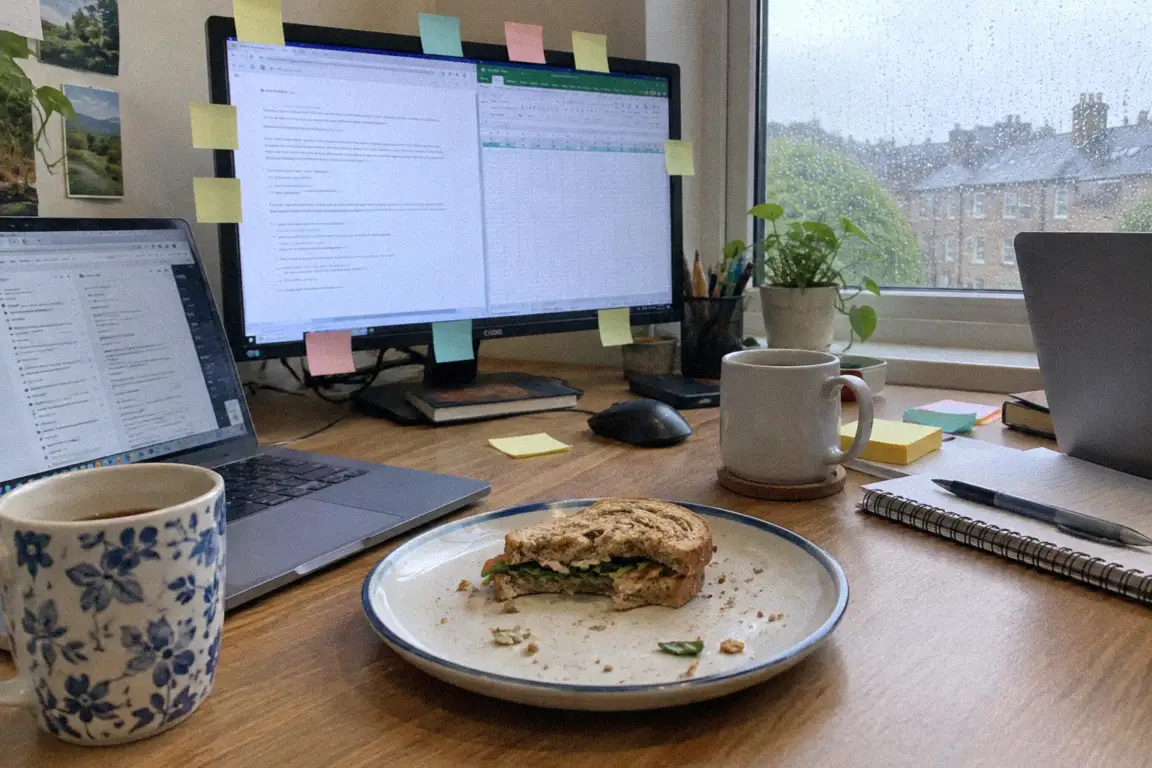
After each change I re-ran the report. It would wobble, a bit better, a bit worse, but stubbornly, the main number stayed in the red.
The line I’d been scrolling past
On the fourth weekend, mostly out of stubbornness, I stopped looking at the big colourful score and read the boring details underneath. After the years I’ve spent on servers, I should have started there.
There was a line about the server’s initial response, how long it took before her site even started sending anything back. It was the longest single delay on the whole page, by a distance.
I’d glossed over it because it wasn’t something a plugin could change. It’s the part of the stack I normally check first, and I’d got caught up in the front end like everybody else.

Here’s what was actually happening. The page can’t show its biggest element until the server has answered and sent the first piece. If that first answer takes a long time, everything downstream starts late. I’d been tuning the last mile of a journey that started with a very slow first step.
Proving it, without fooling myself
I didn’t want to leap to a conclusion. So I did a quick, slightly dull experiment: I made a bare-bones static test page on the same hosting account, no plugins, no theme, one paragraph, and ran the same test on it.
Even that answered slowly. Nothing I’d done to her real site could possibly have been the cause, because a page with nothing on it had the same delay. Time to first byte is the number I always trust, and it was well past what a healthy server gives you.
What I did about it
I asked her host’s support whether the response time on her plan was expected. They were polite, but the honest answer was that it was a crowded shared environment and this was roughly what she’d get.
So I tested a couple of alternatives, a managed plan and a small cloud setup, using that same blank test page as a yardstick. One of them answered far more quickly. I moved the real site, kept my sensible plugin clean-up, and the report went green for the main measurement.

To be fair, I don’t want to oversell it. Hosting isn’t the only thing that affects these scores, and a heavy page on a fast server can still be slow. But in her case it was the missing piece, and I’d have found it in week one if I’d looked at the right line.
She was kind about the three weekends. What I told her, and what I’d tell anyone, is that the order matters. You check the foundation before you start decorating it. Measure the server with a blank page, and then decide whether the plugins deserve your evening at all.
The explanation I gave her
When I told my client what we’d found, I tried to keep it plain. I said a website is a bit like a shop counter. You can arrange the shelves beautifully, but if the person behind the counter takes ten seconds to say hello, customers feel the delay before they see a single product. Her shelves were fine. The hello was slow.
She asked a sensible question: why hadn’t anyone told her sooner? The honest answer is that most speed advice online is written about the things you can click, such as images, plugins and themes, because those are easy to explain. The server’s reply time is less visible, and it depends on how crowded the machine is and how well it’s set up. It deserves a place at the top of any speed checklist, ahead of everything else.
A few things I’d tell you
- Read the details, not just the score. Look for the server response or “time to first byte” line.
- Test a blank page on the same hosting. If it’s slow too, your plugins aren’t the problem.
- Do the easy optimisation anyway, but stop when it stops helping.
- Ask your host directly what response time is normal for your plan.
- Compare with the same yardstick. Same page, same tool, different hosts.
I’ve stopped believing that every red number is a plugin’s fault. Sometimes the foundation is what needs looking at.
To sum it up
- A slow server response feeds straight into your largest-content-paint time and sets the starting line for everything.
- Optimising plugins and images is worth doing, but find the real bottleneck first.
- Read the report's server response / first byte line before touching another setting.
- You can't optimise your way out of a slow foundation.