Website Builder vs Web Hosting

WordPress & Managed Editor
Disclosure: Some links on this page are affiliate links — if you sign up through one, we may earn a commission at no extra cost to you. It never changes our ratings, rankings or verdicts: we don't sell hosting and take no pay-for-placement.
Who it's for
- First-time website owners
- Non-technical small businesses
- Anyone comparing DIY builders vs traditional hosting
- Developers explaining the trade-off to clients
Website builder vs web hosting is often the very first decision anyone building a website makes, before they even get to comparing specific types of web hosting. A website builder (Wix, Squarespace, Shopify, and similar platforms) bundles hosting, a visual drag-and-drop editor, templates, and often a domain into one closed product. Web hosting alone is just the infrastructure — a server to run your site on — leaving you to choose, install, and configure the actual website software yourself.
Website Builder vs Web Hosting: What Each Actually Provides
A website builder is an all-in-one platform. Sign up, pick a template, drag and drop content, and the site is live on the builder’s own hosting infrastructure, which you never see or manage directly. Web hosting is infrastructure-only: you rent server space, then install or build the site software that runs on it — WordPress, another CMS, a custom-coded site, or a static site generator. Hosting gives you a blank server; a website builder gives you a finished tool with hosting baked in and hidden from view.
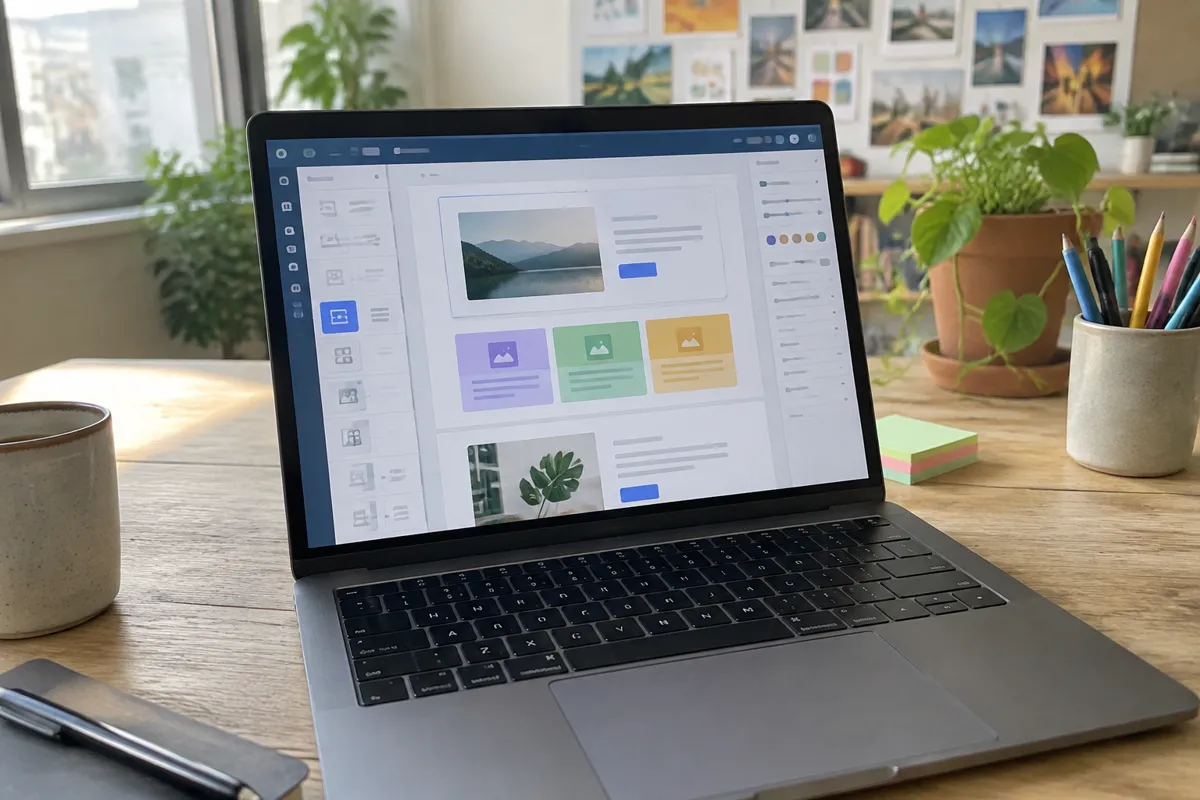
Website Builder vs Hosting: Flexibility and Cost Delta
| Factor | Website Builder | Web Hosting |
|---|---|---|
| What’s included | Hosting + editor + templates, all-in-one | Infrastructure only |
| Setup effort | Very low — drag-and-drop | Moderate — install/configure software yourself |
| Customization | Limited to the platform’s tools and templates | Unlimited, if you have the technical skill |
| Portability | Usually locked to the platform, hard to export | Fully portable — move to any host |
| Typical price | $15–$50/month, all-inclusive | $3–$80+/month for infrastructure alone (software often free) |
| Technical skill required | None | Low to high, depending on the software chosen |
| Best for | Beginners, simple sites, fast launch | Anyone needing flexibility, custom features, or portability |
Website Builder vs Web Hosting: Control Delta
This is the sharpest divide between the two. A website builder deliberately limits what you can change. That constraint is what makes it easy to use, since there’s no server to misconfigure and no software to break. Web hosting places no such ceiling on you: install any software, customize any code, add any feature a server can support. The trade-off is direct — the same lack of restriction that gives web hosting its flexibility is what makes it harder for a complete beginner to start with. That’s why best hosting for beginners usually recommends shared hosting with one-click installers as the middle ground.

Website Builder vs Web Hosting: Choose a Website Builder If / Choose Web Hosting If
Choose a website builder if:
- You want the fastest possible path from nothing to a live site
- You have no interest in learning any technical setup
- Your site’s needs fit within the builder’s template and feature set
- You’re not concerned about long-term platform lock-in
Choose web hosting if:
- You want full control over the site’s design, features, and code
- You need the ability to move the site to a different provider later
- Your project needs software the builder doesn’t offer (a specific CMS, custom app, etc.)
- You’re comfortable with, or willing to learn, basic setup like how to set up web hosting
Migration Path: Website Builder to Web Hosting
This is the one migration path on this site that isn’t a simple technical transfer. Most website builders don’t allow exporting the site’s actual structure and design to run independently, because the builder’s editor and the site are the same closed system. In practice, moving from a website builder to independent web hosting usually means rebuilding the site from scratch on the new infrastructure (WordPress or otherwise), then redirecting the domain once the new site is live. Content (text, images) can typically be copied over manually; the design and platform-specific features generally cannot.
FAQ
Can I move my website-builder site to regular web hosting later? Generally not directly — most builders don’t export a portable site file. You’ll typically need to rebuild the site on the new hosting, copying over content but not the design or platform-specific features.
Is a website builder cheaper than web hosting? It depends what you compare. A website builder’s all-inclusive price often looks similar to or higher than basic shared hosting plus free software like WordPress, but hosting requires more of your own setup time in exchange.
Do website builders use real web hosting behind the scenes? Yes — every website builder site runs on the platform’s own hosting infrastructure. You never manage it directly, which is the entire point of the product, but it’s still, structurally, web hosting underneath.
Is web hosting harder to use than a website builder? For a completely non-technical user, yes, initially. Shared hosting with a one-click WordPress installer narrows that gap significantly, though it still requires more setup than a pure drag-and-drop builder.
For the infrastructure side of this decision, see types of web hosting and what is web hosting, or browse all hosting comparisons.