What Is a Hypervisor?

Infrastructure Editor
Disclosure: Some links on this page are affiliate links — if you sign up through one, we may earn a commission at no extra cost to you. It never changes our ratings, rankings or verdicts: we don't sell hosting and take no pay-for-placement.
Who it's for
- Website owners researching how VPS hosting actually works
- Students learning virtualization technology
- Developers evaluating hosting infrastructure
By Marcus Feld, Infrastructure Editor (former data-center systems engineer)
What Is a Hypervisor? A Plain Definition
A hypervisor is the specific piece of software responsible for creating, running, and managing virtual machines on a physical server. It sits between the physical hardware and each virtual machine, allocating CPU, memory, and storage to every virtual machine according to its configured share. At the same time, it keeps each one isolated from the others running on the same underlying computer. Server virtualization is the broader concept; the hypervisor is the actual software making it happen.
The Analogy: The Building Manager Who Enforces the Apartment Walls
If splitting a house into apartments is the analogy for virtualization, a hypervisor is the building manager who actually enforces those divisions day to day. It makes sure each apartment’s utilities are metered correctly and that noise and activity in one unit don’t disrupt another. No tenant can force their way into a neighboring unit. The hypervisor performs that same enforcement role at the software level. It constantly manages which virtual machine gets access to which slice of the physical machine’s resources, moment to moment.
How Hypervisors Connect to Hosting
Hypervisor software is the technical foundation underneath every VPS hosting plan sold commercially. When a hosting provider offers a VPS plan, they’re really offering a virtual machine created and managed by a hypervisor running on one of their physical servers. The choice of hypervisor software affects performance characteristics, security isolation, and how flexibly resources can be adjusted. But it’s almost always invisible to the end customer, who just experiences the result as “my own private virtual server.”
Two Types of Hypervisors
- Type 1 (bare-metal) hypervisors run directly on the physical server’s hardware, without a separate general-purpose operating system underneath. This is the standard approach for commercial hosting, chosen for better performance and stronger isolation. Common examples include VMware ESXi and KVM.
- Type 2 (hosted) hypervisors run as an application on top of an existing operating system, like running virtualization software on a regular desktop computer. This approach is more common for personal use, software testing, and development, rather than commercial hosting at scale.
Commercial hosting providers overwhelmingly rely on Type 1 hypervisors, since removing the extra operating-system layer improves both performance and the strength of isolation between customers.
Related Terms
Server virtualization
The broader concept and outcome the hypervisor produces.
VPS hosting
The commercial hosting product built on hypervisor technology.
Physical server / host machine
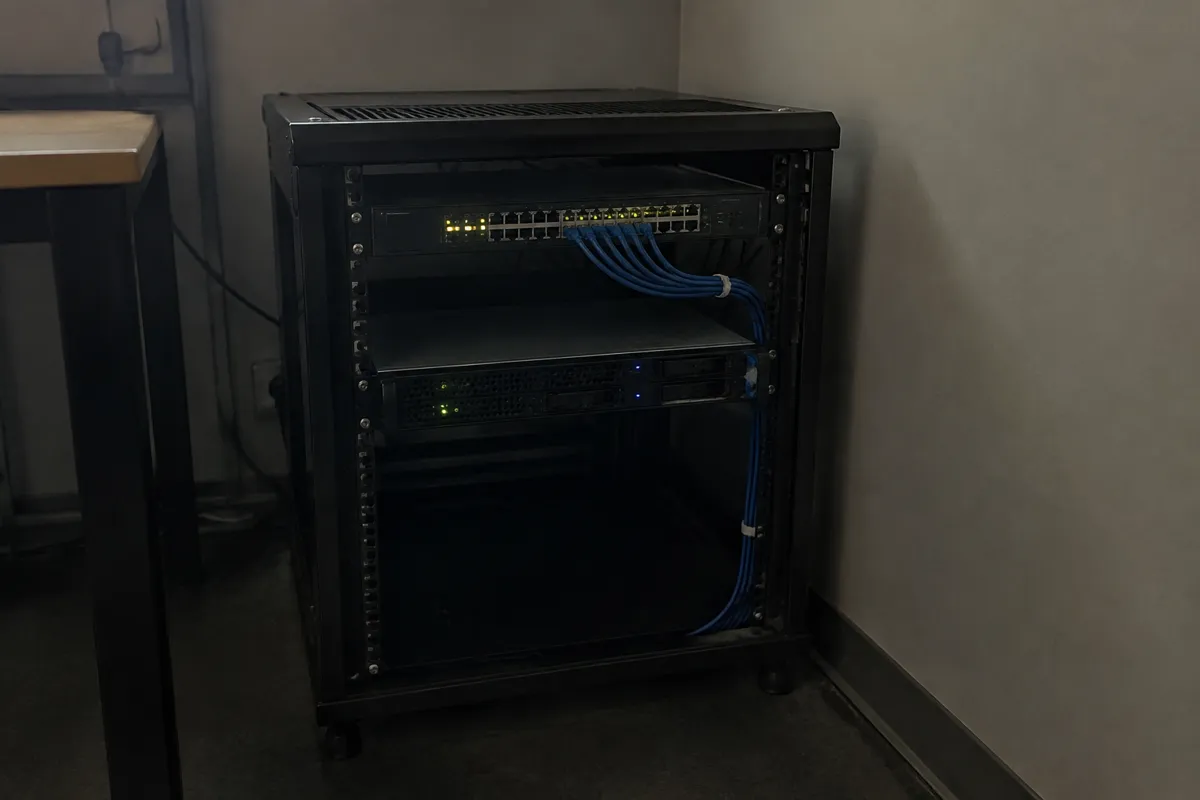
The actual hardware a hypervisor manages and divides.
Guest OS
The operating system running inside each individual virtual machine created by the hypervisor.
A Concrete Example
A hosting company runs KVM, a widely used Type 1 hypervisor, directly on its physical servers. When a customer purchases a new VPS plan, the hypervisor creates a fresh virtual machine. It allocates two CPU cores, 4GB of RAM, and 80GB of SSD storage exactly as promised in the plan, and installs the operating system the customer chose. From that point forward, the hypervisor continuously manages that virtual machine alongside dozens of others on the same physical server. It makes sure none of them exceed their allocated share or interfere with each other, even under heavy simultaneous load.

Common Misconception
A common misconception is assuming a hypervisor is a full operating system itself, running general-purpose software the way Windows or Linux does. In reality, a bare-metal hypervisor is a highly specialized, minimal piece of software whose only job is managing virtual machines efficiently. It typically doesn’t run everyday applications directly at all. Another frequent mix-up is assuming all hypervisors are essentially identical in performance and features. In practice, different hypervisor technologies vary meaningfully in overhead, security track record, and flexibility. That’s part of why some hosting providers advertise which specific hypervisor technology powers their VPS plans.
FAQ
Do I need to know or choose which hypervisor my VPS runs on? Most customers never need to. The hosting provider selects and manages the hypervisor as part of the infrastructure. It becomes relevant mainly for advanced technical evaluation or specific compatibility requirements.
Can a hypervisor fail and take down every virtual machine on it? It’s rare with modern, mature hypervisor software. But a serious hypervisor-level or physical hardware failure can affect every virtual machine running on that particular server. That’s why redundancy across multiple physical servers matters for critical workloads.
Is a hypervisor the same thing as a hosting control panel? No. A hypervisor manages virtual machines at the infrastructure level, invisible to most customers. A control panel, like cPanel, is a separate, customer-facing tool for managing a website’s files, domains, and settings within a single hosting account.
What’s the most common hypervisor used by hosting providers? KVM and VMware are among the most widely used in commercial hosting. The specific choice varies by provider and is rarely a detail customers need to evaluate directly.