Minecraft Server Hosting

Infrastructure Editor
Disclosure: Some links on this page are affiliate links — if you sign up through one, we may earn a commission at no extra cost to you. It never changes our ratings, rankings or verdicts: we don't sell hosting and take no pay-for-placement.
Who it's for
- Minecraft server admins
- Friend-group and small-community server owners
- Modded server (Forge/Fabric) hosts
- Larger public Minecraft community operators
Minecraft is, by a wide margin, the single most-searched specific game behind “game server hosting” queries. It has genuinely specific sizing requirements. A general game-hosting answer glosses over most of them. Unlike most games, hosting providers can’t just publish a rough player-count tier for Minecraft. Its resource demand is driven by three independent variables. Player count, world size, and mod or plugin load each multiply RAM and CPU demand on their own. This page works through exactly how those variables interact. It also covers which hosting type fits different Minecraft server sizes, and how to avoid the sizing mistakes that cause the most lag complaints.
Minecraft Server Hosting Basics
At its core, minecraft server hosting runs a single Java Edition (or, for Bedrock, a different native) process. That process simulates the entire world state continuously. Every loaded chunk, every entity, every redstone circuit updates whether or not players are actively interacting with it. That’s fundamentally different from a typical website’s request-response pattern. The server does real, ongoing computational work every tick, whether one player is online or forty.
What Is the Best Minecraft Server Hosting?
The best minecraft server hosting matches resources to your actual server type, not just your player count. RAM is the resource most guides emphasize, and for good reason. It holds loaded chunks, entity data, and, for modded servers, the memory overhead of every installed mod. CPU matters just as much, particularly single-thread performance. A large share of the vanilla server’s tick processing is still single-threaded, even on modern versions. A server with many cores but weak per-core performance can still lag under heavy simulation load.
Minecraft Server RAM Requirements by Server Type
- Small vanilla server (2–10 players): 2–4 GB minecraft server ram is typically sufficient for a small friend-group world with modest exploration.
- Medium vanilla or lightly-plugin server (10–30 players): 4–8 GB RAM, with plugins (permissions, economy, anti-grief tools) adding modest overhead on top of the base requirement.
- Heavily modded server (Forge or Fabric, any player count): Mods can add anywhere from a few hundred MB to several GB of overhead each, depending on complexity. A modest modpack often needs 6–8 GB minimum, even at low player counts. A large modpack can require 12+ GB regardless of how many players are online. The mods themselves — not the players — drive that memory use.
- Large public server (30+ concurrent players): 8–16+ GB RAM becomes necessary, often paired with performance-focused server software like Paper instead of vanilla, to offload tick work more efficiently.
World size compounds all of the above. A server that’s run for years with a large explored map keeps more chunks and entity data in memory and on disk than a fresh world, even at the same player count. Pre-generating or trimming an unused world can meaningfully reduce ongoing resource demand on an established server.
Minecraft Server CPU Requirements
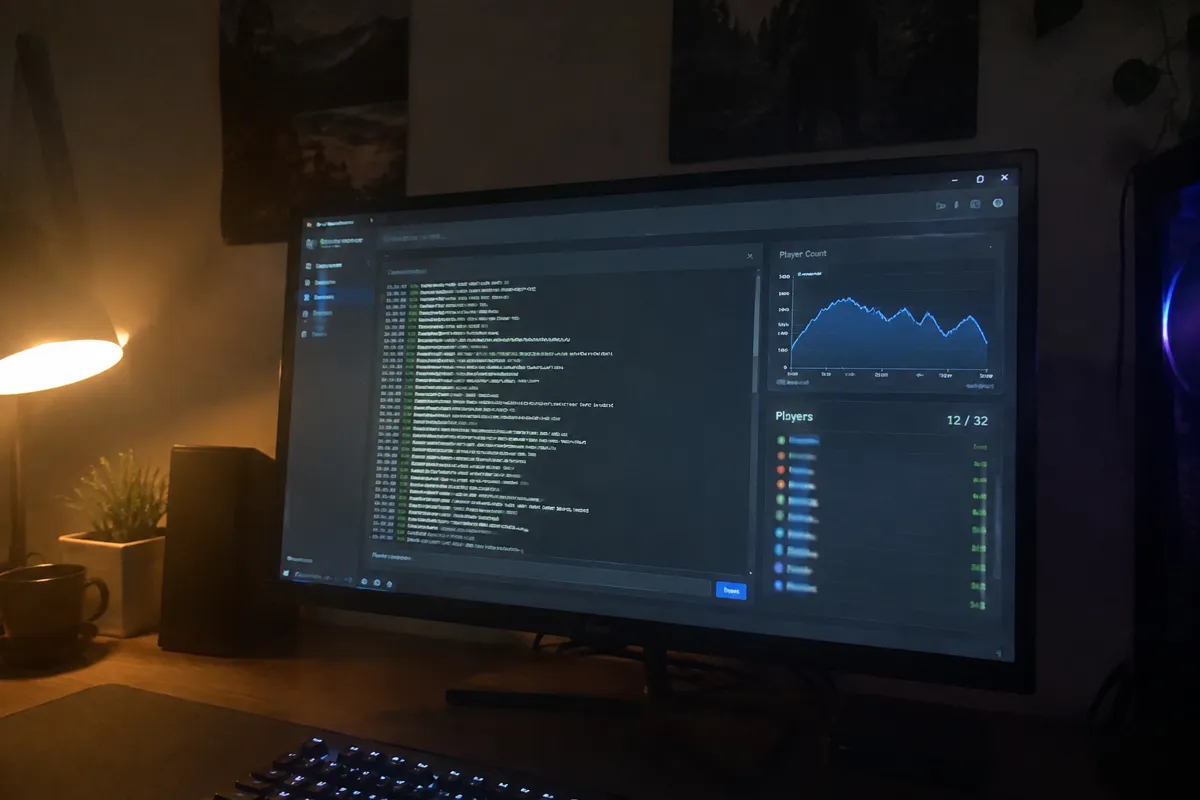
Minecraft server cpu demand is lighter than RAM for small servers, but it scales fast with population and mods. CPU demand stays light for a small vanilla server. A shared or entry VPS core handles that comfortably. A dedicated VPS core becomes worth the cost for a medium server, once plugins add tick overhead on top of the base load. Large or heavily modded servers need dedicated, high-single-thread-performance CPU cores. Core count matters less than fast individual cores, because Minecraft’s tick processing is still largely single-threaded.
Minecraft VPS Hosting: Best Fit for Small-to-Medium Servers
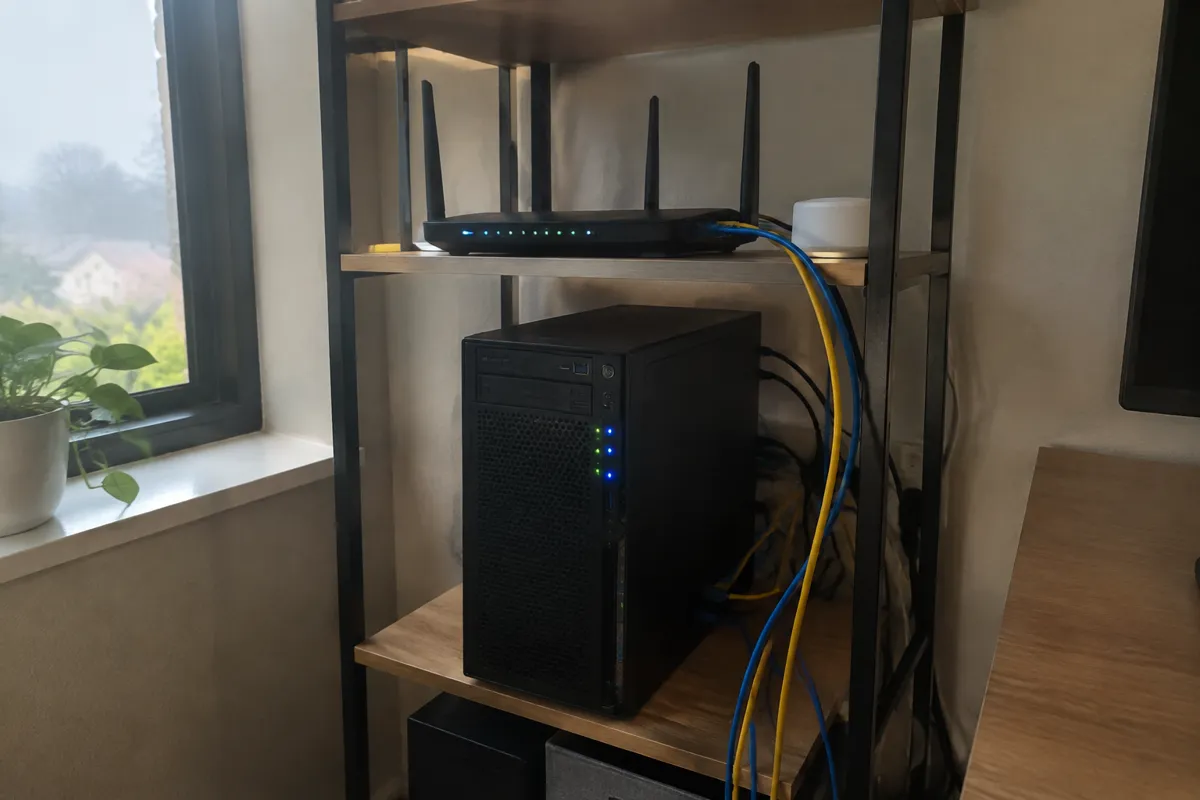
For a small-to-medium server — friends, a small community, a lightly plugin-modified survival world — minecraft vps hosting with dedicated (not burstable or shared) CPU cores is the right default. It’s cost-effective. It gives full control over the Minecraft server software and its configuration. It comfortably handles the RAM tiers described above for small and medium servers. Many providers also offer specialized Minecraft hosting panels built on VPS infrastructure. These panels simplify mod installation, backups, and player or permission management, without changing the underlying resource math. See VPS hosting for how the tier works generally.
Minecraft Dedicated Server: When You Need One
A minecraft dedicated server is the better fit for a heavily modded server, or any server supporting a large, consistently active player base. It removes any risk of another tenant’s workload affecting tick performance on shared infrastructure. It provides the sustained CPU and RAM headroom that heavy modpacks and large populations need, without hitting a resource ceiling during peak play hours. See dedicated hosting for the broader dedicated-server case.
Whichever type you choose, server location deserves the same weight as raw hardware specs. Minecraft is real-time and latency-sensitive. A server hosted far from most of the player base will feel laggy in combat and building interactions, no matter how much RAM and CPU it has. Test actual ping from your players’ locations, not just the region label a provider advertises.
Minecraft Mods Hosting and Resource Overhead
Minecraft mods hosting changes the resource math entirely, because mods drive memory use independently of player count. A modest modpack can need 6–8 GB minimum even with few players online. A large modpack can push past 12 GB regardless of population, since each installed mod adds its own overhead. Confirm your host allows full file access or dedicated modpack management tools before committing to a heavily modded build.
Minecraft Player Slots and Server Sizing
Minecraft player slots are only one input into sizing, not the whole picture. A plan built around slot count alone often under-provisions RAM once mods, plugins, and world size are added on top. Size the plan against player slots, mod load, and world size together, not slots in isolation.
Minecraft Server TPS and Lag Causes
Minecraft server tps (ticks per second) is the clearest real-time signal of server health, and it should sit at or near 20 under normal load. TPS drops when RAM runs short, when CPU can’t keep up with tick processing, or when world size and entity count grow past what the hardware can simulate each tick. Performance-focused software like Paper or Spigot can help recover TPS by offloading some tick work that vanilla and Forge handle less efficiently.
Java vs Bedrock: Which Edition Are You Hosting?
The java vs bedrock decision changes both the software stack and, in some cases, the resource profile. Java Edition and Bedrock run on different server software with different plugin and mod ecosystems. Java supports the mature Forge, Fabric, Paper, and Spigot ecosystem. Bedrock’s ecosystem is smaller and structured differently. Some hosting providers support both editions natively. Others require different setups or panels for each. Cross-play between the two editions needs specific server software, commonly Geyser, layered on top. Confirm before buying which edition — or both — the hosting plan actually supports.
DDoS Protection for Minecraft Servers
DDoS protection is non-negotiable for any public Minecraft server, since public servers are a frequent target for disruption. A DDoS attack can knock a server offline during peak play hours with no warning. Confirm the host filters attack traffic at the network edge, not just at the server itself, before it becomes a live problem.
Key Minecraft Server Hosting Features to Demand
- Dedicated (not shared/burstable) CPU cores, since inconsistent CPU access directly causes tick lag.
- RAM allocation matched to your actual server type — player count, mod load, and world size together, not player count alone.
- A server location near your player base, verified with real ping tests.
- DDoS protection, since public Minecraft servers are a frequent target for disruption.
- Automated world backups, with fast restore, given how much time investment a lost world represents.
- Mod/plugin management tooling or at minimum full file access for installing and updating a modpack.
- Support familiar with Minecraft server administration, not just generic VPS troubleshooting.
Minecraft Server Hosting Budget Range and Scale Trajectory
A small VPS-based Minecraft server for a friend group runs roughly $5–$20/month. A medium server with plugins or a light modpack runs $15–$40/month. Heavily modded or larger public servers on dedicated hardware run $50–$150+/month depending on player count and modpack complexity. See best game server hosting for how this compares to general game-hosting pricing, and web hosting cost for the broader cost landscape.
The upgrade trigger is rarely a calendar date. It’s a specific symptom: consistent tick lag during peak hours despite good network conditions, players reporting rubber-banding or delayed block updates, or the server crashing when a modpack update adds memory overhead the current plan can’t absorb. Any of those is a real signal to size up RAM, move to dedicated CPU cores, or, for the most demanding modded and large-population servers, move to a dedicated server entirely.
Common Minecraft Server Hosting Mistakes
- Sizing RAM to player count alone, ignoring mod/plugin overhead and world size, both of which drive memory use independently of who’s actually online.
- Choosing a distant server location to save a few dollars, degrading gameplay for the majority of players.
- Running a heavy modpack on a plan sized for vanilla gameplay, then blaming the hosting provider for lag that’s really a resource mismatch.
- No backup strategy on a world that represents months or years of collaborative building.
- Ignoring CPU single-thread performance in favor of core count alone — Minecraft’s tick processing benefits more from fast individual cores than from many mediocre ones.
Minecraft Server Hosting Decision Checklist
- Identify server type: vanilla, lightly modded/plugin, or heavily modded — this drives the RAM tier more than player count alone.
- Estimate world size and whether it will be pre-generated, trimmed, or left to grow indefinitely.
- Confirm dedicated CPU cores, not shared/burstable, on any VPS plan under consideration.
- Test or confirm server location against your actual player base’s location.
- Confirm Java, Bedrock, or cross-play support matches what your community needs before buying.
- Compare against best game server hosting if evaluating other games alongside Minecraft.
FAQ: Hosting for a Minecraft Server
How much RAM does a Minecraft server need? It depends on player count, world size, and mod/plugin load together. A small vanilla server for a few friends needs 2–4 GB; a heavily modded server can need 8–16+ GB regardless of how many players are online, because mods drive memory use independently of population.
Is VPS or dedicated hosting better for Minecraft? VPS with dedicated CPU cores fits small-to-medium servers well. Dedicated servers fit heavily modded or large public communities where consistent, high headroom matters more than cost efficiency.
Does server location really matter for Minecraft? Yes. Latency is a function of physical and network distance between server and player, and Minecraft’s real-time combat and building interactions make lag from a distant server obvious immediately.
For the broader game-hosting decision framework, see best game server hosting, and for the general fit framework this site uses across every use case, see best web hosting.