Shared vs VPS Hosting

Infrastructure Editor
Disclosure: Some links on this page are affiliate links — if you sign up through one, we may earn a commission at no extra cost to you. It never changes our ratings, rankings or verdicts: we don't sell hosting and take no pay-for-placement.
Who it's for
- New site owners on a budget
- Growing blogs and small stores
- Sites hitting resource limits
- Anyone comparing entry-level hosting types
Choosing between shared vs VPS hosting is usually the first real infrastructure decision a website owner makes. Both are entry-to-mid-tier hosting types. But they solve the resource-allocation problem in opposite ways: shared hosting pools resources across many customers on one server, while VPS hosting partitions a server into isolated virtual slices, each with a guaranteed allocation. Understanding that structural difference explains every downstream difference in price, performance, and control.
Shared vs VPS Hosting: How the Server Is Divided
On shared hosting, one physical server runs the operating system, web server software, and control panel once. Every customer account draws from the same pool of CPU, RAM, and I/O. There’s no hard wall between accounts beyond software-level limits. A neighboring site’s traffic spike can slow your site down — a pattern known as the “noisy neighbor” effect.
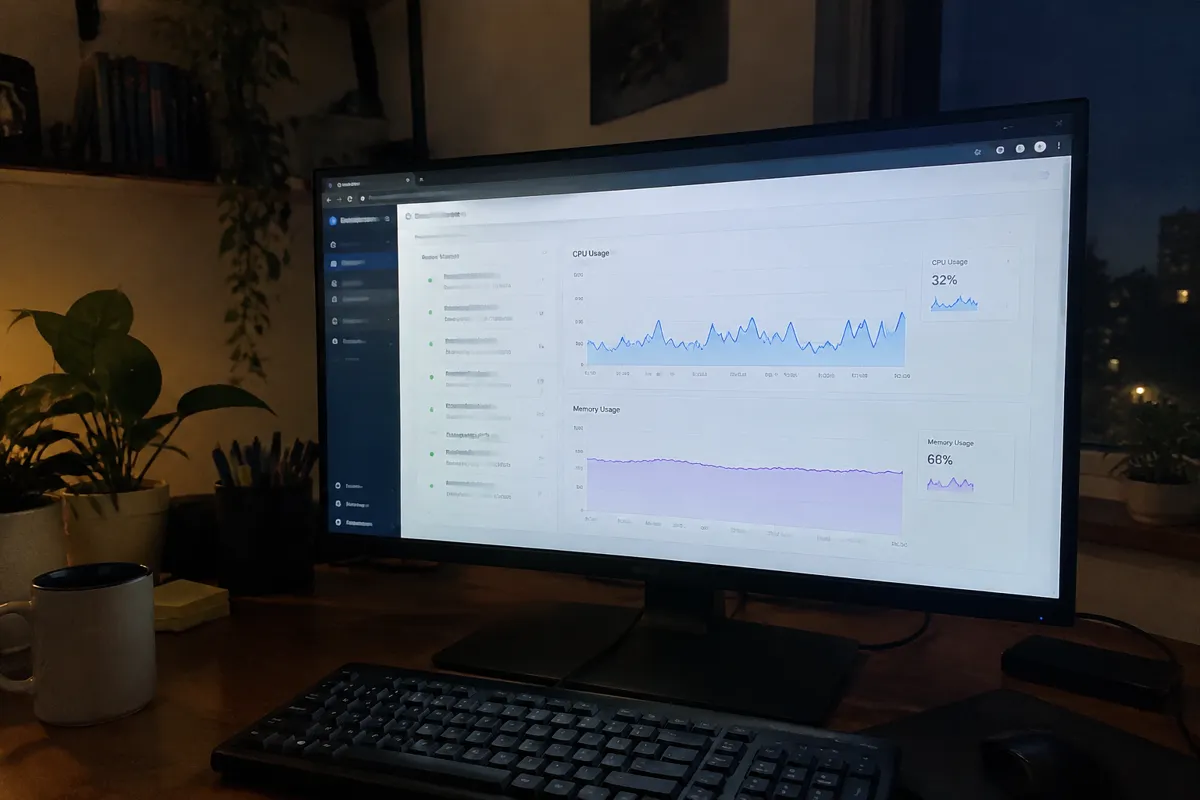
VPS hosting uses virtualization (see what is server virtualization) to carve one physical server into several virtual machines. Each machine gets its own operating system instance and a fixed allocation of CPU, RAM, and storage. Other accounts on the same physical hardware cannot consume your allocated resources. This isolation is the core reason VPS costs more and performs more predictably.
Shared vs VPS: Price Delta
| Factor | Shared Hosting | VPS Hosting |
|---|---|---|
| Typical entry price | $3–$8/month | $15–$40/month |
| Typical mid-tier price | $8–$15/month | $40–$80/month |
| Billing model | Flat monthly, resource-pooled | Flat monthly, resource-guaranteed |
| Resource isolation | None (shared pool) | Dedicated virtual slice |
| Root/SSH access | Rarely available | Standard on most plans |
| Server management | Fully managed by host | Self-managed (unmanaged) or managed add-on |
| Traffic ceiling | Low-to-moderate | Moderate-to-high |
| Best for | New, low-traffic sites | Growing sites, apps, developers |
The price gap is the direct cost of isolation. A host can sell far more shared accounts per physical server than VPS slices, and passes that density saving on.
Shared vs VPS Hosting: Performance Delta
Shared hosting performance is capped by two things: the fixed resource limits your plan allows (see hosting resource limits), and contention from other accounts on the same box. A well-optimized small site runs fine on shared hosting most of the time. But traffic spikes — yours or a neighbor’s — can cause visible slowdowns.
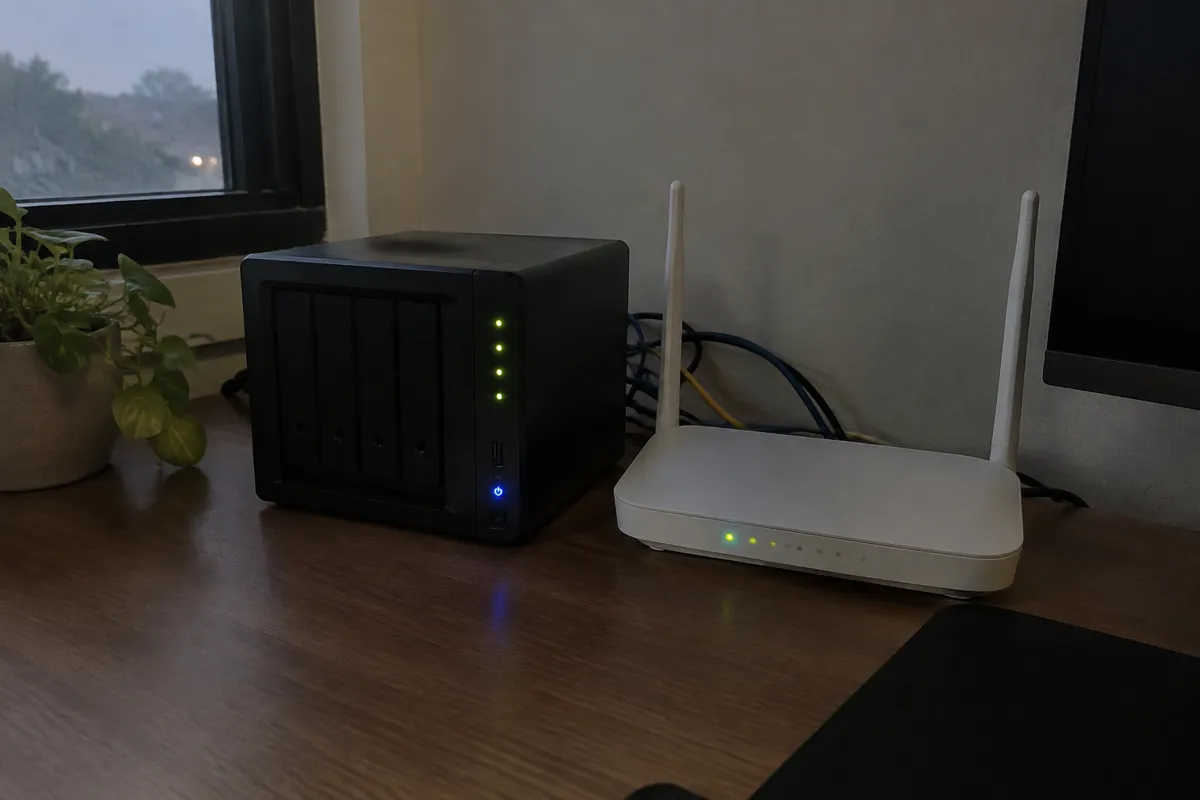
VPS hosting removes the neighbor-contention variable entirely. Your CPU and RAM allocation is yours, regardless of what other virtual machines on the physical host are doing. Response times under load stay far more consistent. That’s why VPS is the standard recommendation once a site outgrows shared-tier resource limits.
Shared vs VPS Hosting: Control Delta
Shared hosting trades control for simplicity. You get a control panel, one-click installers, and no server administration burden. But you cannot install custom software, tune the web server configuration, or get root access. VPS hosting hands you a full virtual server instead — root or administrator access, the ability to install any software stack, and full control over configuration. The cost is that you need to manage (or pay someone to manage) that server yourself.
Shared vs VPS Hosting: Choose Shared If / Choose VPS If
Choose shared hosting if:
- You’re launching a new site with low or unproven traffic
- You want zero server-management responsibility
- Budget is the primary constraint
- You don’t need custom software, specific runtime versions, or root access
Choose VPS hosting if:
- Your site is outgrowing shared resource limits (slow load times at peak traffic)
- You need root/SSH access to install or configure custom software
- You’re running an application, not just a website
- You want performance that doesn’t depend on what other accounts are doing
Migration Path: Shared to VPS
Moving from shared to VPS hosting typically follows five steps. Back up the full site, including the database and files. Provision the VPS and install the required software stack — web server, database, and language runtime. Migrate the files and database. Test the site on the VPS’s temporary IP or a staging subdomain. Then cut DNS over once everything is verified. Because a VPS starts as a blank server rather than a pre-configured shared environment, the setup step takes materially longer than a shared-to-shared move. Budget for that when planning the switch.

FAQ
Is VPS hosting always faster than shared hosting? Not automatically — a poorly configured or under-resourced VPS can underperform a well-optimized shared account. But at equal traffic levels, VPS removes the neighbor-contention risk that caps shared hosting’s ceiling.
Can I upgrade from shared to VPS without downtime? With planning, yes. Set up and test the VPS in parallel. Then switch DNS once it’s verified — see how to migrate a website for the general process.
Do I need to know Linux commands to use VPS hosting? For unmanaged VPS, yes, at least basic command-line skills. Managed VPS plans handle server administration for you, closing much of that gap — see managed vs unmanaged hosting.
Is shared hosting insecure compared to VPS? Shared hosting is generally secure for typical use. But VPS’s isolation means one compromised account on the same server cannot directly affect yours — a structural security advantage VPS holds by design.
For the full type breakdown each option sits inside, see shared hosting and VPS hosting, or browse all hosting comparisons.