Zero-Downtime Website Migration

WordPress & Managed Editor
Disclosure: Some links on this page are affiliate links — if you sign up through one, we may earn a commission at no extra cost to you. It never changes our ratings, rankings or verdicts: we don't sell hosting and take no pay-for-placement.
Who it's for
- Developers migrating business-critical sites
- Ecommerce site owners
- Agencies managing high-traffic client sites
- DevOps-minded website owners
By Elena Novak, WordPress & Managed Editor
What Zero-Downtime Migration Actually Means
Zero-downtime migration is a website migration executed so that visitors never encounter an error, a blank page, or a service interruption at any point during the move to a new host. It isn’t a different migration process from the one described in how to migrate a website. It’s the same seven stages, done with enough overlap and preparation that the DNS propagation window never actually produces visible downtime. The propagation window normally carries some risk, but careful sequencing removes it.
The core principle: the old server keeps answering every request right up until the new server has proven, independently, that it can take over. DNS propagates gradually enough that both servers may briefly answer requests in parallel, so both need to be correct at the same time.
The Overlap Principle
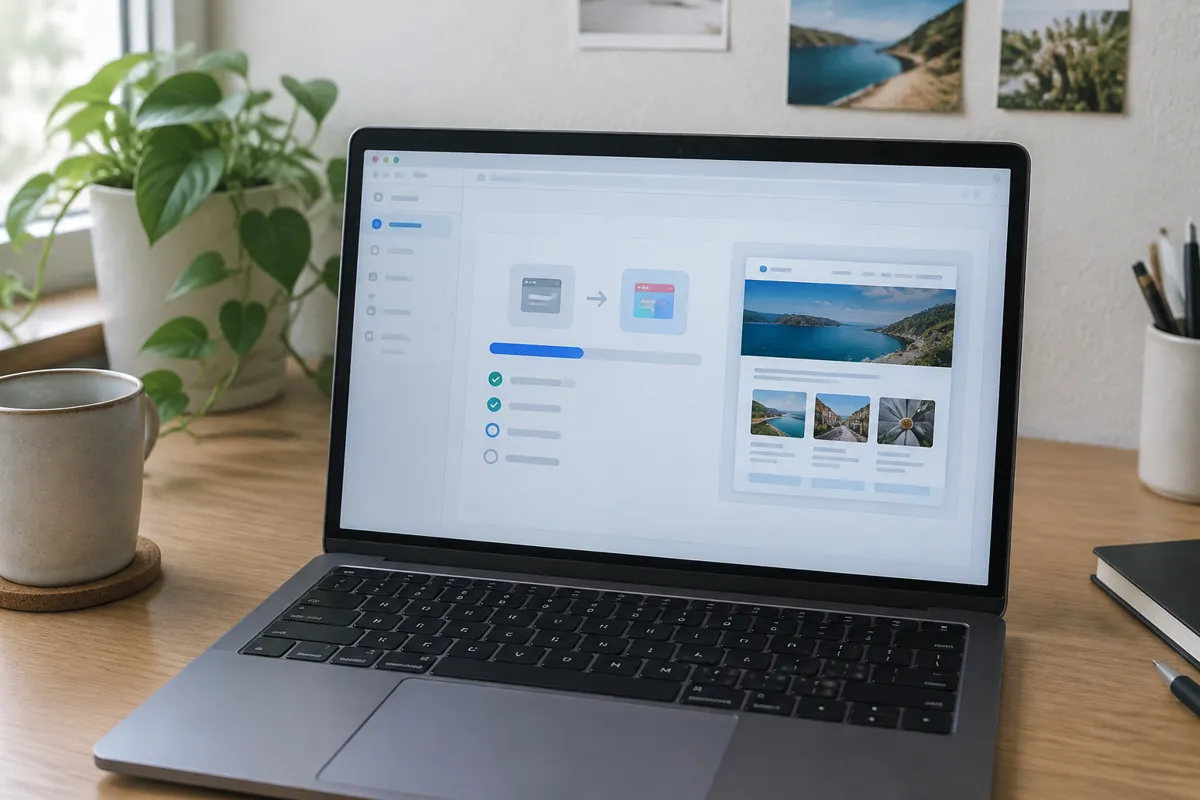
Standard migrations tolerate a short gap where the old server might be offline before the new one is confirmed live. Zero-downtime migration removes that gap entirely. It keeps the old server fully operational through the entire cutover window, including the hours or days it takes DNS propagation to fully complete across every resolver on the internet.
This means:
- The old hosting account stays active and untouched — not paused, not in maintenance mode — until traffic has fully shifted.
- The new server is verified working against its temporary URL before DNS ever changes.
- Both servers may serve real visitors simultaneously during propagation. Anything that changes site state, like a database write or a form submission, needs a strategy — see below.
Step-by-Step: Zero-Downtime Migration
- Lower the domain’s DNS TTL to a low value (300 seconds or less) at least 48 hours before the planned cutover. This is what compresses the propagation window from potentially days down to minutes.
- Fully build and verify the new environment — files, database, SSL, email — against a temporary URL, completely independent of DNS.
- Set up a database sync or freeze strategy for any site that accepts writes (ecommerce orders, form submissions, comments). Options include a one-way sync from old to new during the overlap window. Alternatively, briefly put the site into a read-only/maintenance state for writes only, while reads stay fully live.
- Change the DNS record once the new environment is fully verified and the TTL has already been shortened.
- Monitor both servers during propagation — check server logs on both to confirm traffic is shifting as expected and nothing is erroring on either side.
- Reconcile any data written to the old server during the overlap window into the new server’s database once propagation is confirmed complete.
- Decommission the old server only after a full monitoring period. Confirm 100% of traffic has shifted and no further requests are landing there.
Handling Data Written During the Transition
The hardest part of zero-downtime migration isn’t the file transfer. It’s making sure nothing written to the site during the overlap window gets lost. For a static or mostly-read site, this isn’t a real concern. For an ecommerce store or any site accepting form submissions, database writes, or user logins, choose one of two approaches:
- Read-only mode on the old server during final cutover — visitors can browse but not submit anything, for a short window while DNS finishes propagating. This trades a small feature limitation for zero visible downtime.
- Bidirectional or scheduled sync between old and new databases during the overlap. This is more complex to set up but avoids even the read-only limitation. It’s the standard approach for cloud hosting environments built for exactly this kind of live migration.
Why Cloud and Load-Balanced Hosting Make This Easier
On a single-server setup, zero-downtime migration means carefully overlapping two entirely separate servers. On cloud hosting with load balancing already in place, the same principle extends naturally. New server instances join the load balancer’s pool and take on traffic gradually. Old instances are drained and removed once the new ones are proven healthy. That’s effectively the same overlap-and-verify pattern this page describes. It’s just handled at the infrastructure layer rather than manually via DNS.

How to Migrate a Website Handles the Foundation
Zero-downtime migration assumes the standard migration process is already solid — backup, transfer, verification, rollback plan. See how to migrate a website for that full framework. This page adds the overlap and TTL techniques specific to eliminating the propagation-window risk entirely.
Zero-Downtime Website Migration FAQ
Is zero-downtime migration realistic for a small site? Yes. The core techniques — lowering TTL in advance and keeping the old host live during propagation — apply to any site size. The database sync complexity mostly matters for sites with frequent writes, like ecommerce stores.
How much does lowering DNS TTL actually help? Significantly. A default TTL of 24 hours or more means some visitors could still hit the old server a full day after cutover. Lowering it to 300 seconds beforehand shrinks that window down to minutes.
What happens to orders or form submissions during the migration window? Depends on the strategy chosen. A read-only window prevents new writes entirely during the short cutover; a sync strategy captures and reconciles writes from both servers afterward.
Does zero-downtime migration cost more than a standard migration? It typically takes more planning time. Database-driven sites also need more technical setup for the sync or read-only strategy. It doesn’t require different hosting, though cloud environments with load balancing make it noticeably simpler.
Can zero-downtime migration fail? Yes, most commonly if TTL wasn’t lowered far enough in advance, or if the new server wasn’t fully verified before DNS changed. Following the sequencing above — TTL first, verification second, cutover last — is what prevents that.