How DNS Propagation Works

WordPress & Managed Editor
Disclosure: Some links on this page are affiliate links — if you sign up through one, we may earn a commission at no extra cost to you. It never changes our ratings, rankings or verdicts: we don't sell hosting and take no pay-for-placement.
Who it's for
- People migrating hosts
- First-time domain owners
- DIY site builders troubleshooting DNS
What DNS Propagation Is
DNS propagation is the time it takes for a change to a DNS record to be reflected everywhere on the internet. This includes a new A record, updated nameservers, or a changed MX record. DNS isn’t one central database queried live for every request. It’s a distributed, heavily cached system. Internet service providers, public resolvers (like 1.1.1.1 or 8.8.8.8), operating systems, and browsers all keep their own cached copy of a record for a set period. Propagation is simply every one of those caches catching up to the new value.
Why DNS Propagation Isn’t Instant: TTL
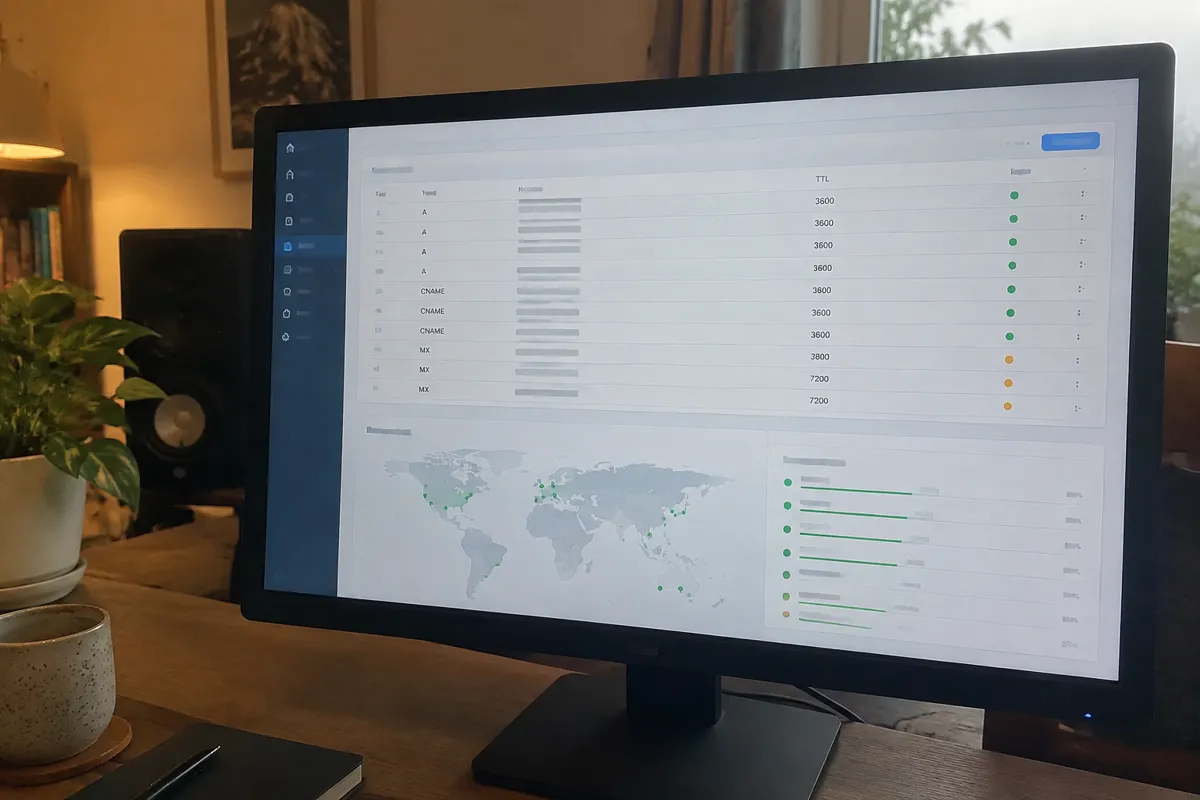
Every DNS record has a Time to Live (TTL) value, set in seconds. It tells resolvers how long they’re allowed to cache that record before checking again. A typical TTL is 3,600 seconds (one hour) or 86,400 seconds (24 hours). Until that TTL expires wherever a record is cached, a resolver keeps serving the old answer. This happens even though the authoritative DNS server already has the new one. This is why two people can check the same domain minutes apart and see different results — they’re hitting resolvers with different cache states.
Step-by-Step: Managing a Change That Involves Propagation
- Lower the TTL in advance, if a change is planned, for example before a hosting migration. Set it to a low value like 300 seconds a day or two ahead of the change.
- Make the DNS change — update the A record, CNAME, or nameservers as needed.
- Wait for the old TTL to expire across the network — this is the propagation window itself.
- Verify using a DNS lookup tool that queries multiple resolvers globally, not just a local browser refresh.
- Restore a normal TTL once the new value is confirmed live everywhere, to reduce unnecessary DNS query load going forward.
DNS Propagation Timing: What to Actually Expect
Most propagation completes well within 24 hours. A low-TTL record often shows the new value within minutes to a couple of hours almost everywhere. The commonly quoted “up to 48 hours” figure covers the rare stragglers — certain ISP resolvers or corporate networks with unusually long cache retention. Nameserver changes at the registry level tend to take longer to fully settle than a simple A record update. That’s because the registry-level record itself also has its own TTL.

Record and Field Reference
The fields that actually govern propagation speed are TTL (per record) and the record type being changed. A record and CNAME changes typically propagate fastest, since they’re queried constantly and TTLs are usually kept short by default. Nameserver (NS) changes propagate slowest, since the registry-level delegation record often has a TTL measured in days. Full field definitions are at DNS record types.

Troubleshooting DNS Propagation Issues
- New site not showing after 48+ hours: at that point it’s very unlikely to still be propagation. Recheck that the DNS record was saved correctly, using point domain to hosting as a checklist.
- Some visitors see the old site, others the new one: completely normal mid-propagation behavior — different resolvers, different cache states.
- Own browser still shows the old site after DNS clearly updated elsewhere: clear local DNS and browser cache, or check via a different device or network before assuming a server-side fault.
- Email suddenly stops during a migration: check whether MX records were changed at the same time as the web-pointing records. If so, email is going through the same propagation delay.
Relationship to Hosting
Propagation is the single biggest source of “my new hosting isn’t working” support tickets. Most of these aren’t actually hosting problems at all. Every migration to a new host and every domain-to-hosting pointing change has to pass through a propagation window. Only after that window does the new server become universally reachable. Planning around it — lowering TTL in advance, migrating during low-traffic periods — is a core part of a clean, low-downtime move.
FAQ
How long does DNS propagation actually take? Most changes are visible within a few hours. Full worldwide propagation is usually complete within 24 to 48 hours, depending on TTL settings.
Can I speed up DNS propagation? Not after the fact. But lowering the TTL a day or two before a planned change means the eventual switch propagates much faster.
Why do some websites see my new DNS immediately while others don’t? Different networks and resolvers cache DNS independently. A resolver that queried recently will hold a longer wait than one seeing the domain for the first time.
Is propagation the same for every record type? No. A and CNAME records with short TTLs usually update fast. Nameserver-level changes tend to take the longest to fully settle everywhere.