How to Switch Web Hosts

WordPress & Managed Editor
Disclosure: Some links on this page are affiliate links — if you sign up through one, we may earn a commission at no extra cost to you. It never changes our ratings, rankings or verdicts: we don't sell hosting and take no pay-for-placement.
Who it's for
- Website owners considering a host change
- Small business owners
- Site owners unhappy with current hosting
- Developers evaluating new providers
By Elena Novak, WordPress & Managed Editor
Switching Is a Decision Before It Is a Task
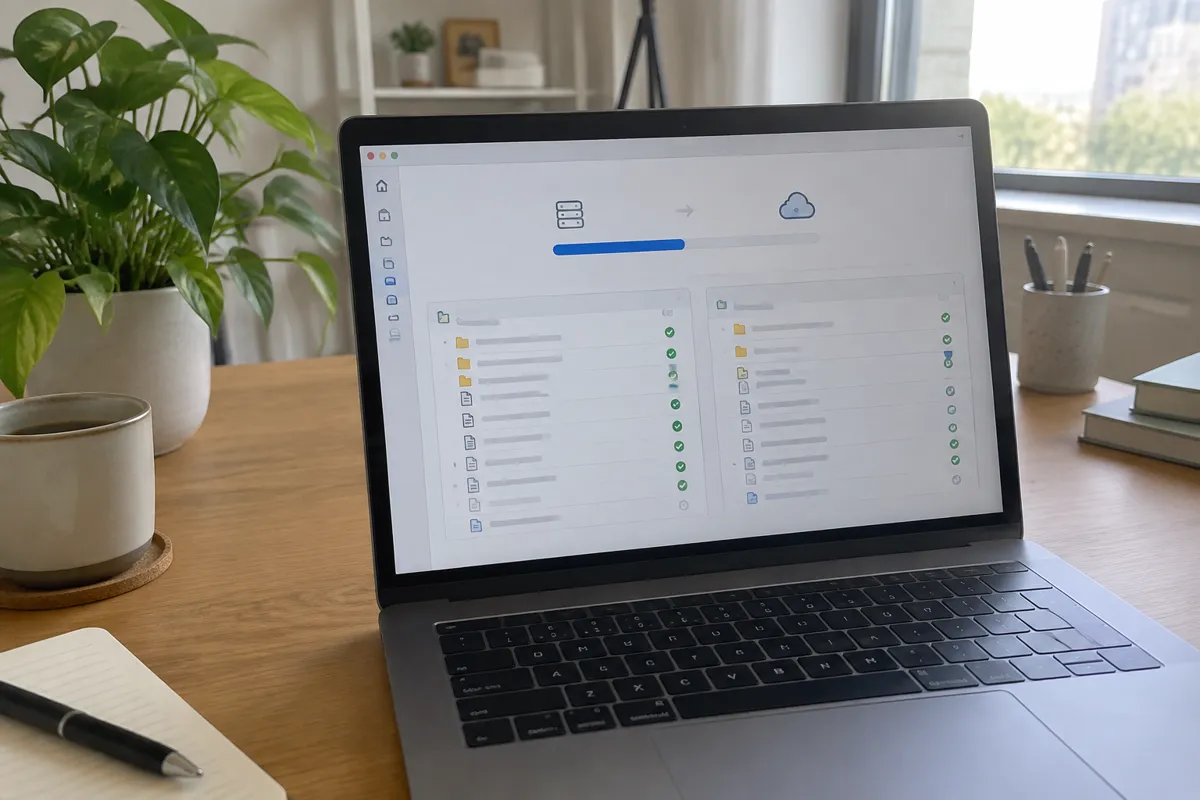
Most people searching for this are not asking how to copy files. They are asking whether leaving their current host is the right call, what it will cost, and how to avoid paying twice or losing service in the gap. That is the question this page answers. The technical transfer itself, meaning backups, file and database copy, verification and DNS cutover, has its own guide at how to migrate a website. Read this page to decide and plan, then use that one to execute.
Signs It Is Time to Switch
The common triggers are recurring downtime, support that repeatedly fails to resolve issues, a renewal price that jumped well above the intro rate, and a plan that can no longer hold the site. None of these demands a same day move. They are a prompt to start an evaluation. A switch made mid outage or mid billing dispute is usually rushed, and rushed moves are where mistakes happen.
Stay and Fix, or Switch
Before you leave, rule out causes that a new host will not fix. Slow pages may come from an unoptimised site rather than the server, see why is my website slow. Resource warnings may be solved by moving up a tier on the same host. A renewal price you dislike may be negotiable, see hosting renewal pricing traps. A useful test is to write down the specific problem and ask whether the new host is contractually or technically better at that exact thing. If you cannot name it, you risk carrying the same problem to a new address.
What Switching Costs
- Double billing. You will pay both hosts during the overlap period.
- Lost prepaid term. If you paid the old host for a long cycle, a mid term cancellation may forfeit some or all of it, depending on the terms.
- New intro pricing, new renewal reset. The new host’s low price is usually a first cycle rate, so budget for its standard rate. See how web hosting pricing works.
- Your time. Even a simple site takes a few hours of careful work, and a complex one takes considerably more.
Choosing the New Host
Choose against the problem that made you leave, not against general reputation. If downtime was the issue, read the uptime commitment and what remedy exists, see uptime and SLA in web hosting. If limits were the issue, confirm actual CPU, RAM and traffic allowances instead of assuming a bigger plan means unlimited. If support was the issue, test the new host’s pre sales chat or ticket response, which is a reasonable preview of post sale support. The full selection process is in how to choose web hosting, and questions to ask a web host is a good script for the conversation.
Also ask whether the new host offers free migration help. Many do, and it shifts the technical step off your plate.

Cancellation, Overlap and Billing Logistics
- Check the current host’s cancellation policy, the renewal date and any open money back guarantee window before choosing a leave date.
- Sign up with the new host without cancelling the old account. Both stay active during the move.
- After the cutover, keep the old account live for at least a week as a rollback path. Watch scheduled jobs and email delivery, because problems there can take days to show.
- Turn off auto renewal on the old account early so you are not billed again while you wait, but do not delete the account or its data until the new host is proven.
- Cancel in writing or through the account panel and keep the confirmation. Download a final backup first.
Avoid timing the cancellation so close to a renewal that you are charged for another full cycle. Choose a low traffic window for the cutover, and lower the domain’s DNS TTL a day or two ahead so the change propagates faster.

Does the Domain Move Too
No. Hosting and domain registration are separate services. The domain can stay with its registrar while you update DNS to point at the new host, see point a domain to hosting. Some owners transfer the domain for billing convenience, which is covered in how to transfer a domain but is not required.
FAQ About Switching Web Hosts
How long should I keep my old hosting account after switching? At least a week after the new host is confirmed stable. The overlap is your safety net if something breaks that was not obvious in testing.
Will switching hosts affect my domain? Not necessarily. You can switch hosts by updating DNS records without transferring the domain.
Can I get a refund from my old host? It depends on their terms and whether you are still inside a money back guarantee window. Check before you set a timeline.
Is it safe to switch without technical help? For a simple site, yes, following the process in how to migrate a website. Complex sites with custom server configuration or large databases benefit from developer support.
What is the biggest risk when switching? Cancelling the old account too early. Keeping both active until the new host is proven turns most problems into a quick rollback instead of an outage.