DNS Record Types (A, CNAME, MX, TXT)

WordPress & Managed Editor
Disclosure: Some links on this page are affiliate links — if you sign up through one, we may earn a commission at no extra cost to you. It never changes our ratings, rankings or verdicts: we don't sell hosting and take no pay-for-placement.
Who it's for
- DIY site builders
- People migrating hosts
- Anyone troubleshooting DNS
What DNS Record Types Are
A DNS zone is the set of instructions that tells the internet what to do when someone types your domain. Each instruction is a record, and each record has a type that says what kind of information it holds and how resolvers should use it. Getting the type right matters as much as getting the value right, because the type decides the meaning. The same string of characters means something entirely different in an A record and a TXT record.
Most people only ever touch a handful of types, and that is fine. The useful skill is knowing which type matches the job in front of you: pointing a site at a server, sending mail to a provider, proving you own the domain, or protecting your email from being forged. Pointing a subdomain with the wrong type, or forgetting the mail record entirely, accounts for a large share of hosting support requests, and almost all of them are avoidable once you understand what each record is for.
The Core DNS Record Types
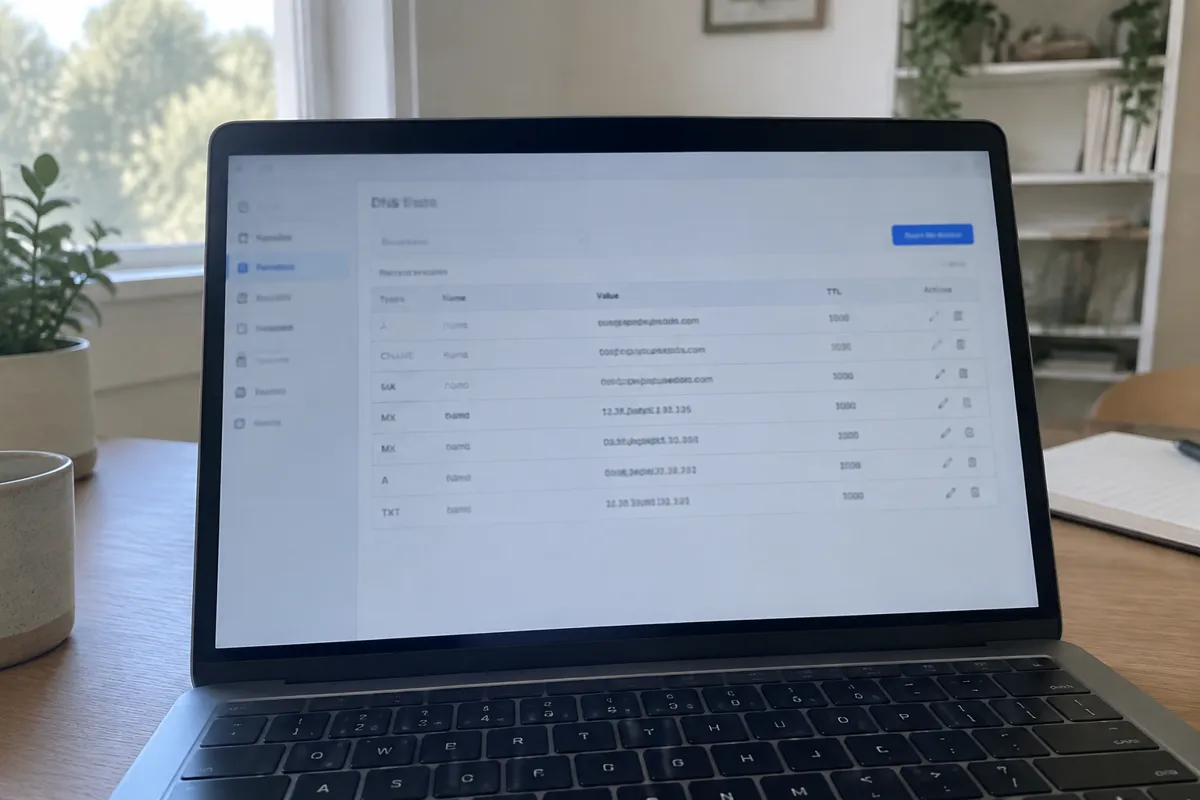
| Type | Purpose | Points to | Common use |
|---|---|---|---|
| A | Maps a hostname to an IPv4 address | An IP address such as 192.0.2.1 | Root domain to hosting server. See A record. |
| AAAA | Maps a hostname to an IPv6 address | An IPv6 address | IPv6 capable hosting |
| CNAME | Maps a hostname to another hostname | Another domain or subdomain | www to root domain, subdomains to services. See CNAME record. |
| MX | Routes email for a domain | A mail server hostname, with priority | Connecting a domain to an email provider. See MX record. |
| TXT | Holds arbitrary text | Free text | Domain verification, SPF, DKIM, DMARC |
| NS | Declares authoritative nameservers | Nameserver hostnames | Delegating DNS management |
| SOA | Start of Authority, zone metadata | Admin contact, refresh and retry timers | Auto-managed, rarely edited directly |
| SRV | Points to a service on a specific port | Hostname and port | VoIP, some app-specific services |
The sections below take each in turn, with an example of how it looks and the mistakes that most often go wrong with it. The examples use reserved documentation addresses and the placeholder domain example.com.
A And AAAA Records
An A record is the most basic and most important one: it connects a name to an IPv4 address, which is how a browser finds your server. An AAAA record does the same job for IPv6, the newer and much larger address format.
example.com.      3600  IN  A     192.0.2.10
www.example.com.  3600  IN  A     192.0.2.10
example.com.      3600  IN  AAAA  2001:db8::10
The usual mistakes are simple but costly. The first is leaving an old A record in place after moving hosts, so some visitors still reach the previous server. The second is having two different A records for the same name without meaning to, which sends visitors to a mix of servers, so the site looks fine for some people and broken or outdated for others. The third is adding an AAAA record that points to a server not actually configured for IPv6, or one that still points to the old host. Browsers prefer IPv6 when it is available, so a stale AAAA record can produce baffling intermittent failures that an IPv4-only test never reveals. If you do not know that your host supports IPv6, do not add the record.
CNAME Records
A CNAME is an alias. Instead of giving an IP address, it says “this name is really that other name, go and look that one up instead.” It is ideal when the target’s address might change, as with a service you do not control.
www.example.com.   3600  IN  CNAME  example.com.
shop.example.com.  3600  IN  CNAME  stores.provider.example.
The rules around CNAMEs cause most of the trouble. A name that has a CNAME cannot have any other record of any type, which is why you cannot put a CNAME on the bare root of a domain, since the root must also hold NS and SOA records and normally MX. Many DNS providers offer a workaround, sold as “ALIAS”, “ANAME” or “CNAME flattening”, that behaves like a CNAME at the root, but it is a provider feature, not part of the standard, so check your provider supports it. The other common errors are a CNAME pointing at itself, chains of CNAMEs several links deep that slow resolution and invite breakage, and forgetting the trailing dot in zone files where it is required, which makes the target resolve as a subdomain of your own domain.
MX Records
MX records tell the world which servers accept email for your domain, and each carries a priority number.
example.com.  3600  IN  MX  10  mail1.provider.example.
example.com.  3600  IN  MX  20  mail2.provider.example.
Lower numbers are tried first, and higher numbers act as backups, so sending servers only fall back to the second if the first is unreachable. The most damaging mistakes here are quiet ones. An MX record that points to an IP address instead of a hostname is invalid. An MX record that points to a name that is a CNAME is forbidden by the standard, and although some servers tolerate it, others reject mail. Leaving old MX records in place when you switch email providers is the classic cause of mail split between two systems, where some messages arrive and some vanish. If you change website hosts but keep your email with a separate provider, remember that DNS must keep the old MX records, because a site migration does not mean an email migration.
TXT Records
A TXT record holds plain text, and its modern usefulness is out of proportion to how plain it sounds. It is where you prove you own a domain to third-party services and where you publish the rules that stop other people forging your email.
example.com.  3600  IN  TXT  "v=spf1 include:_spf.provider.example ~all"
_dmarc.example.com.  3600  IN  TXT  "v=DMARC1; p=none; rua=mailto:reports@example.com"
Three email authentication records live in TXT. SPF lists which servers may send mail for your domain. DKIM publishes a public key, on a selector name your email provider gives you, so receivers can check your messages were signed. DMARC says what receivers should do with messages that fail those checks and where to send reports. Together they are the difference between mail landing in an inbox and mail landing in spam.

The mistakes are very specific. A domain can only have one SPF record; publishing two makes SPF fail, and the fix is to combine them into one. SPF has a limit of ten DNS lookups, and stacking several services with include statements can silently exceed it. Long DKIM keys must sometimes be split into multiple quoted strings depending on your DNS provider’s interface, and pasting the wrong quotation marks or an extra space breaks verification. Finally, when a service asks you to verify ownership, copy its string exactly: a stray space or a smart quote from a document is enough for the check to fail.
NS Records
NS records say which nameservers are authoritative for your domain, meaning which servers hold the real answers. At the registrar, they decide where your DNS is managed at all.
example.com.  86400  IN  NS  ns1.dnshost.example.
example.com.  86400  IN  NS  ns2.dnshost.example.
The key idea is that the records you edit only count at the place your nameservers point. A very common misfire is editing records in your host’s panel while your domain’s nameservers still point to your registrar, or the other way round, and then wondering why nothing changes. Before you edit anything, confirm where your nameservers actually point. Also keep at least two nameservers, on separate networks where possible, because a single one is a single point of failure, and do not change them casually: switching nameservers replaces every record, so the new zone must contain all your existing records first or email and subdomains will stop working.
SOA And SRV Records
The SOA, or Start of Authority, record carries housekeeping for the zone: the primary nameserver, an administrator contact, a serial number and timing values that control how secondary servers refresh. Your DNS provider maintains it automatically, and you will almost never edit it. If you ever see a DNS problem involving stale zone data between servers, a serial number that failed to increment is the first thing to check.
SRV records point a named service to a host and port, including a priority and weight, for things like some VoIP, chat and calendar services.
_sip._tcp.example.com. 3600 IN SRV 10 60 5060 sip.provider.example.Websites and ordinary email do not use them, so most site owners meet an SRV record only when a particular application or provider asks for one. The mistakes are copying the wrong service and protocol labels, which start with underscores, or pointing the target at a CNAME, which SRV does not allow.

Step By Step Adding Or Editing A DNS Record
- Log in to the DNS management panel. This is at the registrar or the host, depending on where your nameservers point, so check that first.
- Choose the correct record type for the task: A for an IP address, CNAME for another hostname, MX for email.
- Enter the host or name field. Use
@for the root domain, or the subdomain prefix such asblog. Many panels add the domain for you, so do not type the full name unless asked. - Enter the value. An IP for A, a hostname for CNAME, a mail server plus priority for MX.
- Set the TTL. Lower for records you expect to change soon, higher for stable ones.
- Save and verify with a DNS lookup tool once propagation has had time to complete.
A sensible habit is to lower the TTL a day or two before a planned change, make the change, then raise it again once you are happy. It costs nothing and shortens the window in which visitors see the old address.
Timing And Propagation By Record Type
Every record type follows the same caching rules, governed by its TTL, which is how many seconds a resolver may keep an answer before asking again. A record with a one hour TTL can take up to an hour to be picked up by resolvers that cached it just before you changed it. In practice A and CNAME records with short TTLs show changes fastest because they are queried constantly. MX changes can seem slower because sending mail servers often cache conservatively, and NS changes are the slowest, since they depend on registry data as well as caching. “Propagation” is really just cached answers expiring at different times in different places, which is why you can see the new site while a colleague still sees the old one. Full detail on the mechanism is at DNS propagation.
Record And Field Reference
- Name or Host. The subdomain, or
@for the root, that the record applies to. - Type. A, CNAME, MX, TXT and so on.
- Value or Target. What the name resolves to: an IP, a hostname or text, depending on type.
- TTL. How long resolvers may cache the record, in seconds.
- Priority. For MX and SRV, where lower numbers are tried first when several servers are listed.
Troubleshooting DNS Record Types
- A record set, but the site is still down. Confirm the IP is correct and matches the current hosting server, then check whether the old value is still cached. Also look for a leftover AAAA record pointing somewhere else.
- CNAME “conflicts with another record”. A name cannot have a CNAME and any other record type at the same time. Remove the conflicting record first, or use an A record if the name is the root.
- Email not arriving. Almost always a missing, wrong or duplicate MX record. Check priority values and whether old provider records were left behind.
- Email arriving in spam. Check that you have exactly one SPF record, a valid DKIM record and a DMARC record.
- Domain verification failing for a third party tool. Usually a missing or mistyped TXT record. Copy the exact string the tool provides, without extra quotes or spaces, and check you added it at the right name.
- Changes have no effect at all. You are probably editing the zone at a provider that your nameservers do not point to.
Relationship To Hosting
Every hosting task that touches DNS comes down to one of these record types. Pointing a domain to hosting is fundamentally an A or CNAME task. Setting up hosting email is an MX task with TXT records alongside. Creating a subdomain is usually an A or CNAME task. Understanding the type system means every future DNS request, from a host, a developer or a third-party tool, is immediately legible rather than a guessing game, and you can spot a wrong instruction before it breaks your email.
FAQ
What is the difference between an A record and a CNAME record? An A record points a name directly at an IP address. A CNAME points a name at another hostname, which is then resolved separately. Use a CNAME when the target’s address may change and is managed by someone else, and an A record when you control a fixed address. A CNAME cannot sit alongside other records on the same name.
Do I need an MX record if I do not use email on my domain? No. If the domain has no email hosted under it, an MX record is not required. Add one only when setting up email for that domain. Some people publish an empty “null MX” to state clearly that no mail is accepted, which can reduce spoofing and bounces.
What is a TXT record used for? Mostly domain ownership verification and email authentication through SPF, DKIM and DMARC, plus occasional verification for other third-party services.
Can I have multiple A records for the same domain? Yes. Multiple A records for the same name spread visitors across several IP addresses, which is basic load distribution. It differs from true load balancing because DNS does not check whether each server is healthy, so if one goes down some visitors still get sent to it.
Why can I not use a CNAME on my root domain? Because the root must also hold other records, such as NS, SOA and usually MX, and the standard forbids a CNAME from coexisting with them. Use an A record, or a provider’s ALIAS or flattening feature if it offers one.
How long should my TTL be? For stable records, an hour or more is reasonable. Lower it to a few minutes before a planned change, then raise it again afterwards. Very low TTLs permanently add a small amount of lookup load and gain you nothing once the change is complete.