Hosting & Core Web Vitals

Infrastructure Editor
Disclosure: Some links on this page are affiliate links — if you sign up through one, we may earn a commission at no extra cost to you. It never changes our ratings, rankings or verdicts: we don't sell hosting and take no pay-for-placement.
Who it's for
- Developers optimising for SEO
- Website owners
- Agencies managing client Core Web Vitals scores
- SEO practitioners
By Marcus Feld, Infrastructure Editor
The Three Core Web Vitals
Core Web Vitals are three measurements Google uses to judge the real-world experience of loading and using a page: Largest Contentful Paint (LCP), Interaction to Next Paint (INP) and Cumulative Layout Shift (CLS). They count as a ranking signal, but a modest one. Relevance and content quality dominate, and Core Web Vitals mostly matter as a tie-breaker between pages that are otherwise similarly good, and as a proxy for a site people do not abandon in frustration. That second job is arguably the more valuable one: a page that feels slow loses visitors whether or not Google notices.
Each metric answers a question a visitor would ask in plain language.
Largest Contentful Paint asks “when did the main thing show up?” It times how long the largest visible element, usually a hero image, a big headline or a block of text, takes to appear. Google’s “good” threshold is under 2.5 seconds. If your page loads a huge banner image late, LCP is the metric that notices.
Interaction to Next Paint asks “when I tapped something, how long before the page reacted?” It looks at the clicks, taps and key presses across a whole visit and reports one of the slower interactions, measured until the screen next updates. The “good” threshold is under 200 milliseconds. It replaced the older First Input Delay metric because that only looked at the first interaction, while real frustration happens later too, such as a menu that hangs when you open it on the third page.
Cumulative Layout Shift asks “did the page jump around while I was trying to read or click?” It adds up unexpected movement of visible content, such as a paragraph pushed down when an image or an ad finally loads. The “good” threshold is under 0.1. It is the metric behind the experience of tapping a button and hitting something else because the layout moved at the last instant.
Google assesses these at the 75th percentile of real visits, so a page passes when three quarters of visitors get a good experience, not when your own fast laptop on office wifi does.
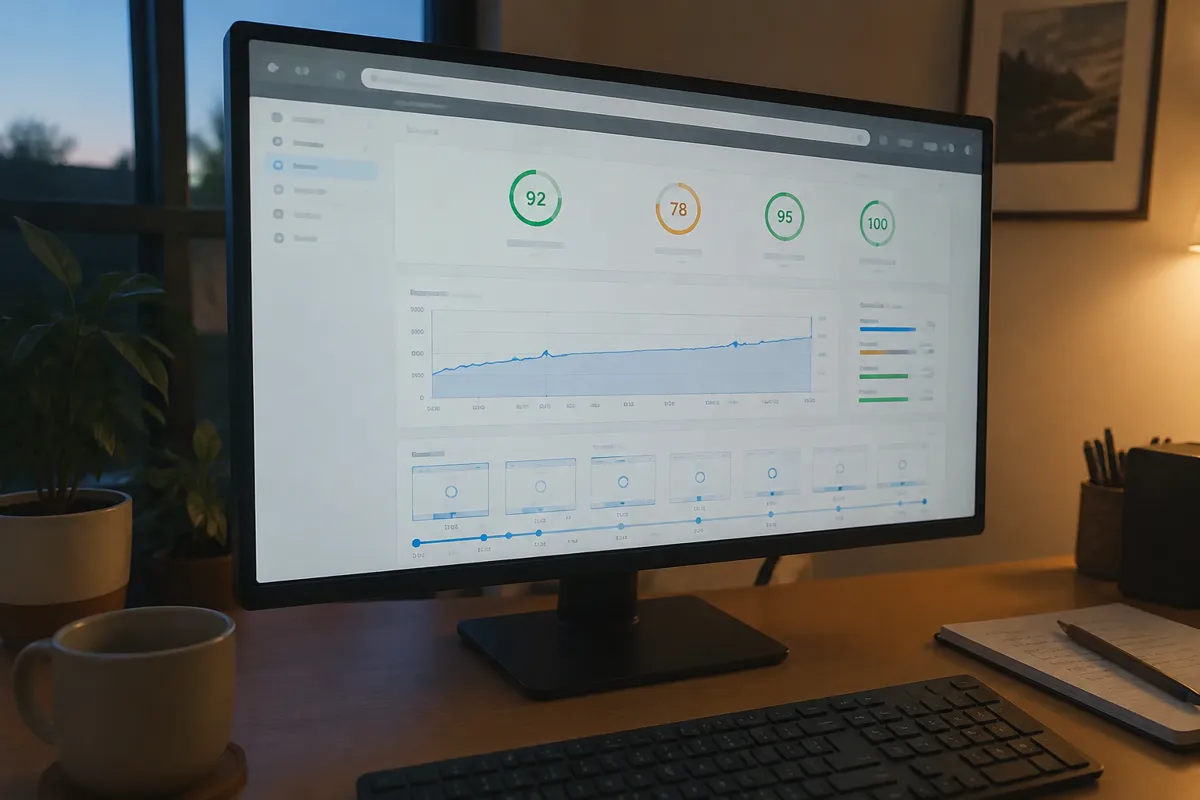
Hosting Core Web Vitals And Where The Score Is Directly Affected
Hosting has a real, measurable relationship with two of these metrics and almost none with the third. Knowing which is which saves a lot of wasted effort.
LCP and hosting. Before a browser can paint anything, it has to receive the start of the page from your server. The wait for that first byte is called time to first byte, or TTFB, and everything else stacks on top of it: the browser then has to download stylesheets and scripts, find the hero image, download that, and draw it. Google’s own guidance treats a TTFB under roughly 800 milliseconds as good, but the tighter your budget for LCP, the more a slow server hurts. If your server takes 1.5 seconds to respond, reaching a 2.5 second LCP leaves only a second for everything else, and on a mobile connection that is very hard. This is the clearest hosting-to-Core-Web-Vitals link, and the one where a better host has the most to offer.
The mechanics differ by site type. A static or heavily cached page returns its first byte quickly on almost any decent host, so TTFB is rarely the bottleneck and the image or font is. A dynamic page that builds itself from a database on each request, which is the default for WordPress without caching, is where slow hosting shows up: a crowded shared server or a slow disk turns every uncached request into a wait.
INP and hosting. INP is mostly a story about the browser’s main thread, meaning JavaScript running on the visitor’s device, and hosting cannot speed that up. The connection to your host is indirect: any interaction that triggers a request to your server, such as submitting a form, filtering products, adding to basket or loading more results, waits on your server’s response. A server that is slow or overloaded makes those interactions feel sluggish. Load makes this worse, so INP often degrades at exactly the moment a site is busiest.
CLS and hosting. There is almost no relationship. Layout shift comes from images without reserved dimensions, fonts that swap and reflow text, and ads or embeds that inject themselves after load. A faster host does not stop an image from arriving late and pushing things around; better markup and CSS does. One small exception is worth knowing: if slow delivery makes late-arriving elements arrive later, the shift can be larger, but the cause is still the layout, not the server.
What To Fix And In What Order
Order matters because some fixes set a floor that later fixes cannot get below.
- Measure the field data first. Before touching anything, find out which metric is actually failing for real visitors, and on which pages and devices. Fixing a metric that already passes is wasted effort.
- Fix TTFB if it is poor. This is the foundation for LCP. Enable server-side page caching so visitors get a pre-built page instead of waiting for the database, make sure you are on a current PHP version with opcode caching, and check whether the server is simply too crowded or too small. If TTFB stays high after caching, that is the point at which changing host is justified, because nothing on the front end can compensate.
- Put static files behind a CDN. This shortens the trip for images, scripts and stylesheets, including the LCP image itself, for visitors far from your server.
- Fix the LCP element itself. Identify what it is, usually a hero image, then size it properly, serve a modern format, avoid lazy-loading it, and preload it so the browser finds it early. A heavily compressed image that is discovered late still loses to a larger one discovered immediately.
- Fix CLS. Give every image, video and embed explicit dimensions or reserved space, avoid inserting banners above existing content, and load fonts in a way that limits reflow. This costs little and usually produces a clear improvement.
- Fix INP last, and expect it to be the hardest. Reduce the amount of JavaScript, defer what is not needed immediately, break up long tasks, and audit third-party scripts such as chat widgets, trackers and ad tags, which are the usual culprits. If a script is not earning its keep, removing it is the most effective optimisation available.

The reason hosting comes first is that it sets a ceiling. You can polish the front end forever, but if the server takes too long to answer, LCP cannot get below that time.
Hosting Side Fixes That Move The Needle
- Reduce TTFB through server-side caching and adequate resource allocation. See reduce server response time for the specific techniques.
- Add a CDN so static assets, including the LCP element if it is an image, load from a location closer to the visitor.
- Choose hosting with headroom for traffic spikes. INP and TTFB degrade under load precisely when a site has the most visitors to lose, which is relevant for best hosting for high-traffic websites.
- Run a current PHP version with OPcache enabled. See PHP version and website performance for the measured impact.
App Side Fixes Hosting Cannot Provide
Hosting raises the ceiling; it does not fix what is sitting well below it. Reserve explicit width and height on images to prevent layout shift. Defer non-critical JavaScript so it does not block the main thread and worsen INP. Preload the real LCP element rather than letting the browser discover it late. Heavy page builders, oversized images and a pile of plugins each add weight that even an excellent server cannot hide. These are implementation details, and this is also the honest caveat about switching hosts: if your site is slow because of the theme and plugins, a new host will make it a little faster and leave you disappointed.
Measurement Tools
Google PageSpeed Insights and the Chrome UX Report (CrUX) provide field data, meaning real visitor measurements, for all three metrics. This is what Google uses for ranking, rather than simulated scores, and new or low-traffic sites may not have enough data to appear in it. Google Search Console groups your URLs by pass or fail using the same field data, which is useful for spotting patterns across a whole site. Lighthouse, built into Chrome DevTools, produces lab data that is ideal for testing changes before they reach visitors. Lab and field can disagree, especially for INP, which depends on how real people actually interact, and lab tests typically cannot reproduce a long-tail of slow devices. When they conflict, trust the field data and use the lab to find out why.

Expected Gain
Reducing TTFB from around 600 milliseconds to well under 200 through server-side caching will often be enough, by itself, to move LCP from “needs improvement” toward “good”, provided the front end is otherwise reasonable. The size of the gain depends on how much of your LCP was waiting on the server; a site with a huge unoptimised hero image will improve less. CLS improves almost entirely through front-end fixes, so expect close to no change from a hosting upgrade alone, and INP improves mainly through JavaScript reduction, with hosting contributing only on interactions that hit the server.
For the complete picture of how these vitals fit into overall site speed, see how to speed up a website. For hosting quality more broadly, see web hosting features that matter.
Hosting And Core Web Vitals FAQ
Can I fix Core Web Vitals just by switching hosts? Partially. A better host can meaningfully improve LCP, and INP on server-dependent interactions, by reducing response time. CLS is almost entirely a front-end issue, and a site weighed down by heavy scripts and images will still struggle on any host.
Which Core Web Vital is most affected by hosting? LCP, because it depends directly on how quickly the server can respond and deliver the page’s largest content element.
Do Core Web Vitals really affect SEO ranking? Yes, they are a confirmed ranking signal, though a comparatively minor one next to content relevance and quality. They matter most when comparing otherwise similar pages, and they matter for visitor behaviour regardless of rankings.
What is a realistic INP target for a content-heavy site? Under 200 milliseconds is Google’s “good” threshold. Sites with heavy JavaScript or many third-party scripts, such as ads and trackers, often miss it until non-critical scripts are deferred or removed.
Should I prioritise hosting or front-end fixes first? Check TTFB first. If it is high, fix it first, because it sets a floor under LCP that front-end work cannot get beneath. If TTFB is already reasonable, go straight to the LCP element, layout shift and JavaScript.
Why did my score get worse even though I upgraded hosting? The usual reasons are a new plugin or script, an unoptimised image added to the page, or caching that was not configured on the new server. Compare field data from before and after, and check TTFB separately so you can tell whether the host or the page changed.