How to Reduce Server Response Time (TTFB)

Infrastructure Editor
Disclosure: Some links on this page are affiliate links — if you sign up through one, we may earn a commission at no extra cost to you. It never changes our ratings, rankings or verdicts: we don't sell hosting and take no pay-for-placement.
Who it's for
- Developers optimising Core Web Vitals
- Website owners with slow-loading sites
- Agencies managing hosting for clients
- E-commerce site owners
By Marcus Feld, Infrastructure Editor
What TTFB Measures and Why It Matters
Time to First Byte (TTFB) measures the elapsed time between a browser sending a request and receiving the first byte of the server’s response. It captures three things stacked together. First, network latency getting the request to the server. Second, server processing time to generate the response. Third, network latency getting the first byte back. Unlike most other speed metrics, TTFB happens entirely before the browser has anything to render. Every millisecond here delays everything that follows, including Core Web Vitals like Largest Contentful Paint.
Target: under 200ms for a dynamic site; under 100ms for static or well-cached content. Anything consistently above 600ms is a real problem worth diagnosing directly.
Diagnosing High TTFB
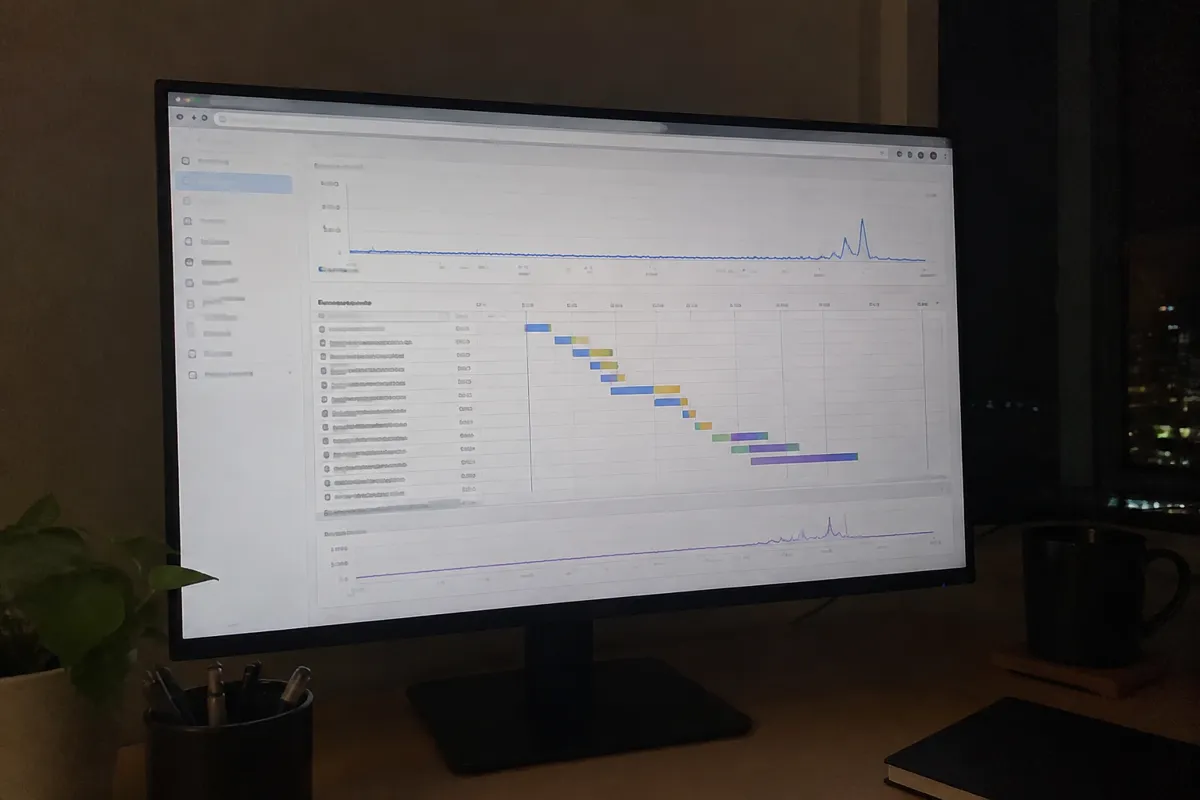
Before fixing anything, isolate where the delay is actually happening. Run a curl -w "%{time_starttransfer}\n" -o /dev/null -s [URL] from the command line to get a raw TTFB number without any browser overhead. Or check the “Waiting (TTFB)” entry in a browser’s network tab. Compare that number against the page’s total load time. If TTFB accounts for most of it, the bottleneck is server-side, not front-end.
Common Causes of High TTFB
- Unoptimized database queries — a page that runs many or slow queries before it can generate output. This is the most common cause on dynamic sites like WordPress or custom applications.
- No server-side caching — every request regenerates the full page from scratch instead of serving a pre-built version.
- Insufficient server resources — CPU or RAM contention on shared hosting during traffic spikes.
- Outdated PHP version or missing OPcache — see PHP version and website performance for how much this specifically affects response time.
- Server location far from the requesting visitor — added network latency independent of processing speed, covered fully at server location and speed.
- Blocking external API or third-party calls made server-side before the response can be sent.
Hosting-Side Fixes
- Enable server-level page caching if the host offers it. This is frequently the single largest TTFB improvement available, since a cached response skips processing almost entirely.
- Upgrade to hosting with more CPU/RAM headroom if resource contention is the diagnosed cause — see best hosting for high-traffic websites.
- Choose a server location closer to the majority of visitors. Or use a CDN to serve cached content from edge locations nearer to them.
- Confirm OPcache and a current PHP version are active — this alone can cut PHP execution time significantly on dynamic sites.
App-Side Fixes
- Add database indexes to columns used in frequent queries — see database optimization for websites for the specific technique.
- Reduce the number of queries per page load by combining or caching repeated lookups.
- Remove or defer blocking third-party API calls that the server waits on before responding.
- Implement object caching (Redis or Memcached) so repeated database lookups return from memory instead of hitting the database every time.
Measurement Tools
Google PageSpeed Insights reports a field-data TTFB figure under its Core Web Vitals section. WebPageTest breaks TTFB out explicitly in its waterfall view, separate from other load phases. For raw, tool-independent measurement, the curl -w command above avoids any browser rendering overhead skewing the number.
Expected Gain
Enabling server-side caching alone commonly takes TTFB from 400–800ms down to under 100ms on a previously uncached dynamic site. That’s the largest single gain available from any one fix. Database and query-level fixes typically shave 50–150ms depending on how unoptimized the starting queries were. Server-location and CDN changes reduce the network-latency portion specifically, often by 50–100ms for visitors far from the origin server.

For the full stack of speed layers TTFB sits within, see how to speed up a website. A well-provisioned host with headroom is directly relevant here. See uptime & SLA in web hosting for the reliability side of the same infrastructure question. See best hosting for high-traffic websites if TTFB issues correlate with traffic spikes specifically.
Reduce TTFB (Server Response Time): FAQ
What’s a good TTFB for SEO purposes? Google doesn’t publish a hard TTFB threshold, but a fast TTFB is foundational to hitting Largest Contentful Paint targets, which are a confirmed ranking signal. Under 200ms is a safe, well-supported target.
Can a CDN fix high TTFB? Partially. A CDN reduces network latency for cached, static content served from edge locations, but it doesn’t fix slow server-side processing for dynamic, uncached requests — that needs caching or database-level fixes.
Why is my TTFB high even on a fast hosting plan? Usually unoptimized database queries or missing server-side caching, not the hosting plan itself. A powerful server still returns a slow response if the application layer is inefficient.
Does TTFB affect every page equally? No. A heavily cached static page can have excellent TTFB even on modest hosting, while a database-intensive dynamic page can be slow even on strong hosting if queries aren’t optimized.
How quickly can I expect to see TTFB improve after enabling caching? Immediately for cached pages — the improvement applies the moment caching is active and a page has been cached at least once, typically on the second request.