Hosting Email Not Sending or Receiving

Infrastructure Editor
Disclosure: Some links on this page are affiliate links — if you sign up through one, we may earn a commission at no extra cost to you. It never changes our ratings, rankings or verdicts: we don't sell hosting and take no pay-for-placement.
Who it's for
- Small business owners using hosted email
- Site admins after a migration
- Anyone troubleshooting bounced or missing email
- Agencies managing client email setups
By Marcus Feld, Infrastructure Editor
Hosting Email Not Working: What It Covers
Hosting email failures fall into two distinct categories that share a root symptom but different causes: mail that won’t send (bounces, gets stuck in outbox, recipients never receive it) and mail that won’t receive (nothing arrives, or arrives with major delay). Website hosting and email hosting are separate services that often run on different servers even under the same account. So a website working perfectly is no guarantee email is configured correctly, and vice versa.
Common Causes, Ranked
Incorrect or Missing MX Records
These DNS records tell the internet which server handles mail for your domain. A wrong or missing MX record is the single most common cause after a domain or host migration.
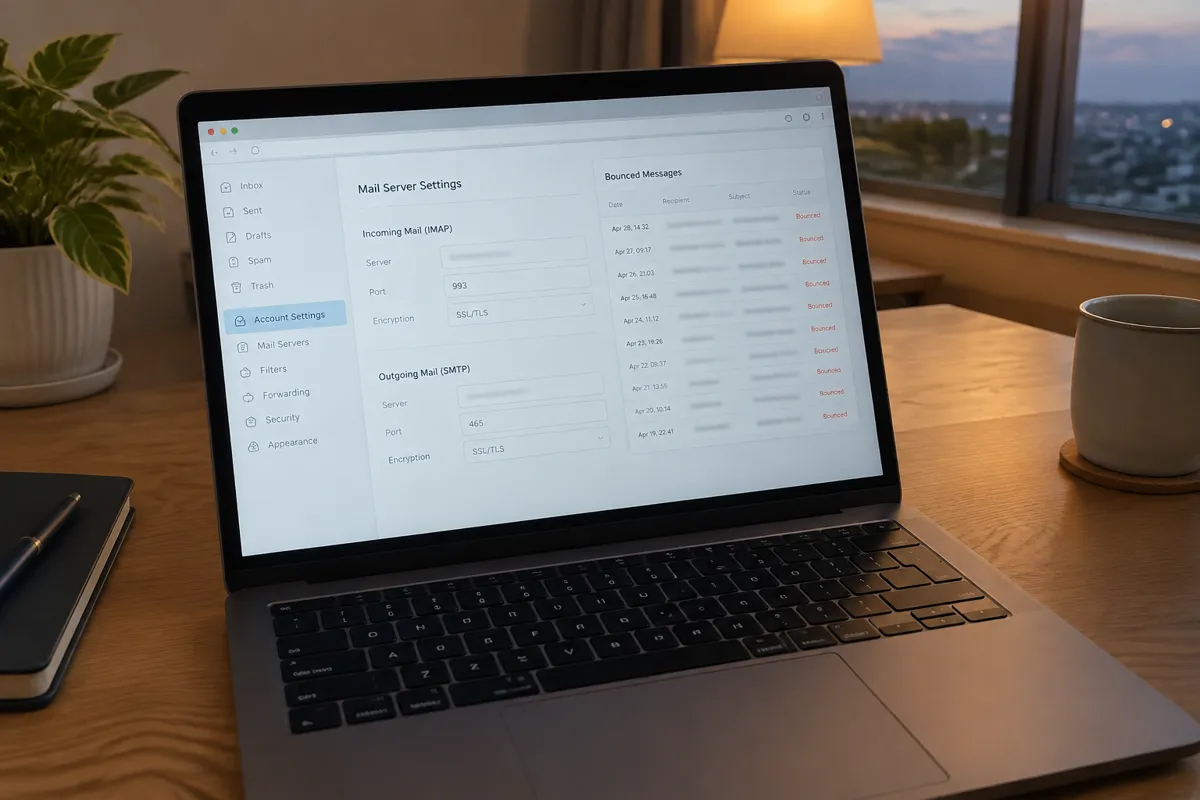
Incorrect SMTP/IMAP/POP Settings
Wrong server address, port, or encryption type in the email client is often left over from a previous host after switching providers.
Sending IP or Domain Blacklisted
Major mail providers blacklist a sender due to spam complaints or a compromised account, causing outbound mail to bounce or land in spam.
Full Mailbox or Exceeded Storage Quota
New mail is rejected once the account hits its storage limit.
Missing or Misconfigured SPF/DKIM/DMARC Records
Without these authentication records, major providers (Gmail, Outlook) increasingly reject or spam-folder incoming mail from your domain.
Firewall or Antivirus on the Client Device
This can block the specific ports email uses, especially on shared or corporate networks.
Step-by-Step Fix
- Identify whether the problem is sending, receiving, or both — this determines which half of the checklist to focus on and often points straight at the cause.
- Check your MX records using an online DNS lookup tool and confirm they match exactly what your current email host specifies — this is the first check after any recent migration.
- Check mailbox storage usage in your hosting control panel’s email section; clear out old mail or increase the quota if it’s near full.
- Verify SMTP/IMAP/POP settings in your email client against your host’s current documented values — server address, port, and encryption (SSL/TLS) all need to match exactly.
- Check SPF, DKIM, and DMARC records for your domain, and add or correct them if missing — this resolves a large share of “sent mail lands in spam or bounces” cases.
- Check blacklist status for your sending IP or domain using an online blacklist checker if outbound mail is bouncing specifically to certain providers.
- Test sending and receiving from a webmail client (accessed directly through your host’s control panel) to isolate whether the fault is in your local email client’s configuration or the server itself.
- Contact hosting support with the specific bounce message or error if DNS records, settings, and mailbox status are all confirmed correct — a server-level mail queue or delivery issue may need their intervention.
How to Prevent Email Problems
- Double-check MX and authentication records (SPF, DKIM, DMARC) immediately after any domain, DNS, or host migration, before assuming email will “just work.”
- See how DNS propagation works and what an MX record actually does before making changes, so you know what to expect and verify.
- Monitor mailbox storage and set up alerts before accounts hit their quota.
- Use strong, unique passwords on every mailbox to reduce the risk of compromise that leads to blacklisting.
- Keep a documented record of your correct SMTP/IMAP settings so re-configuring a client after a device change is fast and error-free.
- If you’re setting up a new mailbox from scratch, follow the how to create a hosting email account guide to get the initial configuration right the first time.
When to Contact Your Host
Contact your host once MX and authentication records are confirmed correct in DNS, mailbox storage is well under quota, client settings match documentation exactly, and mail still isn’t sending or arriving. At that point the fault is most likely at the mail server or delivery queue level, which only your host can inspect directly. If your website is also having connection issues at the same time, check common hosting errors, since a shared DNS misconfiguration can affect both simultaneously; see also our email hosting overview for how mail service differs from website hosting generally.

FAQ
Why does my email work on webmail but not in Outlook or Apple Mail? This points to a client configuration issue — check the SMTP/IMAP/POP server address, port, and encryption settings in that specific client against your host’s current documentation.
Why did my email stop working right after I switched hosting providers? This is almost always an MX record that still points to the old provider. MX records need to be updated separately from your website’s A record during any migration.
Can a full mailbox cause both sending and receiving to fail? Yes. Some mail servers block both sending and receiving once a mailbox hits its storage quota, since the server can’t process the associated queue at all until space is freed.
How do I check if my domain is blacklisted? Use a free online blacklist checker tool with your domain or sending IP address. If listed, most blacklist providers publish a delisting process once the underlying cause (usually spam complaints) is resolved.