How to Secure Your Hosting Account

Infrastructure Editor
Disclosure: Some links on this page are affiliate links — if you sign up through one, we may earn a commission at no extra cost to you. It never changes our ratings, rankings or verdicts: we don't sell hosting and take no pay-for-placement.
Who it's for
- Small business website owners
- Agencies managing multiple client accounts
- Freelancers
- Non-technical site managers
By Marcus Feld, Infrastructure Editor
How to Secure Hosting Account Access: Why It’s Distinct from Website Security
Securing a hosting account is a different layer from securing the website files it contains. Website security (how to secure a website) protects the CMS, plugins, and files. Hosting account security protects the control panel login itself — the account that can create or delete databases, manage every site under the plan, reset FTP credentials, and access billing information. A compromised hosting account is a higher-value target than a single compromised site. It exposes everything the account controls at once, including sites you may have forgotten still exist under an old plan.
Threat Model
- Credential theft or reuse — the hosting login password reused from a breached third-party service, letting attackers walk straight into the control panel via credential-stuffing tools.
- Phishing — fake “your hosting account has been suspended” emails designed to harvest the control panel login.
- Weak or shared logins — multiple team members using one shared account login with no individual accountability or ability to revoke access selectively.
- Stale access — a former employee, contractor, or agency retaining hosting account access long after the relationship ended.
- Unsecured recovery paths — an account recovery email address that’s itself outdated or compromised, giving an attacker a backdoor around even a strong password.
Prevention: How to Secure a Hosting Account
Unique, Long Password
Use a unique, long password for the hosting account specifically. Never reuse it from any other service, and never use a variation of a password used elsewhere.
Two-Factor Authentication
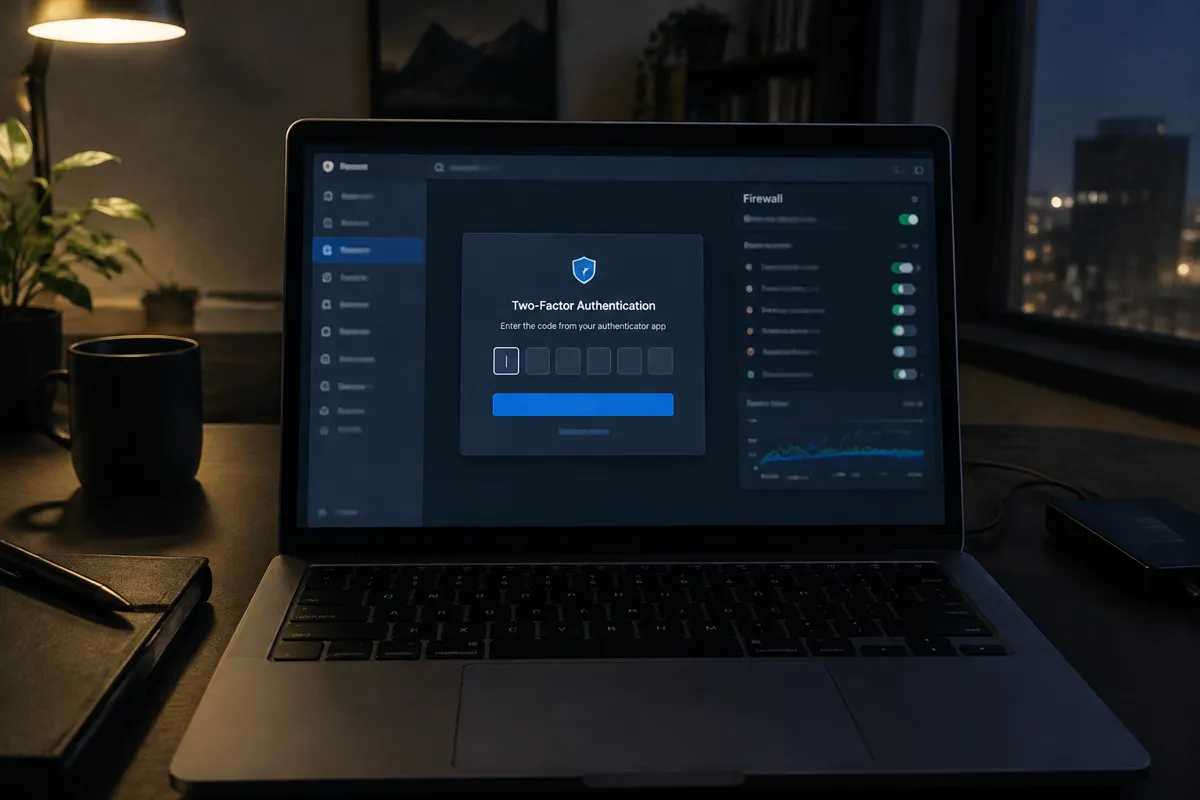
Enable two-factor authentication wherever your host offers it. This single control blocks the majority of credential-stuffing and phishing-derived login attempts, even when a password is compromised.
Limit Account-Level Access
Limit account-level access to the people who genuinely need it, and use individual logins rather than one shared credential where your host supports multi-user access.
Secure the Recovery Email
Keep the recovery email current and itself secured with 2FA — it’s the backdoor into the account if the primary password is ever reset.
Review the Terms of Service
Review your host’s terms of service for what they consider account-holder responsibilities versus their own. See hosting terms of service explained for how to read this before an incident forces you to.
Detection
- Your host emails a login notification or security alert from an unrecognized location or device
- Unfamiliar changes appear in the account — new sub-accounts, altered DNS records, unexpected billing changes
- A site under the account starts behaving unexpectedly (redirects, defacement) with no matching change on your end, which can indicate account-level rather than site-level compromise
- Your host proactively flags unusual account activity (some hosts monitor for this automatically)
Remediation
- Change the account password immediately from a device you know is clean, and enable 2FA if it wasn’t already active.
- Review and revoke any unfamiliar sub-user or API-key access.
- Check DNS records and any recently created sites or databases for unauthorized changes.
- Contact hosting support to report the compromise — they can often confirm the access pattern from their own logs and help lock the account down further.
- Once the account is secured, check each individual site under it for signs of compromise, following remove website malware if any site shows infection.

Hardening Checklist
- Unique, long password set for the hosting account, not reused elsewhere
- Two-factor authentication enabled
- Account access limited to people who currently need it; former team members and agencies removed
- Recovery email current and itself protected with 2FA
- Individual logins used instead of one shared credential, where supported
- Hosting terms of service reviewed for account-holder responsibilities
Provider Responsibility vs Yours
Hosts are generally responsible for the security of the login system itself — rate-limiting login attempts, offering 2FA, and detecting anomalous access patterns at their platform level. Choosing a strong, unique password, enabling the 2FA your host offers, and controlling who on your team has access remain entirely your responsibility — no host-side control compensates for a shared, weak, or stale credential. This account layer is the first item worth checking in the broader web hosting security guide, since a compromised account undermines every other control below it.

FAQ
Is my hosting account password the same thing as my website’s admin password? No — they’re separate logins controlling separate layers. Your hosting account login controls the server/control panel; your CMS admin login (like WordPress’s wp-admin) controls the website itself. Both need independent, strong credentials.
What should I do if I no longer remember every site under an old hosting account? Audit the account’s full site and database list before securing it further — dormant, forgotten sites are commonly the least maintained and the most likely to already be outdated or compromised.
Does two-factor authentication really make a meaningful difference? Yes — it blocks the large majority of automated credential-stuffing and phishing-derived login attempts, since a stolen password alone is no longer sufficient to log in.
How often should I review who has access to a hosting account? At minimum whenever a team member’s role changes or a contractor/agency relationship ends, and as a routine check every few months for accounts with multiple users.