VPS vs Dedicated Hosting

Infrastructure Editor
Disclosure: Some links on this page are affiliate links — if you sign up through one, we may earn a commission at no extra cost to you. It never changes our ratings, rankings or verdicts: we don't sell hosting and take no pay-for-placement.
Who it's for
- High-traffic websites
- Resource-intensive applications
- Agencies hosting many client sites
- Businesses with compliance or data-isolation needs
The vps vs dedicated decision comes up once a site or application has outgrown entry-level hosting and needs real, sustained resources. Both VPS hosting and dedicated hosting offer root access and full configuration control. The difference is what’s underneath: a VPS is a virtual machine sharing physical hardware with other virtual machines, while a dedicated server is the entire physical machine, rented (or owned) by one customer alone.
VPS vs Dedicated Hosting: What’s Actually Being Rented
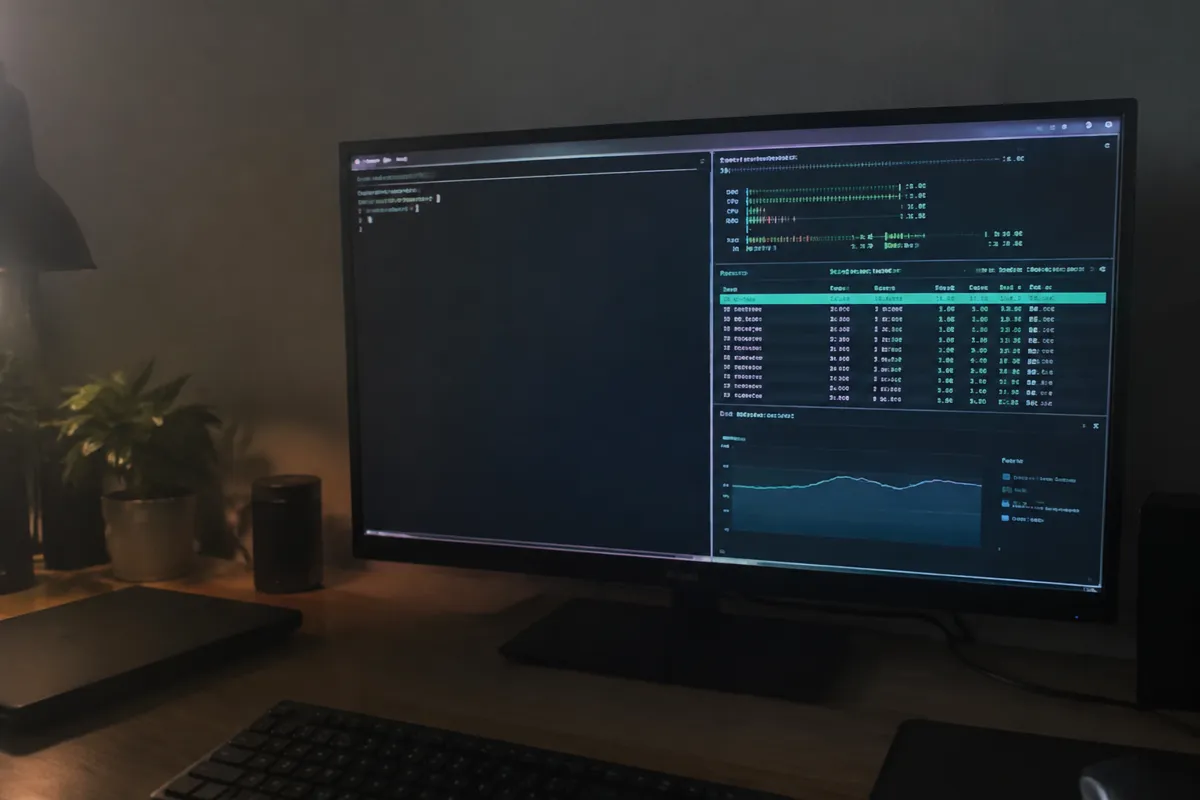
A VPS is created by a hypervisor that partitions one physical server into multiple virtual machines (see what is server virtualization). Each VPS gets a guaranteed slice of CPU, RAM, and storage. But the physical hardware itself is still shared among several VPS instances.
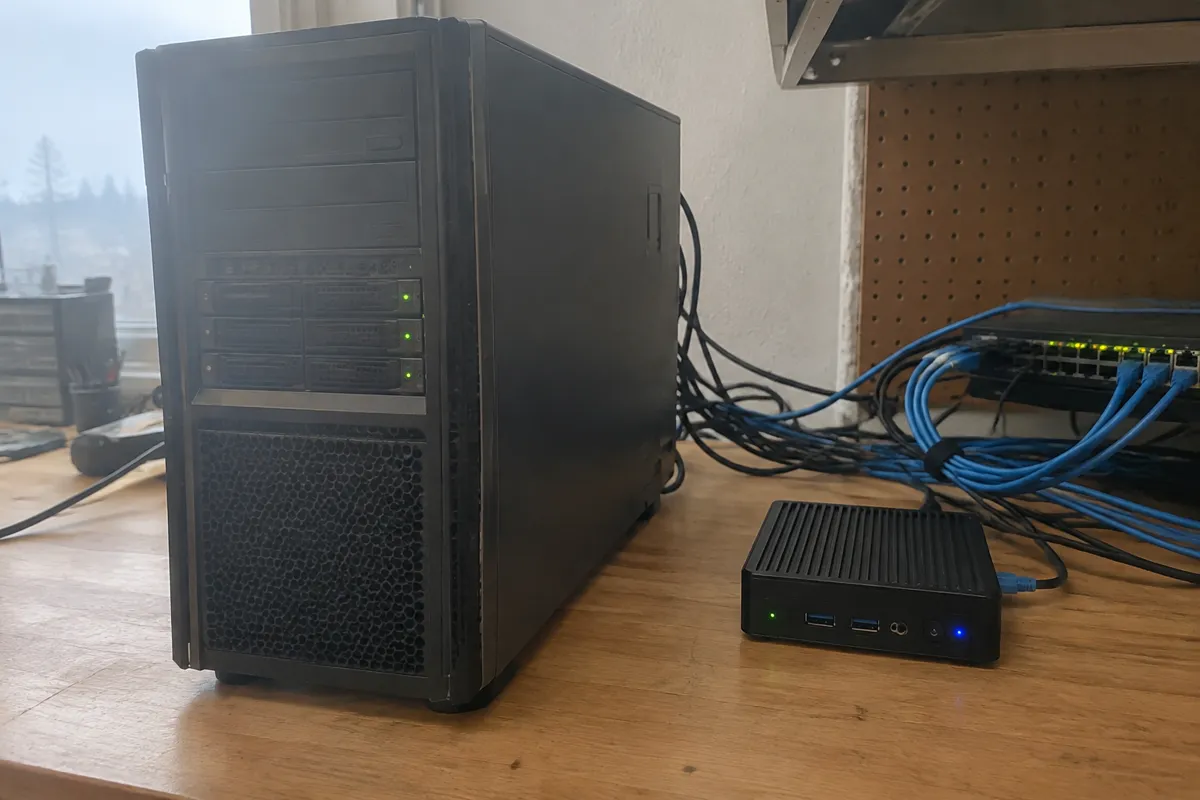
A dedicated server has no such partitioning. You rent (or in colocation, own) the entire physical machine — every CPU core, every gigabyte of RAM, every disk. Nothing about the hardware is shared with any other customer at any time.
VPS vs Dedicated: Side-by-Side Spec Comparison
| Factor | VPS Hosting | Dedicated Hosting |
|---|---|---|
| Hardware | Shared physical server, virtualized | Entire physical server, exclusive use |
| Typical price | $15–$80/month | $80–$500+/month |
| Performance ceiling | Fixed by your virtual allocation | Fixed by the physical hardware, no virtualization overhead |
| Resource scaling | Often resizable within minutes | Requires new hardware provisioning |
| Root access | Standard | Standard, plus full hardware-level control |
| Noisy-neighbor risk | Low (isolated) but hypervisor-level sharing exists | None |
| Setup/provisioning time | Minutes to hours | Hours to days |
| Best for | Growing sites, apps, dev environments | High-traffic sites, compliance-sensitive workloads, heavy databases |
VPS vs Dedicated Hosting: Performance Delta
VPS performance is strong for most workloads, but a hypervisor layer sits between the virtual machine and the physical hardware. Other VPS instances on the same host still compete for disk I/O and network throughput, even when CPU and RAM are guaranteed. Dedicated hosting removes that layer entirely. There’s no virtualization overhead and no other tenant to contend with. That’s why consistently CPU- or I/O-heavy workloads — large databases, high-concurrency applications — perform more predictably on dedicated hardware.
VPS vs Dedicated Hosting: Control and Scalability Delta
Both types offer root access and full software control. The scalability story is where they diverge. Many VPS providers let you resize CPU, RAM, or storage in the control panel within minutes, because the resource pool underneath is shared and flexible. Dedicated hardware is fixed the moment it’s provisioned. Scaling means either running larger workloads on the same hardware until it’s maxed out, or provisioning a completely new physical server — which takes materially longer (see hosting scalability).
VPS vs Dedicated Hosting: Choose VPS If / Choose Dedicated If
Choose VPS hosting if:
- Your resource needs are moderate and may need to scale up or down over time
- You want root access without the cost of an entire physical server
- Your workload is a typical web app, mid-size store, or growing content site
Choose dedicated hosting if:
- You run a consistently high-traffic site or resource-intensive application
- You have compliance or data-isolation requirements that mandate exclusive hardware
- Your database or app workload is I/O-heavy and sensitive to any performance variance
- You’re hosting multiple demanding sites and want to consolidate on owned hardware
Migration Path: VPS to Dedicated
Moving from VPS to dedicated hosting follows the standard migration pattern, with a longer provisioning window. Back up the files and databases. Provision and configure the dedicated server — OS, web server, database, and security hardening. Migrate and test on the new server’s IP. Then cut DNS over. Because dedicated servers take longer to provision than a resizable VPS, plan the switch a few days ahead of when you actually need the extra capacity, not at the moment resource limits are already being hit.

FAQ
Is dedicated hosting always faster than VPS? For sustained heavy workloads, yes — no virtualization overhead and no shared hardware. For light-to-moderate workloads, a well-resourced VPS performs comparably, and the cost difference isn’t justified.
Can I resize a VPS the way I can’t resize a dedicated server? Generally yes. Most VPS providers let you scale CPU, RAM, or storage in a control panel within minutes. Dedicated hardware upgrades usually require provisioning new physical hardware.
Is a dedicated server more secure than a VPS? Dedicated hosting removes any shared-hardware risk, which is a genuine security and isolation advantage, particularly for compliance-driven workloads. A properly hardened VPS is still secure for the large majority of use cases.
Do I need a system administrator for a dedicated server? Unless you buy managed dedicated hosting, yes. You’re responsible for the full software stack, security patching, and hardware-adjacent configuration — the same as an unmanaged VPS, but at higher stakes.
See the full type breakdowns at VPS hosting and dedicated hosting, or browse all hosting comparisons.