Scalability & Autoscaling

Infrastructure Editor
Disclosure: Some links on this page are affiliate links — if you sign up through one, we may earn a commission at no extra cost to you. It never changes our ratings, rankings or verdicts: we don't sell hosting and take no pay-for-placement.
Who it's for
- High-traffic site owners
- E-commerce operators
- Developers planning for growth
- Businesses anticipating traffic spikes
Hosting scalability is a hosting environment’s ability to handle increasing load — more visitors, more requests, more data — without a corresponding drop in performance. It comes in two forms. Vertical scaling means adding more resources, such as CPU and RAM, to a single server. Horizontal scaling means distributing load across multiple servers instead. How a hosting type handles both is one of the clearest differentiators between hosting types built for predictable, steady workloads and hosting types built for growth or variable demand.
What Hosting Scalability Means
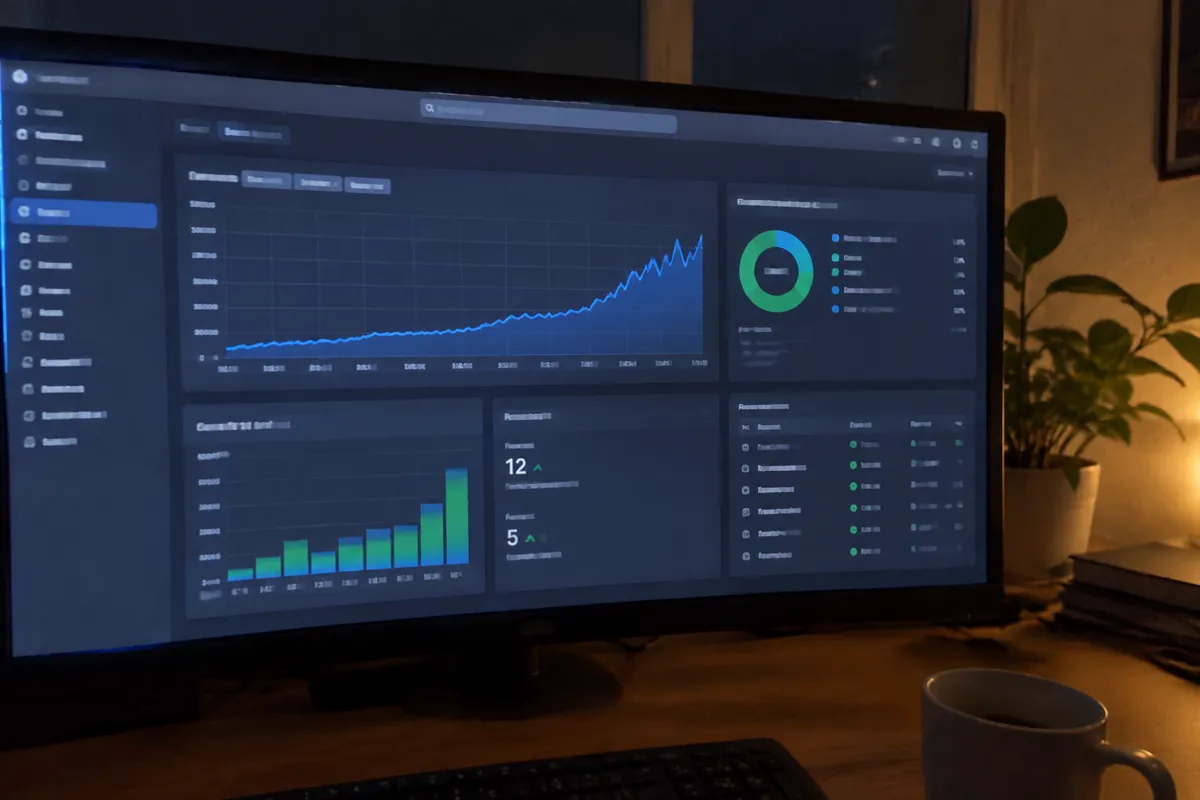
Vertical scaling is the simpler of the two conceptually: upgrade a server’s specs, such as more RAM or more CPU cores, to handle more load on the same machine. It has a hard ceiling, though, set by the largest hardware configuration available, and typically requires some downtime or migration to execute. Horizontal scaling instead adds more servers to share the load, coordinated by a load balancer. In principle it has no hard ceiling, since more machines can always be added. Autoscaling is horizontal scaling automated. Resources are added or removed dynamically based on real-time demand, without a human manually triggering the change.
Why Scalability Matters
Traffic doesn’t arrive evenly. A marketing campaign, a viral social post, a seasonal sales event, or unexpected press coverage can multiply a site’s normal traffic within minutes. A hosting environment without meaningful scalability treats that spike as an emergency. The server runs out of resources, response times climb, and eventually requests start failing outright, right at the moment traffic and potential revenue are highest. A genuinely scalable environment absorbs the same spike as a routine, sometimes fully automatic, resource adjustment.
How to Evaluate Scalability on a Hosting Plan
Ask specifically whether scaling is manual, requiring a support ticket or a plan change initiated by the customer, or automatic. If it’s automatic, ask what triggers it and how quickly it responds to a sudden spike. Check whether vertical scaling on the plan requires downtime to execute, since some providers can resize a server live while others require a reboot or migration. For horizontal/autoscaling setups, ask how billing works during a scaled-up period. Autoscaling that adds cost automatically during a spike needs a clear cost ceiling or alert system, or a viral moment can turn into an unexpectedly large bill.
Autoscaling Response Time Benchmarks
Cloud autoscaling systems typically respond to sustained load increases within one to a few minutes. They spin up additional compute instances behind a load balancer as thresholds are crossed, and scale back down once demand subsides. Vertical resizing on a VPS or cloud instance commonly takes a few minutes to complete, sometimes with a brief restart. A fixed-capacity shared or dedicated plan, by contrast, has no automated response at all. Reaching capacity limits typically means degraded performance or outright resource-limit errors until a manual upgrade is completed, which can take hours depending on support responsiveness.
How Hosting Types Differ on Scalability
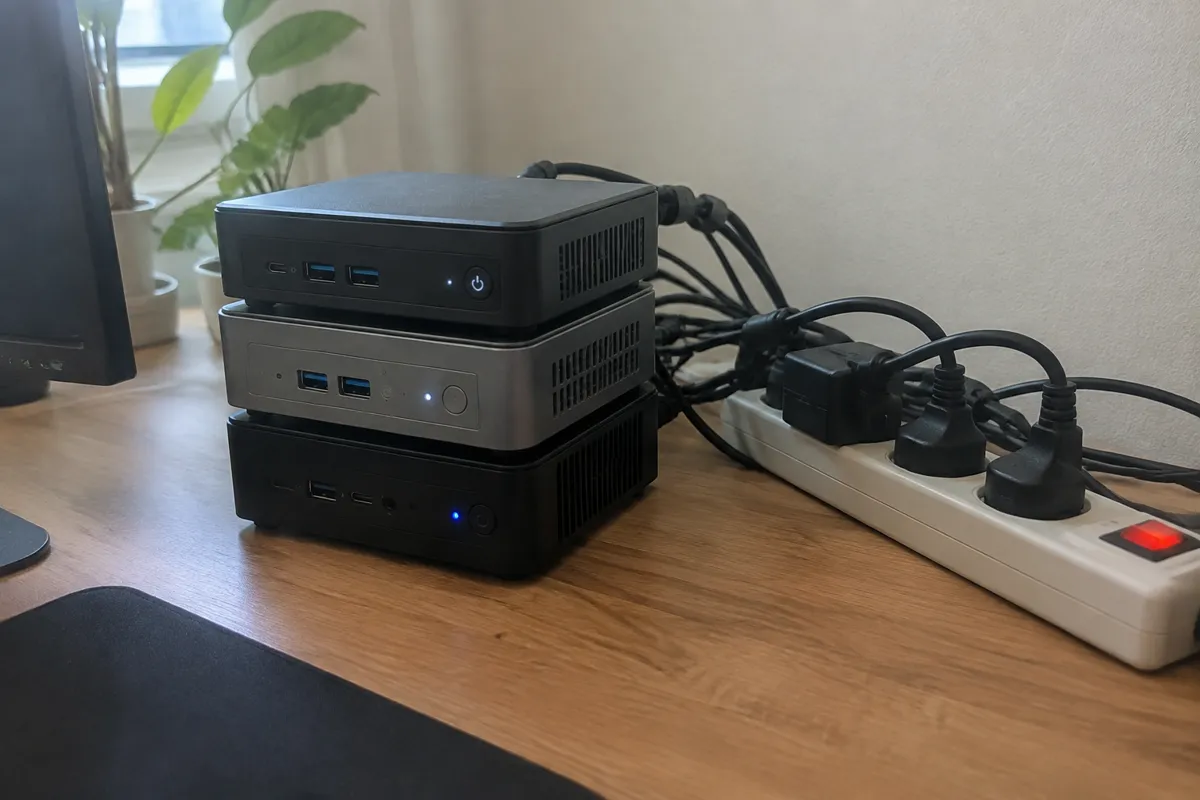
Cloud hosting is architected specifically around elastic scaling, often with genuine autoscaling available as a core feature rather than an add-on. This is the clearest structural advantage cloud holds over fixed-capacity alternatives. VPS hosting generally supports vertical scaling, meaning resizing to a bigger plan, reasonably easily. True horizontal autoscaling across multiple VPS instances typically requires more manual architecture work than on a purpose-built cloud platform. Dedicated hosting is the least scalable by structure. Capacity is fixed to the physical hardware purchased, and scaling up means provisioning and migrating to new hardware, a process that takes real time. Shared hosting is similarly fixed at the plan tier level, with scaling meaning an upgrade to a higher shared tier or a move to VPS entirely. This structural difference is a core reason high-traffic sites increasingly favor cloud infrastructure over a single large dedicated server.
How Scalability Affects Speed, Security, and Cost
Speed under load is the direct connection. A scalable environment maintains consistent response times during a traffic spike that would otherwise cause the kind of slowdown covered in why is my website slow. Security ties in less directly, but a resource-exhaustion DDoS attack is, functionally, an unplanned traffic spike. Scalable infrastructure with proper rate limiting can absorb some attack patterns that would take down a fixed-capacity server outright. On cost, scalability isn’t free. Vertical scaling means paying for a bigger fixed plan whether or not that capacity is used every day, while horizontal autoscaling means paying only for the extra capacity actually consumed during a spike. This is usually the more cost-efficient model for genuinely variable traffic, provided billing alerts are in place to avoid runaway costs.

Hosting Scalability FAQ
Does every cloud hosting plan include autoscaling automatically?
Not always. Some cloud plans are fixed-capacity instances by default, with autoscaling as a separately configured feature. Confirm it’s actually enabled, not just theoretically available on the platform.
Is scalability something a small, steady-traffic site needs to worry about?
Less urgently than a growth-stage or campaign-driven site, but even steady sites benefit from knowing the upgrade path is straightforward before it’s needed under pressure.
Can a dedicated server be made scalable?
Only through additional architecture, such as load balancing traffic across multiple dedicated servers. This is possible but requires meaningfully more setup than choosing a cloud platform built for it natively.
For the high-traffic decision context, see best hosting for high-traffic websites; for the full attribute set, see web hosting features.