Web Application Firewall (WAF)

Infrastructure Editor
Disclosure: Some links on this page are affiliate links — if you sign up through one, we may earn a commission at no extra cost to you. It never changes our ratings, rankings or verdicts: we don't sell hosting and take no pay-for-placement.
Who it's for
- Small business website owners
- Developers
- Agencies choosing security tooling
- Ecommerce site operators
By Marcus Feld, Infrastructure Editor
What a Web Application Firewall Does
A web application firewall (WAF) sits between incoming traffic and your website’s application code. It inspects each HTTP request against a rule set of known attack patterns and blocks or challenges anything that matches. Unlike a general network firewall, which controls traffic based on IP address and port, a WAF inspects the content of requests — form submissions, URL parameters, headers, and file uploads. This lets it catch attacks that would otherwise look like normal traffic at the network level. It’s a distinct control from DDoS protection, which filters traffic volume rather than request content, though the two are frequently bundled together at the CDN layer.
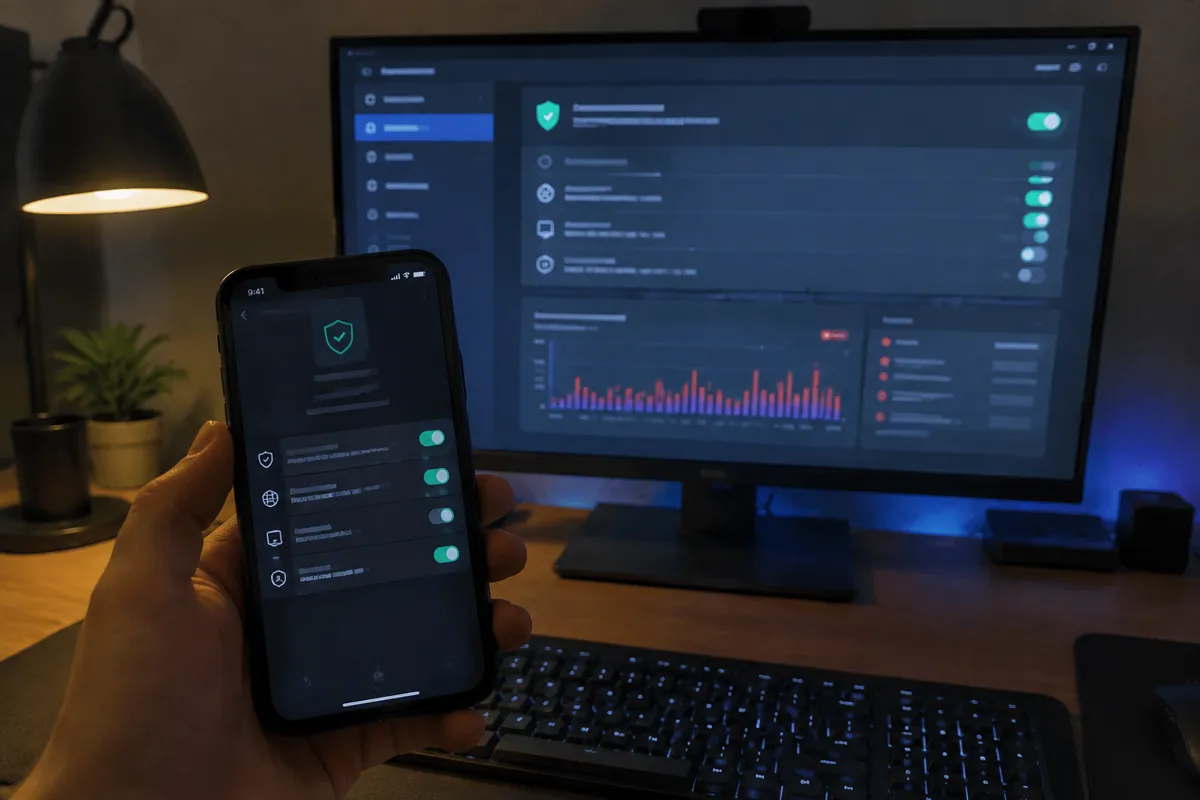
Threat Model: What a Web Application Firewall Catches
SQL Injection
SQL injection is a malicious database query smuggled into form fields or URL parameters, aiming to extract or corrupt data.
Cross-Site Scripting (XSS)
Cross-site scripting is an injected script that executes in a visitor’s browser, often to steal session data or redirect users.
Malicious File Uploads
Malicious file uploads are attempts to upload executable scripts disguised as images or documents through form or media upload fields.
Brute-Force and Credential-Stuffing
Brute-force and credential-stuffing attacks are repeated login attempts against wp-admin or other login endpoints, which a WAF can rate-limit or block.
Known CMS and Plugin Exploits
Many WAF rule sets are updated specifically to block requests matching newly disclosed vulnerabilities in popular platforms like WordPress, often faster than every site owner can patch manually.
How a Web Application Firewall Is Deployed
- Host-provided or plugin-based WAF — runs at the application or server level, common on managed hosting and via CMS security plugins.
- CDN-based WAF — runs at the network edge before traffic reaches your origin server at all. This also reduces server load from filtered traffic; it’s often paired with CDN in hosting services.
- Managed vs custom rule sets — managed rules are maintained by the WAF vendor and updated automatically against emerging threats. Custom rules let you block patterns specific to your own site, such as a particular endpoint being probed repeatedly.
Prevention Value vs Limitations
A WAF is highly effective against automated, pattern-matching attacks — the bulk of what hits small and mid-size sites. It is not a substitute for the fundamentals: it won’t patch an outdated plugin, won’t fix loose file permissions, and won’t stop a compromise that starts with a stolen credential rather than a malicious request. Treat it as one layer in a defense-in-depth approach alongside updates, permissions, and credential hardening — see the full web hosting security guide for how it fits with the rest.
Detection
Most WAFs log blocked and challenged requests, which is a useful early-warning signal even when nothing gets through — a sudden spike in blocked SQL-injection attempts against a specific form, for instance, tells you that field is being actively probed and worth reviewing further. Review WAF logs periodically, not only after an incident.
Hardening Checklist
- Confirm whether your host includes a WAF by default or as a paid add-on
- Enable managed rule sets covering common CMS-specific vulnerabilities
- Add rate limiting on login endpoints specifically
- Review WAF logs periodically for patterns, not just after an incident
- Pair the WAF with regular updates and correct file permissions — it’s a layer, not a replacement
- Test that legitimate traffic (forms, checkout flows) still passes correctly after enabling or updating rules
Provider Responsibility vs Yours
Whether a WAF is included depends heavily on hosting type: many managed and cloud hosting plans bundle one, while unmanaged VPS or dedicated hosting typically leaves you to add one yourself via a CDN or plugin. Either way, configuring and reviewing it — confirming it doesn’t block legitimate traffic, keeping custom rules current — remains your responsibility even when the underlying service is host-provided.

FAQ
Does a WAF slow down my website? A well-configured WAF, especially one running at the CDN edge, typically adds negligible latency and can even improve performance by filtering malicious traffic before it consumes server resources — poorly tuned custom rules are the more common source of any slowdown.
Is a WAF the same as antivirus software for a website? No. A WAF filters incoming requests in real time to prevent an attack from succeeding; malware scanning checks files already on the server for signs of a past compromise. They’re complementary, not interchangeable.
Do I need a WAF if my site is small and low-traffic? Yes — most attacks against small sites are automated bots scanning broadly for known vulnerabilities rather than targeted attacks, so site size doesn’t reduce exposure to the pattern-based threats a WAF catches.
Can a WAF block legitimate customers by mistake? It can, particularly with aggressive custom rules or overly strict challenge modes — test checkout flows and form submissions after any WAF configuration change to confirm legitimate traffic still passes.