What Is a Data Center?

Infrastructure Editor
Disclosure: Some links on this page are affiliate links — if you sign up through one, we may earn a commission at no extra cost to you. It never changes our ratings, rankings or verdicts: we don't sell hosting and take no pay-for-placement.
Who it's for
- First-time website owners
- Small business owners evaluating server location
- Students learning hosting infrastructure
By Marcus Feld, Infrastructure Editor (former data-center systems engineer)
What Is a Data Center? A Plain Definition
A data center is a physical building designed to house large numbers of servers. It’s built with everything those servers need to run reliably around the clock. That means redundant electrical power, industrial cooling systems, high-capacity internet connections, and physical security. Hosting companies either own their own data centers or rent rack space inside third-party facilities like Equinix. Every website hosted anywhere is, at bottom, sitting on a server inside one of these buildings.
Data Center Tiers and Redundancy: A Bank Vault Analogy
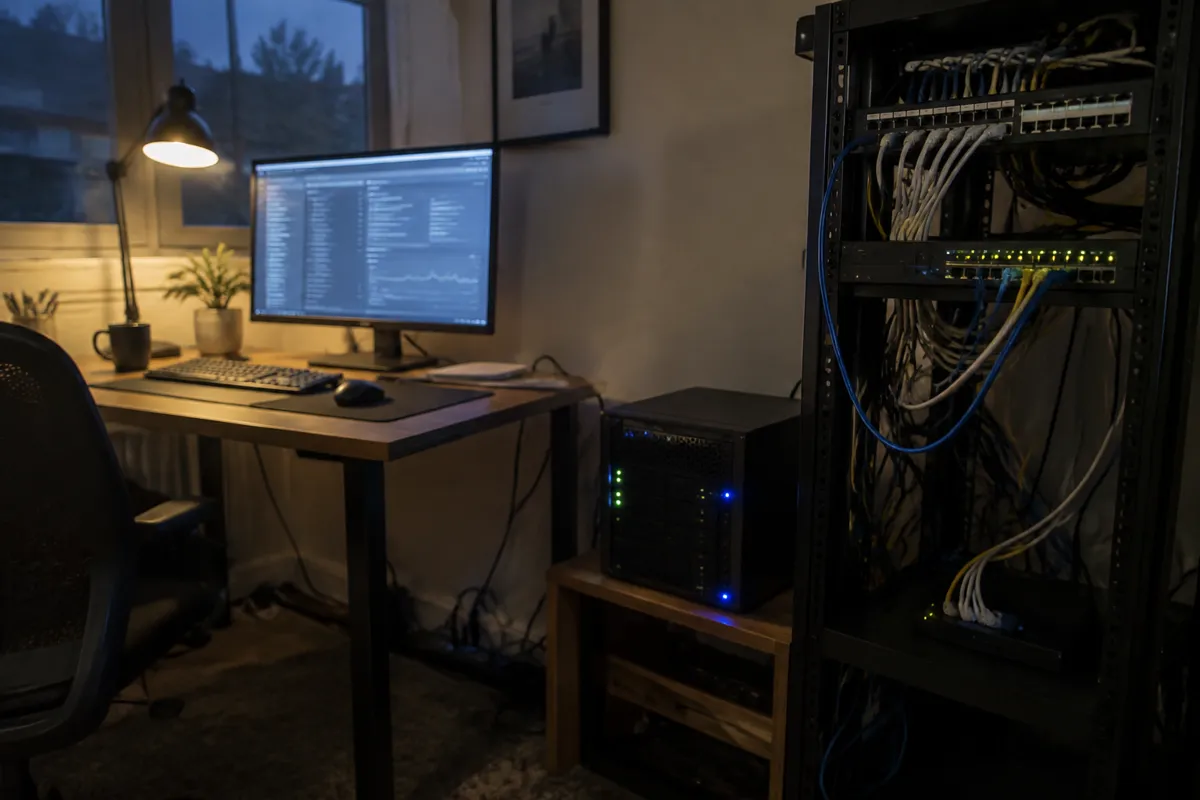
A data center is best understood as a bank vault built for computers instead of cash. A bank vault isn’t just a strong door. It’s a whole system of reinforced walls, alarms, and controlled access built around protecting something valuable. A data center applies that same layered thinking to servers. This layered approach is formalized in data center tiers, a rating system published by the Uptime Institute. A facility built to Tier III has redundancy for nearly every component, so any single part can be taken offline for maintenance without an outage. Redundancy is the core idea underneath every tier: multiple power feeds in case one fails, and backup generators in case the grid goes down. A UPS (uninterruptible power supply) bridges the gap in the seconds before generators kick in. None of this shows up in a $5-a-month hosting plan as a line item. But it’s the reason that $5-a-month server stays online far more reliably than a computer running out of someone’s spare room.
Data Center Cooling
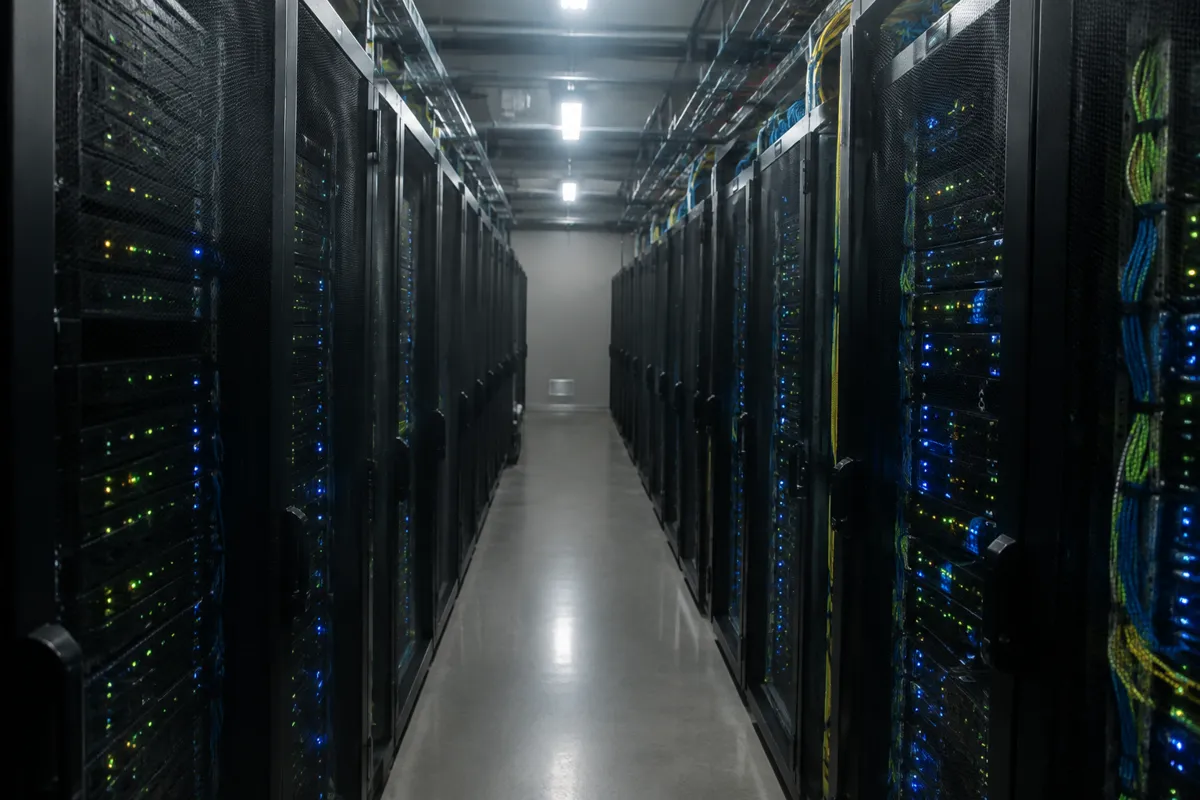
Precise data center cooling matters because overheating destroys hardware fast. Facilities use industrial HVAC systems to pull heat away from equipment continuously. Hot-aisle and cold-aisle server rack layouts are the common design pattern for moving that heat out efficiently.
Data Center Security
Data center security is treated with the same rigor as the power and cooling systems. Strict physical access controls are standard, because a server sitting in the open is a real risk. Biometric checks, security staff, and logged entry points are typical at any serious facility, whether it belongs to a company like AWS or a smaller regional provider.
How Data Centers Connect to Hosting
Every type of hosting relies on a data center somewhere. The relationship is closest and most visible with a few specific types. Colocation is the most direct case. A customer owns the physical server hardware but pays a data center purely for rack space, power, and network access, without renting the server itself. Cloud hosting typically spans multiple data centers at once. It spreads a workload across several facilities, so a problem in one location doesn’t take a site offline. Even basic shared hosting runs on servers sitting inside a data center. The customer just never interacts with that layer directly, since the hosting company manages it entirely.
Uptime, Server Racks, and Power Supply
Uptime is the percentage of time a data center, and the servers sitting inside its server racks, stay online and reachable. It depends directly on the strength of the power supply and cooling behind it. Server racks are the standardized metal frames that hold dozens of individual servers, stacked densely to make efficient use of floor space. A dependable power supply chain, backed by battery arrays and diesel generators, is what keeps those racks running through a grid outage.
Edge Data Center vs Central Facility
An edge data center is a smaller facility placed closer to end users, rather than one large centralized building. It trades some of the scale of a central data center for lower latency to nearby visitors. Placing computing power at the edge shortens the physical distance data has to travel.
Why Location Matters
Data centers are built in specific geographic locations. That location has a real, measurable effect on website speed. Data has to physically travel, as an electrical or light signal, between a visitor’s device and the server. The farther that signal has to travel, the more delay (latency) gets added before a page starts loading. A site hosted in a European data center will typically load faster for European visitors than for visitors in Australia. That’s purely because of the distance the data has to cross. This tradeoff, and how to manage it, is covered in how server location affects speed.
Related Terms
Colocation
Renting rack space and power in a data center for hardware the customer owns outright.
Uptime
The percentage of time a data center (and the servers inside it) stay online and reachable.
Redundancy
Backup systems (power, network, cooling) built into a data center to prevent single points of failure.
Edge location
A smaller facility placed closer to end users, distinct from a large centralized data center.
A Concrete Example
A hosting company advertises “servers located in Sydney, Australia.” Behind that marketing line is a specific commercial data center building somewhere in or near Sydney. It contains rows of server racks owned or leased by that hosting company, connected to multiple internet backbone providers and backed by diesel generators for power outages. A customer signing up for hosting never visits this building, never sees the racks, and typically doesn’t even know its exact street address. But every request their website receives from an Australian visitor gets answered from inside that facility. That’s exactly why the hosting company chose to build there rather than somewhere farther away.

Common Misconception
Many people picture a data center as a single, enormous room with a few giant supercomputers. In reality, a data center is filled with hundreds or thousands of relatively standard server units. Most of them are no more powerful individually than a good desktop computer, mounted in racks and networked together. The scale comes from quantity and infrastructure, not from a handful of extraordinary machines. A second common mix-up is assuming “the cloud” means data doesn’t live in a physical location at all. Every cloud service, no matter how abstract the marketing sounds, ultimately runs on physical servers inside real data centers somewhere on Earth.
FAQ
Can I choose which data center my website is hosted in? Many hosting providers let customers pick a specific region or data center location at sign-up. This is especially true of cloud and larger VPS providers.
Smaller shared hosting plans often assign a location automatically based on the provider’s existing infrastructure.
Does a bigger data center mean better hosting? Not necessarily. What matters more is whether the specific data center serving a customer’s account has strong redundancy. It should also be well-connected to major internet routes and sit at a reasonable distance from the site’s actual visitors.
Are data centers the same as “the cloud”? The cloud is a way of using computing resources across data centers — often multiple ones at once. Resources are allocated flexibly. A data center is the physical building; the cloud is the software and networking layer that makes flexible use of many such buildings possible.
What happens if a data center loses power? Reputable data centers run on backup power systems, including battery arrays and diesel generators. These are designed to keep servers running through a grid outage. This is part of what pushes up the cost of quality data-center infrastructure compared to running a server at home.