What Is LiteSpeed?

Infrastructure Editor
Disclosure: Some links on this page are affiliate links — if you sign up through one, we may earn a commission at no extra cost to you. It never changes our ratings, rankings or verdicts: we don't sell hosting and take no pay-for-placement.
Who it's for
- WordPress site owners comparing managed hosting
- Developers evaluating hosting stacks
- Anyone who's seen 'LiteSpeed' on a hosting plan and wants to know what it means
By Marcus Feld, Infrastructure Editor (former data-center systems engineer)
What Is LiteSpeed Server?
LiteSpeed is commercial web server software, built by LiteSpeed Technologies as a faster alternative to Apache while remaining compatible with the configuration files Apache-based sites already use. It’s the web server increasingly found “under the hood” of managed WordPress hosting plans, usually mentioned by name in marketing copy without much explanation of what it actually does.
Its Role in the Hosting Stack: Apache Compatibility and .htaccess
LiteSpeed sits at exactly the same layer as Apache and Nginx: it’s the software that receives a browser’s request and returns the requested website files. What sets it apart is architectural — it uses an event-driven model similar to Nginx’s, giving it strong performance under concurrent load, while still reading standard Apache .htaccess files. This means sites built for Apache hosting can often move to LiteSpeed without reconfiguring URL rewrites and access rules.
The Feature That Actually Matters: LSCache
LiteSpeed’s standout feature is LSCache, a caching engine built directly into the web server rather than bolted on as a separate plugin. Paired with the free LiteSpeed Cache plugin for WordPress, it caches full pages at the server level. This is faster than PHP-level caching plugins running on Apache or Nginx, because requests for cached pages never reach WordPress’s PHP processing at all. This built-in approach to website caching is frequently cited as LiteSpeed’s biggest advantage over a default Apache or Nginx setup.
Alternatives and How LiteSpeed Compares
- Apache — more configurable, free, but weaker under heavy concurrent traffic without additional caching layers.
- Nginx — comparable raw performance to LiteSpeed, free and open-source, but lacks LiteSpeed’s built-in LSCache and doesn’t natively read
.htaccess. - OpenLiteSpeed — the free, open-source edition of LiteSpeed, with a smaller feature set and different licensing than the paid Enterprise version.
Trade-Offs
LiteSpeed’s biggest limitation is licensing cost: unlike Apache and Nginx, the full Enterprise edition requires a paid license. This is why it’s a hosting-provider-level decision rather than something most individual customers install themselves. A site owner rarely chooses LiteSpeed directly — they choose a hosting provider that has already licensed and configured it. The trade-off is simple: strong out-of-the-box caching performance in exchange for less direct control over the caching configuration than a self-managed Nginx setup would offer.
Which Hosting Types Use LiteSpeed: WordPress Hosting Plans
LiteSpeed is most common on WordPress hosting plans, where providers use the license cost to differentiate a managed product on speed. It also appears on some shared and VPS hosting plans marketed toward performance-conscious customers. It’s rare on plain dedicated hosting, where customers with full server access more often choose the free options (Apache or Nginx) and configure caching themselves.
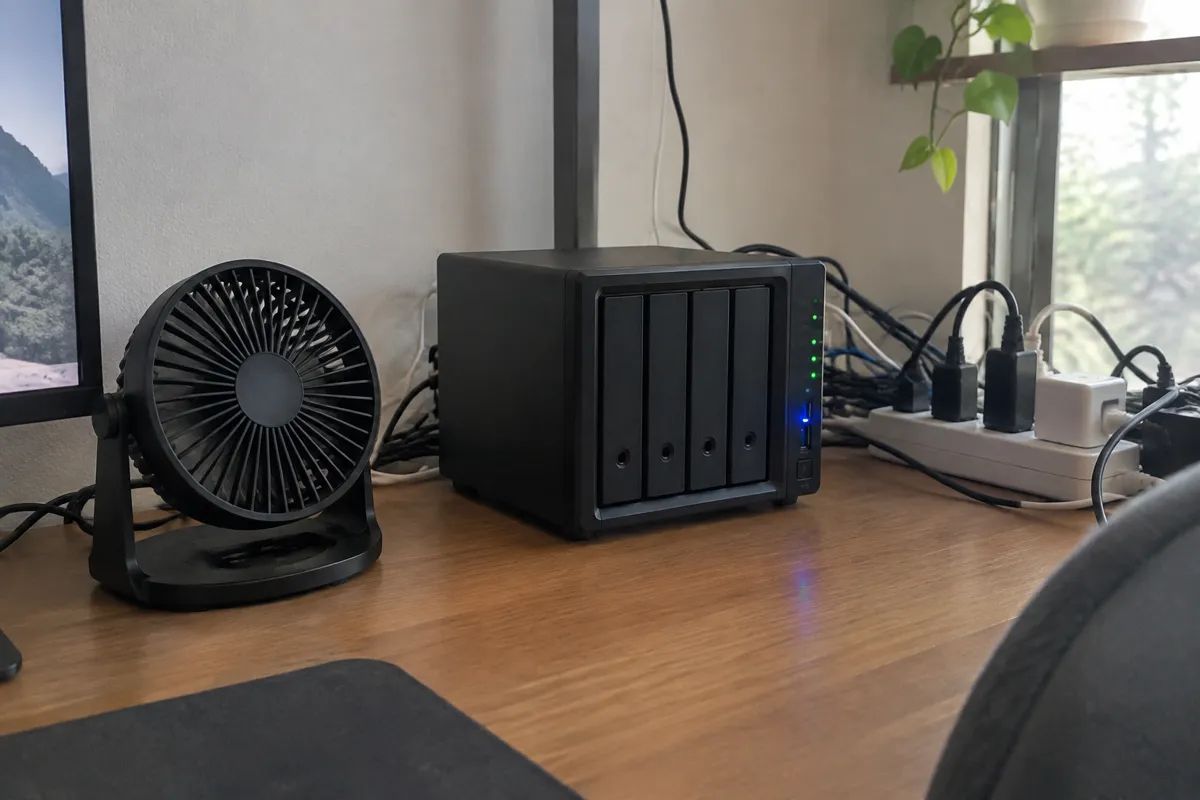
LiteSpeed is one of the web-server options covered in the wider server infrastructure stack.
A Concrete Example
A WordPress site running on standard Apache hosting with a plugin-based caching layer serves a cached page reasonably fast. But every so often, when the cache expires or a logged-in visitor bypasses it, the request still has to pass through PHP and the plugin’s caching logic before a page is returned. The same site on LiteSpeed with LSCache active can serve that same cached page directly from the web server itself, before PHP is ever invoked, shaving meaningful time off the response. For a high-traffic blog or WooCommerce store, that difference compounds across thousands of page views a day. That’s why performance-focused managed WordPress hosts frequently lead with LiteSpeed as a headline feature rather than a footnote.

Common Misconception
It’s easy to assume “LiteSpeed” is just a caching plugin, similar to WP Super Cache or W3 Total Cache. It isn’t — those are PHP-level plugins that still run on top of Apache or Nginx. LiteSpeed is the web server itself, and LSCache is a caching mechanism built into that server software. Installing the LiteSpeed Cache plugin on a site whose host doesn’t actually run the LiteSpeed web server does nothing, because the plugin is only a control panel for a caching engine that has to exist at the server level to work.
FAQ
Is LiteSpeed better than Nginx? For raw request-handling speed they’re broadly comparable. LiteSpeed’s advantage is the built-in LSCache integration with WordPress, which Nginx doesn’t offer natively.
Do I need the LiteSpeed Cache plugin if my host uses LiteSpeed? To get the full benefit, yes — LSCache is activated and configured through the free LiteSpeed Cache plugin on WordPress sites.
Can I install LiteSpeed myself on a VPS? Yes, including the free OpenLiteSpeed edition, though the full-featured Enterprise edition requires purchasing a license.
Why do hosts advertise LiteSpeed as a selling point? Because it materially improves page-load speed on cached WordPress pages compared to a default Apache setup, and speed is a direct ranking and conversion factor for site owners.