Why Is My Website Slow?

Infrastructure Editor
Disclosure: Some links on this page are affiliate links — if you sign up through one, we may earn a commission at no extra cost to you. It never changes our ratings, rankings or verdicts: we don't sell hosting and take no pay-for-placement.
Who it's for
- Website owners
- E-commerce site admins
- Growing-traffic sites
- Anyone comparing hosting plans on speed
By Marcus Feld, Infrastructure Editor
Why Is My Website Slow: What “Website Is Slow” Actually Means
A slow website isn’t an error in the sense the rest of this troubleshooting series covers. Nothing fails outright — the page just takes longer than it should to load. That makes it harder to diagnose than a clear error code, because the cause could sit at any layer: the server itself responding slowly (high TTFB), an unoptimised database, no caching in place, oversized images and scripts on the front end, or simply a hosting plan that’s undersized for current traffic. Server-side slowness and outright downtime are close cousins. Both are frequently the same underlying resource constraint, just at different severities.
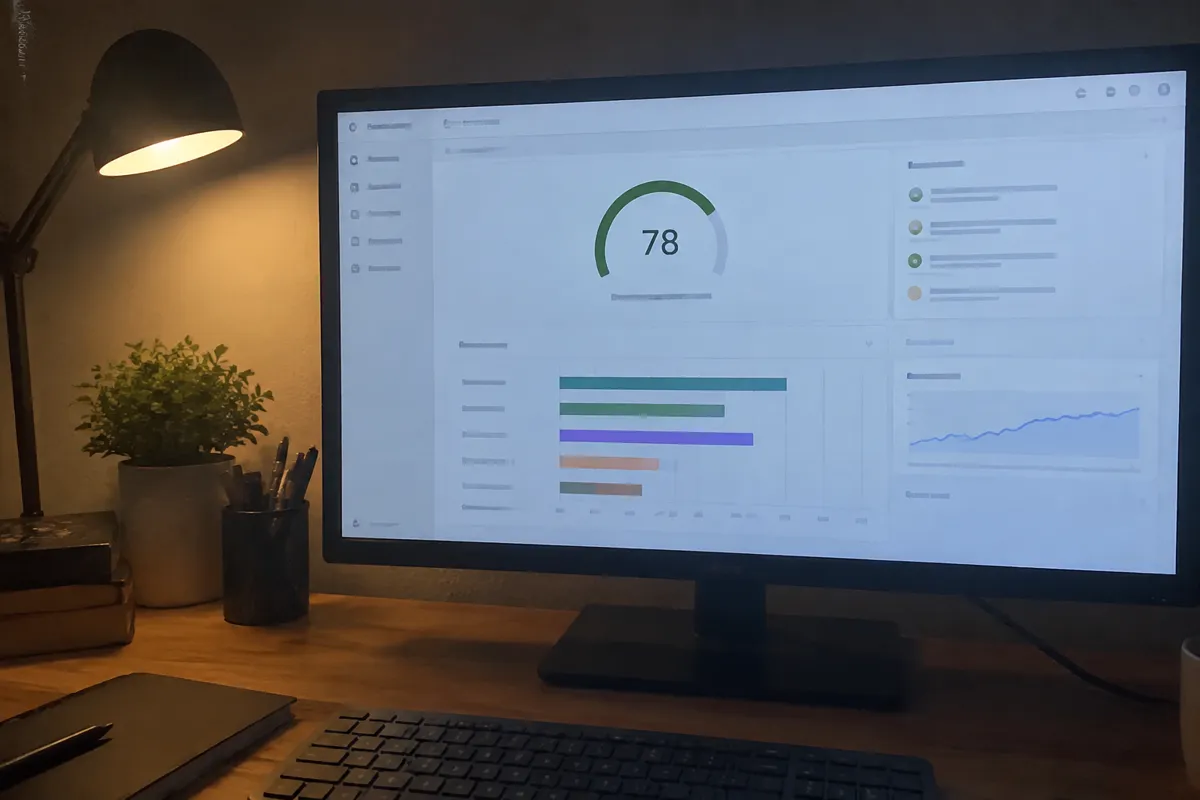
Common Causes of a Slow Website, Ranked
Slow Server Response Time (High TTFB)
The server itself takes too long to start sending data, often due to unoptimised backend code, a slow database query, or an overloaded server.
No Caching in Place
Every request rebuilds the page from scratch instead of serving a pre-generated or cached version.
Undersized Hosting Plan for Current Traffic
A plan that was adequate at launch no longer has the CPU, RAM, or database headroom for the site’s real, current load.
Unoptimised Database
Bloated tables, missing indexes, or excessive plugin-generated data slow down every dynamic page.
Large, Unoptimised Media
Oversized images and unminified scripts add meaningful load time regardless of how fast the server itself is.
Server Location Far From Your Audience
Physical distance between the server and visitors adds latency that no amount of code optimisation can remove on its own.
No CDN
Without one, every visitor, regardless of location, pulls static assets from a single origin server.
Step-by-Step Fix
- Measure first, don’t guess. Use a speed testing tool to separate server response time (TTFB) from front-end load time — they have different fixes.
- Check server resource usage in your hosting control panel for sustained high CPU, RAM, or database load, which points to a plan that’s undersized for current traffic.
- Enable or configure page caching if it isn’t already active — this is often the single biggest speed improvement available with the least effort.
- Run a database optimisation pass — clean up bloated tables (revisions, transients, spam comments) and check for missing indexes on slow queries.
- Compress and resize images, and minify CSS/JavaScript, if front-end load time (not server response time) is the bulk of the delay.
- Add a CDN to serve static assets from locations closer to your visitors, especially if your audience is geographically spread out.
- Check server location relative to your primary audience, and consider a server region change or CDN if there’s a significant mismatch.
- Upgrade your hosting plan only after caching, database, and asset optimisation are in place and resource usage graphs confirm you’re genuinely at capacity, not just unoptimised.

How to Prevent a Slow Website
- Follow our full guide on how to speed up a website for the complete optimisation checklist beyond the fixes above.
- Specifically target server response time (TTFB) if diagnostics show the delay starts before the page even begins rendering.
- Review database health on a regular schedule, not just when the site is already noticeably slow.
- Re-test speed after every major plugin, theme, or content addition — cumulative small additions are a common, gradual cause of slowdown.
- Size your hosting plan against your actual current and near-term traffic when you first choose a host, and revisit that sizing as traffic grows — see best hosting for high-traffic sites once you outgrow an entry-level plan.
When Slowness Points to a Hosting Problem vs. a Site Problem
If speed tests show high server response time (TTFB) specifically, and resource usage graphs show the server consistently near its limits, that’s a hosting capacity problem worth raising with your provider or solving with a plan upgrade. If TTFB is fast but the overall page load is still slow, the cause is almost always on the site side: unoptimised images, too many scripts, or missing caching. No hosting upgrade will fix it. See the website down checklist if slowness has progressed to intermittent unavailability, since the two often share a resource-limit root cause.

FAQ
Can a slow website turn into a 503 or 504 error? Yes. Sustained slowness under load is frequently the earlier stage of the same resource-limit condition that eventually produces a 503 or 504 error once demand exceeds capacity entirely.
Will upgrading my hosting plan automatically fix a slow site? Only if the cause is genuinely a resource constraint. If the real cause is missing caching, unoptimised images, or a bloated database, an upgrade adds headroom but doesn’t fix the underlying inefficiency.
Does server location really make a measurable difference? Yes, especially for visitors geographically far from the server — physical distance adds real, measurable latency that a CDN can mitigate for static content but not eliminate for dynamic, uncached requests.
How do I know if it’s my website or my hosting plan that’s slow? Check server response time (TTFB) specifically. A slow TTFB combined with high resource usage points to hosting capacity; a fast TTFB with a slow overall page load points to the site’s own code and assets.