Website Down? Diagnostic Checklist

Infrastructure Editor
Disclosure: Some links on this page are affiliate links — if you sign up through one, we may earn a commission at no extra cost to you. It never changes our ratings, rankings or verdicts: we don't sell hosting and take no pay-for-placement.
Who it's for
- Website owners
- Small business admins
- Anyone whose site just went offline
- Support staff triaging a downtime report
By Marcus Feld, Infrastructure Editor
Website Is Down: What It Actually Covers
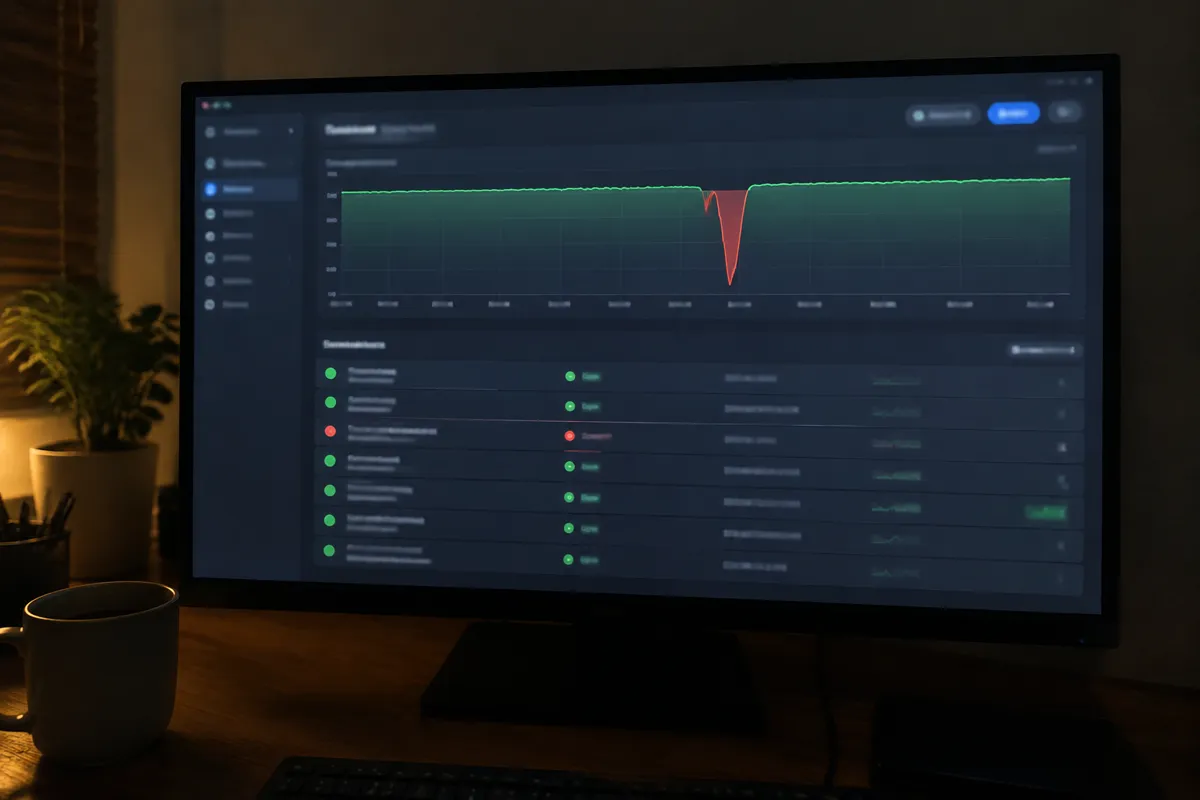
“My website is down” is a report, not a diagnosis. It can mean a dozen different underlying conditions: a server error, a DNS failure, an expired domain, a database fault, or simply a problem on the visitor’s own network that has nothing to do with the site at all. This checklist gets you from “it’s down” to “here’s the specific error and its fix guide” as fast as possible.
Step-by-Step Diagnostic Checklist
- Confirm it’s actually down for others, not just you. Use a third-party “is it down for everyone” checker or ask someone on a different network. If it loads for them, the problem is local to your device or network.
- Note the exact error message and code, if one appears. “500,” “502,” “503,” “504,” and “site can’t be reached” are all different failures with different fixes — the message is the fastest route to the right answer.
- Check your host’s status page for a known, already-being-worked-on outage affecting your server or data centre.
- Check your domain’s registration status. An expired domain produces a “can’t be reached” message that looks identical to a server outage but has nothing to do with hosting.
- Check DNS records if you’ve recently changed hosts, nameservers, or DNS settings — propagation delays commonly present as intermittent or total downtime for up to 48 hours.
- Log into your hosting control panel directly (not through the website itself) to check account status — a suspended account (often from a billing issue or a resource/abuse flag) shows here even when the public site is unreachable.
- Check what changed recently — a plugin update, a theme change, a code deployment, or a DNS edit in the last 24–48 hours is the most common trigger for sudden downtime.
- Match the specific symptom to its dedicated guide. A server error page points to 500, 502, 503, or 504. No page loading at all points to site can’t be reached. A database error message points to database connection error. The site loading slowly rather than not at all points to why is my site slow.
- Contact hosting support with the exact error, timestamp, and what you’ve already checked once you’ve ruled out local network, domain expiry, and an obvious recent change on your end.
How to Prevent Extended Downtime
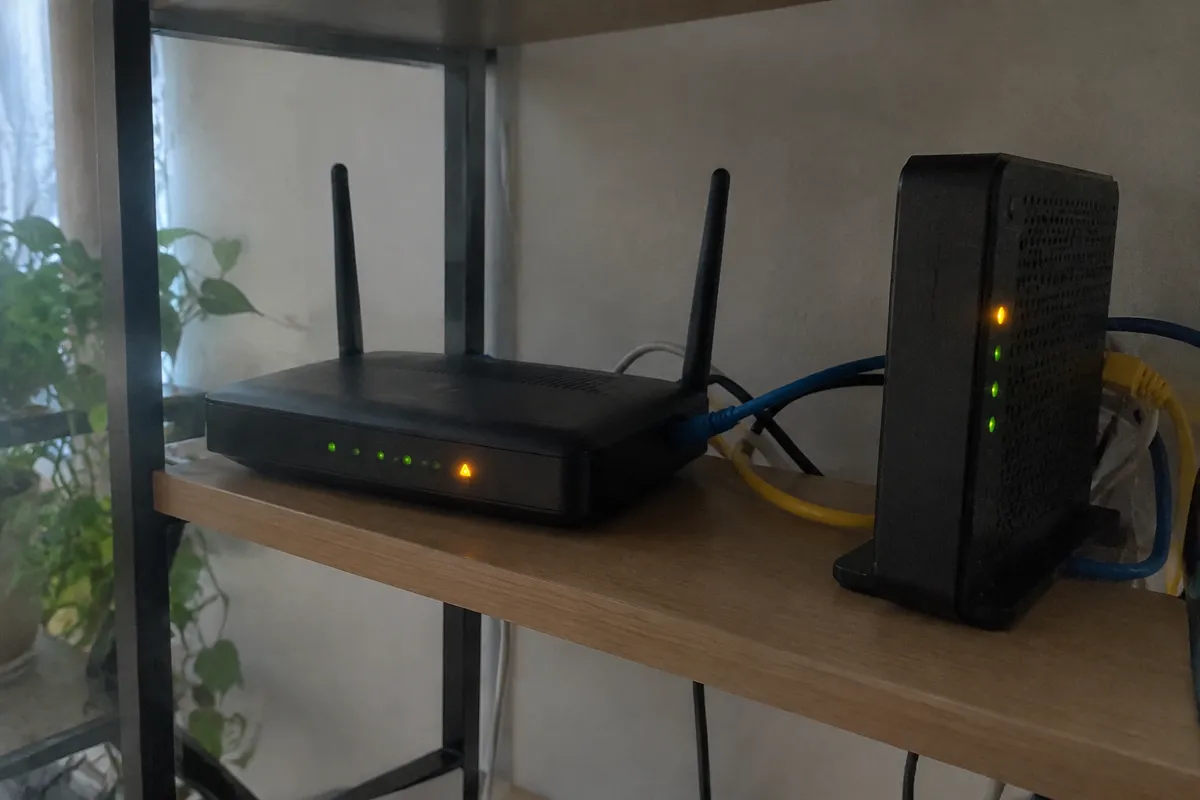
- Use third-party uptime monitoring so you’re alerted the moment the site goes down, rather than finding out from a customer or a missed sale — measure this against your host’s own published uptime & SLA so you know what performance to expect.
- Keep a documented, current record of your DNS settings, hosting login, and domain registrar login in one accessible place, so downtime troubleshooting doesn’t start with an account-access scramble.
- Test major updates and deployments on staging, not directly on the live site, so “what changed recently” has a shorter, safer answer.
- Keep domain auto-renewal enabled and payment methods current across both your registrar and your host.
- Keep a recent backup so a rollback is always available if a change is the cause.
When to Contact Your Host
Contact your host as soon as you’ve ruled out a local network issue, confirmed the domain is active, and checked their status page. Don’t wait through the entire checklist if the status page already confirms a known outage. For anything that reaches this checklist’s final step without a clear local cause, give support the specific error text and exact timestamp. That turns a vague “my site is down” ticket into one they can resolve on first contact.

FAQ
How do I know if it’s my site or the whole internet having a problem? Try loading a few unrelated major websites. If those also fail, the issue is with your own internet connection, not your hosting.
Should I panic if my site has been down for a few minutes? No. Brief downtime during a deployment, a DNS change, or a transient traffic spike is common and usually self-resolves. Escalate once it passes 15–30 minutes with no clear cause.
Does downtime automatically mean I’ll get compensation from my host? Only if it exceeds the guaranteed uptime threshold in your plan’s terms — check your host’s specific uptime & SLA policy, since guarantees and remedies vary significantly between providers.
What’s the fastest way to check if it’s a DNS issue specifically? Try accessing the site via its server IP address directly, or use an online DNS lookup tool. If the IP loads the site but the domain doesn’t, the problem is DNS, not the server.