Application Hosting (PaaS)

Infrastructure Editor
Disclosure: Some links on this page are affiliate links — if you sign up through one, we may earn a commission at no extra cost to you. It never changes our ratings, rankings or verdicts: we don't sell hosting and take no pay-for-placement.
Who it's for
- developers deploying SaaS products and APIs
- teams without dedicated DevOps resources
- anyone comparing PaaS against VPS or cloud infrastructure
What Is Application Hosting?
Application hosting, more commonly called Platform-as-a-Service (PaaS), removes server management from the customer’s responsibility entirely. VPS hosting and dedicated hosting require provisioning a server, installing a runtime, and configuring a web server. With application hosting, the customer just pushes code — via a Git repository or a container image. The platform handles provisioning, scaling, load balancing, and the runtime environment automatically. This is the most hands-off point on the types of web hosting spectrum, short of a fully managed no-code platform.
The category covers platforms built specifically around deploying application code, not serving files or running a general-purpose server. The customer never touches the underlying operating system or hardware directly.
How Application Hosting Works (Containers, Deployment, and Scaling Rules)
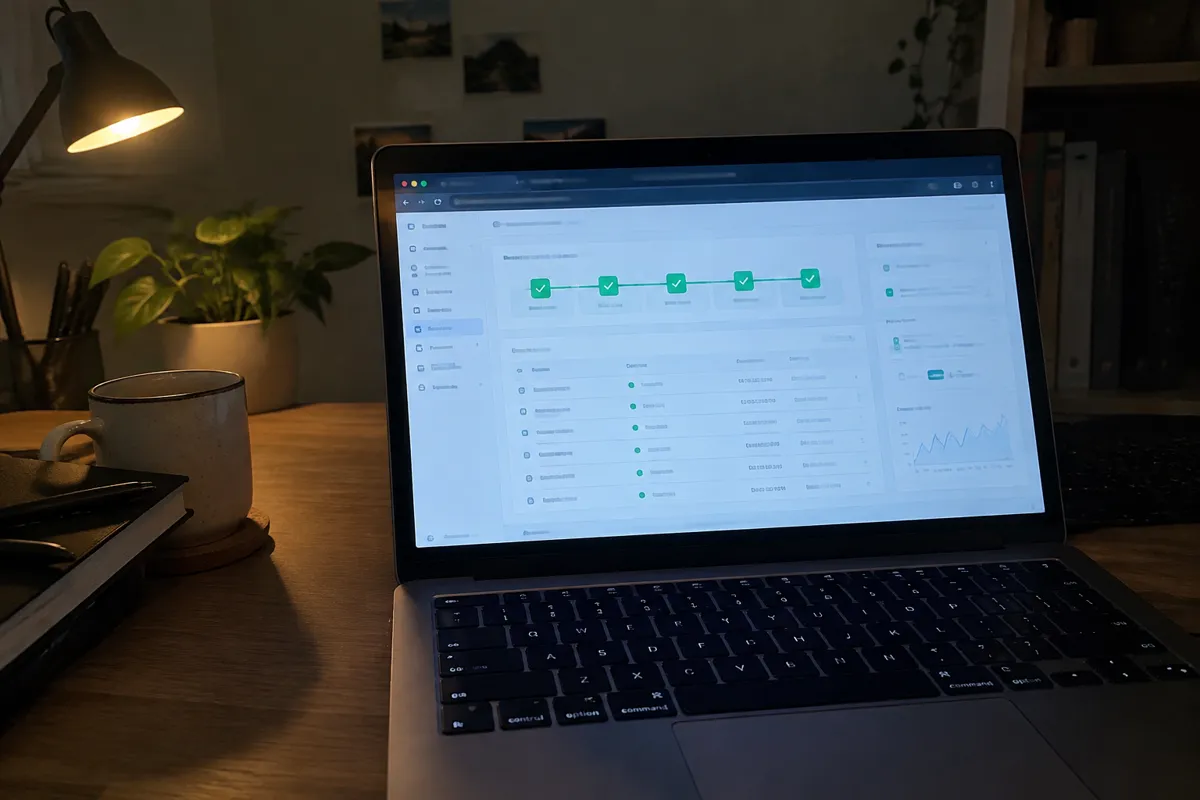
A developer connects a Git repository or pushes a container image to the platform. The platform builds the application, installing dependencies and compiling if needed. It packages the app into a deployable unit — typically a container — and runs it across its own managed infrastructure. Scaling rules, set automatically or by the developer, determine how many instances run at a given time based on traffic or resource use. The platform also handles load balancing, routing incoming requests to whichever instance has capacity.
This differs fundamentally from Docker hosting on a self-managed VPS, where the customer runs and orchestrates containers themselves. On a PaaS, container orchestration, scaling, and networking are the platform’s responsibility, not the customer’s.
Resources and Isolation for Application Hosting
Isolation is per-application-instance, typically enforced through containerization. Each deployed app runs in its own isolated container, separate from other customers’ apps on the same platform infrastructure. Resources scale automatically based on configured rules rather than a fixed, purchased tier the way a VPS plan works. A developer typically sets bounds — minimum and maximum instances, memory limits per instance — rather than a single fixed allocation. The platform adjusts actual running resources within those bounds as demand changes.
Application Hosting Price Band
Pricing is usage-based, often billed per compute resource consumed. That could be CPU-seconds, memory-hours, or a similar granular unit, rather than a flat monthly server fee. Costs range from free tiers generous enough for small apps and side projects. They scale up to significant spend for applications handling heavy, sustained traffic. This pricing shape closely mirrors cloud hosting economics, since both bill for consumption rather than a reserved block of capacity.
Application Hosting Performance
The performance ceiling is high and elastic, similar to cloud hosting. The platform can add instances automatically as demand grows, without the customer manually provisioning more capacity. The trade-off is reduced infrastructure control. Customers can’t tune low-level server settings or choose a non-standard OS configuration. Installing arbitrary system-level software also isn’t possible, unlike on a VPS or dedicated server with root access.
Who Application Hosting Suits
Developers who want to deploy applications without managing servers, databases, or networking directly are the core audience. This fits SaaS products, APIs, and web apps built with modern frameworks especially well. The deployment model — push code, get a running app — matches how those projects are typically built and iterated on. Teams without dedicated DevOps resources benefit from offloading infrastructure operations entirely to the platform. It’s also a natural fit for workload-specific needs like Discord bot hosting, where an always-on process needs to run reliably without a managed server.
Limitations of Application Hosting
The core limitation is reduced infrastructure control. PaaS platforms restrict low-level server access and custom OS configuration by design. That’s the trade being made for operational simplicity. Non-standard runtime setups and unusual system dependencies get traded away for that convenience. Applications with very specific OS or kernel-level tuning needs are usually better served by a VPS or dedicated server where that control exists.
Upgrade Path for Application Hosting
Applications that outgrow a PaaS platform’s automatic scaling and pricing model typically migrate to self-managed infrastructure. That’s usually a VPS or cloud hosting setup running Docker containers directly. The team takes back infrastructure control in exchange for potentially lower cost at high, predictable scale and finer-grained tuning.
FAQ
What’s the difference between application hosting and cloud hosting?
Application hosting (PaaS) abstracts away the server entirely — you deploy code, not infrastructure. Cloud hosting still involves provisioning and managing virtual servers, just with elastic scaling across a distributed pool.
Do I need to know server administration to use application hosting?
No — that’s the point of the model. The platform manages provisioning, scaling, and the runtime environment, so deployment happens at the code level.

Is application hosting good for running a Discord bot?
Yes. An always-on process like a bot fits the PaaS model well, since the platform keeps it running and scaling without the developer managing a server. See Discord bot hosting for the workload-specific detail.
Can application hosting get expensive at scale?
It can, since pricing is usage-based. A high-traffic, resource-heavy application running continuously can cost more on a PaaS than an equivalently sized, well-utilized VPS or dedicated server.