Discord Bot Hosting

Infrastructure Editor
Disclosure: Some links on this page are affiliate links — if you sign up through one, we may earn a commission at no extra cost to you. It never changes our ratings, rankings or verdicts: we don't sell hosting and take no pay-for-placement.
Who it's for
- Discord server owners running a custom bot
- developers deploying Node.js or Python bots
- hobbyists comparing free vs paid bot hosting options
What Is Discord Bot Hosting?
Discord bot hosting is infrastructure for running a Discord bot as an always-on background process. It’s not a website or API responding to occasional requests. This is a workload-specific need within application hosting and general-purpose compute types. It’s similar in spirit to how ecommerce hosting tunes generic infrastructure for a specific workload. Here, the defining requirement is persistence, not traffic handling.
A Discord bot connects to Discord’s gateway and holds that connection open continuously. It listens for events — a message posted, a reaction added, a command typed — and responds in real time. That’s fundamentally different from a typical website, where a server sits idle between requests and responds only when a visitor loads a page. This single difference rules out most standard shared hosting plans. Those plans are built around serving intermittent HTTP requests, not maintaining a persistent, long-running connection.
How Discord Bot Hosting Works (Gateway Connection and Uptime)
The bot’s code is typically written in Node.js, Python, or another language with a Discord API library. It runs as a continuous process that authenticates with Discord’s API and maintains an open WebSocket connection to Discord’s gateway. As long as that process stays alive and connected, the bot responds to events. If the process crashes or loses its connection, the bot goes offline until it reconnects. That’s also true if the host restarts it without reconnect logic.
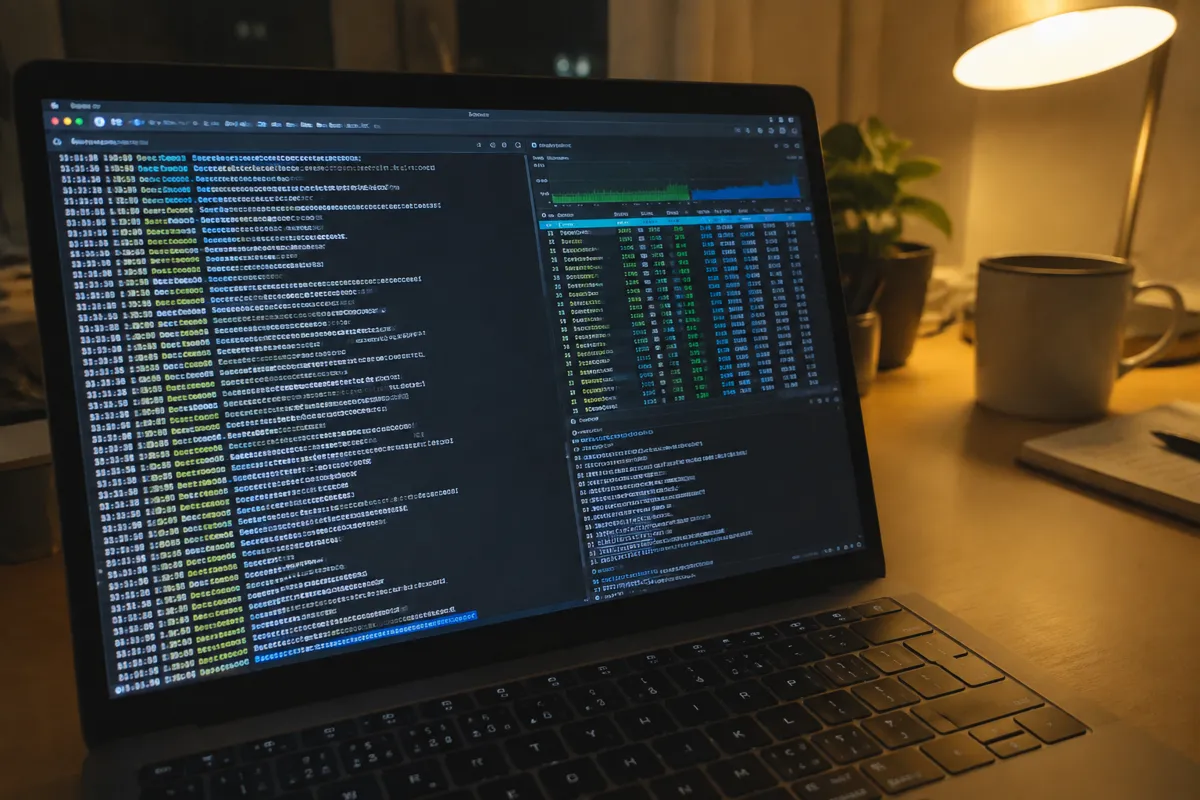
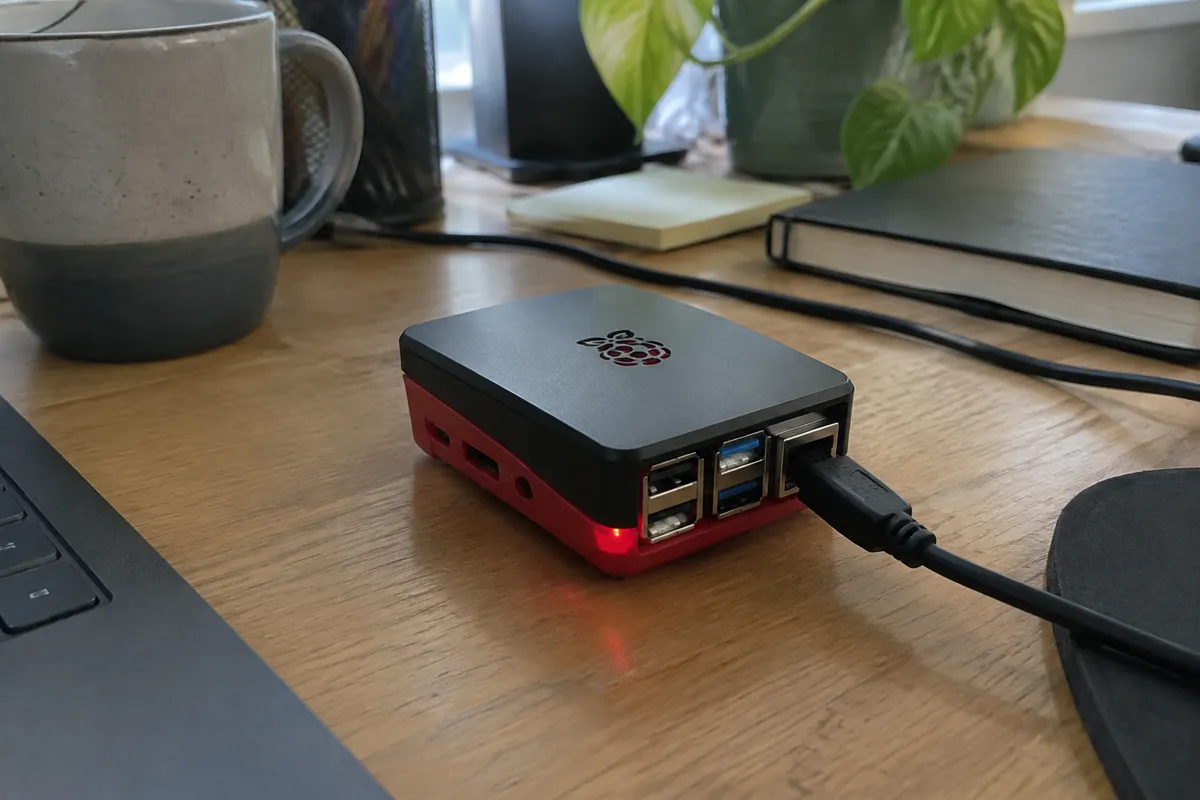
This can run on a few infrastructure types. One option is a small VPS running the bot process directly, often managed with a process manager like PM2 to auto-restart on crash. Another is a Docker container on a container-hosting platform. A third is a PaaS platform configured to keep a background worker running rather than serving HTTP requests. All three support a long-running process — something free static hosting or a typical shared plan isn’t designed for.
Resources and Isolation for Discord Bot Hosting
Resource needs for a typical Discord bot are light: low CPU and modest RAM. Most bots spend the majority of their time idle, waiting for an event rather than processing continuously. Isolation follows whatever underlying infrastructure is chosen. A container on a PaaS platform gets per-instance isolation; a VPS gets hypervisor-level isolation from other tenants. The resource constraint that actually matters for a bot isn’t raw CPU or RAM ceiling. It’s the platform reliably keeping one process alive continuously, since restarts every few hours cause visible disconnects for users.
Discord Bot Hosting Price Band
Bot hosting can start free on PaaS platforms with a generous small-app tier. That’s sufficient for a bot running in a handful of Discord servers with light command usage. A small VPS running one or a few bots typically costs a few dollars a month. It becomes the more predictable option once a bot outgrows a free tier’s resource caps. Larger bots serving many servers with heavier processing — voice features, large data lookups — push costs up. They scale with the CPU and memory the bot needs. That lands closer to standard VPS or small dedicated pricing.
Discord Bot Hosting Performance and Uptime
Performance for a Discord bot is measured by uptime and response latency to events, not page-load speed. A bot needs to stay connected and respond to commands within a second or two to feel responsive. The main threat to this isn’t raw compute — it’s connection stability. How well the hosting platform handles reconnects after a network blip or scheduled restart matters most. A platform or process manager with solid automatic-restart and reconnect logic beats extra CPU headroom.
Who Discord Bot Hosting Suits
Discord server owners running a custom moderation, game, or utility bot are the direct audience. So are developers building and deploying bots in Node.js or Python. Hobbyists running a bot for one or a few servers can comfortably use a free PaaS tier. Developers running bots across many servers, or handling heavier processing like voice features, typically move to a dedicated small VPS for the predictability.
Limitations of Discord Bot Hosting
Free PaaS tiers often impose resource caps or scheduled restarts that can interrupt an always-on bot’s connection. To users, that shows up as the bot occasionally going offline for no obvious reason. Reconnect logic has to be built into the bot’s code, since no hosting platform guarantees a connection never drops. The bot needs to detect a dropped connection and re-authenticate automatically, rather than staying dead until manually restarted.
Upgrade Path for Discord Bot Hosting
A bot that outgrows a free or entry-level tier typically moves to a small VPS. That gives predictable, dedicated resources and full control over the process manager and restart behavior. Alternatively it moves to a paid tier on an application hosting platform for continued hands-off scaling. For how to choose a host more generally, the same decision variables apply: traffic level, technical comfort, and growth trajectory. They’re just measured in servers-joined and command volume here.
FAQ
Can I host a Discord bot for free?
Yes. Several PaaS platforms offer free tiers sufficient for a small bot in a handful of servers. Resource caps and occasional restarts are more common than on paid tiers, though.
Do I need a VPS to host a Discord bot?
Not necessarily. A VPS gives more predictable uptime and control, but a PaaS platform or container host works fine for many bots, especially smaller ones.

Why does my Discord bot keep going offline?
Usually it’s a dropped connection without proper reconnect handling in the code. It can also be a free-tier host restarting the process due to resource limits or inactivity timeouts.
What programming languages work for Discord bot hosting?
Node.js and Python are the most common, both with mature Discord API libraries. Any language with a WebSocket-capable Discord library and a host supporting long-running processes will work.