What Is a Subdomain?

WordPress & Managed Editor
Disclosure: Some links on this page are affiliate links — if you sign up through one, we may earn a commission at no extra cost to you. It never changes our ratings, rankings or verdicts: we don't sell hosting and take no pay-for-placement.
Who it's for
- DIY site builders
- Developers testing new features
- Businesses running a blog or store on a separate system
What Is a Subdomain?
A subdomain is a prefix added before a root domain — blog.example.com, shop.example.com, app.example.com. It can be pointed at an entirely different server, hosting account, or third-party service, independent of the root domain. Subdomains are free to create in unlimited number under one owned domain, unlike buying a new domain outright. Each one is a distinct entry point in DNS, resolved separately from the root.
How Subdomains Work
A subdomain doesn’t exist until a DNS record is created for it. Most commonly this is a CNAME record, pointing the subdomain at another hostname such as a third-party platform or a different server. It can also be a dedicated A record, pointing it directly at an IP address if it’s hosted on the same or a different server. Once the record exists and propagates, the subdomain resolves. It can then serve its own, fully independent website or application.
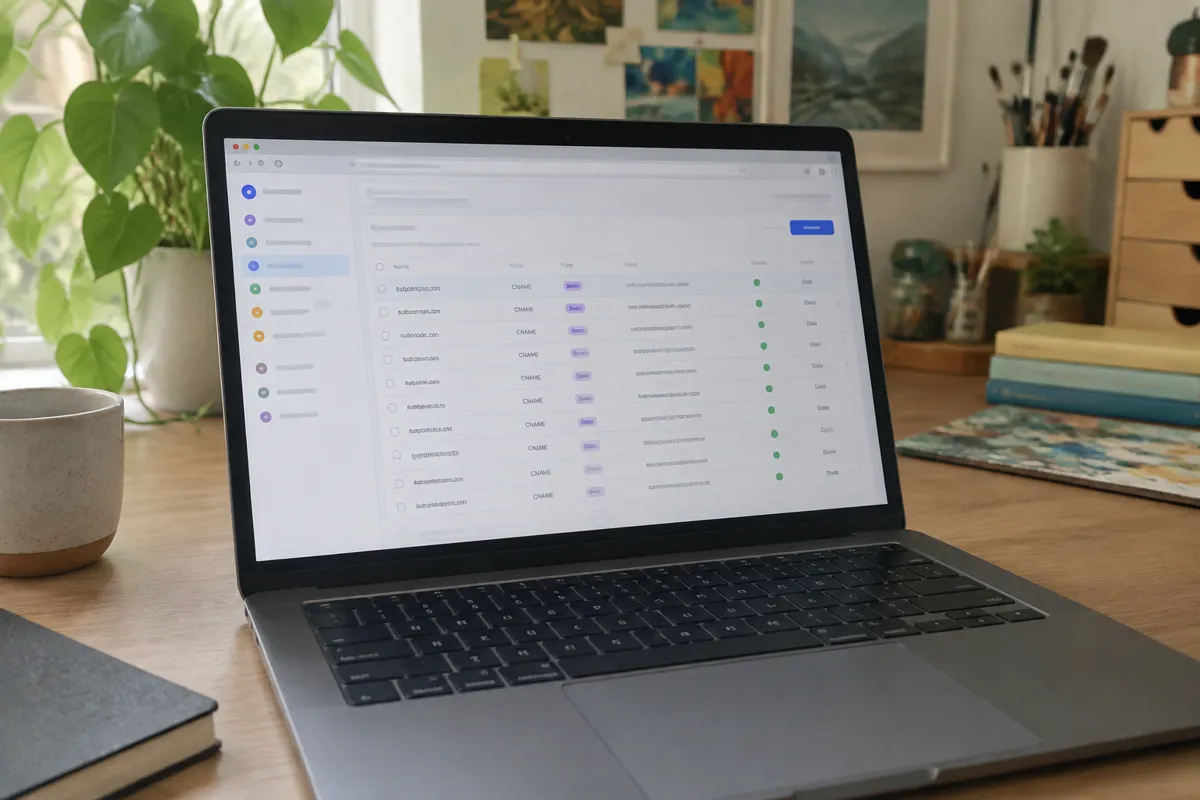
Step-by-Step: Creating a Subdomain
- Decide the target — is the subdomain pointing at the same hosting account, a different server, or a third-party platform?
- Choose the record type — CNAME for pointing at another hostname, A record for pointing directly at an IP.
- Log in to the DNS management panel, at the registrar or host, wherever the domain’s active records live.
- Add the record, using the subdomain prefix as the name (e.g.
blog) and the target as the value. - Save and wait for propagation.
- Configure the receiving server or platform to accept traffic for that subdomain. Most hosts and platforms require the subdomain to be added on their end too, not just in DNS.
Full setup with control-panel screenshots is at how to create a subdomain.

Common Uses for Subdomains
- Blog —
blog.example.com, often run on a different CMS or platform than the main site. - Store —
shop.example.com, pointing to a dedicated ecommerce platform. - Staging —
staging.example.com, a private copy of the site for testing changes before they go live. - App/dashboard —
app.example.com, separating a web application from the marketing site. - API/email services —
mail.example.com,api.example.com, dedicated endpoints for specific services.
Timing and Propagation
Subdomain DNS records propagate on the same timeline as any other DNS record. They’re usually visible within minutes to a few hours, occasionally up to 48 hours in edge cases. A subdomain is a new record rather than a change to an existing one, so there’s typically no old cached value competing with the new one. This often makes new subdomains resolve faster than a change to an existing record.
Record and Field Reference
A subdomain record needs four things: the name (the subdomain prefix), the type (usually CNAME or A), the value (the target hostname or IP), and a TTL. See the complete breakdown at DNS record types.

Troubleshooting Subdomains
- Subdomain shows a “not found” or default page: the DNS record may have propagated, but the receiving server or platform hasn’t been configured to accept traffic for that specific subdomain yet.
- SSL warning on a new subdomain: the certificate for the subdomain hasn’t been issued. Most hosts need the subdomain added in their panel before SSL provisions automatically.
- CNAME conflict error: a name can only have one CNAME record, and no other record type simultaneously — check for duplicates.
- Subdomain still not resolving after 48 hours: confirm the record actually saved in the correct DNS zone, not at the wrong provider if nameservers were recently changed.
Relationship to Hosting
Subdomains are frequently used to route different parts of a business to different types of hosting. A WordPress blog subdomain might sit on WordPress hosting while the main marketing site sits on generic shared hosting, for example. They’re also the standard mechanism for staging environments, letting changes be tested on a private copy before going live on the production domain.
FAQ
Do I need to pay extra to create a subdomain? No — subdomains don’t cost anything beyond the existing domain registration; they’re created through free DNS records.
Can a subdomain point to a completely different hosting provider than the root domain? Yes — that’s one of the most common subdomain uses. It splits a blog, store, or app onto specialized infrastructure while keeping one brand domain.
Is www a subdomain?
Yes — www.example.com is technically a subdomain of example.com. It’s almost always configured with a CNAME record pointing back to the root domain or the host.
How many subdomains can I create? There’s no hard technical limit from DNS itself, though some hosting plans cap the number of subdomains they’ll actively serve.