Hosting Control Panels (cPanel vs Plesk)

Infrastructure Editor
Disclosure: Some links on this page are affiliate links — if you sign up through one, we may earn a commission at no extra cost to you. It never changes our ratings, rankings or verdicts: we don't sell hosting and take no pay-for-placement.
Who it's for
- Beginners choosing a first host
- Agencies managing multiple client sites
- Developers
- Non-technical business owners
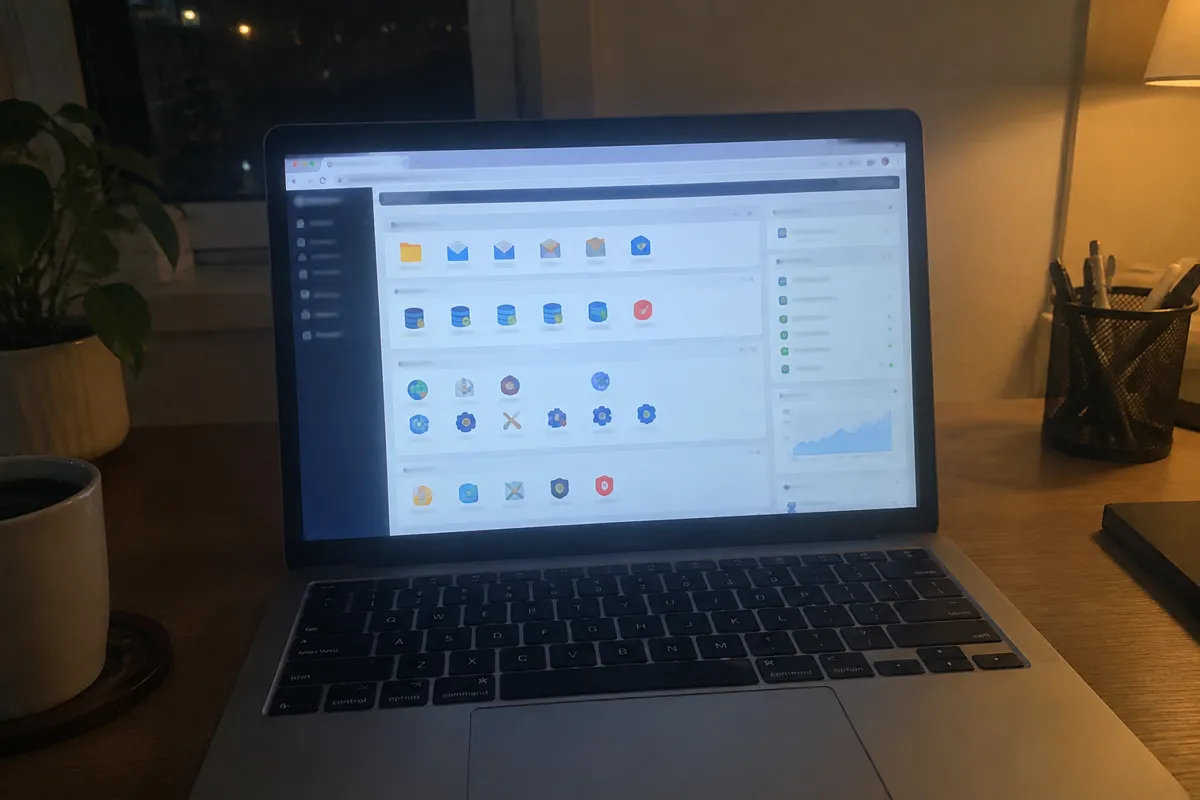
A hosting control panel is the web-based dashboard used to manage a hosting account. It handles creating email accounts, installing applications, managing databases, setting up domains and subdomains, monitoring resource usage, and configuring SSL, all without needing direct command-line access to the server. It’s the layer most hosting customers actually interact with day to day, which makes it one of the biggest factors in how easy a hosting plan feels to use.
What a Hosting Control Panel Does
A control panel translates server administration tasks that would otherwise require command-line knowledge into clickable, form-based interfaces. Creating an email inbox, installing WordPress, generating an SSL certificate, or checking disk usage all become a few clicks instead of a series of terminal commands. The panel sits between the customer and the raw server. Its quality directly shapes how approachable that server is for someone without deep technical background.
Why Control Panels Matter
For non-technical site owners, the control panel effectively is the hosting experience. Server specs and uptime numbers matter, but they’re invisible day to day, while the panel’s interface is what gets used constantly. A confusing, outdated, or feature-sparse panel adds real friction to routine tasks like managing email or checking storage use. A well-designed one makes hosting feel manageable even for someone with no server administration background. For agencies managing many client sites, panel efficiency compounds — a clunky panel costs real time across dozens of accounts.
How to Evaluate a Hosting Control Panel
Ask which panel the host uses and whether it’s a licensed industry-standard product, such as cPanel or Plesk, or a custom-built proprietary panel. This affects both the learning curve and portability of skills across providers. Check whether the specific features needed — one-click app installers, staging environments, email management, backup restore — are actually present and easy to find, not just technically available somewhere in a submenu. For anyone managing multiple sites, also check whether the panel supports account-level automation or API access for repetitive tasks.
Control Panel Licensing Cost Benchmarks
cPanel licensing typically costs hosting providers $15–$50+ per month per server, depending on account count and tier. This is a cost baked into the plan price rather than billed separately to most retail customers, though some VPS/dedicated providers do list it as a visible line item. Plesk licensing follows a broadly similar per-server or per-domain cost structure. Partly to avoid these licensing costs, many hosting providers — particularly at the budget shared and managed WordPress tiers — have built proprietary custom panels instead. These can be simpler and faster for their specific target use case but aren’t portable knowledge if the customer switches hosts later.
How Hosting Types Differ on Control Panels
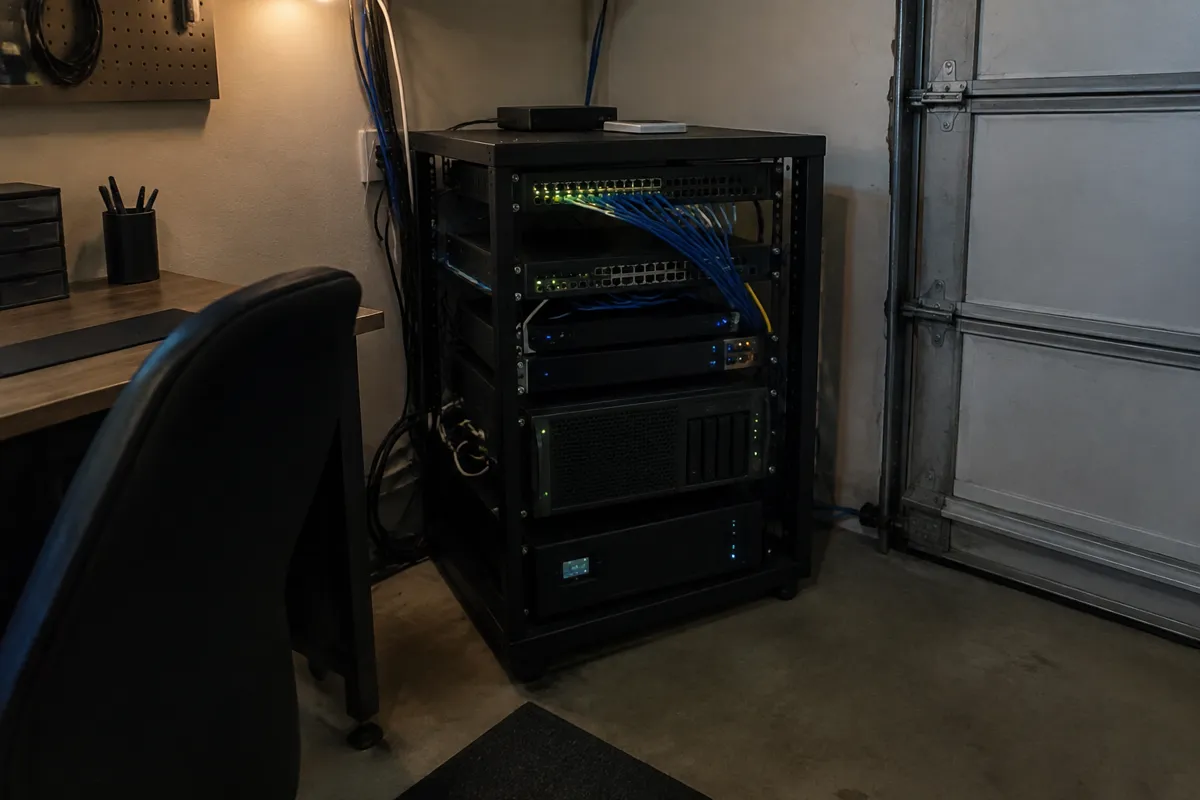
Shared hosting has historically been the strongest cPanel/Plesk stronghold, since these panels were purpose-built for exactly the multi-tenant shared server model. Managed hosting and specifically WordPress hosting plans increasingly favor custom-built panels streamlined around a single workflow — installing, updating, staging, and caching WordPress — rather than the general-purpose feature set of cPanel. VPS hosting and dedicated hosting plans may include a licensed panel for an added fee, or ship with no panel at all, assuming the customer will administer the server directly via SSH. This is a real factor in why VPS suits developers more than beginners by default.
How Control Panels Affect Speed, Security, and Cost
The direct speed and security impact of a panel itself is small, since it’s an administration layer, not core serving infrastructure. But the panel does gate access to features that affect both, such as one-click SSL, cache management, and file permission tools. On security specifically, a well-maintained panel that receives regular security patches — both cPanel and Plesk push frequent updates — closes vulnerabilities faster than an unmaintained custom panel might. On cost, panel licensing is one of several line items baked into a plan’s price. It’s part of why entry-level shared hosting plans using licensed panels can cost more than a bare-bones VPS with no panel at the same specs. See how to use cPanel for a practical walkthrough of the most common panel in production use today.

Hosting Control Panel FAQ
Is cPanel better than Plesk?
Neither is objectively better. cPanel has a larger installed base and more third-party tooling built around it, while Plesk has stronger native Windows Server support and a somewhat more modern interface. The right choice usually follows the host’s OS and ecosystem rather than a standalone panel preference.
Do I need a control panel if I’m comfortable with the command line?
Not strictly. Many developers on VPS or dedicated servers skip the panel entirely and manage everything via SSH, which also avoids licensing cost. It comes down to whether the convenience is worth the added expense for that user.
Are custom hosting panels less capable than cPanel or Plesk?
Not necessarily. Many custom panels, especially on managed WordPress platforms, are more streamlined for their specific narrow use case, even if they support fewer general-purpose server management tasks overall.
For a beginner-friendly entry point, see best hosting for beginners; for the full attribute set, see web hosting features.