Staging Environments in Hosting

Infrastructure Editor
Disclosure: Some links on this page are affiliate links — if you sign up through one, we may earn a commission at no extra cost to you. It never changes our ratings, rankings or verdicts: we don't sell hosting and take no pay-for-placement.
Who it's for
- Developers
- Agencies managing client sites
- WordPress site owners
- Businesses running frequent updates
A hosting staging environment is a private, password-protected or otherwise inaccessible copy of a live website. It’s used to test theme changes, plugin or software updates, redesigns, or new features before pushing them to the production site visitors actually see. It’s a workflow feature more than a raw performance one, but it directly shapes how safely a site can be maintained and updated over time.
What a Hosting Staging Environment Is
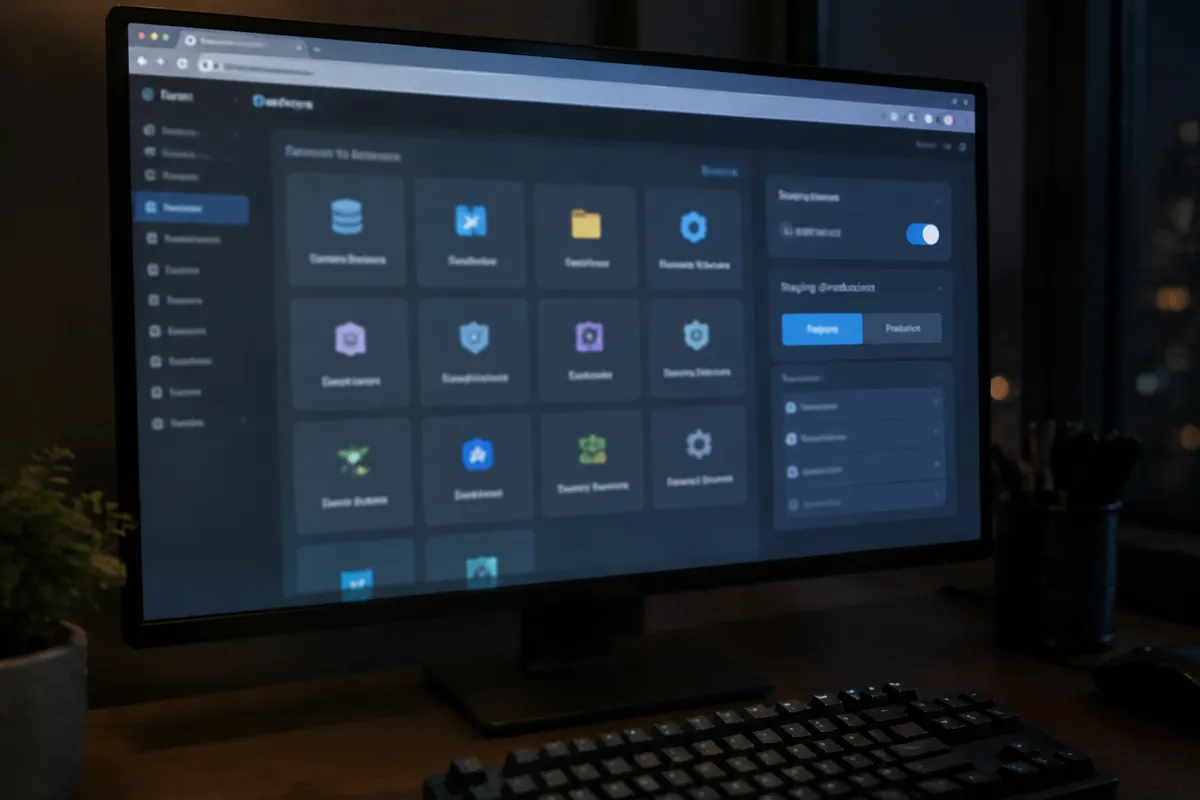
A staging site is typically a full clone of the production site’s files and database, hosted at a separate URL, often a subdomain, that isn’t indexed by search engines and isn’t linked from the live site. Changes made on staging — updating a plugin, testing a new theme, modifying code — have zero effect on the live site until they’re deliberately pushed across. Once verified working, the staging changes are pushed to production, usually through a one-click sync feature on hosts that support it, or a manual file/database transfer on hosts that don’t.
Why a Staging Environment Matters
Testing updates directly on a live production site is a real operational risk. A plugin update, theme change, or core software upgrade can break functionality or cause visible downtime with zero warning. There’s no easy way to isolate whether an issue was caused by the change itself until it’s already affecting visitors. A staging environment removes that risk entirely by giving a safe, isolated space to catch problems before they’re customer-facing. For any site running frequent updates — active development, regular plugin updates, seasonal redesigns — staging isn’t a luxury. It’s basic risk management.
How to Evaluate Staging on a Hosting Plan
Check whether staging is a genuine one-click feature built into the control panel, or something the customer has to manually set up by creating a subdomain and copying files and databases by hand. If it’s built-in, check the push mechanism specifically: can changes be pushed selectively — files only, database only, or both — and is the push process reversible if something goes wrong after going live. Also check whether there’s a limit on how many staging sites can exist at once, which matters for agencies managing frequent updates across several client sites.
Staging Feature Availability Benchmarks
Built-in one-click staging is now a standard feature on most managed WordPress hosting plans and increasingly common on mid-tier and premium shared hosting plans, usually included at no extra cost. Budget shared hosting plans frequently lack it entirely, requiring manual setup via subdomain and file/database duplication. On VPS hosting and dedicated hosting, staging is almost always a manual, self-configured process — commonly a separate subdomain, container, or virtual host the customer sets up and maintains independently.

How Hosting Types Differ on Staging Environments
WordPress hosting and managed hosting plans lead clearly on this feature, since staging workflows are one of the concrete value-adds that justify the higher price of managed service. The provider has already built the tooling to make staging a one-click action rather than a manual task. Shared hosting support varies significantly by provider and plan tier, with quality varying more here than on almost any other feature in this list. VPS hosting and dedicated hosting put the responsibility on the customer, which is consistent with these tiers’ general trade-off of more control for more configuration effort. Cloud hosting platforms often support staging through more general-purpose environment or container tooling rather than a dedicated “staging” feature specifically.
How Staging Affects Speed, Security, and Cost
Staging has minimal direct effect on live site speed, since the staging copy runs isolated from production and doesn’t share traffic. It has a meaningful indirect security benefit, though. Catching a broken or vulnerable update on staging before it reaches production prevents that vulnerability window from ever being live and exposed to visitors or attackers. On cost, built-in staging is usually included free within the plan price on hosts that offer it. Manually configuring a staging environment on a bare VPS or dedicated server consumes real storage and, in some cases, additional compute resources that indirectly add to total hosting cost. See how to create a staging site for the practical setup process.

Hosting Staging Environment FAQ
Do I really need a staging environment for a simple brochure site?
For a rarely updated static site, the risk is lower. But any site running WordPress or another CMS with regular plugin and core updates benefits from staging, since even routine updates can occasionally break something.
Can I use a staging environment as a permanent development site?
Technically yes, though most staging tools are designed for temporary pre-production testing, not long-term parallel development. For ongoing development work, a proper separate development environment is usually a better fit.
Does staging count against my hosting storage quota?
Usually yes. A staging site is a near-full duplicate of the production site’s files and database, so it consumes roughly the same storage the live site does, worth factoring in on storage-constrained plans.
For setup steps, see how to create a staging site; for the full attribute set, see web hosting features.