Uptime & SLA in Web Hosting

Infrastructure Editor
Disclosure: Some links on this page are affiliate links — if you sign up through one, we may earn a commission at no extra cost to you. It never changes our ratings, rankings or verdicts: we don't sell hosting and take no pay-for-placement.
Who it's for
- Site owners choosing a host
- E-commerce operators
- Developers
- Agencies managing client uptime
Uptime is the percentage of time a hosting account’s server is actually online and serving requests. The service-level agreement, or SLA, is the provider’s written commitment to a specific uptime figure. It also spells out what happens — usually a small credit — if the provider falls short. Every plan on every type of web hosting carries some version of this promise. But the number on the marketing page and the reality of a server’s uptime history are not always the same thing.
What a Hosting Uptime SLA Actually Means
Uptime is measured as a percentage of total time in a billing period, almost always a month or a year. An SLA turns that percentage into a contractual obligation with defined remedies. Crucially, the SLA is a promise about the provider’s infrastructure and network. It typically excludes downtime caused by the customer’s own misconfiguration, DDoS attacks beyond a certain scale, or scheduled maintenance windows the provider disclosed in advance. Reading the exclusions matters as much as reading the headline number.
Why Uptime and SLA Matter
Downtime has a direct, measurable cost: lost sales for e-commerce, lost leads for service businesses, and reputational damage every time a visitor hits an error page instead of the site. For any operation depending on the internet for revenue or communication, uptime isn’t a nice-to-have metric. It is the infrastructure’s core deliverable. A host with poor uptime undermines every other feature it offers, because none of them matter if the server isn’t reachable.
How to Evaluate a Hosting Uptime SLA
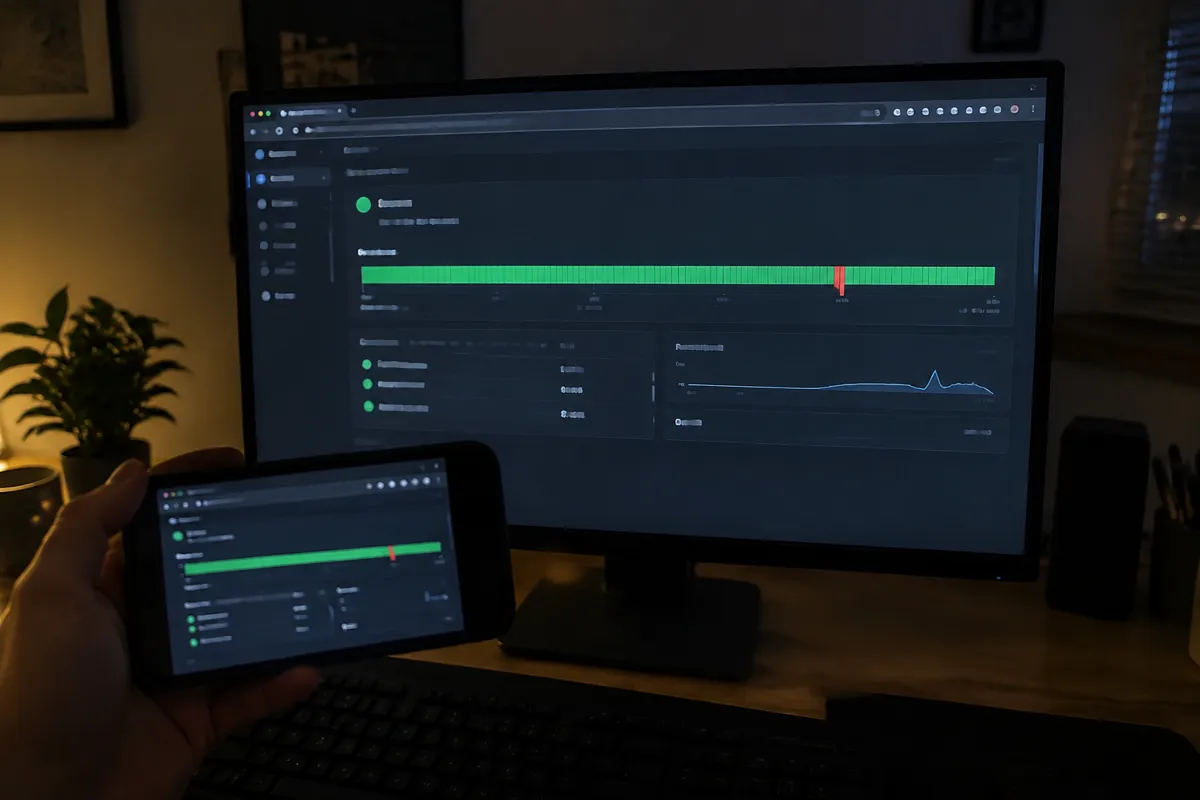
Don’t take the headline percentage at face value. Check three things: the exact SLA percentage and its exclusions, the credit structure if the SLA is breached, and independent, third-party uptime monitoring history. Look at that history for the specific provider over the past 12 months, not just the promise on the sales page. Services like status pages and independent monitors reveal what a provider actually delivers, which sometimes diverges meaningfully from the SLA on paper. Also check how credits are issued: most are account credit toward future billing, not cash refunds. Many providers also require the customer to proactively file a claim within a tight window.
Uptime Percentage Benchmarks and Downtime
| Uptime % | Downtime per month | Downtime per year |
|---|---|---|
| 99.9% | ~43 minutes | ~8.7 hours |
| 99.95% | ~21 minutes | ~4.4 hours |
| 99.99% | ~4.3 minutes | ~52 minutes |
Most standard shared and reseller plans advertise 99.9%. Managed platforms and cloud infrastructure increasingly advertise 99.95–99.99%, reflecting redundant hardware and automated failover. Anything advertised below 99.9% for a paid plan is a red flag worth investigating.
How Hosting Types Differ on Uptime
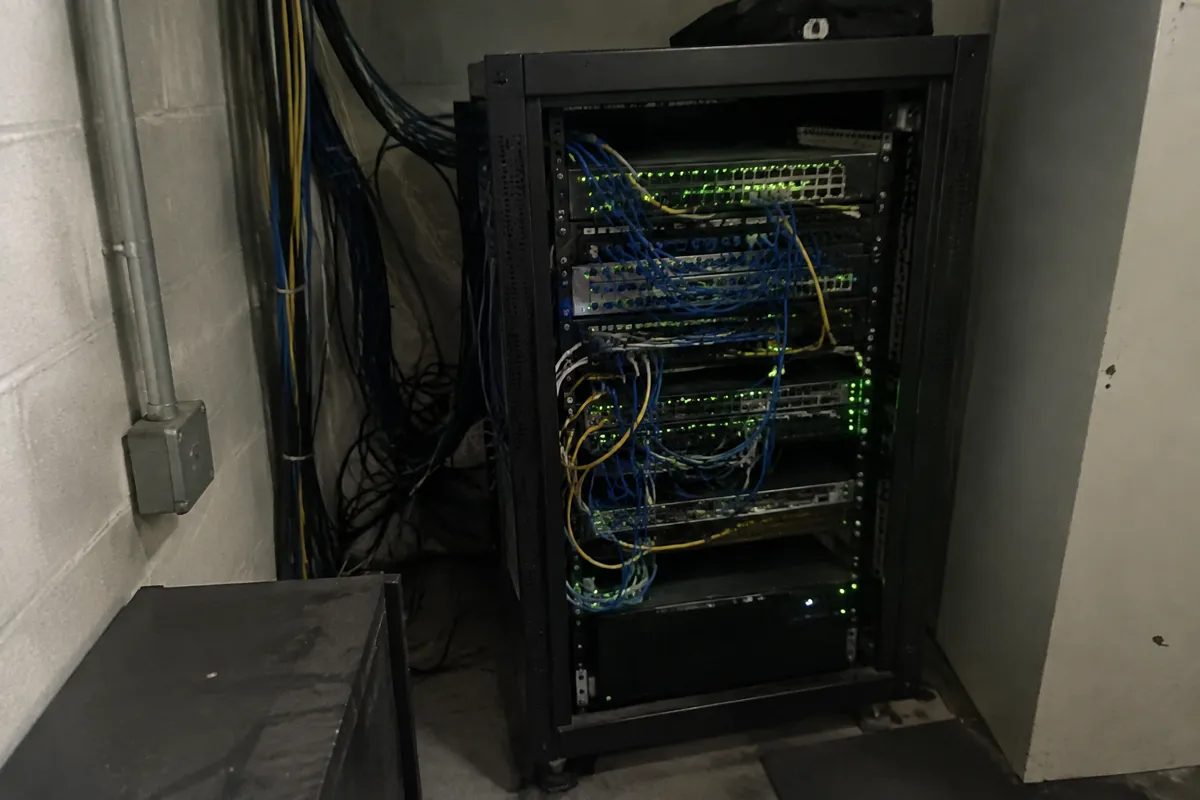
Shared hosting sits at the lower end of the typical range. Many accounts share the same physical server, and one noisy or compromised neighbor can degrade performance for everyone on it. VPS hosting improves on this through resource isolation but is still tied to a single physical host unless the provider offers live migration. Cloud hosting generally posts the strongest uptime figures, because workloads can fail over across multiple physical machines or availability zones automatically. Dedicated hosting can deliver excellent uptime on the hardware itself, but it has no built-in redundancy. If that one machine fails, the site is down until it’s fixed or replaced, unless the customer architects redundancy themselves. This is a key reason high-traffic sites increasingly lean toward cloud or multi-server architectures rather than a single dedicated box.
How Uptime Affects Speed, Security, and Cost
Uptime infrastructure and speed infrastructure overlap heavily. The redundant load balancing and failover systems that keep a platform online during a hardware failure are often the same systems that keep response times consistent under load. On the security side, unplanned downtime is frequently the visible symptom of an underlying security event — a DDoS attack, a compromised account consuming resources, or a misconfigured server under attack. So a host’s uptime track record during attack conditions is a meaningful security signal too. On cost, higher guaranteed uptime generally correlates with higher-tier, more expensive infrastructure, because true redundancy means paying for spare capacity that mostly sits idle. Use what uptime is for the underlying concept and the uptime calculator to translate any advertised percentage into real downtime minutes before comparing hosts.

SLA Credits and Uptime Monitoring FAQ
What uptime percentage should I actually look for?
99.9% is an acceptable baseline for most sites. E-commerce or high-traffic sites should look for 99.95% or higher, ideally backed by independent monitoring history rather than just the SLA figure.
Do SLA credits actually compensate for lost revenue?
No. Credits are typically a small percentage of the monthly hosting fee, not a reflection of lost sales or leads. Treat the SLA as a reliability signal, not financial insurance.
Does 100% uptime exist?
No hosting provider can honestly guarantee 100% uptime indefinitely. Any claim to that effect should be read skeptically, since even the largest cloud platforms have documented outages.
For the underlying concept, see what uptime is; for the full attribute set every host should be evaluated against, see web hosting features.