Self-Hosting a Website

Infrastructure Editor
Disclosure: Some links on this page are affiliate links — if you sign up through one, we may earn a commission at no extra cost to you. It never changes our ratings, rankings or verdicts: we don't sell hosting and take no pay-for-placement.
Who it's for
- developers testing projects locally
- privacy-focused individuals avoiding third-party infrastructure
- hobbyists running internal tools not exposed at scale
What Is Self-Hosting a Website?
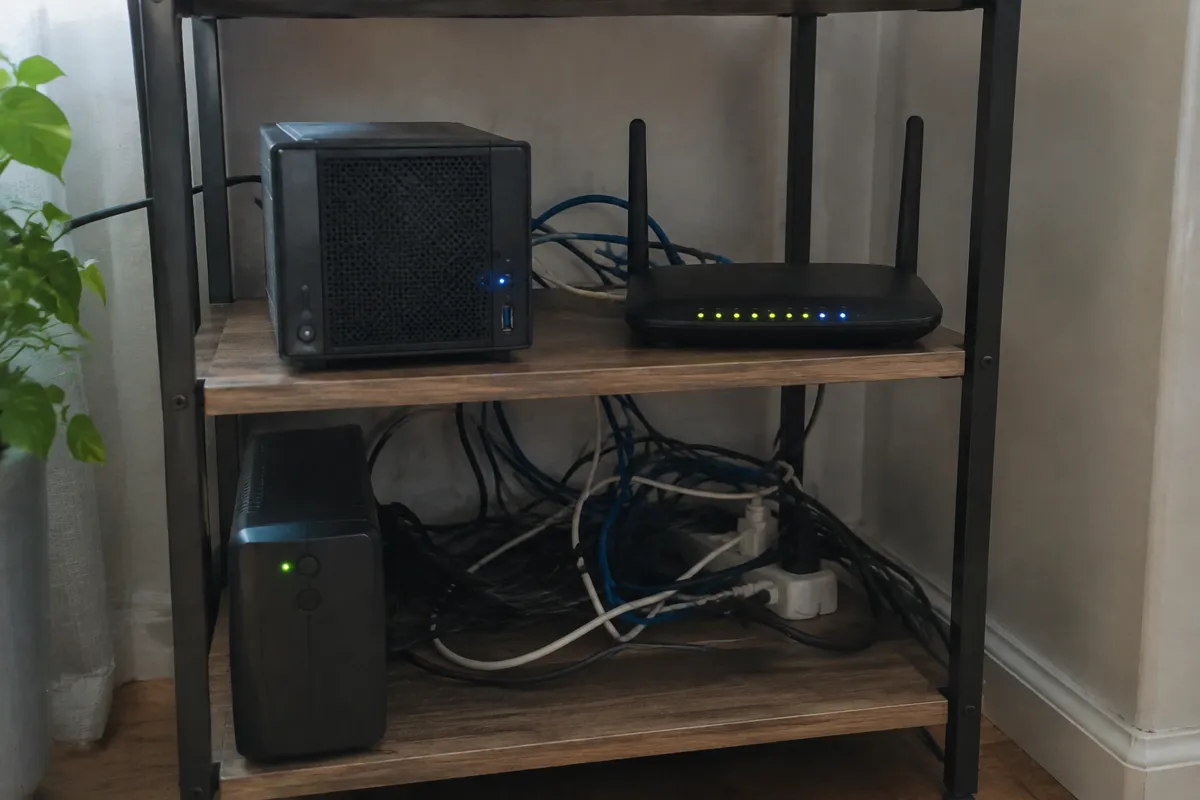
Self-hosting means running a website’s server infrastructure on hardware the operator owns and physically controls. It’s the opposite of renting capacity from a hosting company. That hardware can be a repurposed desktop, a dedicated home server, or a small rack in a business’s server room. It can be as minimal as a Raspberry Pi. It sits at the opposite end of the spectrum from every other type covered in types of web hosting. All of those — shared, VPS, dedicated, or cloud — involve renting infrastructure from a provider who owns and maintains the hardware.
The appeal is straightforward: no recurring hosting bill, complete control over the hardware and software stack, and no third party with server access. The trade-offs are equally straightforward. They’re the reason self-hosting stays a niche choice rather than a mainstream one beyond hobby or internal use.
How Self-Hosting a Website Works
A self-hosted setup runs a full server stack directly on owned hardware, connected to the internet through a home or office connection. That stack includes an operating system (commonly Linux), a web server like Apache or Nginx, and whatever application or database software the site needs. The operator handles every layer a hosting provider would normally manage: physical security, power supply, and network configuration. That also includes an IP address reachable from the public internet, plus OS updates and security patching. The IP piece often requires a static IP or dynamic DNS from the ISP.
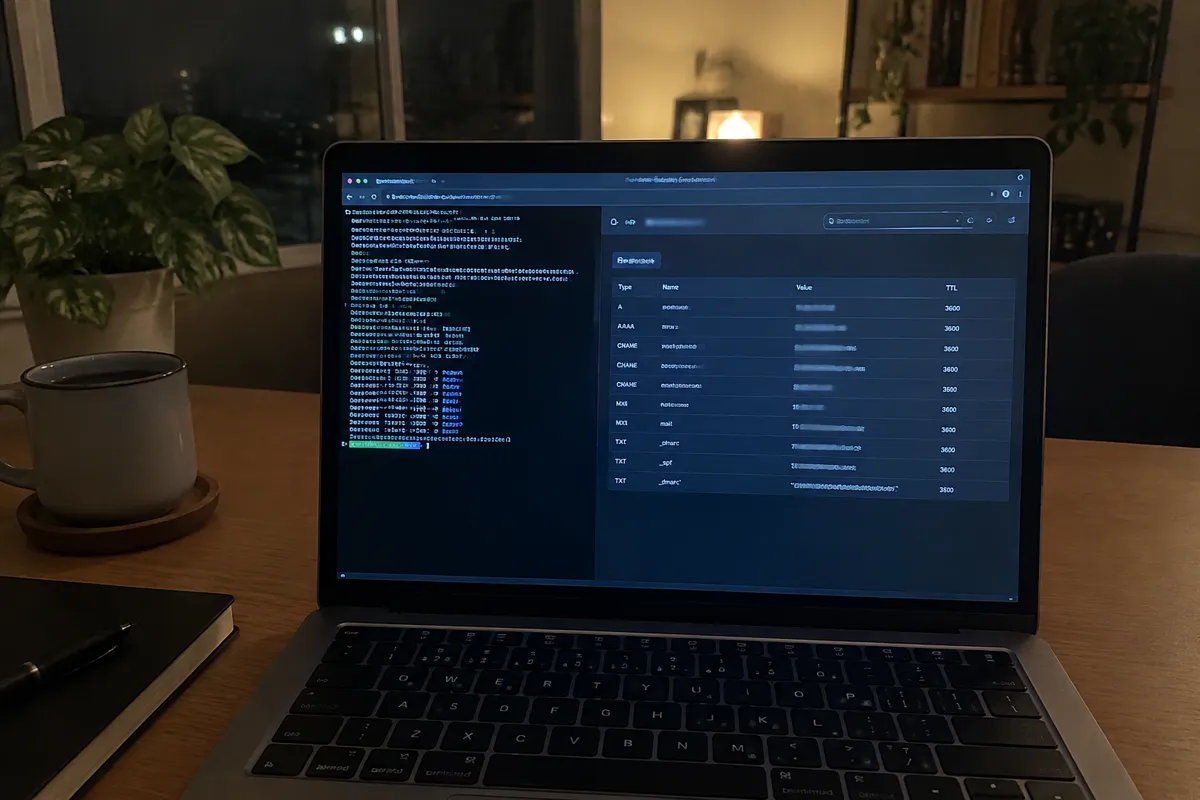
This is a meaningfully larger operational burden than any rented hosting type. A shared or managed host abstracts away hardware failure, power redundancy, and network uptime. Self-hosting puts all of that back on the operator.
Resources and Isolation for Self-Hosting
Isolation is total by definition, since there’s no shared provider infrastructure involved. This removes noisy-neighbor risk entirely. Resources are simply whatever hardware gets installed: however much RAM, storage, and CPU the operator purchases and connects. There’s no external ceiling beyond that equipment and its connection. This is both the appeal and the constraint — there’s no resource pool beyond what’s physically present.
Self-Hosting Price Band
Self-hosting’s costs are dominated by upfront hardware purchase and ongoing electricity and internet, not a recurring hosting fee. There’s no monthly bill to a hosting provider. But the total cost of ownership includes the hardware itself, which depreciates and eventually needs replacing. It also includes the electricity to run it continuously. A business-grade internet plan may be needed too, if a residential connection’s terms prohibit hosting a public server. Over a multi-year timeframe, this can cost more or less than renting equivalent capacity, depending on the hardware and connection quality.
Self-Hosting Performance and Internet Uplink
Performance depends on the hardware installed, but critically also on the home or office internet uplink. This is usually where self-hosting falls short. Residential and small-business connections are typically asymmetric, with far less upload than download bandwidth. They come nowhere near the redundant, high-capacity connections a data center runs. Self-hosting’s scalability is the weakest of any type in the taxonomy. Growth means physically buying and installing more hardware, with no instant resize the way cloud hosting offers.
Who Self-Hosting Suits
Hobbyists, developers testing projects locally before deploying elsewhere, and privacy-focused individuals avoiding third-party infrastructure access are the clearest fit. It also suits small internal tools not exposed to public traffic at scale. Examples include an internal wiki, a home media server, or a personal file-sync tool used by a handful of people.
Limitations of Self-Hosting
The defining limitation is the lack of data-center redundancy. A power outage, an ISP outage, or a hardware failure all take a self-hosted site offline, with no failover to another node. There’s no built-in backup power, redundant network path, or on-call infrastructure team. A rented hosting plan, even a basic shared one, typically includes all of that implicitly. This makes self-hosting unsuitable for anything business-critical or with reputational stakes.
Upgrade Path for Self-Hosting
Projects that outgrow self-hosting, or need reliability beyond what a home connection can guarantee, typically move to rented infrastructure. That usually starts with shared hosting or a low-cost VPS, scaling from there using the same type progression as any other hosted project. Self-hosting often continues in parallel as a development or testing environment, even after production moves to a rented host.
FAQ
Is self-hosting cheaper than paying for web hosting?
Not necessarily, once hardware depreciation, electricity, and a reliable internet connection are counted. The savings depend heavily on existing equipment and connection quality rather than being guaranteed.
Can I self-host a business website?
Technically yes, but it’s not recommended for anything business-critical. The lack of redundancy against power outages, ISP downtime, and hardware failure is the reason.
Do I need a static IP address to self-host?
Usually. A stable, publicly reachable IP address or a dynamic DNS service is needed so visitors can consistently reach the server. Most residential connections assign IPs that change periodically.
What’s the difference between self-hosting and a VPS?
A VPS rents a virtualized slice of a provider’s data-center hardware, with built-in redundancy. Self-hosting runs on hardware the operator owns personally, with no data-center-grade infrastructure behind it.