What Is an IP Address?

Infrastructure Editor
Disclosure: Some links on this page are affiliate links — if you sign up through one, we may earn a commission at no extra cost to you. It never changes our ratings, rankings or verdicts: we don't sell hosting and take no pay-for-placement.
Who it's for
- First-time website owners
- Students learning networking basics
- Small business owners troubleshooting DNS settings
By Marcus Feld, Infrastructure Editor (former data-center systems engineer)
What Is an IP Address? A Plain Definition
An IP address is a unique numeric label assigned to a device connected to a network. It lets other devices find and communicate with it. On the internet, every server hosting a website has at least one IP address. Every visitor’s device also has one. When a browser wants to load a website, it eventually needs the destination server’s IP address to actually connect to it. A domain name alone isn’t enough to establish that connection.
The Analogy: A Street Address vs a Business Name
A public IP address works like the exact street address behind a business’s name. “Sweet Crumb Bakery” is a name people remember and search for. “42 Bakers Lane” is the precise location a delivery driver needs to find the building. A domain name, like a business name, is the memorable label people type into a browser. An IP address, like the street address, is the precise coordinate a computer needs to establish a connection. A delivery service looks up a business name to find its street address. A browser looks up a domain name to find its IP address the same way. That lookup process is exactly what DNS does.
Public IP Address vs Private IP Address
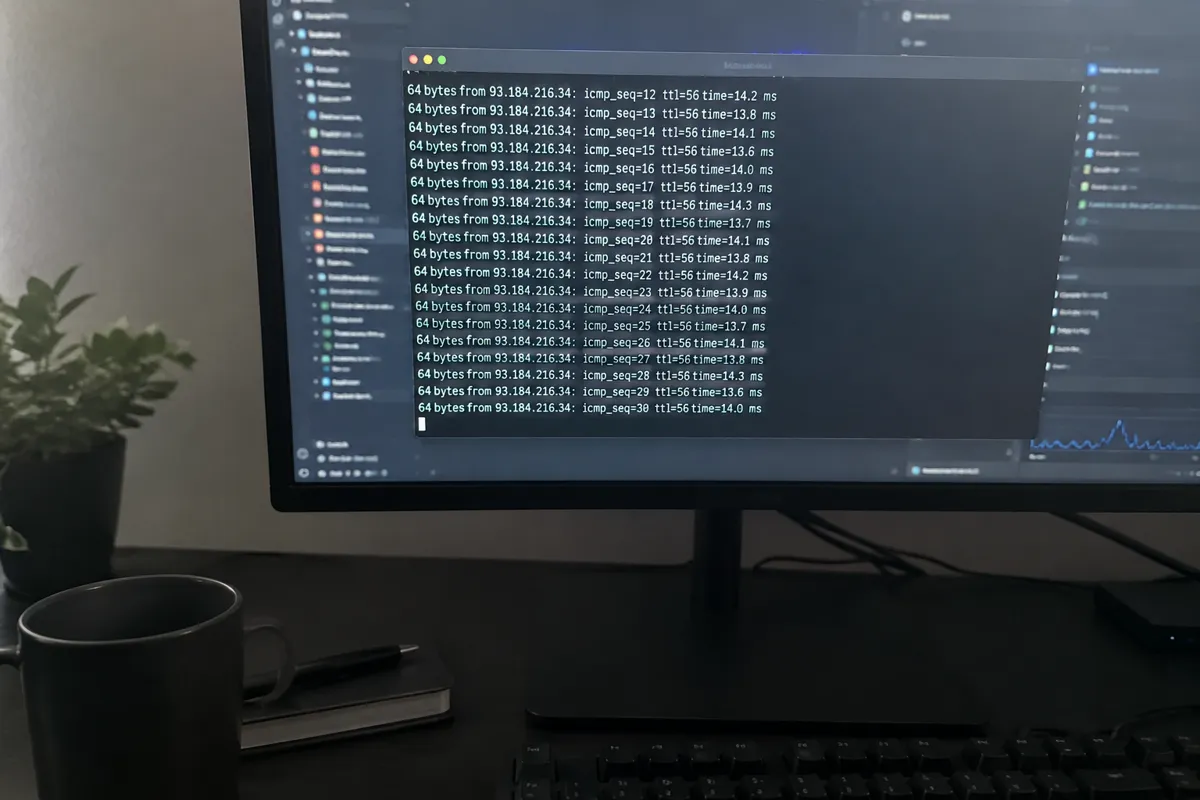
Devices actually carry two different kinds of address, and mixing them up causes real confusion. A public IP address is the one visible to the wider internet, assigned by an ISP or a hosting provider, and reachable from anywhere. A private IP address only works inside a local network, like a home Wi-Fi setup, and is invisible from outside that network. A router uses NAT (Network Address Translation) to let many devices on a private IP address share a single public IP address. Home routers, and most office networks, hand out private IP addresses automatically using DHCP.
Static IP vs Dynamic IP
A static IP stays fixed permanently, assigned once and never changed unless a customer requests it. A dynamic IP can change periodically, reassigned by the provider from a shared pool as needed. Most home internet connections use a dynamic IP. Most hosting accounts, by contrast, use a static IP, so a domain’s DNS records keep pointing at the correct server without interruption.
IP Lookup, Subnet, and DNS
An IP lookup tool reveals the address, and often the rough geographic region, behind a domain or a connected device. A subnet is a smaller, logically divided section of a larger network, used to organize and route traffic efficiently between groups of devices. DNS ties all of this together for everyday browsing. It translates a memorable domain name into the numeric IP address a computer actually needs.
How IP Addresses Connect to Hosting
Every hosting account comes with at least one IP address assigned to its server. On shared hosting, it’s common for a single IP address to be shared by many websites on the same server. Each site is distinguished by additional information sent with each request. On VPS hosting, a customer typically gets a dedicated IP address, reserved exclusively for their virtual machine. That offers more consistency. It is sometimes required for specific technical setups, like SSL certificates or email deliverability rules. When someone points a domain at a hosting account, they are telling DNS which IP address that domain should resolve to. This process is explained in what DNS is and applied practically in pointing a domain to hosting.
IPv4 vs IPv6: Two Address Formats
IP addresses come in two versions. IPv4 is the older, more familiar format, written as four numbers separated by dots, like 192.0.2.14. It has a hard limit on how many unique addresses exist, roughly 4.3 billion, a limit set by ICANN and regional bodies like ARIN. The internet has effectively run out of new IPv4 addresses to hand out. IPv6 is the newer format, written as a longer string of hexadecimal groups. It’s designed to provide a vastly larger pool of possible addresses. Most hosting providers today support both IPv4 and IPv6. The difference is rarely something a website owner needs to actively manage. It’s handled automatically by the provider’s network configuration.
Related Terms
DNS
The system that translates domain names into IP addresses.
Nameserver
A server that answers DNS lookups, directing them to the correct IP address.
Dedicated IP
An IP address assigned exclusively to one hosting customer, rather than shared with others.
Domain name
The human-readable label that ultimately resolves to an IP address.

A Concrete Example
A customer signs up for a VPS hosting plan, and the provider assigns the virtual machine the IP address 203.0.113.45. The customer then updates their domain’s DNS settings so that example.com points to that exact IP address. From that point on, whenever a browser looks up example.com, DNS returns 203.0.113.45, and the browser connects directly to that address to load the site. If the customer later migrates to a different hosting provider, the new server will be assigned a different IP address. The DNS settings need to be updated to point at the new one — otherwise visitors keep being routed to the old, now-inactive server.
Common Misconception
A common misunderstanding is thinking a website “has” a domain name the way it has a fixed physical location. In reality, a domain name is just a pointer. The IP address behind it can change at any time — during a server migration, a hosting provider switch, or an infrastructure upgrade. The domain name itself doesn’t have to change at all. Another frequent mix-up is assuming an IP address reveals a website’s exact physical street address. It typically only narrows a server’s location down to a general region or data center, not a precise address. Even that can be obscured by services like a CDN sitting in front of the origin server.
FAQ
Do I need to know my hosting account’s IP address? Most day-to-day website management doesn’t require it. Hosting control panels and DNS settings usually handle IP addresses automatically. It becomes relevant for specific tasks like configuring DNS records manually or setting up a dedicated IP for SSL.
Can two websites share the same IP address? Yes, this is extremely common, especially on shared hosting. The server uses additional information sent with each request to determine which specific website’s files to return, even though multiple sites resolve to the same IP address.
Why would I want a dedicated IP address instead of a shared one? A dedicated IP can help with certain SSL certificate configurations and some compliance requirements. It can also slightly reduce the risk of a site’s email deliverability being affected by another site sharing the same address engaging in spam behavior.
Does my IP address change if I switch hosting providers? Yes, almost always. A new hosting provider assigns a new server, and that server has its own IP address. This is why switching hosts requires updating DNS records to point the domain at the new address.