SSL, TLS & HTTPS Explained

Infrastructure Editor
Disclosure: Some links on this page are affiliate links — if you sign up through one, we may earn a commission at no extra cost to you. It never changes our ratings, rankings or verdicts: we don't sell hosting and take no pay-for-placement.
Who it's for
- Small business website owners
- Non-technical site managers
- Developers new to hosting
- Ecommerce site operators
By Marcus Feld, Infrastructure Editor
SSL, TLS, HTTPS Difference: The Three Terms, Defined
SSL (Secure Sockets Layer)
SSL is the original encryption protocol developed in the 1990s to secure data between a browser and a server. Every version of SSL has since been deprecated due to discovered vulnerabilities. No modern host or browser actually runs SSL anymore, despite the term surviving in everyday use.
TLS (Transport Layer Security)
TLS is the successor protocol that replaced SSL and is what actually encrypts connections on the modern web. When a hosting provider or certificate vendor says “SSL certificate” today, they almost always mean a certificate that enables TLS — the SSL naming has simply stuck around as the common industry term.
HTTPS (HTTP Secure)
HTTPS is the standard web protocol, HTTP, running over an SSL/TLS-encrypted connection. It’s what your browser is actually communicating over when you see the padlock icon and https:// in the address bar.
In short: you install an “SSL certificate” that actually runs TLS, which is what enables HTTPS. The terms describe layers of the same underlying system, not three separate things to configure.
How the Encryption Actually Works
When a browser connects to a site over HTTPS, the server presents its certificate. The browser and server then perform a handshake to agree on encryption keys unique to that session. From that point, all data travels encrypted — page content, form submissions, login credentials, payment details. Anyone intercepting the connection, on public Wi-Fi for example, sees only unreadable ciphertext, not the actual data.
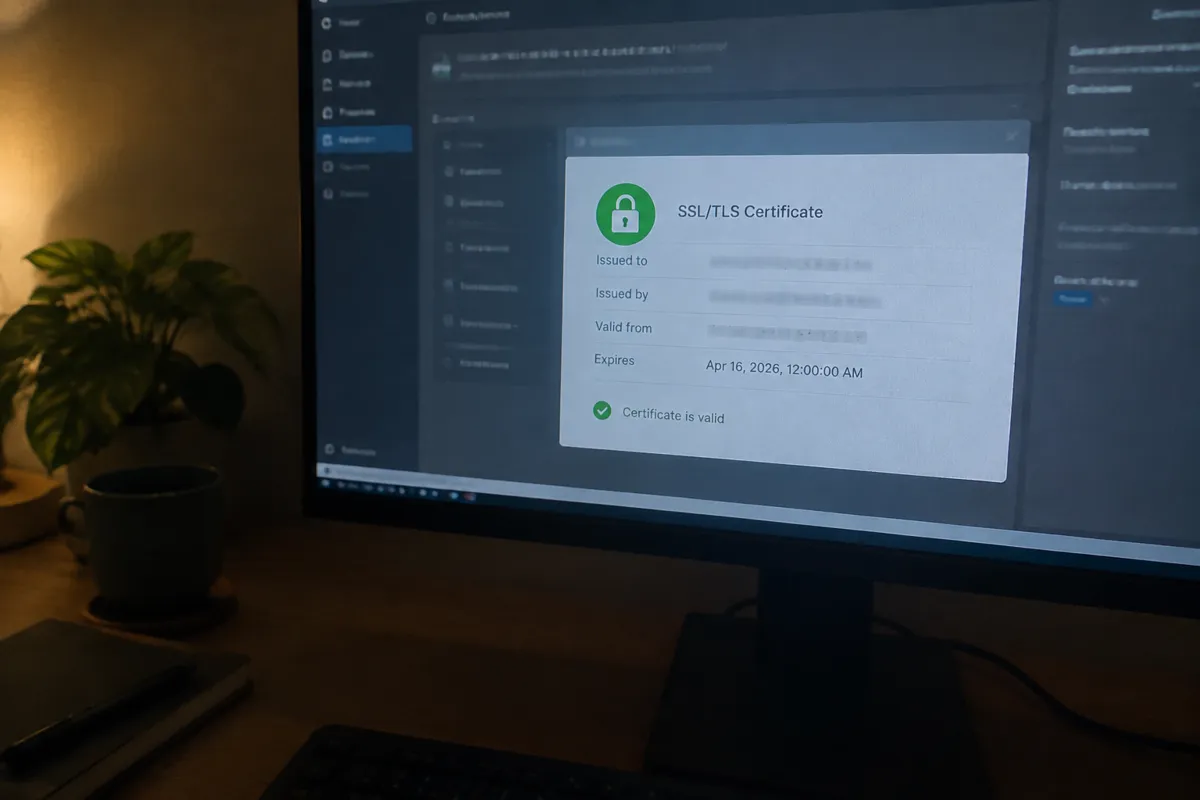
Why SSL/TLS Matters for Hosting
- Data protection in transit — encrypts anything a visitor submits, from a contact form to a checkout page.
- Browser trust signals — modern browsers actively flag non-HTTPS sites as “Not Secure,” particularly on any page with a form.
- Search visibility — HTTPS has been a baseline expectation for search engines for years. Running HTTP-only actively works against a site rather than being neutral.
- A prerequisite for other security features — some web application firewall and CDN features require HTTPS to function correctly, since they need to inspect encrypted traffic at their own layer.
Certificate Types and Where They Fit in Hosting
- Domain Validation (DV) — confirms only that you control the domain; issued quickly, often free (Let’s Encrypt), and sufficient for most websites.
- Organization Validation (OV) — additionally verifies the organization behind the domain; used by some businesses for added trust signaling.
- Extended Validation (EV) — the most rigorous verification, historically shown with extra browser trust indicators, though browsers have reduced how prominently EV status is displayed in recent years.
- Wildcard certificates — cover a domain and all its subdomains under one certificate, useful for sites running multiple subdomains.
Most hosting plans today bundle a free DV certificate (commonly via Let’s Encrypt) with automatic renewal, which is sufficient security for the large majority of small business and personal websites.

How to Get HTTPS Running
See how to install an SSL certificate for the setup steps. In outline: most modern hosts let you activate a free certificate directly from the control panel with a single click, followed by forcing all traffic to redirect from HTTP to HTTPS so no page is ever served unencrypted. Confirm there’s no mixed content (HTTP resources loaded on an HTTPS page) after activation, since mixed content triggers browser warnings even with a valid certificate installed.
What SSL/TLS Does NOT Protect
Encryption in transit is one layer of web hosting security, not the whole picture. HTTPS doesn’t prevent malware injection, doesn’t stop a weak password from being guessed, and doesn’t fix loose file permissions — it only protects data while it’s moving between browser and server. A site can be fully HTTPS-secured and still be compromised through an outdated plugin.

FAQ
Do I need to pay for an SSL certificate? No — free, automatically renewing certificates (most commonly via Let’s Encrypt) provide the same encryption strength as paid certificates for the vast majority of sites; paid certificates mainly add extended organizational validation and warranty coverage, not stronger encryption.
Why do people still say “SSL” if SSL itself is deprecated? Habit and industry convention — “SSL certificate” became the common term before TLS fully replaced it, and it stuck even though every certificate issued today actually enables TLS, not SSL.
Does HTTPS make my site immune to hacking? No — it only encrypts data in transit between browser and server. It doesn’t prevent malware, brute-force login attempts, or file-level compromise, which is why it’s one control within the wider web hosting security checklist, not a complete solution on its own.
What happens if my SSL/TLS certificate expires? Browsers block access with a prominent security warning until it’s renewed, effectively taking the site offline for visitors — most hosts now auto-renew free certificates, which is one reason it’s worth confirming auto-renewal is active rather than relying on a manual reminder.