SSL Certificates in Hosting

Infrastructure Editor
Disclosure: Some links on this page are affiliate links — if you sign up through one, we may earn a commission at no extra cost to you. It never changes our ratings, rankings or verdicts: we don't sell hosting and take no pay-for-placement.
Who it's for
- Site owners setting up a new site
- E-commerce operators
- Developers
- Non-technical business owners
This page is about the SSL a hosting plan includes, not about how SSL works. For the concept, see SSL, TLS and HTTPS explained, and for the hands-on steps, see how to install an SSL certificate. What matters at the buying stage is what comes bundled, how it is renewed, and where the paid upgrades start.
What Hosts Typically Bundle
Most reputable plans now include a free domain validated certificate for your domain, usually issued through Let’s Encrypt or an automatic panel feature such as AutoSSL. The things that differ between plans are whether issuance is automatic when you add a domain, whether it covers subdomains and the www version, whether wildcard certificates are available, and whether the host also forces HTTPS for you. Google has used HTTPS as a ranking signal since 2014 and browsers flag plain HTTP sites as not secure, so a plan without included SSL is behind the norm.
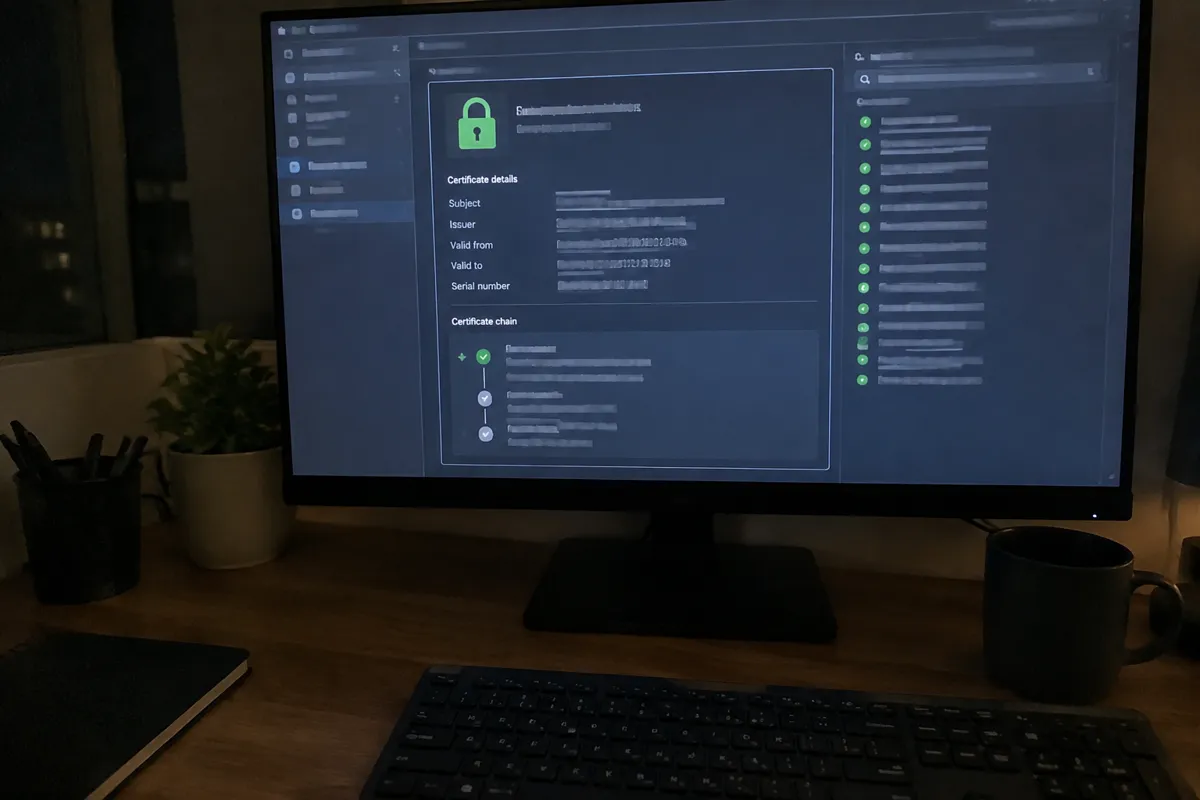
Free, Bundled Paid and Bought Separately
- Free and automatic. The standard on shared and managed plans. No cost, renewed for you.
- Free but manual. Common on unmanaged VPS plans, where you run the client such as Certbot yourself and own the renewal.
- Paid certificate sold by the host. Sometimes an upsell for OV or EV validation, or a convenience wrapper around a certificate you could get free. Ask what extra you receive, such as warranty or verified identity, before paying.
- Wildcard. Covers all subdomains. Check whether the host supports it on your plan and how it validates.
How to Evaluate SSL on a Hosting Plan
Check whether SSL is free and automatically issued, or whether it’s a paid add-on requiring manual setup. Nearly every reputable host now integrates free Let’s Encrypt certificates with one-click or fully automatic issuance and renewal. A plan that still charges extra for basic domain-validated SSL, or requires manual certificate installation, is behind current industry standard. Also check renewal automation specifically: Let’s Encrypt certificates expire every 90 days. A host without automated renewal creates a recurring manual task and a real risk of an expired certificate breaking the site.
SSL Certificate Cost and Validation Benchmarks
| Certificate type | Typical cost | Validation level | Use case |
|---|---|---|---|
| Domain Validated (DV) | Free (Let’s Encrypt) or $10–$60/yr | Confirms domain ownership only | Standard websites, blogs, small business |
| Organization Validated (OV) | $50–$200/yr | Confirms business identity | Business sites wanting extra trust signal |
| Extended Validation (EV) | $150–$300/yr | Rigorous identity verification | Banking, high-value e-commerce, finance |
For the vast majority of sites, a free DV certificate provides the same encryption strength as a paid one. The price difference buys identity verification and legal warranty coverage, not stronger encryption.
How Hosting Types Differ on SSL
Shared hosting plans overwhelmingly include free, automated SSL via Let’s Encrypt as a standard feature today, usually managed through the control panel. VPS hosting and dedicated hosting give the customer full control to install any certificate type, but automatic issuance and renewal aren’t guaranteed out of the box. On unmanaged plans, setting up automated renewal, commonly via Certbot, is the customer’s responsibility. Managed hosting and WordPress hosting plans typically automate the entire lifecycle end-to-end, including automatic HTTPS enforcement and certificate renewal, as part of the managed service.
How SSL Affects Speed, Security, and Cost
The security impact is the headline: encrypted traffic prevents interception and gives visitors a baseline trust signal that unencrypted HTTP simply can’t. On speed, modern TLS with HTTP/2 or HTTP/3 — both of which require HTTPS — can actually improve page performance over old unencrypted HTTP/1.1. So SSL is a net speed positive on any host with current-generation TLS support. See SSL/TLS/HTTPS explained for the technical distinction between these terms. On cost, the shift to free Let’s Encrypt certification has effectively zeroed out SSL as a line-item cost for most sites, though e-commerce or finance sites needing OV or EV certification for compliance or trust reasons should budget for it explicitly. See how to install an SSL certificate for the practical setup steps once a plan is chosen.

Hosting SSL Certificate FAQ
Do I need to pay for SSL, or is free SSL good enough?
Free Let’s Encrypt SSL provides the same encryption as a paid certificate for almost every site. Paid OV/EV certificates only matter when a compliance framework or a specific trust requirement calls for verified business identity.
What happens if my SSL certificate expires?
Browsers will show visitors a hard security warning and block or heavily discourage access to the site until it’s renewed. An expired certificate is functionally equivalent to a site outage for most visitors.
Does SSL slow down my website?
Marginally at the connection-setup stage, but modern TLS combined with HTTP/2 or HTTP/3 typically nets out faster than unencrypted HTTP/1.1. So the practical answer is no for any reasonably configured host.
For the underlying concept, see SSL/TLS/HTTPS explained; for the full attribute set, see web hosting features.