"This Site Can't Be Reached": Fixes

Infrastructure Editor
Disclosure: Some links on this page are affiliate links — if you sign up through one, we may earn a commission at no extra cost to you. It never changes our ratings, rankings or verdicts: we don't sell hosting and take no pay-for-placement.
Who it's for
- Non-technical site owners
- Small business owners
- New domain owners
- Anyone troubleshooting a down website
By Marcus Feld, Infrastructure Editor
Site Cannot Be Reached: What “This Site Can’t Be Reached” Means
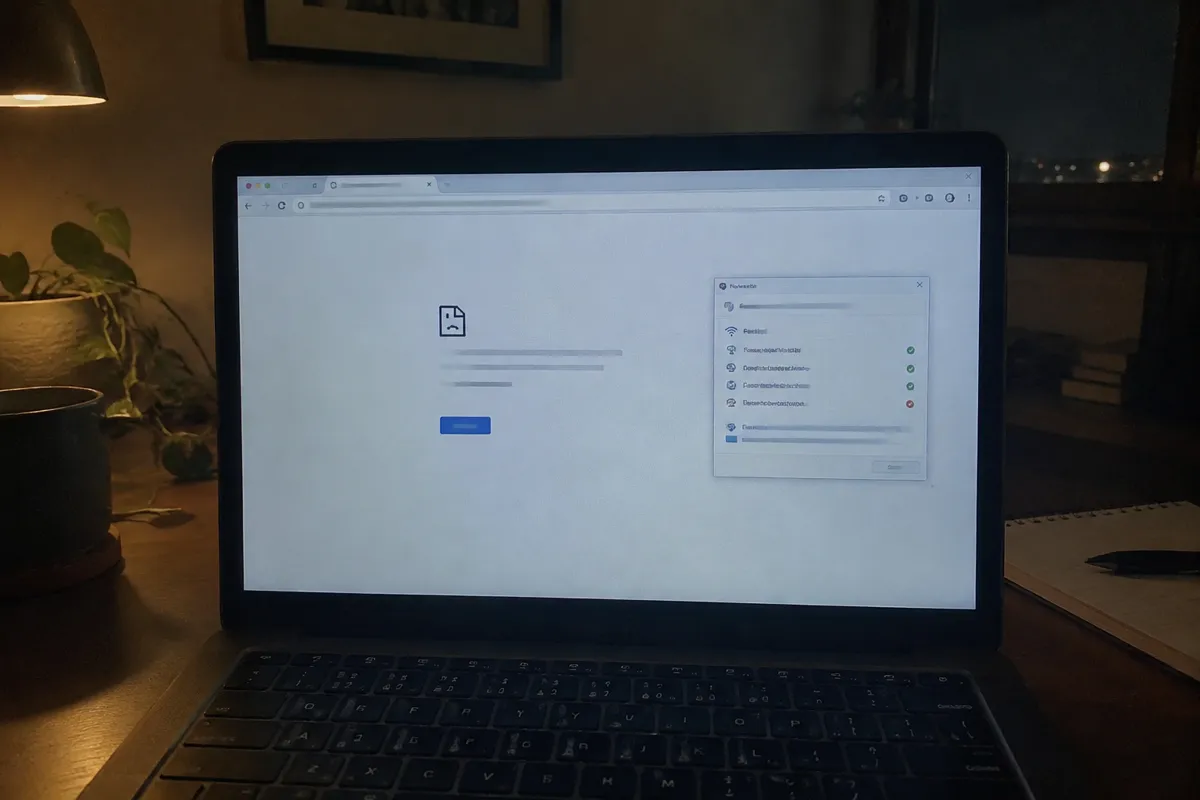
“This site can’t be reached” (Chrome’s wording; other browsers show similar messages like “server not found” or “problem loading page”) means the browser couldn’t establish any connection to a server at all. This is a fundamentally different failure from a 500 or 502 error, which both require a server to have responded, even badly. Here, no server responded. The request failed before it got that far, usually at the DNS lookup or network connection stage.
Common Causes, Ranked
DNS Misconfiguration or Incomplete Propagation
The domain’s DNS records point to the wrong server, are missing, or haven’t finished updating after a recent change.
Expired Domain Registration
An unpaid or lapsed renewal takes the domain offline entirely, independent of hosting.
Server or Hosting Account Down
The hosting account is suspended, the server is offline, or a firewall is blocking all traffic.
Local Network or ISP Issue
The problem is on the visitor’s end, not the site’s — a common false alarm.
Browser-Level DNS Cache Holding a Stale Record
The browser or OS cached an old IP address before a change took effect.
Incorrect Nameservers at the Domain Registrar
The domain points to the wrong DNS provider entirely, so the correct records are never even queried.
Step-by-Step Fix
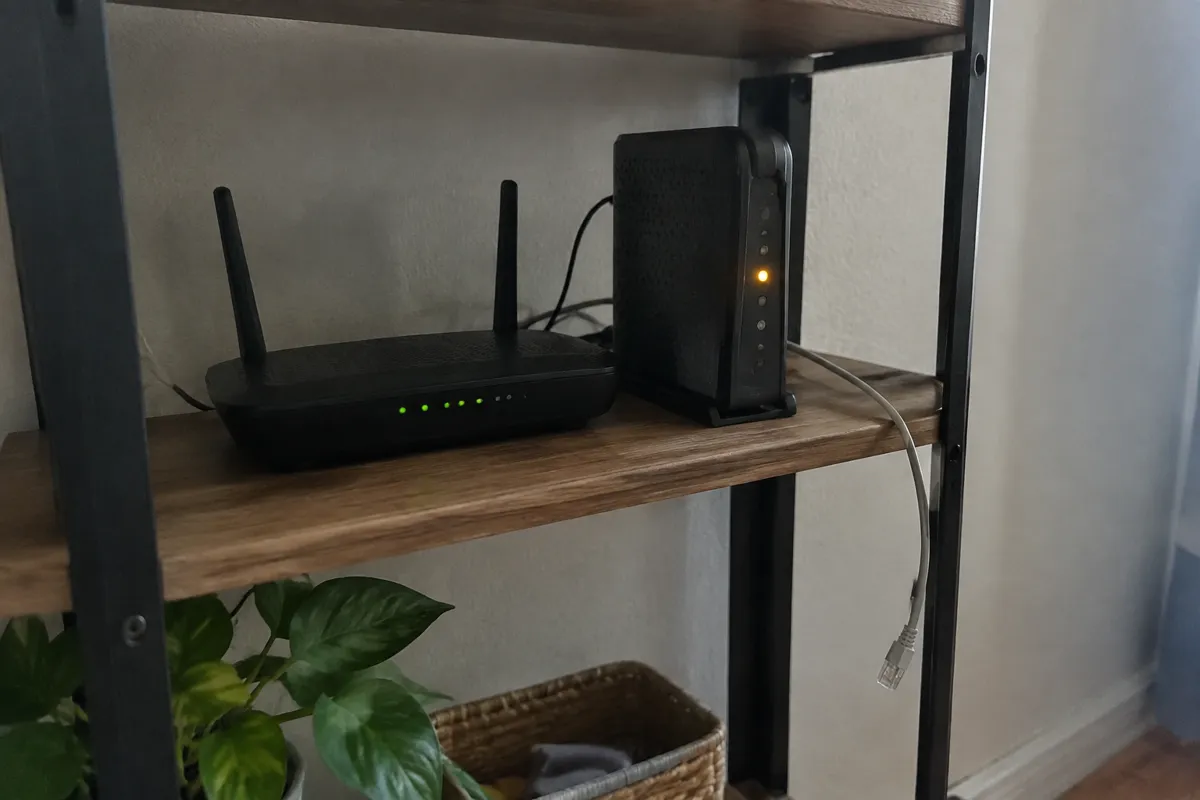
- Try a different device and network (e.g. your phone on mobile data). If the site loads there, the problem is local — your Wi-Fi, router, or ISP — not the site itself.
- Check the domain’s expiry and registration status at your registrar. An expired domain is one of the most common and most overlooked causes of this exact message.
- Check DNS records using a tool like an online DNS checker to confirm the domain points to the correct server IP address.
- Check nameservers at the registrar to confirm they match what your host or DNS provider expects — a mismatch here means DNS records are never even reached.
- Flush your local DNS cache (
ipconfig /flushdnson Windows,sudo dscacheutil -flushcacheon macOS) in case your device is holding a stale record. - Wait out DNS propagation if you’ve recently changed hosts, nameservers, or DNS records — full global propagation can take up to 48 hours, and access during that window will be inconsistent by design.
- Check your hosting account status directly in your provider’s dashboard for a suspension notice (often triggered by an unpaid invoice or a resource/abuse flag).
- Contact your host or domain registrar if the domain is active, DNS looks correct, and propagation has had time to complete, but the site still won’t load anywhere.
How to Prevent This Error
- Enable auto-renewal on domain registration and keep the linked payment method current — an expired domain is entirely avoidable.
- Understand how DNS propagation works before making a DNS or nameserver change, so an expected delay doesn’t read as an emergency.
- Keep DNS records documented outside your host’s dashboard, so a migration or host change doesn’t leave you guessing at the correct values.
- Set a calendar reminder well ahead of domain renewal dates, independent of the “renew now” email, which can be missed or filtered as spam.
- Weigh a host’s published uptime & SLA terms before signing up — a provider with a poor reliability track record makes “site can’t be reached” a recurring event rather than a one-off.
- Use a monitoring service that alerts you the moment the domain becomes unreachable, rather than relying on a customer report — see the website down checklist for a fuller diagnostic routine once you get that alert.
When to Contact Your Host
Contact your host once you’ve confirmed the domain is registered and active, DNS records point correctly, propagation time has passed, and the site is still unreachable from multiple independent networks. At that point the fault is almost certainly server-side — an account suspension, a firewall misconfiguration, or genuine downtime. Only your host can confirm and resolve it. See the common hosting errors overview for how this error differs from the 5xx server-error family.

FAQ
Why does the site load for me but not for someone else? This is the classic signature of DNS propagation still in progress after a recent change — different networks and DNS resolvers around the world update at different times within the propagation window.
Is “site can’t be reached” the same as the site being hacked? Not usually. This message points to a connection failure (DNS, domain, or network), not a compromised site. A hacked site more often shows a warning page, unexpected content, or a browser security block rather than a connection failure.
How long should I wait before assuming it’s a real problem? If you haven’t made any recent domain, DNS, or hosting changes, don’t wait — check domain expiry and your host’s status immediately. If you have made a change, give it a few hours before escalating, since propagation delay is the most likely explanation.
Does this error affect my email too? It can, if the underlying DNS issue affects your MX records as well as your website’s A record. If email has also stopped working, see the hosting email not working guide, since the DNS root cause is often shared between the two.