Hosting Backups

Infrastructure Editor
Disclosure: Some links on this page are affiliate links — if you sign up through one, we may earn a commission at no extra cost to you. It never changes our ratings, rankings or verdicts: we don't sell hosting and take no pay-for-placement.
Who it's for
- Site owners
- E-commerce operators
- Developers
- Agencies managing client sites
Web hosting backups are automated, periodic copies of a website’s files and database, stored so the site can be restored to a previous working state after data loss, a failed update, or a security incident. They sit alongside uptime as one of the clearest signals of how seriously a provider takes reliability, because an uptime guarantee doesn’t help if the data itself is gone or corrupted.
What Web Hosting Backups Are
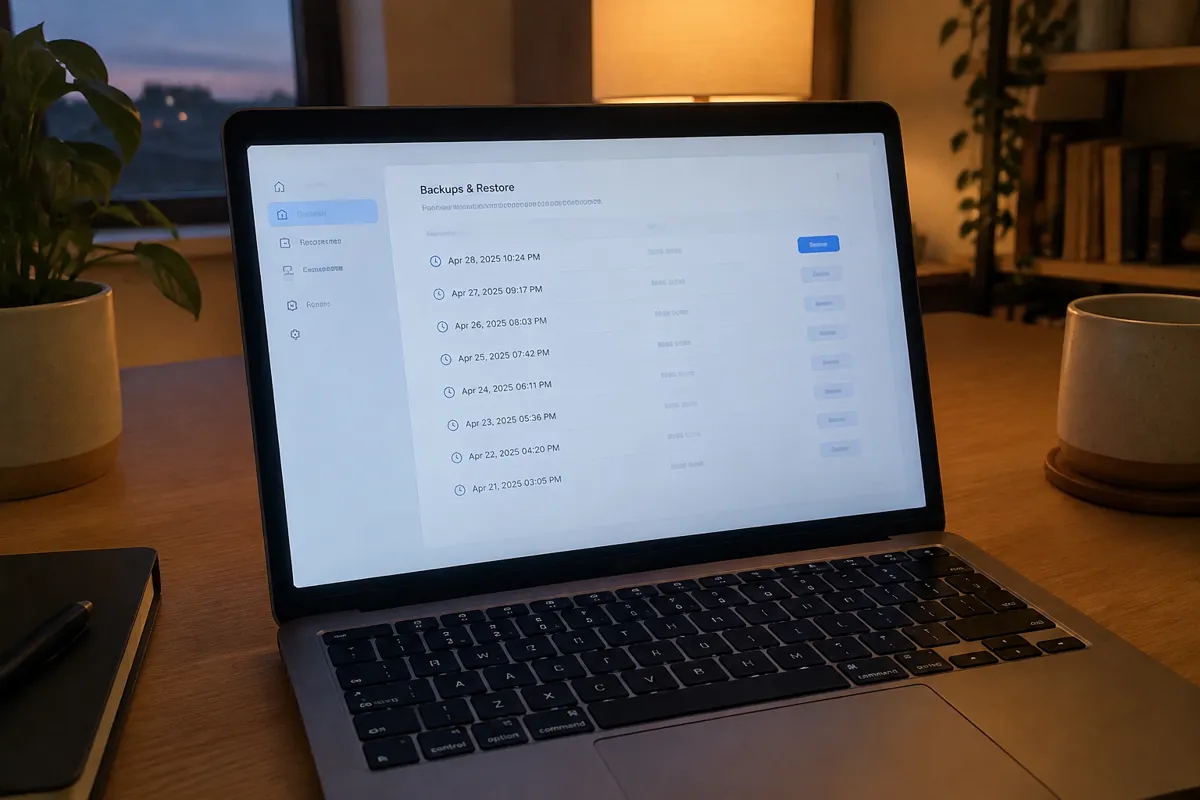
A backup captures two things: the site’s files (themes, plugins, uploaded media, code) and its database (posts, products, orders, user accounts — everything dynamic). A complete backup needs both, since restoring files without the matching database, or vice versa, produces a broken site. Backups are typically taken on a schedule — daily is now standard for anything beyond the cheapest tier. They are stored with a retention window, meaning a set number of past snapshots are kept before older ones roll off.
Why Backups Matter
Data loss happens for reasons that have nothing to do with hosting quality: a bad plugin update, a hacked admin account, an accidental delete, a botched migration. A reliable backup is the difference between a stressful few minutes rolling back to yesterday’s snapshot and a catastrophic, sometimes unrecoverable, loss of a site’s entire content and order history. For any site running e-commerce or user accounts, the database backup specifically protects the most operationally painful thing to lose — transaction and customer data.
How to Evaluate Backups on a Hosting Plan
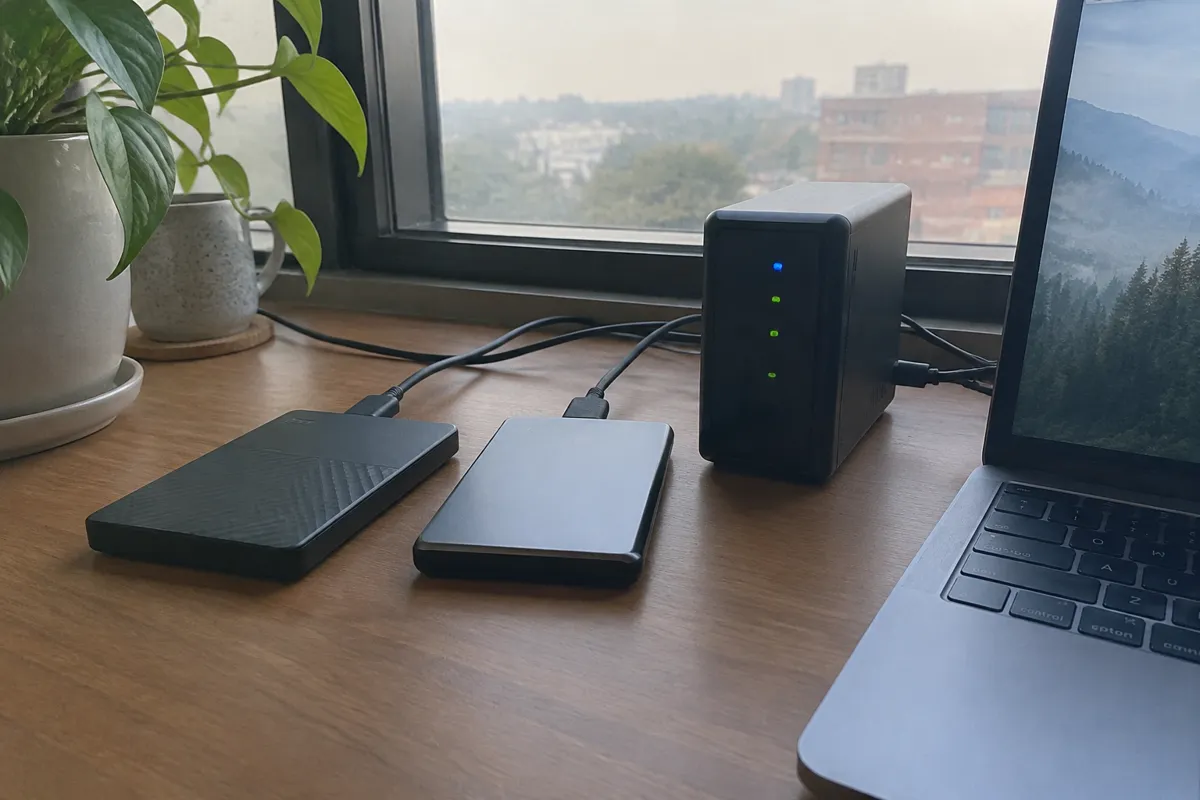
Check four things specifically. First, frequency: daily is the current baseline, and weekly is inadequate for an active site. Second, the retention window — how many days or snapshots are kept. Third, storage location, since backups stored on the same physical server they protect are far less useful in a hardware failure or full-account compromise. Fourth, the restore mechanism: a genuine one-click restore through the control panel versus a manual support-ticket process that could take hours or days during an actual incident. Also confirm whether backups are included in the base price or sold as a paid add-on — this varies significantly on budget shared plans.
Backup Frequency and Retention Benchmarks
| Plan tier | Typical backup frequency | Typical retention |
|---|---|---|
| Budget shared | Weekly, or paid add-on | 7 days or less |
| Standard shared/VPS | Daily | 7–14 days |
| Managed/premium | Daily or continuous | 30 days, sometimes with on-demand snapshots |
Restore times vary from near-instant one-click restores on managed platforms to same-business-day manual restores on budget providers requiring a support ticket.
How Hosting Types Differ on Backups
Shared hosting backup quality varies the most of any hosting type. Some budget providers offer minimal or paid-add-on backups, while quality shared providers include daily backups as standard. VPS hosting and dedicated hosting commonly leave backup configuration to the customer on unmanaged plans. That means the responsibility, and the cost of off-server storage, falls on whoever administers the server, unless a managed layer is added. Cloud hosting platforms typically offer automated snapshot systems as a native feature, often with flexible on-demand snapshotting in addition to a scheduled backup cadence. Managed hosting, particularly WordPress hosting plans, generally leads on this attribute, with daily automated backups, generous retention, and genuine one-click restore built into the panel as a core feature rather than an afterthought.
How Backups Affect Speed, Security, and Cost
On security, backups are the last line of defense against ransomware, hacked accounts, and destructive malware. See how to remove website malware and web hosting security for how backups fit into a broader incident-response process. On speed, taking a full backup consumes server resources during the backup window. That is why providers schedule them for low-traffic hours, and why sites on resource-constrained shared plans occasionally notice a brief slowdown during the nightly backup run. On cost, off-server backup storage, whether through the host or a third-party service, is a real, if usually small, ongoing cost. It’s worth budgeting for explicitly on unmanaged VPS or dedicated plans where it isn’t automatically included. See how to back up a website for the practical setup steps and the migration checklist for how a solid backup underpins a safe host-to-host migration.

Web Hosting Backups FAQ
Are backups included free with most hosting plans?
Increasingly yes on mid-tier and managed plans, but budget shared hosting and unmanaged VPS/dedicated plans often either exclude backups or sell them as a paid add-on. Always confirm before signing up.
How often should a site actually be backed up?
Daily is the reasonable baseline for any active site. An e-commerce store processing orders continuously may want more frequent, even near-real-time, database backups specifically.
Should I rely only on my host’s backups?
No. Keeping at least one backup copy independent of the hosting provider, such as a separate cloud storage service, protects against the rare but real scenario where the provider itself has an outage or account-level failure.
For the full attribute set, see web hosting features; for the practical restore process, see how to back up a website.